Laser Techniques and Design
How Do You Engrave Round Objects with a Laser?
Learn how to engrave round objects with a laser. Discover the best techniques and accessories for perfect results on bottles, cups, and more.
Learn laser settings, design methods, software basics, and ways to improve each job.
Learn how to engrave round objects with a laser. Discover the best techniques and accessories for perfect results on bottles, cups, and more.
Laser engrave without a rotary attachment? Discover techniques for cylindrical objects and what you can achieve, even without this common tool.
Understand overscan in laser engraving. Learn how this setting affects your cuts and how to optimize it for cleaner results and precise details.
Understand engraving depth and its crucial role in creating lasting impressions. Learn how to achieve the perfect depth for your projects.
Understand line interval in laser engraving and how it affects your results. Learn to optimize settings for precise, quality marks.
Learn how to laser engrave a cutting board with a photo. Create personalized kitchen gifts or decor with this step-by-step guide.
Learn how to laser engrave a pen with this easy guide. Discover the steps, materials, and tips for professional results on your custom pen projects.
Streamline your laser engraving projects. Learn how to batch engrave efficiently and save time with our expert tips and techniques.
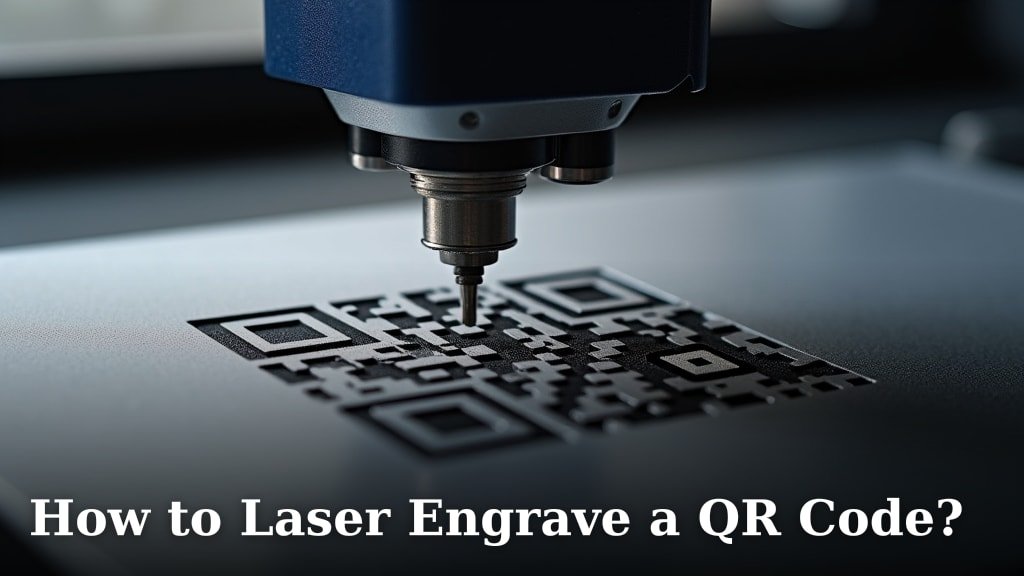
Learn how to laser engrave a QR code with our guide. Discover the steps to create scannable codes on various materials. Get expert tips and advice.
Learn how to make a laser material test grid to discover optimal settings for your laser cutter and engraver. Achieve perfect results every time.
Easily import SVG files to Lightburn for laser cutting and engraving. Learn the simple steps to get your designs ready for your project.
Find out how long laser engraving takes and what affects job time. Learn how design detail, material, settings, and machine power change the speed of a project.
Laser engraving removes material to create a deep, permanent cavity, while laser marking alters the surface color or texture without significant depth. The
The key difference between engraving and cutting is that engraving removes a thin surface layer of material, while cutting goes all the way through it. Think
Focal length is the distance between your laser lens and the point where the beam converges to its smallest, most powerful spot. Get this distance wrong, and
Dithering is a technique used in laser engraving to create the illusion of shading and gradients. It works by converting an image into a pattern of tiny dots
Learn how raster and vector engraving differ in process, best uses, file types, and final effects to choose the right method for your project.
Unlock the secrets to laser engrave on curved surfaces. Learn techniques and tips for precise engraving on cylindrical and irregular objects.

Wondering if LightBurn is free? Get the clear answer and understand its licensing model, trial options, and how to access this powerful laser software.
Ready to start laser engraving? Discover the essential equipment, software, and materials needed to begin your creative journey with confidence.
Considering laser engraving at home? Discover if it's feasible, what equipment you'll need, and essential safety tips for a successful DIY project.
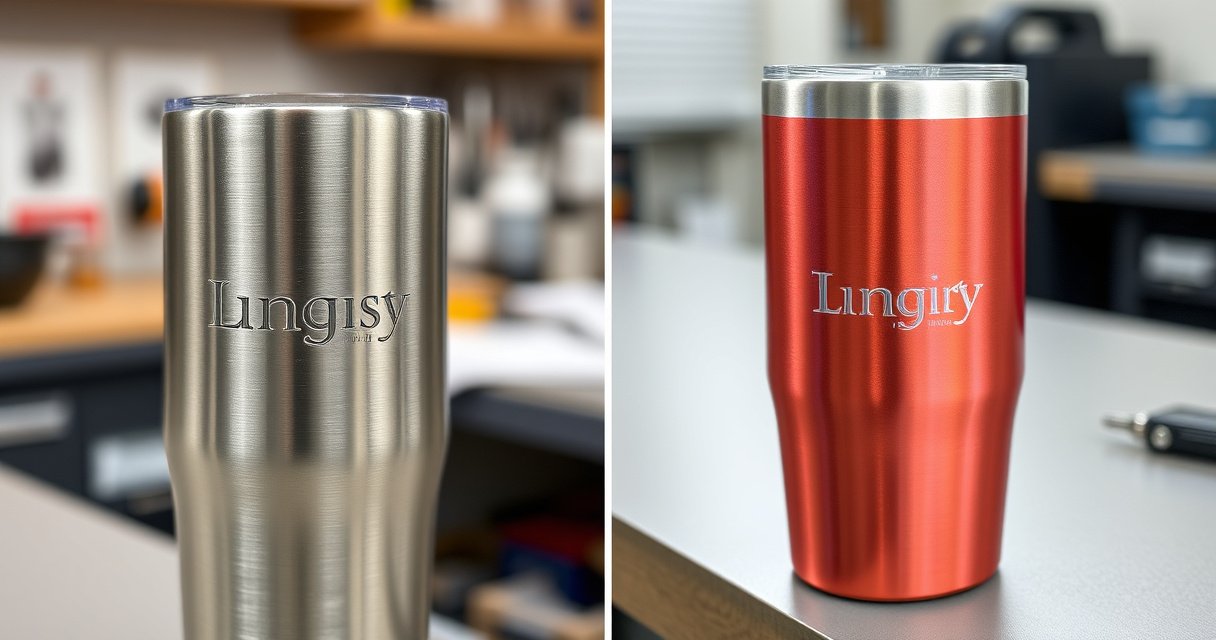
Laser engraving cuts a groove you can feel; etching only melts the surface. See the depth, durability, and diode settings that decide which one to use.
Ready to explore laser engraving? Learn how to get started with essential equipment, software, and techniques to begin creating your own designs.

Unlock your creativity! Learn how to use a laser engraver with our comprehensive guide, covering setup, software, and safety for your projects.
Understand LPI (Lines Per Inch) in laser engraving. Learn how this crucial setting impacts detail, quality, and resolution for your projects.
Learn how to speed up laser engraving with expert tips on power, speed, focus, and material choices. Optimize your workflow and boost efficiency.
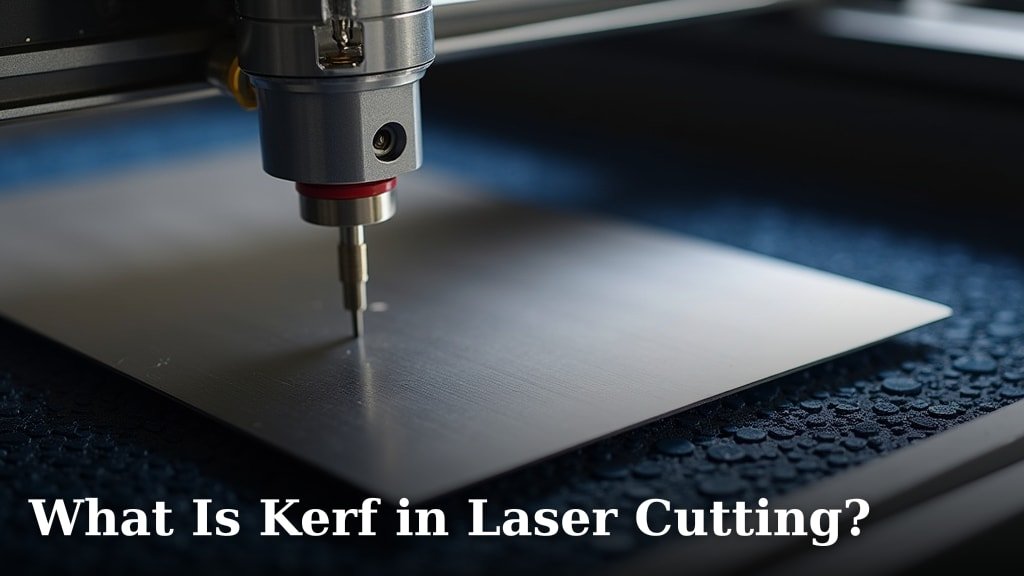
Understand laser cutting kerf: its definition, impact on cuts, and how to minimize it for precise, high-quality results in your projects.
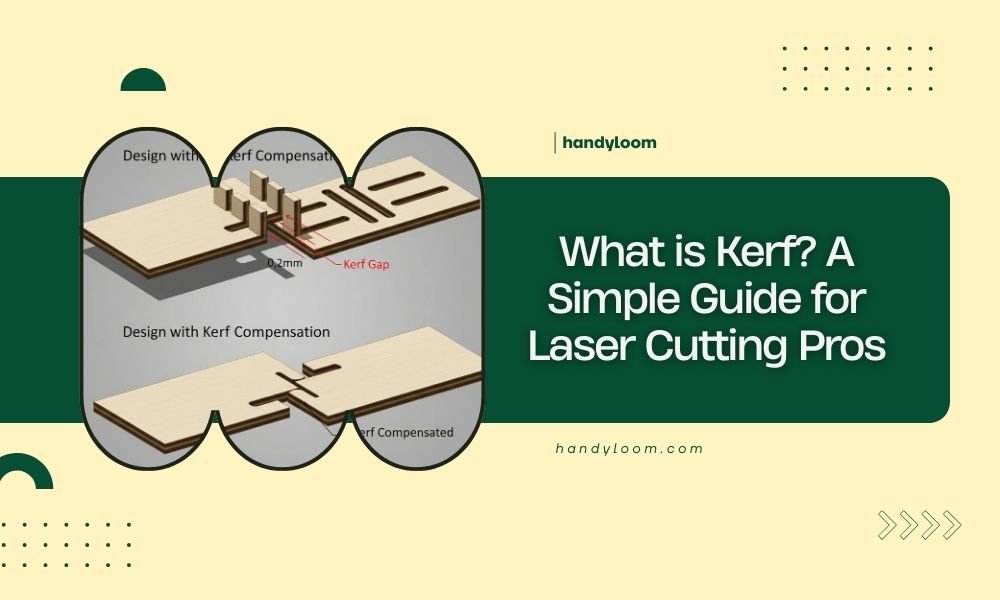
Learn what laser kerf means and how much material a cut removes. See how it affects part size and fit, and account for it in a cutting design.
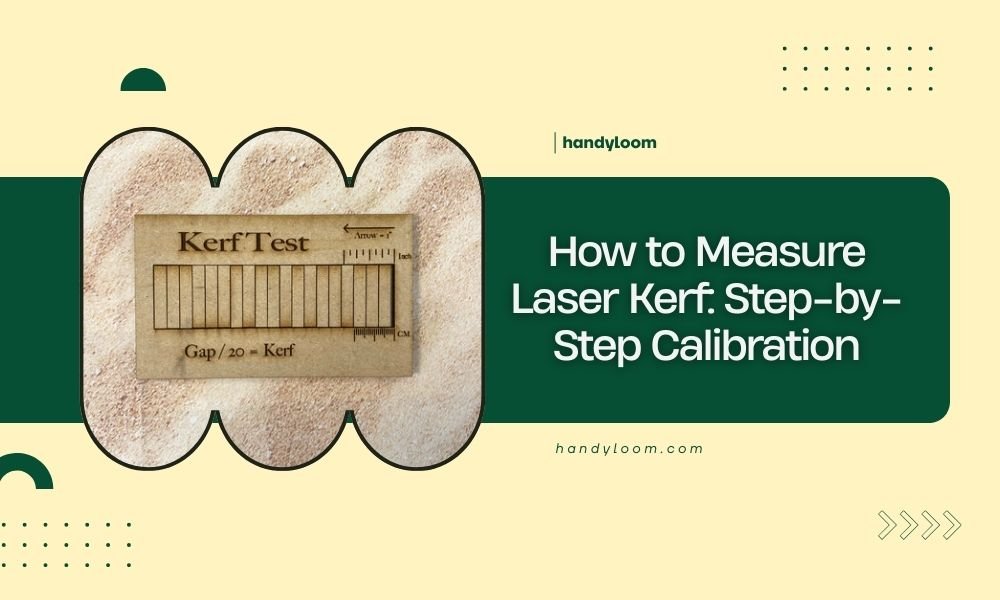
Learn how to measure laser kerf with a test cut, calipers, and a simple calculation. Adjust your design with the result so parts fit as intended.
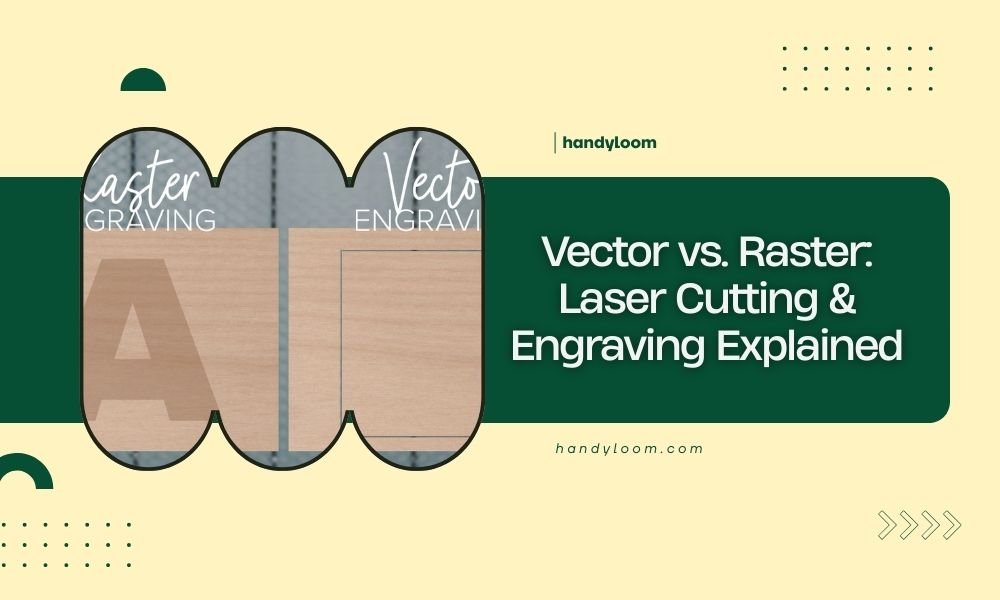
Vector files use mathematical formulas to create scalable graphics, while raster files are made of individual pixels. For laser cutting and engraving, vectors
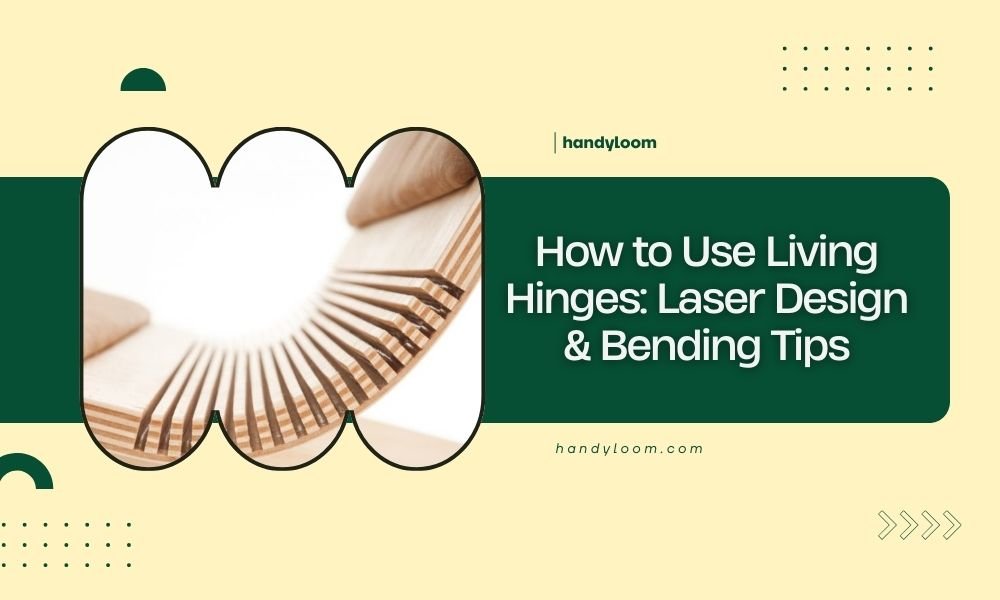
Learn how to use living hinges with laser cut designs, including pattern spacing, material choice, and bend direction. Test flexibility and prevent breaks.
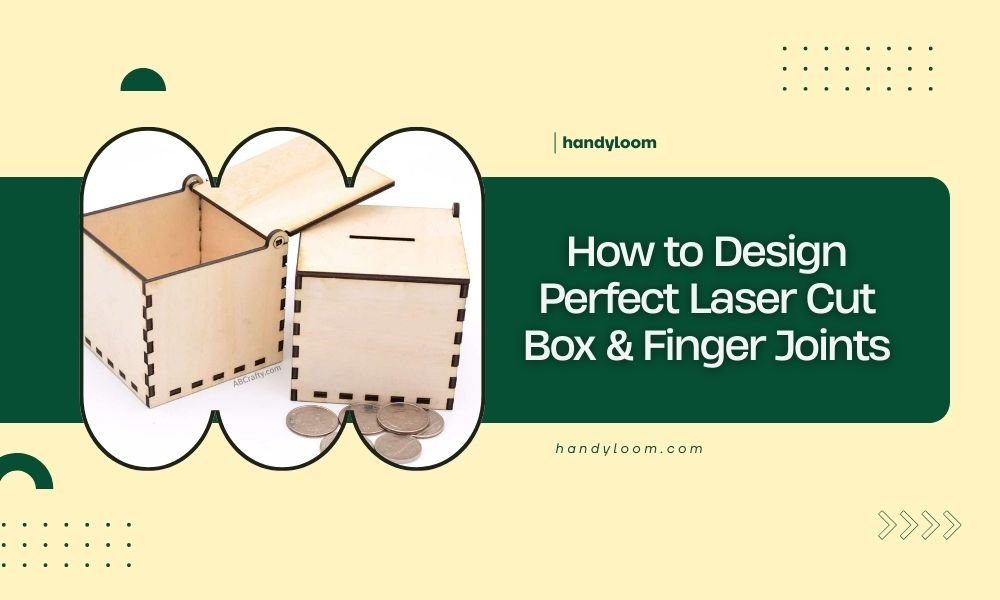
Perfect laser cut box finger joints require precise kerf compensation, proper material thickness calculations, and consistent spacing between fingers
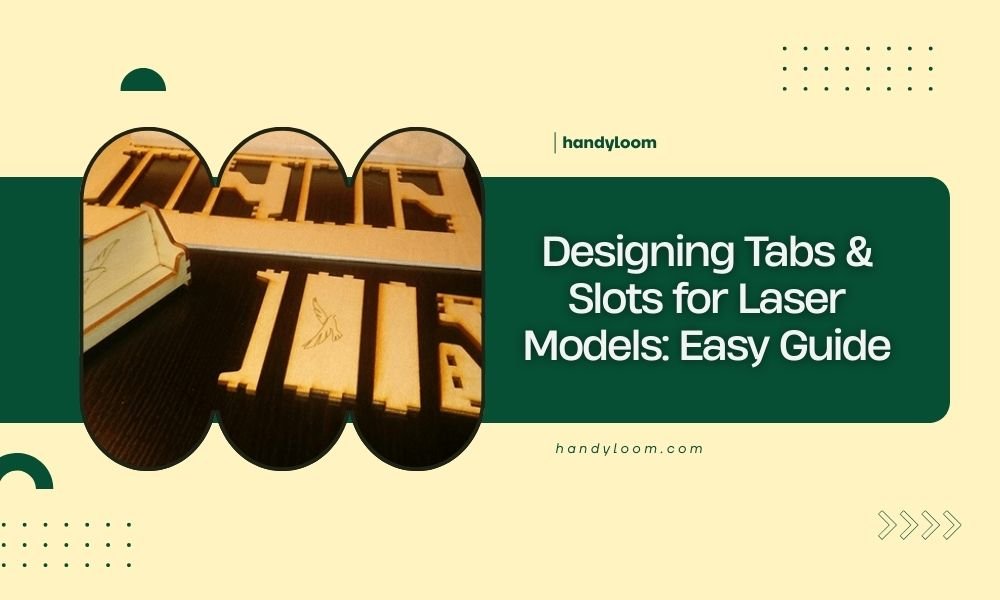
Designing tabs and slots for laser models requires precise measurements and proper joint spacing to create strong, interlocking connections between your cut
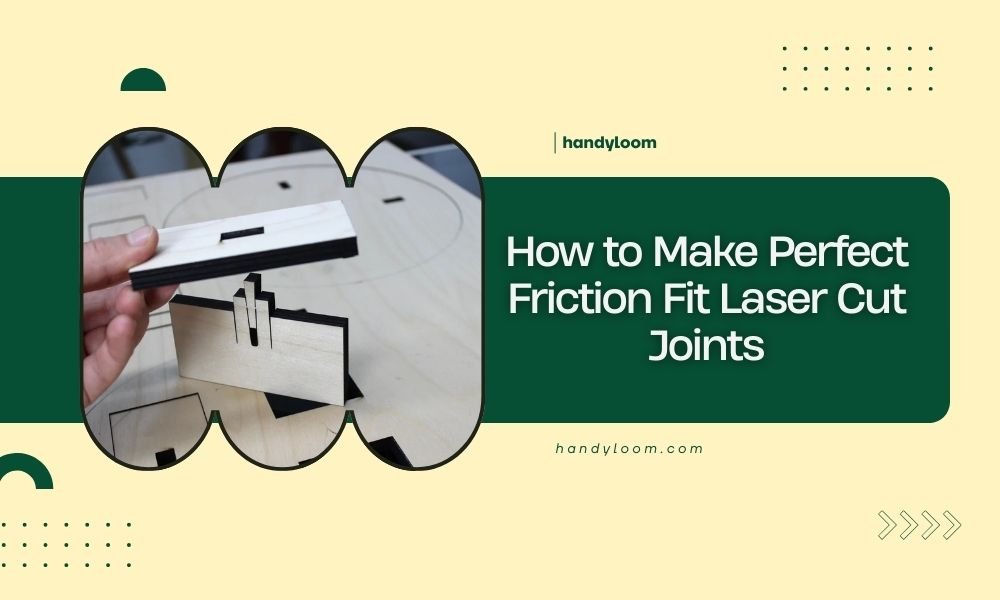
Perfect friction fit laser cut joints require precise kerf compensation and material consideration to create connections that hold firmly without glue or
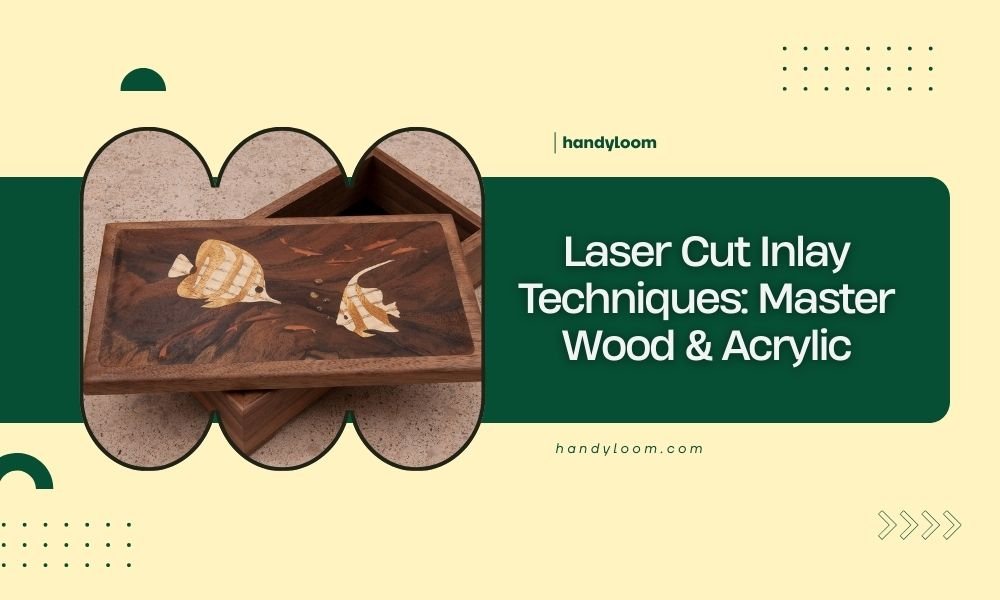
Laser cut inlay techniques combine precision cutting with creative design to embed materials like wood and acrylic seamlessly into each other.
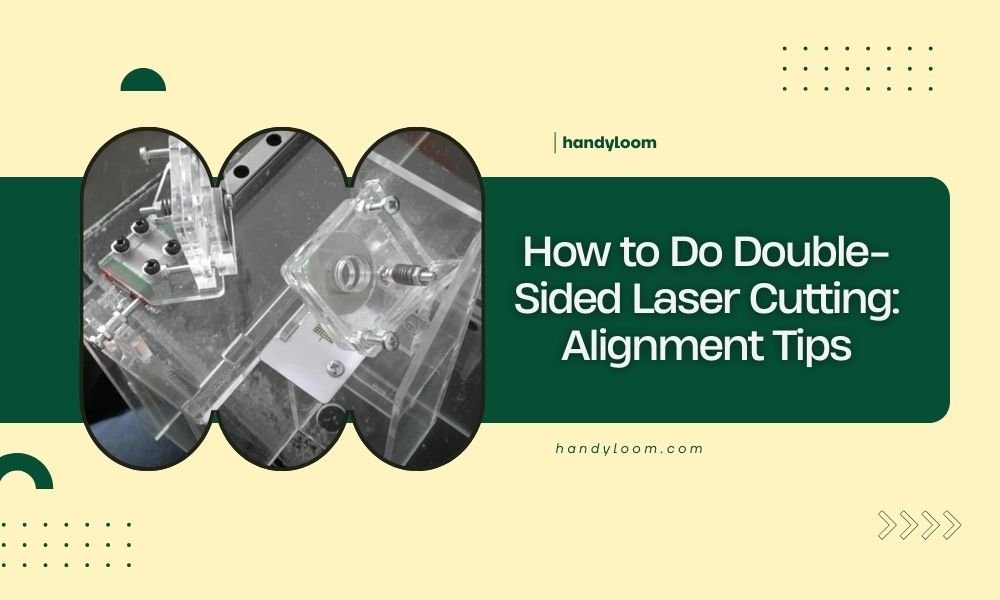
Double-sided laser cutting requires perfect alignment between the front and back cuts to create clean, professional results.
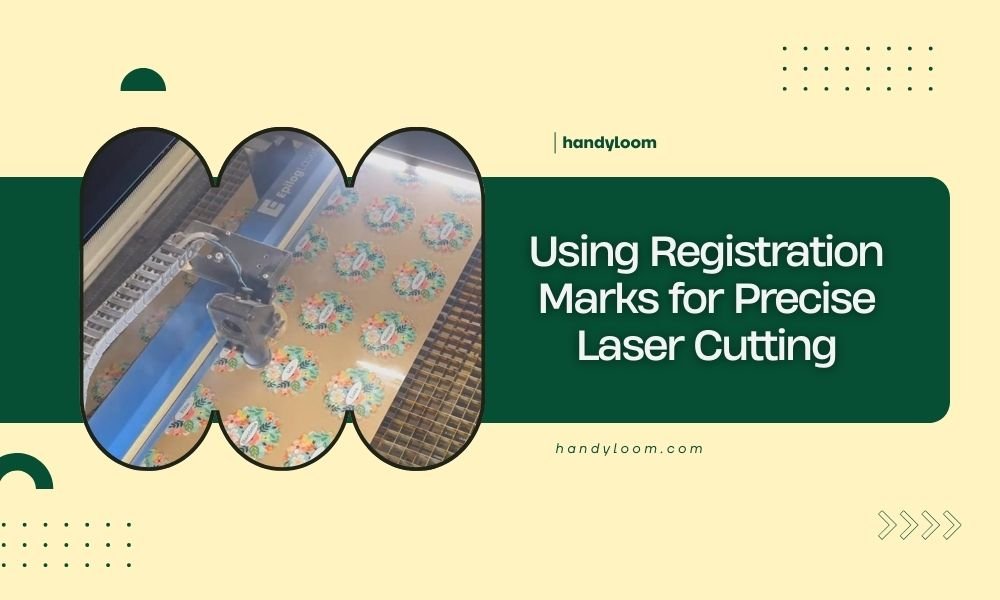
Registration marks are reference points laser cutters use to align materials perfectly for precise cuts. These small marks ensure your designs cut exactly
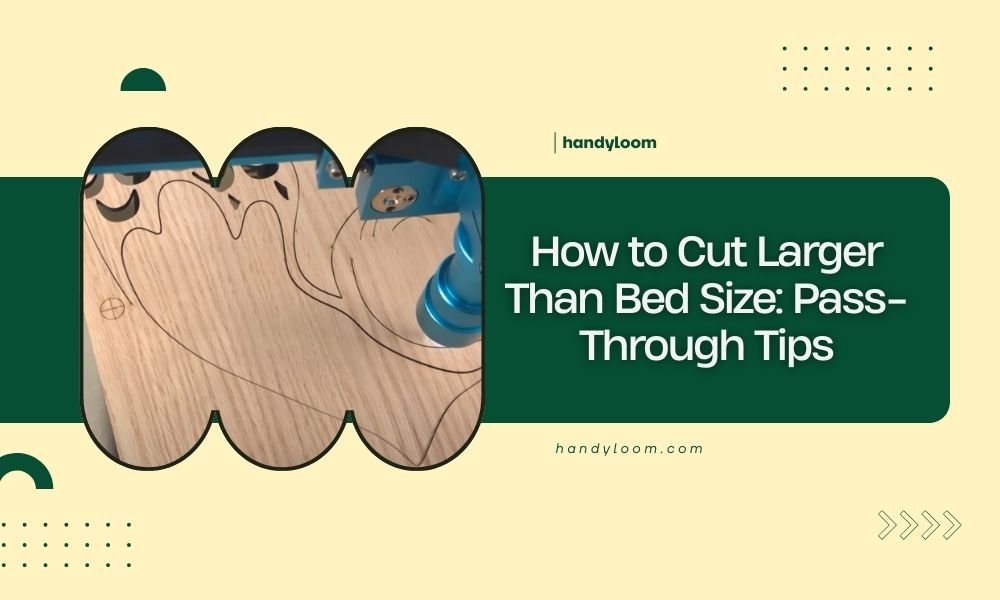
You can cut materials larger than your laser bed size by using pass-through cutting, which involves sliding long materials through your laser cutter’s
Snap-fit joints for laser cutting combine a male protrusion with a female receptacle that clicks together permanently or temporarily without adhesives or
Creating halftone images for laser engraving involves converting photos into dot patterns that your laser can process effectively. You'll need image editing
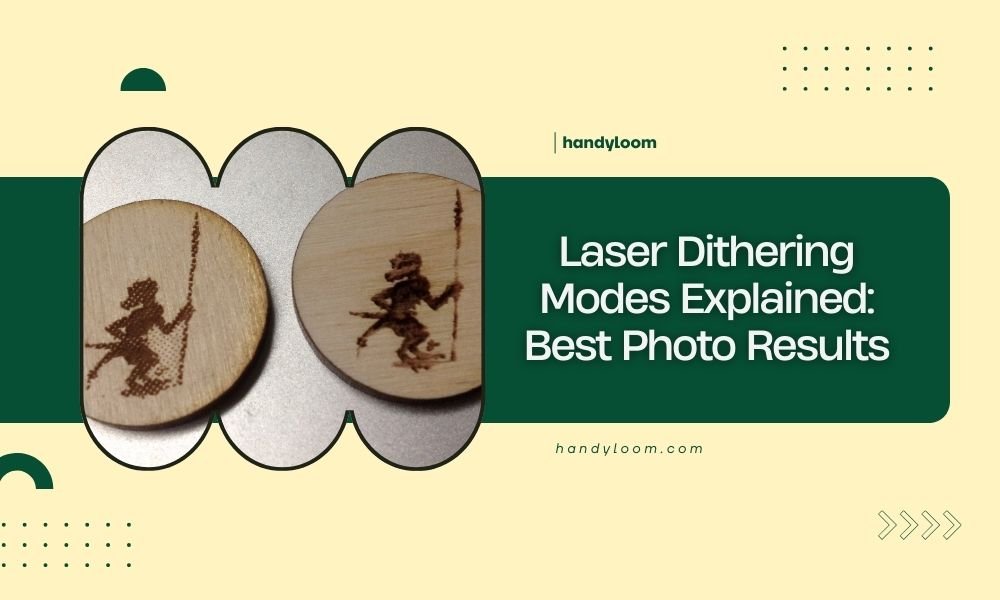
Laser dithering modes control how your laser cutter converts photo details into patterns of dots and lines for engraving.
The ramping feature in laser engraving gradually increases and decreases laser power at the start and end of cuts to prevent burn marks and overheating. This
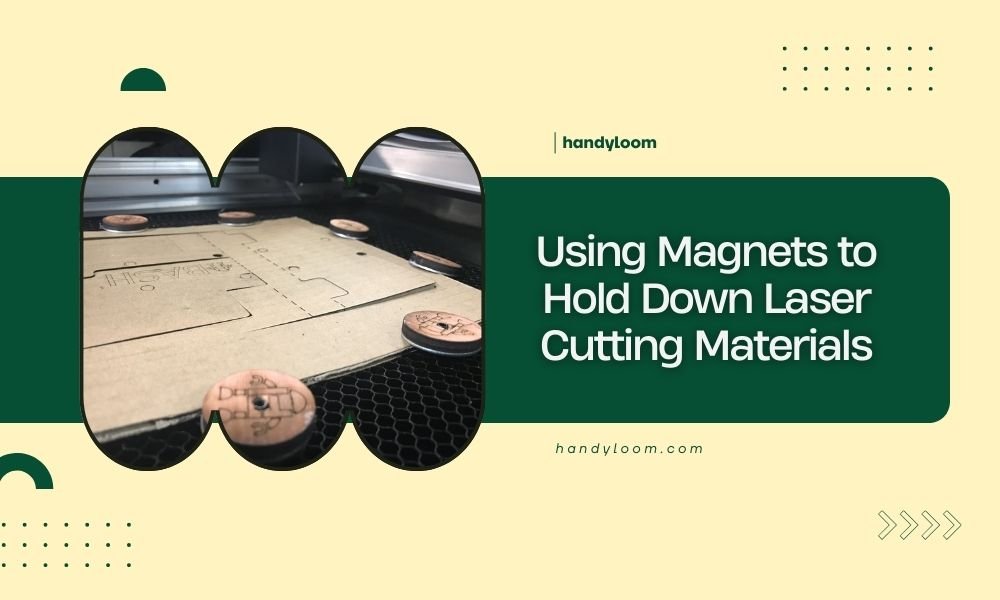
Using magnets to hold down laser cutting materials works well for ferrous metals like steel and iron, providing strong, even pressure without damaging your
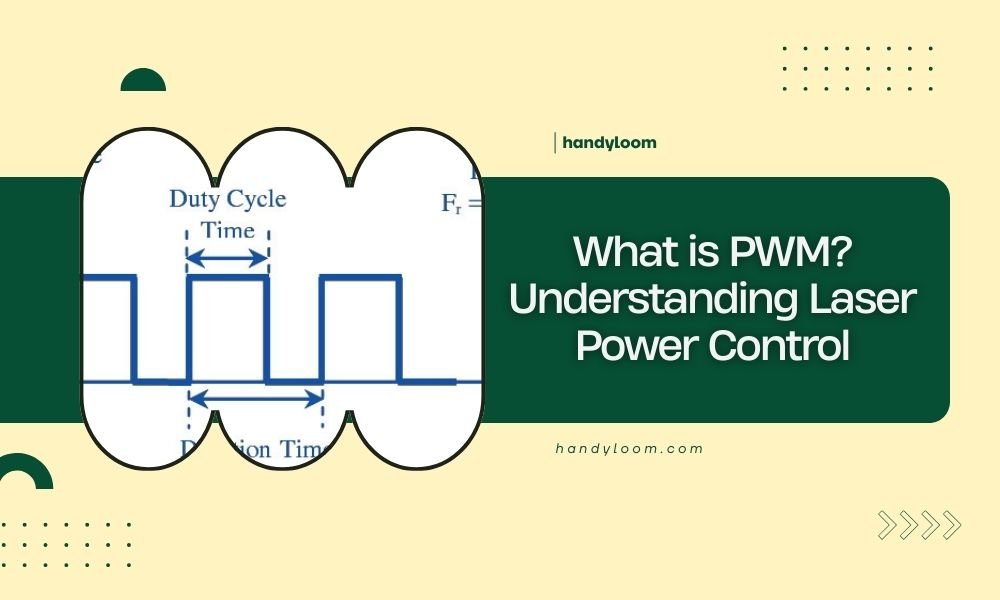
PWM stands for Pulse Width Modulation, a method that controls laser power by rapidly switching the laser on and off in precise intervals.
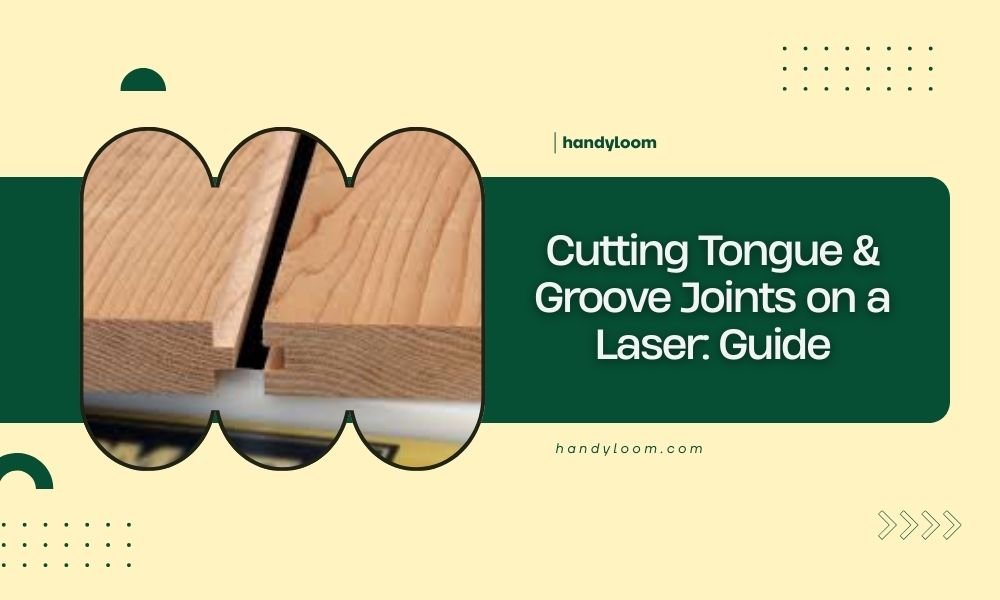
Cutting tongue and groove joints on a laser requires specific kerf width calculations and precise material positioning to create interlocking pieces that fit
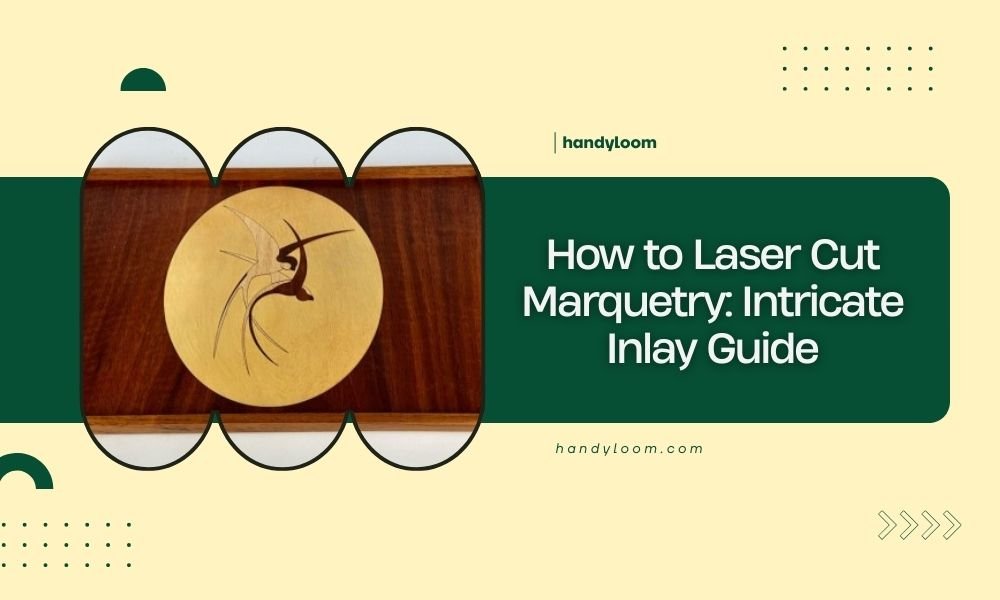
Laser cut marquetry uses computer-controlled precision to create wood inlay patterns with exact tolerances impossible to achieve by hand.
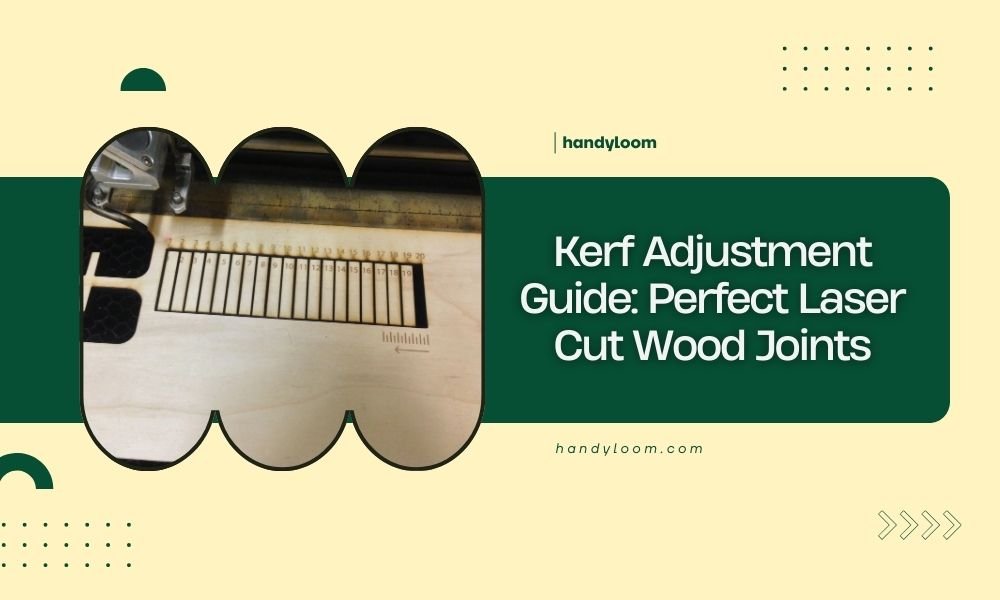
Kerf adjustment for laser cut wood joints requires compensating for the material thickness removed by the laser beam, typically 0.1-0.3mm depending on your
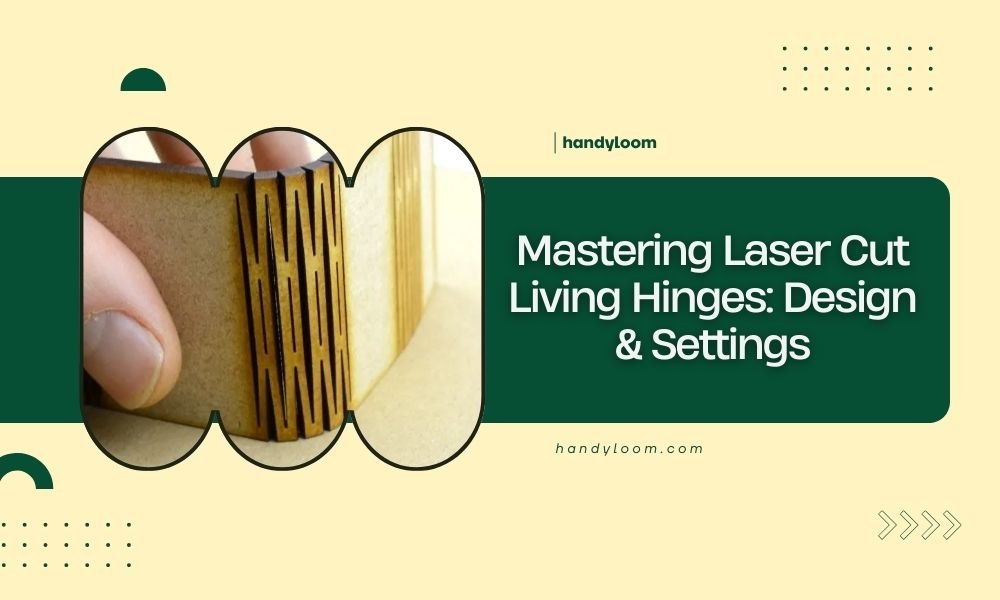
Laser cut living hinges are flexible connections created by cutting thin parallel lines into material, allowing it to bend smoothly without breaking or adding