
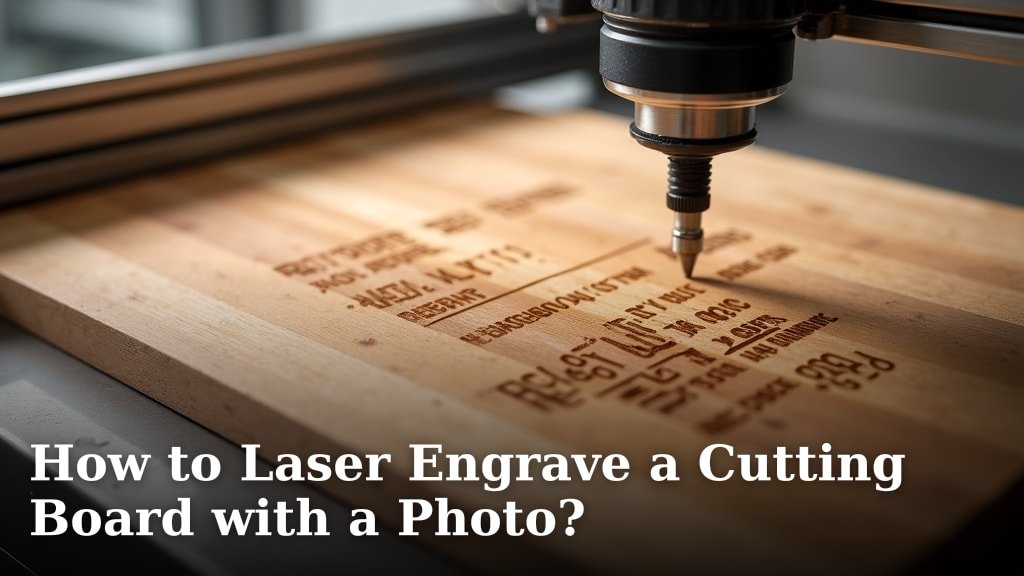
Yes, you absolutely can laser engrave a cutting board with a photo! It’s a fantastic way to create a personalized gift or a unique piece for your own kitchen. Many people are surprised at how straightforward it can be with the right tools and a little patience. Your custom photo will look amazing etched into wood.
This process allows you to transfer almost any image onto a wooden surface. Whether it’s a family portrait, a beloved pet, or a cherished memory, laser engraving offers a detailed and permanent result. It’s a wonderful way to add a personal touch to a functional item, turning an ordinary cutting board into a work of art.
- Choose a good quality wood cutting board.
- Prepare your photo for laser engraving.
- Set up your laser engraver correctly.
- Perform a test engraving first.
- Clean and finish your engraved board.
Ready to transform a plain cutting board into a memorable keepsake? Let’s walk through exactly how to laser engrave a cutting board with your favorite photo, step by step.
Your Guide to Laser Engraving Photos on Cutting Boards
Laser engraving a photo onto a cutting board is a wonderfully personal project. You can turn a simple kitchen tool into a cherished keepsake or a truly unique gift. We’ll walk you through the entire process, from choosing your board to the final polish. Get ready to create something amazing!
Selecting the Perfect Cutting Board for Engraving
The base of your project is key. Not all cutting boards are created equal when it comes to laser engraving. We found that the type of wood and its finish play a huge role in the final result.
Wood Type Matters
Hardwoods are generally your best bet. They engrave cleanly and offer a nice contrast. Maple, walnut, and cherry are excellent choices. They provide a smooth surface that takes the laser well. Softer woods like pine can burn too deeply or have a less defined engraving.
Board Construction and Finish
Look for boards with a smooth, unfinished surface if possible. If your board has a food-safe oil finish, that’s usually fine. However, avoid boards with thick varnishes or lacquers. These can produce fumes and may not engrave as cleanly. We recommend checking the manufacturer’s specifications if you’re unsure.
Board Thickness Considerations
Thickness is less about engraving quality and more about stability. A board that’s too thin might warp slightly under the heat of the laser. Aim for a board that’s at least 3/4 inch thick. This provides a good, sturdy base for your project.
Preparing Your Photo for the Laser Engraver
This is where your photo transforms into an engraving file. It’s more than just dragging an image into software. You need to prepare it so the laser can interpret it correctly. Many people find this step a bit daunting, but it’s quite manageable.
Choosing the Right Photo
Not all photos translate well to engraving. High-contrast images with clear lines work best. Think about photos with distinct shadows and highlights. Blurry or very busy images can become muddy when engraved. A simple portrait or a clear silhouette often yields fantastic results.
Image Resolution and File Type
Your photo needs to be high resolution. A low-resolution image will appear pixelated when engraved, no matter how good your laser is. Aim for at least 300 DPI (dots per inch) at the size you want it engraved. Common file types like JPG, PNG, or BMP usually work well with engraving software.
Converting Your Photo to an Engravable Format
Most laser engravers use monochromatic (black and white) or grayscale images. You’ll need to convert your color photo. Many software programs can do this. You’ll want to adjust the contrast and brightness. The goal is to create a clear distinction between the dark and light areas. This tells the laser where to engrave more deeply and where to leave the wood untouched.
Think of it like drawing with a pencil. The darker areas of your photo will become the engraved parts. The lighter areas will remain as the natural wood. Some software offers specific “dithering” or “threshold” options. These can help convert your image into patterns of dots that the laser can follow. Many online tools can also help with this conversion.
| Step | Action |
|---|---|
| 1 | Select a high-contrast photo. |
| 2 | Ensure high resolution (300 DPI minimum). |
| 3 | Convert to grayscale or black and white. |
| 4 | Adjust contrast and brightness for clarity. |
| 5 | Consider dithering for detailed images. |
| 6 | Save in a compatible file format (JPG, PNG, BMP). |
Setting Up Your Laser Engraver
Proper setup is crucial for a clean, crisp engraving. This involves configuring your machine and testing your settings. Don’t skip these steps; they save a lot of frustration later!
Calibrating Your Laser and Material Height
Ensure your laser module is correctly focused. The distance between the laser lens and the material surface is critical. Too close or too far, and your engraving will be blurry or faint. Most laser engravers have a specific focal distance they recommend. Always set your machine to this height for the best results. A misplaced focus is a common pitfall.
Understanding Power and Speed Settings
These settings are the heart of your engraving. Power controls the intensity of the laser beam. Speed controls how fast the laser head moves. Together, they determine how deeply and cleanly the wood is engraved.
Generally, you’ll need lower power and slower speeds for darker woods like walnut. For lighter woods like maple, you might use slightly higher power or faster speeds. We found that starting with recommended settings for your specific laser and wood type is a good baseline. You’ll fine-tune these during testing.
Test Engraving is Your Best Friend
Before you engrave your actual cutting board, always do a test run. Use a scrap piece of the same wood. This allows you to dial in your settings perfectly. Run a small section of your prepared image or a test pattern. Check the depth and clarity of the engraving. Adjust power and speed as needed until you achieve a result you love.
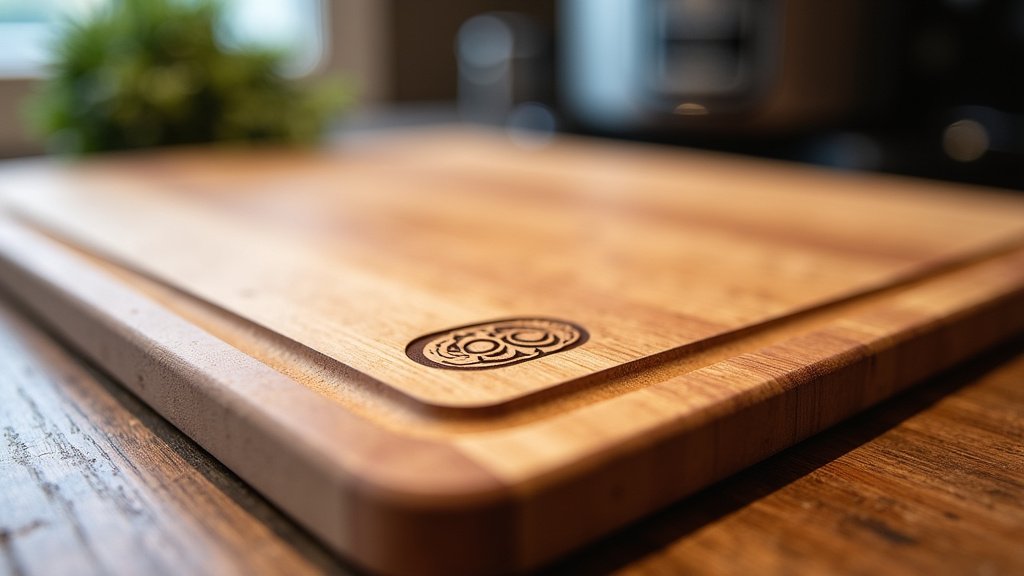
The Engraving Process: Bringing Your Photo to Life
With your board prepped and your laser ready, it’s time for the main event. This is where the magic happens, turning your digital file into a tangible work of art.
Securing the Cutting Board
Make sure your cutting board is securely fixed in place. You don’t want it shifting during the engraving process. Any movement will result in a blurred or misaligned image. Use clamps or a jig if your laser engraver has one. Ensure the board lies flat on the engraving bed.
Running the Engraving Job
Once everything is set up, you can start the engraving job. Your laser will begin to trace the pattern from your prepared image file. You’ll see the wood darkening as the laser removes material. It’s quite fascinating to watch! Take a moment to observe the process. Ensure everything is running smoothly and the engraving looks as expected.
Finishing Touches for Your Engraved Cutting Board
The engraving is done, but your project isn’t quite finished. A few simple steps will protect your work and make your cutting board look its best.
Cleaning Off Residue
After engraving, there will likely be some dust and residue on the surface. Gently brush or vacuum away any loose debris. You can then use a slightly damp cloth to wipe down the engraved area. Be careful not to use too much water, especially on unfinished wood. Let the board air dry completely.
Applying a Food-Safe Finish
To protect the wood and the engraving, apply a food-safe finish. Mineral oil is a popular choice and readily available. Apply a generous coat and let it soak in. You might need to apply a second coat. This will nourish the wood and bring out the rich color of the engraved image. Other options include beeswax or specialized cutting board conditioners.
Optional: Sealing the Engraving
For added durability, some people choose to seal the engraved area. You can use a food-safe sealant or varnish specifically designed for cutting boards. Apply it thinly and allow it to cure fully according to the product instructions. This can help prevent moisture from penetrating the engraved lines. Many experts recommend a light, food-grade oil finish as the primary protection.
Conclusion
You’ve now got the roadmap to laser engrave a photo onto a cutting board. We’ve covered selecting the right wood, preparing your image for the laser, and dialing in those crucial machine settings. Remember that test runs are your best friend for achieving that perfect engraving. With a little practice and attention to detail, you can create a truly unique, personalized cutting board that will be admired for years to come. Your next step? Grab that favorite photo and start planning your project!
Frequently Asked Questions
Can I engrave on any type of cutting board?
While you can technically engrave on many wood types, hardwoods like maple, walnut, and cherry give the best results. Avoid boards with very soft wood or thick, non-food-safe finishes, as they can lead to poor engraving quality and potential fume issues.
How do I make sure the photo looks good when engraved?
High-contrast images with clear details work best. Convert your color photo to grayscale and adjust brightness and contrast so there’s a distinct difference between light and dark areas. This helps the laser understand where to engrave deeply and where to leave the wood untouched.
What resolution should my photo be?
Aim for a high resolution, at least 300 DPI (dots per inch), at the size you plan to engrave it. Lower resolution images will appear pixelated and blurry on your finished cutting board, no matter how good your laser is.
How do I prevent the wood from burning or charring too much?
This comes down to your laser settings. You’ll need to find the right balance of power and speed. Generally, lower power and slower speeds can cause more burning, while faster speeds with adequate power create cleaner lines. Always perform test engravings on scrap wood to dial these settings in.
Is the engraving safe for food contact?
The engraving process itself removes wood, it doesn’t add material, so it’s generally safe. However, the engraved lines can trap food particles. It’s recommended to clean the board thoroughly and apply a food-safe mineral oil or conditioner regularly to protect the wood and the engraving.
