
Understanding Laser Engraver Focal Length
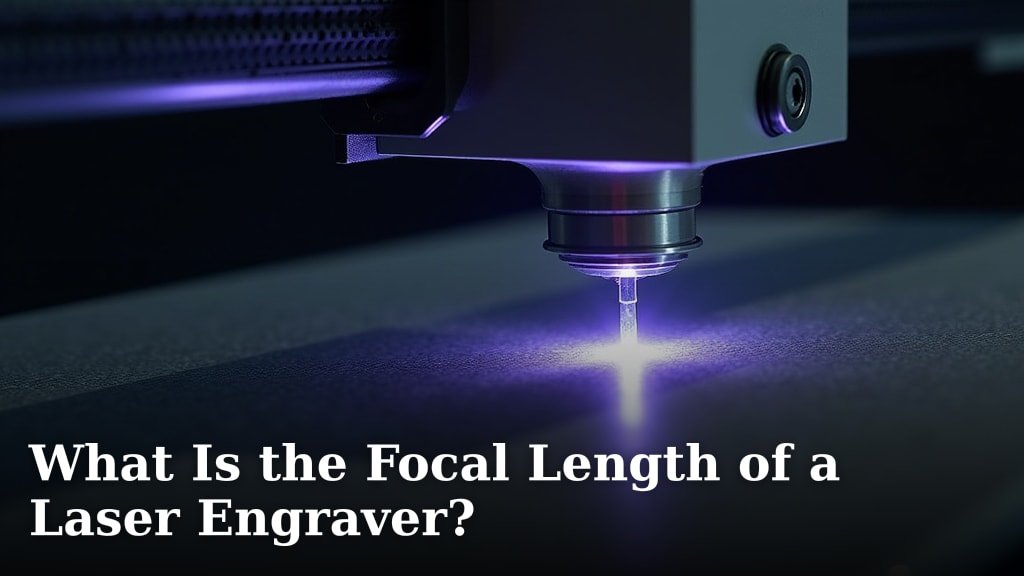
Focal length is the distance between your laser lens and the point where the beam converges to its smallest, most powerful spot. Get this distance wrong, and you’ll get weak, blurry engravings. Nail it, and you’ll achieve clean, precise marks every time.
Think of it like the focus ring on a camera. The laser’s energy is concentrated at one exact point. If your material isn’t sitting right at that point, the beam is either too spread out or not focused enough to work properly.
Why Focal Length Matters for Your Projects
This isn’t just a technical spec you can ignore. The focal length directly determines your cut and engraving quality. When you’re focused correctly, you’re concentrating all that laser energy onto the tiniest area possible.
This does two critical things. First, it creates the deepest, darkest, and most defined marks. Second, it allows the laser to cut through materials more efficiently. An out-of-focus beam wastes energy and produces sloppy results.
The Consequences of Getting It Wrong
What happens when your focal length is off? We found a few common problems people run into:
- Weak Engravings: The marks look faded or are barely visible.
- Inconsistent Lines: Some parts of your design are clear, others are blurry.
- Failed Cuts: The laser doesn’t cut all the way through the material.
- Excessive Charring: The beam heats the area around the cut, causing burn marks.
You can avoid all these headaches with a simple five-minute setup process before you start.
The Most Common Focal Lengths You’ll Encounter
Laser engravers don’t all use the same focal length. It depends heavily on the machine’s design and the type of lens installed. Most hobbyist and prosumer machines use lenses in the 40mm to 80mm range.
| Lens Type | Typical Focal Length | Best For |
|---|---|---|
| Short Focus | 40mm – 50mm | Detailed engraving, shallow cuts |
| Standard | 60mm – 80mm | General purpose, medium depth |
| Long Focus | 100mm+ | Deep cutting, thick materials |
Your machine’s manual will specify the exact focal length for each included lens. Always check your manual first. This number is the starting point for all your setups.
How to Find Your Machine’s Specific Focal Length
If you’ve lost your manual, don’t panic. Many manufacturers print the focal length directly on the lens itself. Look for a small engraving on the metal ring. It might say “FL 50.8” or something similar.
You can also measure it physically. The focal length is the distance from the bottom of the laser lens to the focal point. Most machines have a built-in probe or a manual gauge for this exact purpose.
Factors That Influence Your Perfect Focal Point
Knowing your focal length is the first step. The second is ensuring the distance between your laser and the material surface matches that number exactly. Several factors can throw this off.
1. Material Thickness is a Big One
This is the most common variable. A sheet of plywood is thinner than a block of wood. You must adjust the laser’s height for each material. A good rule we’ve seen many experts follow is to focus on the top surface for engraving.
For cutting, some people recommend focusing in the middle of the material thickness. This gives the beam the best balance of power going in and coming out. Experiment on scrap pieces to see what works for your projects.
2. Lens Selection Changes Everything
As the table shows, different lenses have different focal lengths. A 40mm lens won’t work if your machine is set up for a 50.8mm lens. They are not interchangeable without recalibrating your entire system.
Never assume your focal length. If you change or upgrade your lens, you must re-establish the correct focus distance for that specific piece of glass.
A Simple, Step-by-Step Focusing Guide
You’ve got your focal length number. Here’s how to apply it. This process should take less than a few minutes once you get the hang of it.
Step 1: Clear Your Workspace
Start with a clean, flat surface. Place your material on the machine’s bed. Ensure it won’t move during the job. Any vibration can throw off your perfect focus.
Step 2: Use Your Machine’s Focusing Tool
Most engravers come with a small plastic or metal spacer. Place this tool on the material’s surface. Then, manually jog your laser head down until it just touches the tool. That’s it—you’re focused.
If you don’t have a tool, you can use a credit card. The standard thickness is about 0.76mm. However, the manufacturer’s tool is always best for perfect accuracy.
Step 3: Lock It In and Test
Once focused, lock your laser head’s height in place if your machine allows. It’s smart to run a quick test. Use a simple shape or a small section of your design on a scrap piece of the same material. This confirms your focus is perfect before wasting your good stock.
Focal Length vs. Depth of Field: What’s the Difference?
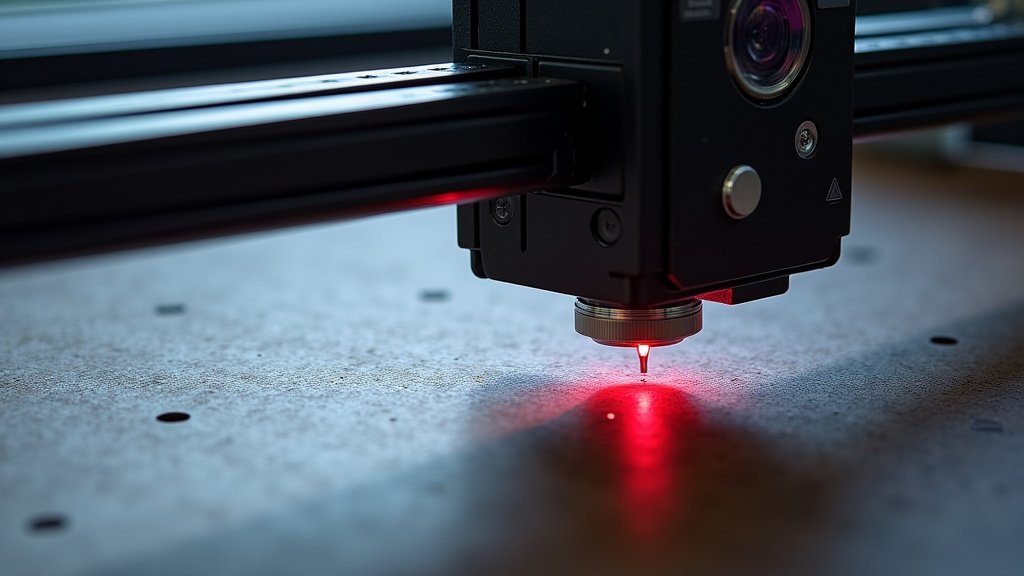
You might hear these two terms used together. They are related but different. Focal length is the exact point of perfect focus. Depth of field is the zone around that point where the laser remains acceptably sharp.
A lens with a longer focal length generally has a deeper depth of field. This means it’s more forgiving if your material isn’t perfectly flat or if your thickness varies slightly. A shorter focal length has a shallower depth of field, requiring more precision but often producing finer detail.
Practical Tips for Everyday Engraving
Now you understand the theory. Let’s talk about applying it in your workshop. These tips come from patterns we’ve found in successful engraving communities.
Keep Your Lenses Spotlessly Clean
A dirty lens distorts the beam and can throw off your focus. Use a proper lens cleaning solution and a lint-free cloth. A quick clean before every session is a great habit.
Account for Material Warping
Wood isn’t always perfectly flat. If you’re engraving a large piece, you might need to focus on the center and trust your depth of field to handle the edges. For critical jobs, use a material that lies perfectly flat.
Adjust for Different Power Levels
We found that at very high power, the laser might burn deeper than the focal point suggests. You may get better results by focusing slightly above the surface. Conversely, for light surface engraving, focusing exactly on the top is best.
Your Focal Length Checklist
Use this checklist before starting your next project to ensure success.
- Confirm your lens and its specific focal length. Check the manual or the lens marking.
- Measure your material’s thickness accurately. Use calipers for consistency.
- Use the correct focusing tool. Manufacturer’s spacer or a calibrated card.
- Focus on the most critical surface. Top for engraving, middle for cutting.
- Run a test on scrap material. Verify depth and clarity before the real job.
- Clean your lens before focusing. A clear lens ensures a clear beam.
Focal length might seem like a small detail, but it’s the foundation of every good laser job. Taking a minute to set it properly is the difference between frustration and fantastic results. Now you have the knowledge to focus with confidence on your next creation.
Conclusion
Understanding your laser’s focal length transforms your results from blurry to brilliant. It’s the foundation for every clean engraving and efficient cut you’ll make. You now know how to find your machine’s specific number, adjust for material thickness, and use a simple tool to set the perfect distance. Your most important next step is to make this a routine part of your setup. Before your next project, confirm your focal length and run a quick test on scrap material. This small habit is the easiest way to guarantee professional-quality work every time.
Frequently Asked Questions
What happens if I forget to set the correct focal length?
You’ll likely get weak, blurry engravings or cuts that don’t go all the way through. The laser energy is spread out over too large an area, wasting power and ruining material. Always double-check this before hitting start.
Can I use a ruler to measure focal length instead of the manufacturer’s tool?
A standard ruler can work in a pinch, but it’s less accurate than the provided spacer. The tool is designed for your specific machine and lens. If you must use a ruler, measure carefully from the lens bottom to the focal point.
Why do I need to refocus when I change material thickness?
Thicker materials have a different top surface height. The focal point must land exactly on the surface you’re engraving or in the middle for cutting. Failing to adjust means the beam is out of focus, leading to poor results.
How does depth of field affect my projects?
A longer focal length gives a deeper depth of field, making it more forgiving for uneven surfaces. A shorter focal length offers finer detail but requires a flatter material. We’ve found matching this to your project needs is key.
Is it normal for my focal length setting to change over time?
It shouldn’t if your machine is well-maintained. However, vibrations or a loose laser head can cause drift. We recommend checking your focus at the start of each session to catch any changes early.
