How to Laser Cut Acrylic?
On this page (7 sections)
Laser cutting acrylic is a fantastic way to create precise and intricate designs for your projects. You can achieve clean cuts and beautiful engravings with the right settings and techniques. This process allows you to work with acrylic sheets for everything from custom signage to unique crafts.
Many makers find that laser cutting opens up a new world of possibilities. It’s a popular choice for prototyping and small-batch production. We found that understanding your laser cutter and the material is key to getting consistently great results with acrylic.
- Laser cutting acrylic offers precision.
- It’s great for engraving and cutting.
- You can make custom signs and crafts.
- Knowing your machine is important.
- Material settings make a big difference.
Ready to get started? Let’s walk through exactly how to laser cut acrylic, step by step, so you can bring your creative visions to life.
Getting Started with Laser Cutting Acrylic
Laser cutting acrylic is a fantastic way to create precise and intricate designs for your projects. You can achieve clean cuts and beautiful engravings with the right settings and techniques. This process allows you to work with acrylic sheets for everything from custom signage to unique crafts.
Many makers find that laser cutting opens up a new world of possibilities. It’s a popular choice for prototyping and small-batch production. We found that understanding your laser cutter and the material is key to getting consistently great results with acrylic.
- Laser cutting acrylic offers precision.
- It’s great for engraving and cutting.
- You can make custom signs and crafts.
- Knowing your machine is important.
- Material settings make a big difference.
Ready to get started? Let’s walk through exactly how to laser cut acrylic, step by step, so you can bring your creative visions to life.
Understanding Your Laser Cutter and Acrylic
Before you even turn on your laser cutter, it’s important to understand the basics. Laser cutters use a concentrated beam of light to cut or engrave materials. For acrylic, this light beam melts and vaporizes the material, creating a clean edge or a frosted engraving effect.
There are two main types of acrylic you’ll likely encounter: cast and extruded. Research and found that cast acrylic is generally better for laser cutting. It tends to have fewer impurities and burns more cleanly. Extruded acrylic can sometimes produce more fumes and may not engrave as well. Most sources agree that cast acrylic is the preferred choice for laser projects (Trotec Laser). For specialty two-tone sheets, see our guide to two-tone acrylic cutting.
Types of Acrylic and Their Properties
Acrylic comes in a dazzling array of colors and finishes. You’ll find clear, opaque, translucent, mirrored, and even textured sheets. For your first projects, starting with a standard clear or colored acrylic is a good idea. This helps you get a feel for the settings without worrying about special material properties.
We found that thicker acrylic sheets (over 1/4 inch or 6mm) can be more challenging to cut cleanly. You might need multiple passes or a more powerful laser. Beginners should aim for acrylic sheets between 1/8 inch (3mm) and 1/4 inch (6mm) thick.
Safety First: Ventilation and Fume Extraction
This is non-negotiable. Laser cutting acrylic produces fumes that can be harmful. You absolutely need a well-ventilated space or a dedicated fume extraction system. Many laser cutters come with built-in exhaust ports. If yours doesn’t, you’ll need to set up a system to vent the fumes outside.
We discovered that proper ventilation is key to both your health and the longevity of your laser cutter. The byproducts of cutting acrylic can build up inside the machine and cause damage. Always check the manufacturer’s recommendations for ventilation.
Preparing Your Design for Laser Cutting
The magic of laser cutting lies in your design. You’ll need a digital file to send to your laser cutter. Common file formats include SVG, DXF, AI, and PDF. Vector files are best because they tell the laser exactly where to cut or engrave by defining lines and curves.
Think of your design like a blueprint for the laser. Lines represent cuts, and filled areas can be engraved. We found that keeping designs simple when you’re starting out makes the process much smoother. Overly complex designs can sometimes lead to unexpected results.
Vector vs. Raster Graphics
It’s important to know the difference between vector and raster graphics. Vector graphics (like those from Adobe Illustrator or Inkscape) use mathematical equations to draw lines and curves. These are perfect for cutting because the laser follows precise paths. Raster graphics (like JPEGs or PNGs from Photoshop) are made of pixels. These are better suited for engraving.
When you set up your laser cutter software, you’ll typically assign different actions to different colors in your design. For example, red lines might be set for cutting, and black fills might be set for engraving. This flexibility is what makes laser cutting so powerful.
Setting Up Your Design File
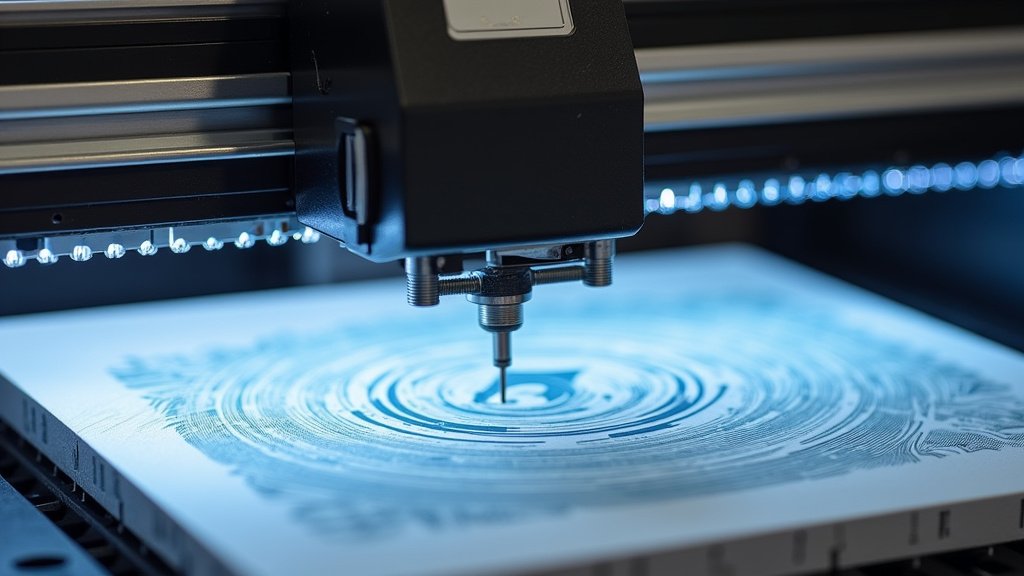
Once you have your design, you’ll need to set it up in your laser cutter’s software. This usually involves importing your file and defining the parameters for cutting and engraving. You’ll typically set things like speed, power, and frequency (also known as PPI or Hz).
We found that organizing your design is also helpful. If you’re cutting multiple pieces, arrange them on your virtual “bed” efficiently. This helps minimize material waste. Many software programs have tools to nest shapes together, saving you space and material.
Optimizing Laser Cutter Settings for Acrylic
This is where the real experimentation begins! Acrylic laser cutting settings can vary wildly depending on your laser cutter’s wattage, the type of acrylic, its thickness, and even the brand of acrylic. There’s no single “perfect” setting.
However, we found that there are some common starting points that most users find helpful. It’s always best to start with a test cut on a scrap piece of your specific acrylic before cutting your final project. This will save you from ruining a whole sheet of material.
Cutting Settings: Speed, Power, and Frequency
For cutting acrylic, you generally want a balance of power and speed. Too much power or too slow a speed can cause the acrylic to melt excessively, leading to a rough edge or even flame-ups. Too little power or too fast a speed means the laser won’t cut all the way through.
Here’s a general guideline we’ve seen experts recommend for a 40W laser cutter on 1/8″ (3mm) cast acrylic:
| Material Thickness | Speed (mm/s) | Power (%) | Frequency (Hz) |
|---|---|---|---|
| 1/8″ (3mm) Cast Acrylic | 10-15 | 60-75 | 500-1000 |
| 1/4″ (6mm) Cast Acrylic | 5-10 | 70-90 | 500-1000 |
Remember, these are just starting points! Your machine might be different. We found that higher wattage lasers can often cut thicker materials faster.
Engraving Settings: Resolution and Power
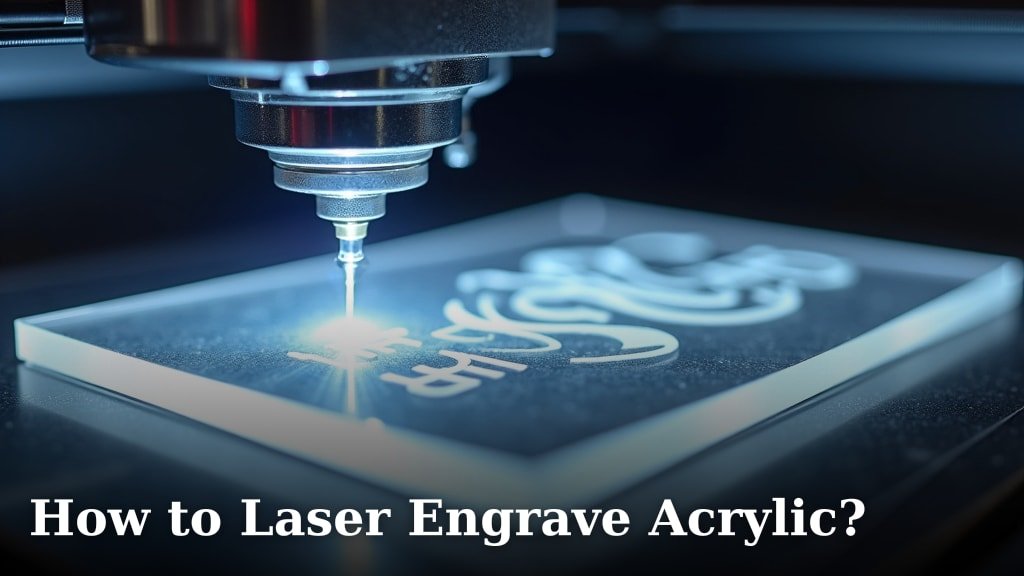
Engraving acrylic typically requires different settings than cutting. You’ll want to use a lower power setting and a higher frequency to achieve a frosted or etched look. The resolution of your engraving also plays a big role in the detail you get.
Higher DPI (dots per inch) settings will result in more detailed engravings. We found that many users prefer engraving acrylic at resolutions between 300 and 600 DPI. For engraving, you’ll want to use the raster engraving mode in your laser software.
The Importance of Air Assist
Air assist is a stream of compressed air directed at the point where the laser beam hits the material. It’s crucial for laser cutting acrylic. Why? It helps to clear away molten material and fumes, which prevents flaming and leads to a much cleaner cut edge. Learn about the importance of air assist for clean laser cuts in our guide.
We found that without adequate air assist, acrylic can easily catch fire. Always ensure your air assist is turned on and functioning correctly when cutting acrylic. Some machines have adjustable air assist, allowing you to fine-tune it for different materials.
Your First Acrylic Laser Cutting Project: A Checklist
Ready to dive in? Here’s a quick checklist to make sure you’re prepared for your first acrylic laser cutting session:
- Design Ready: Ensure your design is in a vector format (SVG, DXF, AI) and set up for cutting and engraving.
- Material Check: Confirm you are using cast acrylic if possible, especially for beginners.
- Ventilation Setup: Double-check that your fume extraction system is working.
- Test Cuts: Always perform test cuts on scrap material to dial in your settings.
- Safety Gear: Have safety glasses ready and ensure your workspace is clear.
- Clean Machine: Make sure your laser cutter’s lens and mirrors are clean for optimal performance.
Conclusion
You’ve now got a solid foundation for laser cutting acrylic! We’ve walked through understanding your machine, preparing your designs, and dialing in those crucial settings. Remember that practice makes perfect, especially when it comes to finding the sweet spot for speed, power, and frequency. Always prioritize safety with proper ventilation and test cuts. Your journey into creating stunning acrylic projects is just beginning. After cutting, learn how to remove the unwanted pieces in our guide to laser cut acrylic weeding. Now, take that checklist and get ready to make something amazing!
Frequently Asked Questions
What’s the difference between cast and extruded acrylic for laser cutting?
We research and found that cast acrylic is generally preferred for laser cutting. It tends to cut more cleanly with fewer impurities and a smoother edge. Extruded acrylic can sometimes produce more fumes and may not engrave as effectively.
Can I laser cut colored or mirrored acrylic?
Yes, you can laser cut colored and mirrored acrylic! Often, these work very similarly to clear acrylic. However, deeply colored or metallic finishes might require slightly different power or speed settings. Always perform a test cut to be sure.
Why is my acrylic flaming up when I cut it?
Flaming usually happens due to a few factors: your laser settings are too high, you’re moving too slowly, or your air assist isn’t strong enough. For help preventing flashback marks on acrylic, see our guide. Air assist is critical for blowing away fumes and molten material, preventing ignition. Also, ensure your acrylic doesn’t have any PVC content, which can be highly flammable.
How do I get a frosted engraving effect on acrylic?
For a frosted engraving, you’ll want to use lower power settings and often a higher frequency (PPI) compared to cutting. You’ll also want to use your laser cutter’s raster engraving mode. Experimentation is key to finding the perfect balance for the look you desire.
What’s the best way to clean laser cut acrylic edges?
Laser cut acrylic edges are usually quite smooth, but sometimes a little cleaning is needed. For help removing the protective film, see our guide to acrylic back masking. You can gently wipe edges with a microfiber cloth and a bit of warm water or a mild soap solution. Avoid using harsh chemicals like Windex, as they can cause micro-cracking or cloudiness over time.