CNC Milling Machine vs Router: Which Should You Choose? (November 2026)
Choose a CNC router for wood, plastics, signs and general maker work; choose a CNC milling machine for rigid, precise cutting in harder materials. The right choice depends on your materials, project depth and required accuracy.
On this page (12 sections)
- CNC milling machine vs router: what is the quick answer?
- How do a CNC router and milling machine compare side by side?
- Which machine is better for wood and large panels?
- Which machine is better for metal?
- How does rigidity affect the choice?
- Which machine gives better precision?
- What software and control should you expect?
- What tooling does each machine need?
- Who should buy the Genmitsu 3018-PRO?
- Who should buy the Twotrees TTC450 Pro?
- Which machine should you choose for your next project?
- Final verdict: CNC milling machine vs router
Choose a CNC router for wood, plastics, signs and general maker work; choose a CNC milling machine for rigid, precise cutting in harder materials. In this CNC milling machine vs router comparison, the best choice depends on what you cut, how large the work is and how much control you need over depth and repeatability.
A CNC router moves a cutting tool through a programmed path. A CNC milling machine does the same basic job, but its heavier construction and more rigid cutting setup are often aimed at harder materials and tighter tolerances.
The difference is not simply about which machine is more powerful. A large router may be better for a furniture panel, while a compact mill may be better for a small metal part.
CNC milling machine vs router: what is the quick answer?
Buy a CNC router when your main work is wood, acrylic, plastic, PVC, signs or large flat projects. Buy a CNC milling machine when you need higher rigidity for controlled cuts in metal or other hard materials.
Routers are often easier to match to a workbench or maker space. They can offer a larger cutting area and suit signs, panels, carving and decorative work.
Milling machines focus more on stiffness and controlled material removal. That can make them a better fit for small functional parts, metal work and jobs where vibration would damage the finish.
For more options, see CNC engraving machines for metal.
Your choice should start with the material and the largest project you expect to make. Then compare the machine's working area, frame, spindle, tooling and software.
If you are new to the category, our guide to what is a CNC router machine explains the basic parts and workflow before you compare models.
How do a CNC router and milling machine compare side by side?
A router favors workspace and flexible maker projects, while a milling machine favors rigidity and controlled cutting. The line is not absolute, because desktop CNC routers and compact mills can overlap.
| Factor | CNC router | CNC milling machine |
|---|---|---|
| Main strength | Wood, plastics, signs and broad panels | Rigid cutting and precise small parts |
| Typical frame goal | Useful work area and lighter construction | Stiff structure and reduced movement |
| Common materials | Wood, acrylic, PVC, plastic and some soft metals | Aluminum and other harder materials, depending on the machine |
| Project shape | Flat panels, carvings, signs and prototypes | Parts, pockets, slots and controlled metal work |
| Tool choice | Router bits and end mills | End mills, drills and milling cutters |
| Best buying test | Can it fit your work and materials? | Can it hold the rigidity and accuracy you need? |
A router is not automatically inaccurate, and a mill is not automatically suitable for every job. The machine, cutter, workholding and settings all affect the result.
Which machine is better for wood and large panels?
A CNC router is usually the better choice for wood, slabs, signs and large panels. For wood-focused options, see CNC engraving machines for wood.
Its layout is well suited to moving across a broad, flat workpiece.
The Genmitsu CNC 3018-PRO Router Kit has a 300 x 180 x 45 mm XYZ working area. It is intended for carving, engraving and milling in wood, acrylic, PVC, plastic, PCB and soft aluminum, with the right bits and settings.
For a larger desktop workspace, the Twotrees TTC450 Pro All-Metal CNC Router Machine has a 460 x 460 x 80 mm working area. That gives it more room for furniture panels, large signs and batch production than a small 3018-style machine.
A router still needs a flat, secure work surface. If the spoilboard is uneven, the cutting depth can change across the project.
A flat spoilboard helps keep cutting depth consistent across a work area. See CNC router projects for broader project ideas.
Which machine is better for metal?
A CNC milling machine is the safer starting point for serious metal work because rigidity matters more as cutting forces increase. A router can handle some metals, but you must match the machine and settings to the material.
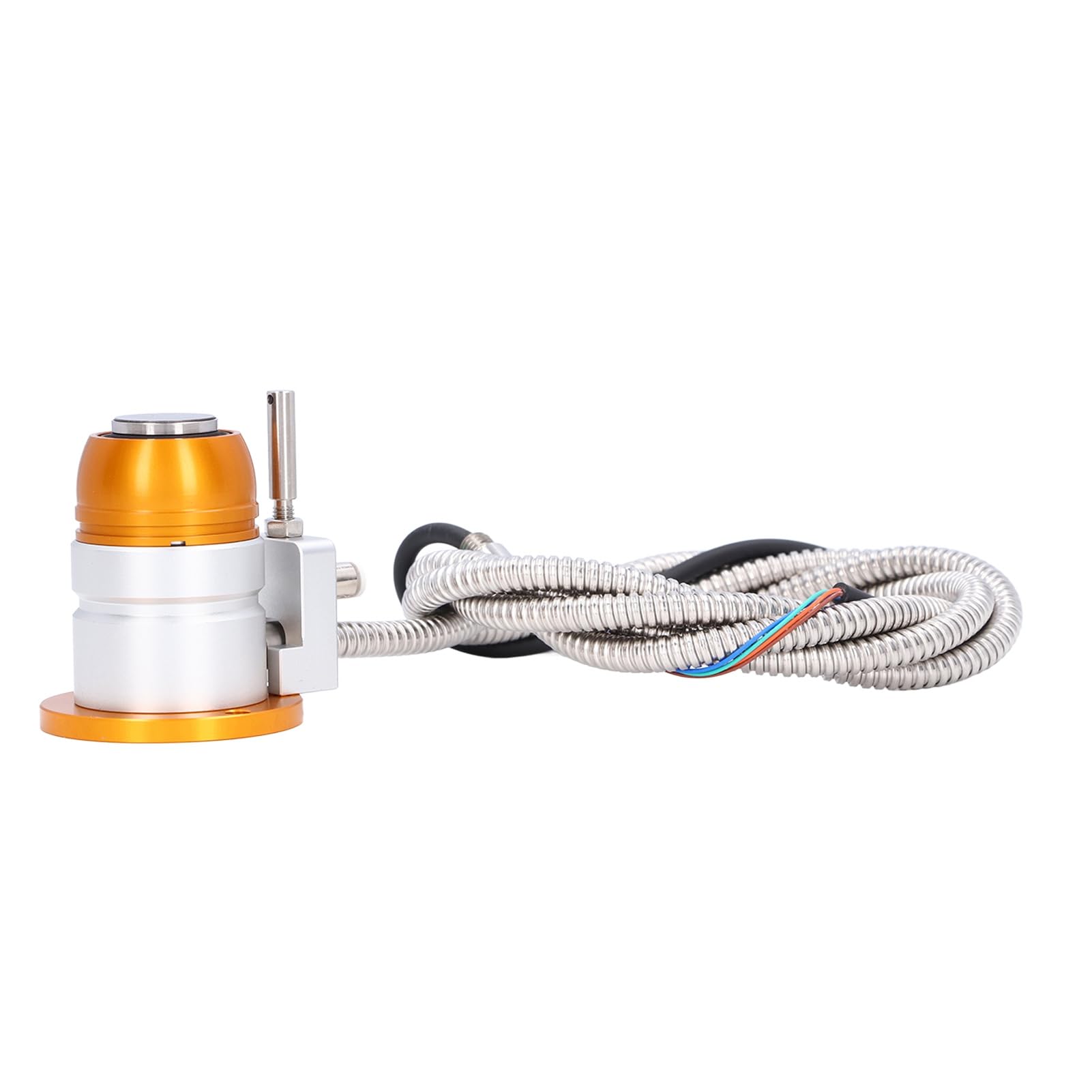
The Genmitsu 3018-PRO is described for soft aluminum and light-duty work, not deep metal cutting. For aluminum options, compare aluminum CNC engraving machines.
Its 120-watt power and compact desktop format make it more appropriate for engraving, prototypes and light cuts than heavy stock removal.
The Twotrees TTC450 Pro is described for aluminum, copper and stainless steel, along with wood, acrylic and carbon fiber. It has an aluminum alloy and stainless steel body, a NEMA 57 stepper motor and a stated Z-axis positioning accuracy of up to 0.0025 mm.
Those details expand the possible work, but they do not remove the need for suitable cutters, clamping and conservative cutting settings. A machine's material list is not a promise that every depth or feed rate will work.
For a router-based metal project, begin with a shallow test cut in scrap. Watch for vibration, tool deflection and heat before committing to the final part.
How does rigidity affect the choice?
Rigidity determines how well the machine resists movement when the cutter meets the workpiece. More rigidity generally helps with deeper cuts, harder materials and repeatable dimensions.
A flexible frame can allow the cutter to move away from the programmed path. That may leave chatter marks, rounded corners or dimensions that vary from one pass to the next.
The Twotrees TTC450 Pro uses an all-metal structure with aluminum alloy and stainless steel. Its design also includes dual limit switches on the XYZ axes, and the product description connects the structure with reduced vibration and repeat positioning.
The Genmitsu 3018-PRO is a compact beginner machine with a raised base intended to improve stability. Its smaller format makes it approachable for learning, but it remains better suited to engraving and light-duty work than deep cuts in hard stock.
A rigid machine is not automatically the right machine. If your projects are small signs and wood carvings, extra mass may add cost, setup work and space without solving your main problem.
Which machine gives better precision?
Choose the machine that has enough stiffness, travel control and tooling accuracy for your tolerance. Precision is a system result, not a single number printed in a product title.
The Twotrees TTC450 Pro gives a stated Z-axis positioning accuracy of up to 0.0025 mm. That figure relates to positioning, so it does not guarantee that every finished part will measure that accurately.
Cutting accuracy also depends on the bit, collet, workholding, material flatness and the number of passes. A loose workpiece can spoil a careful toolpath.
A CNC router can still make detailed work. The Genmitsu 3018-PRO uses GRBL control and supports Candle for movement and G-code, which gives beginners a practical path from a first test cut to custom projects.
Use a smaller cutter for fine details only when the machine and material can support it. A small diameter bit removes less material per pass, so rushing the feed or depth can break the tool.
What software and control should you expect?
Both machine types need a design and CAM workflow, but the control system determines how you send the finished G-code to the machine.
The Genmitsu 3018-PRO uses open-source GRBL control and can work with Candle. It also includes an offline controller for basic CNC functions and compatible G-code files without keeping a computer connected.
The Twotrees TTC450 Pro also uses GRBL control. Its 3.5 inch capacitive touch screen is paired with ports for a 4th-axis rotation setup, a laser module and 500W spindle speed control.
The Twotrees machine is compatible with design software including ArtCam, Fusion 360, Easel and Carveco Maker, and it supports Windows, macOS and Linux. Windows 11 users need the CH341 driver because the CH340 driver is not fully compatible with that system.
Your software choice affects how easily you create toolpaths, set work zero and recover from an interrupted job. Learn those steps before loading valuable material.
What tooling does each machine need?
Tooling must match the collet, material, cutting diameter and depth of the job. A machine that accepts one bit size cannot safely use another without the correct holder.
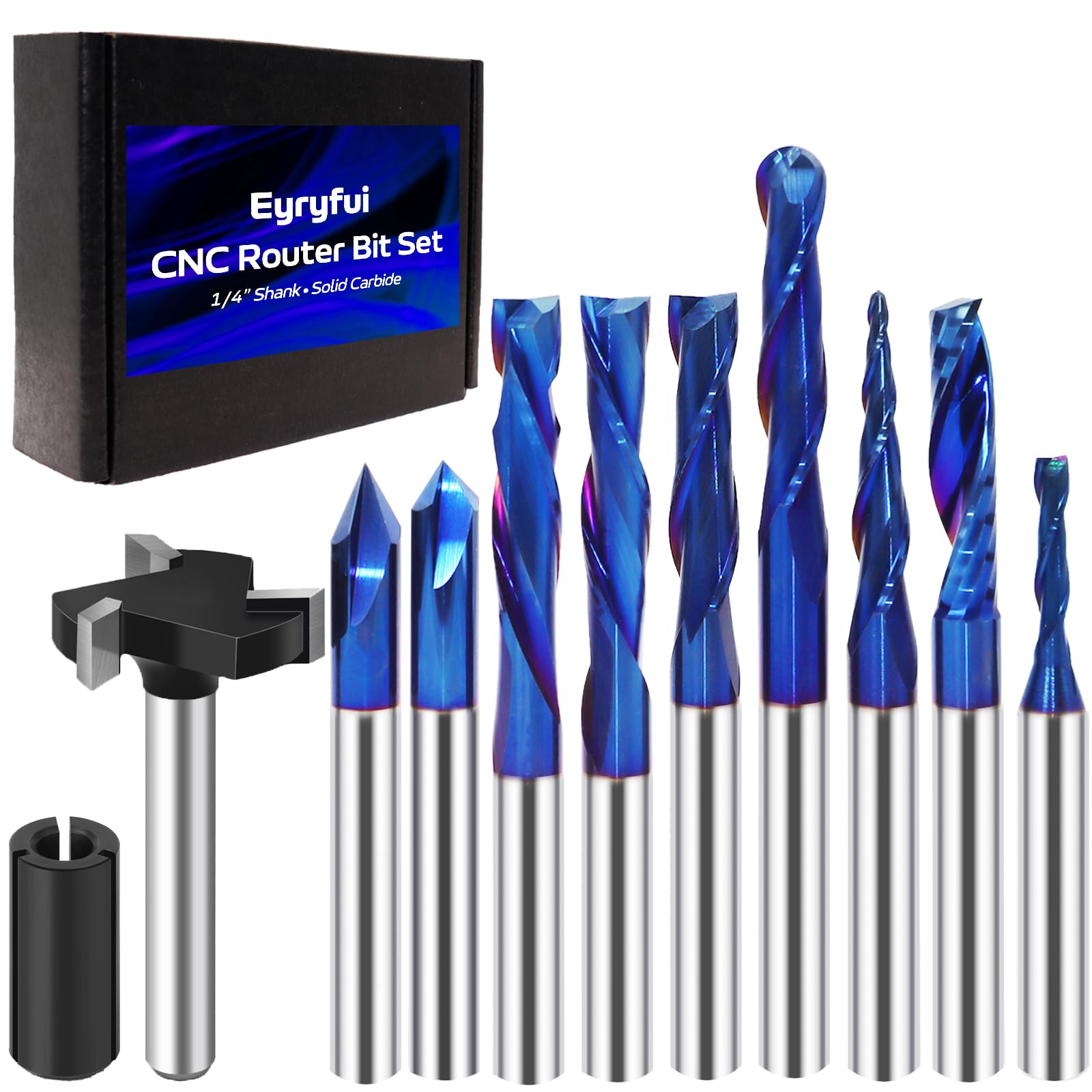
Match each cutter to the machine's collet, material and intended work before ordering. For more surface-preparation guidance, see our CNC spoilboard surfacing router bit guide.
Do not choose a cutter by diameter alone. Check the shank size, cutting style and intended material, then secure the workpiece before starting.
Who should buy the Genmitsu 3018-PRO?
Choose the Genmitsu CNC 3018-PRO Router Kit if you want a compact way to learn CNC carving, engraving and light milling. Its 300 x 180 x 45 mm working area suits small woodworking, PCB milling, acrylic work and prototypes.
The machine is a 3-axis CNC platform with GRBL control, a 120-watt power rating and a maximum rotational speed of 20,000 rpm. Its stated material range includes wood, acrylic, PVC, plastic, PCB and soft aluminum when matched with suitable bits and settings.
It is a good fit for a home workshop, classroom or maker space where bench space matters. The offline controller also gives you another way to run compatible G-code without a computer connected throughout the job.
Choose a different class of machine if you expect deep metal cutting, large panels or heavy stock removal. The 3018-PRO is better framed as an approachable desktop learning platform than a heavy-duty mill.
{{product B07P6K9BL3}} Choose this compact 3-axis CNC machine for beginner projects in wood, acrylic, PVC, plastic, PCB and soft aluminum.
Who should buy the Twotrees TTC450 Pro?
Choose the Twotrees TTC450 Pro if you need a larger desktop work area and more expansion options. Its 460 x 460 x 80 mm working area is aimed at larger signs, furniture panels and batch production.
The machine has a 3.5 inch capacitive touch screen, a NEMA 57 stepper motor and an all-metal body made from aluminum alloy and stainless steel. Its product details describe work with wood, acrylic, carbon fiber, aluminum, copper and stainless steel.
The control box includes ports for a 4th-axis rotation setup, a laser module and 500W spindle speed control. Those ports give you room to plan future changes without replacing the entire machine.
Assembly is required. It is a better fit for a small studio, school, makerspace or home workshop that can provide a stable location and support the setup process.
{{product B0D8T9CQVV}} Choose this larger all-metal CNC router when you need a 460 x 460 x 80 mm work area and expansion ports for future projects.
Which machine should you choose for your next project?
Pick a router when the project is broad, flat and mostly wood or plastic. Pick a milling machine when the project is smaller, harder and more dependent on rigidity.
Choose the Genmitsu 3018-PRO for a compact learning platform and small parts. Choose the Twotrees TTC450 Pro when the larger work area, metal body and expansion ports fit your shop.
If you are comparing a router with another machine type, our guide to CNC router vs CNC lathe explains why routers suit flat work while lathes turn stock around an axis.
Material can also narrow the decision. For plastic projects, see our guide to the best CNC router for plastics.
For PCB work, compare the options in our guide to the best CNC router for PCB.
For a larger sheet workflow, our guide to the best 4x8 CNC router covers the space and setup questions that a desktop machine cannot solve.
Final verdict: CNC milling machine vs router
Choose a CNC router for accessible woodworking, plastics, signs, engraving and larger flat projects. Choose a CNC milling machine for greater rigidity, controlled metal cutting and small parts that need more precise support.
The Genmitsu 3018-PRO is the approachable choice for first projects and compact work. The Twotrees TTC450 Pro is the stronger fit when you need a 460 x 460 x 80 mm work area, an all-metal frame and expansion ports.
Do not decide by the word “mill” or “router” alone. Match the machine to your material, largest workpiece, cutter size, available space and acceptable setup time.
That is the practical answer to the CNC milling machine vs router question: choose the machine whose structure and working area fit the work you will actually make.
Frequently asked questions
Is a CNC router the same as a CNC milling machine?
A CNC router and CNC milling machine both use computer-controlled cutting, but they are built for different work. Routers usually favor larger work areas and softer materials such as wood, plastics and sheet goods.
Milling machines generally emphasize rigidity, controlled cutting and harder materials.
Can a CNC router mill aluminum?
Some CNC routers can work with aluminum when the machine, bit, workholding and cutting settings are suitable. The Genmitsu 3018-PRO is described for soft aluminum and light-duty work, while the Twotrees TTC450 Pro is described for aluminum, copper and stainless steel.
Deep cuts still require care.
Which is more accurate, a CNC router or mill?
A milling machine is usually the better choice when rigidity and repeatable precision matter most. A router can still produce detailed parts, especially with a small cutter and careful settings, but vibration, frame stiffness and cutting depth affect the result.
Can a CNC mill replace a router?
A CNC mill can handle many small cutting jobs, but it may not replace a router for large panels, signs or broad wood surfaces. Compare the machine's working area, spindle setup, material range and available tooling before treating one as a full substitute for the other.