Heat Transfer Vinyl vs Iron-On: Is There a Difference? (November 2026)
Heat transfer vinyl and iron-on vinyl are the same material in most craft listings. The name changes by seller and search term, not by how you cut, weed or press it.
On this page (16 sections)
- Quick verdict: heat transfer vinyl vs iron on
- The two side by side
- Why the labels overlap
- What "iron-on" really changes
- What "HTV" really changes
- Size decides more than the name
- Fabric fit comes first
- Cut, weed and press steps
- Transfer tape is not HTV
- Vinyl cutters and mat sizes
- Heat press or household iron
- Layering and color packs
- Washing and durability
- Who should buy which
- Mistakes to avoid
- Final verdict on heat transfer vinyl vs iron on
Heat transfer vinyl and iron-on vinyl are the same material in most craft listings. The name changes by seller and search term, not by how you cut, weed or press it.
In this heat transfer vinyl vs iron on guide, we compared the specs and features behind the labels. You will see what the two terms share, where listings split them, and how to pick sheets or a roll for your cutter and fabric.
Short answer first: pick by format, color and fabric fit. A long roll suits repeat work in one color.
A color pack suits variety. Transfer tape is a different tool for adhesive decals, not a fabric material.


Quick verdict: heat transfer vinyl vs iron on
They are the same category of material, so choose by size and color, not by the label. Both names point to vinyl you cut, weed and bond to fabric with heat.
Shoppers use "iron-on" when they plan to use a household iron. They use "heat transfer vinyl" or "HTV" when they use a heat press or a cutting machine.
The material does not change when the heat source changes.
Labels still matter for search results. A listing that says "iron-on" may name t-shirts and tote bags.
A listing that says "HTV" may name cutters, mats and press settings. Read the size, material and fabric notes under the headline.
{{product B07Y55WHGY}} The listing describes a 12 in x 20 ft white roll for repeat single-color shirts and logos.
The two side by side
HTV and iron-on share the same steps: cut in reverse, weed, press, peel as directed. The split in shops is mostly format and wording, not chemistry.
Use this table to read any listing in seconds.
| Point | Heat transfer vinyl | Iron-on vinyl |
|---|---|---|
| What it is | Vinyl bonded to fabric with heat | Same vinyl, named for iron use |
| Steps | Cut mirrored, weed, press | Cut mirrored, weed, iron press |
| Heat source | Heat press or iron | Household iron or press |
| Typical format | Rolls or sheets | Rolls, sheets or packs |
| Best check | Fabric type and peel direction | Fabric type and press time |
{{product B0885X35CV}} 47 pre-cut 12 in x 10 in sheets in 33 matte colors for small multi-color projects.
Why the labels overlap
Sellers use both terms because buyers search both terms. "HTV" is short for craft sellers.
"Iron-on" is plain English for beginners with a home iron.
We looked at how the 3 products here use the words. HTVRONT calls its white roll "White Iron on Vinyl" and "Heat Transfer Vinyl" in the same description.
Its pack calls the sheets "HTV Heat Transfer Vinyl" and "iron on vinyl" together.
That mixed wording is normal. The safer check is the material and size lines.
Look for vinyl or polyurethane, the sheet or roll size, and the fabrics it names.
What "iron-on" really changes
Iron-on usually signals the tool you own, not a different sheet. If you own a household iron, that term tells you the sheet can go on fabric without a press.
A home iron gives less even pressure than a press. That matters on wide designs, layered colors and repeat shirts.
Small logos and tote bag prints are a better fit for an iron.
Our guide to heat transfer vinyl using iron covers pressure, timing and common mistakes. Read it before your first shirt if you do not own a press.
What "HTV" really changes
HTV usually signals a cutting machine workflow. The label often appears with mat sizes, cutter brands and press temperatures.
That workflow starts with a design file and a mirrored cut. You weed the waste, position the design, press it, and peel the carrier sheet.
The order of peeling depends on the sheet.
Size decides more than the name
Pick roll or sheet format by your design size and repeat count. A roll helps when you cut many same-color pieces.
Sheets help when you want color variety.
The HTVRONT white roll is 12 in x 20 ft. That length suits repeated white logos, names and team shirts.
It also fits 12 x 12 in and 12 x 24 in cutting mats, the maker says.
The HTVRONT 47 pack gives 12 in x 10 in sheets. You get 33 matte colors, plus a PTFE sheet and weeding tweezers.
Sheets reduce waste on small gifts, but they cap the width of one design.
Length, repeat count and waste per design
A 20 ft roll changes the math once you cut more than a few shirts in white. You keep cutting from the same roll instead of opening a new sheet for each small logo.
The maker also frames the roll as a value size, saving about 52% per foot over a 5 ft length.
That saving only helps if white is the color you repeat. If each shirt uses a different color, the 47 pack spreads your spend across 33 matte colors instead.
Match the format to the job you will actually repeat, not to the job you might try once.
Fabric fit comes first
Check fabric type before you care about the label. Both names cover sheets made for cotton, polyester and blends, but each sheet names its own fit list.
HTVRONT says its white roll works on athletic mesh fabrics, cotton, polyester and cotton blends, and lycra/spandex. It names shirts, tote bags, sportswear, aprons, hats and pillows as uses.
The 47 pack names cotton fabrics in its highlights. HTVRONT also names t-shirts, bags, aprons and pillows for gifts.
If your blank is a blend or stretch fabric, check that exact fabric in the product notes first.
Cut, weed and press steps
The method stays the same under either name. Mirror the design, weed the waste, press with steady heat and pressure, then peel as the sheet directs.
Cutting machines need the design flipped so text reads correctly after pressing. Weeding is easier on clean cuts and simple shapes.
Fine detail takes more time and a steadier hand.
A step-by-step guide to using heat transfer vinyl walks through those steps in order. Keep the carrier sheet in place until the peel step, and do not stretch the fabric while the design is hot.
Transfer tape is not HTV
Transfer tape is for adhesive vinyl decals, not for fabric. It lifts cut letters and shapes, then places them on glass, walls, ceramics or metal.
The YRYM tape is 12 in x 50 ft with medium tack and a clear red grid. The grid helps you measure and align decals.
YRYM says it works with indoor/outdoor adhesive vinyl and Cricut Explore/Maker machines.
YRYM also says the tape cannot work with holographic vinyl, glitter vinyl or HTV. That line draws the split clearly.
Do not press transfer tape onto a shirt as if it were HTV.
Vinyl cutters and mat sizes
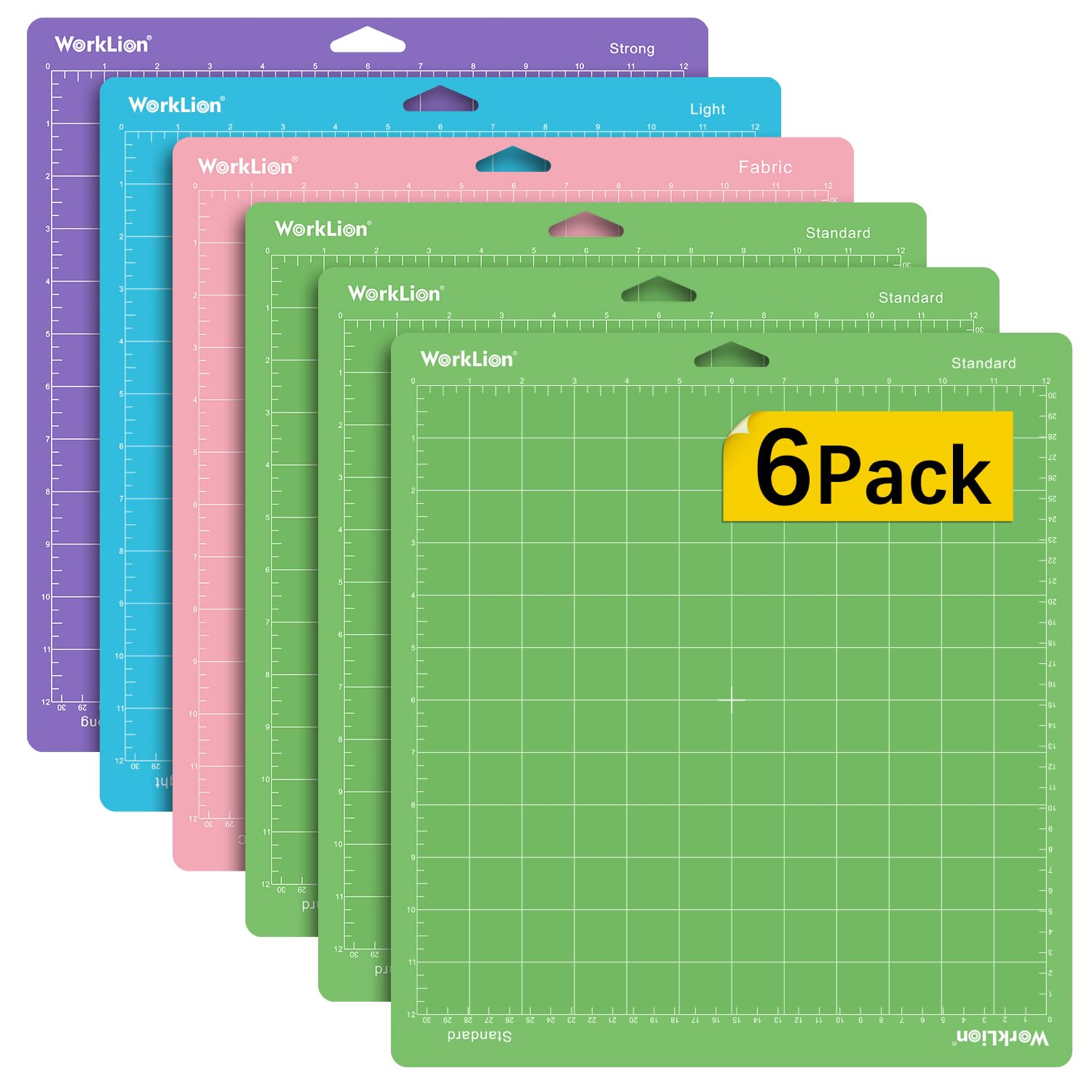
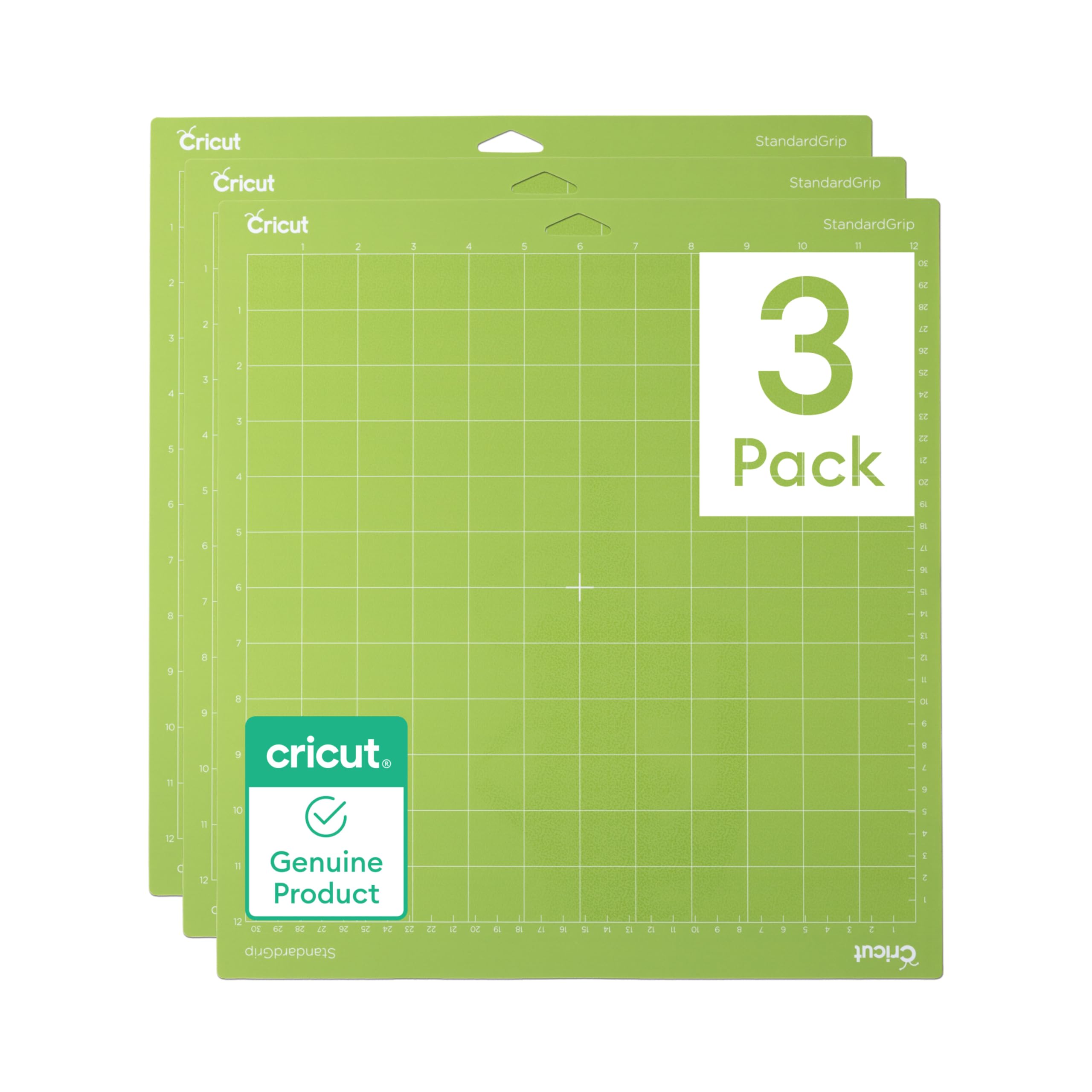
Your cutter decides which sheet sizes waste the least material. Most craft cutters use 12 in wide material, but mat length still limits design size.
A 12 in x 20 ft roll fits 12 x 12 in and 12 x 24 in mats, the maker says. You cut off only what each design needs.
That helps when you run a batch of names or numbers.
Pre-cut 12 in x 10 in sheets fit a 12 in mat with room to spare. They suit one-off gifts and small school projects.
If you need a wide chest design, measure the sheet width before you buy a pack.
If you are still choosing a machine, our guide to what is a vinyl cutting machine explains cutters, mats and design files. It also helps you match material width to the machine you own.
Heat press or household iron
A heat press gives more even heat and pressure; an iron is fine for small jobs. The label on the sheet does not pick the tool for you.
Firm, even pressure helps the vinyl bond across the full design. An iron can leave soft spots if you rush or lift it too soon.
Work in sections and keep the iron moving.
For shirts you plan to sell or give a team, a press is the steadier choice. For a single tote bag or a child's shirt, an iron can do the job.
Follow the sheet's time and peel notes either way.
Layering and color packs
Layered designs need sheets that weed cleanly and press in sequence. Thin, smooth sheets help with small shapes and layered names.
The 47 pack is built for that kind of work. HTVRONT says the thin sheets weed easily and the white cutting side makes complex designs easier to see.
It also includes a PTFE sheet for pressing.
A single-color roll does the opposite job. It gives you one color in bulk, with less per-foot waste.
It is the better buy for a club, team or repeat logo.
Our best heat transfer vinyl for Cricut guide narrows the field by cutter workflow. Use it if your next question is which sheets cut cleanly on your machine.
Washing and durability
HTVRONT says its white HTV held up through more than 50 washes at 40 degrees. It claims no fading, peeling or cracking in that test.
Treat that as a maker claim, not a promise for every fabric. Wash inside out, avoid harsh bleach on the design, and follow the sheet's care notes.
The 47 pack also claims no cracking and machine washable results. HTVRONT notes a cold peel for best results with that pack.
Peel direction and wash care both affect how long a design lasts.
Who should buy which
Buy the white roll for repeat one-color work, the pack for variety, and tape only for decals. That rule covers most readers of this comparison.
Choose the HTVRONT white roll if you make team shirts, event tees or repeat logos. The 20-foot length pays off when one color repeats.
Choose the HTVRONT 47 pack if you want many colors for gifts, school projects and holiday shirts. The pre-cut sheets and included tools suit a first starter kit.
Choose the YRYM transfer tape if you make window decals, wall stickers and signs. It will not bond designs to fabric, and it is not a substitute for HTV.
If you use a Cricut often, our how to use heat transfer vinyl with Cricut guide covers mirrored cuts, weeding and pressing. For printable sheets, see best printable heat transfer vinyl.
Mistakes to avoid
Most failed shirts come from skipped mirroring, uneven pressure or the wrong material. The label on the package rarely causes the problem.
Do not use transfer tape on fabric. Do not press adhesive decal vinyl with heat and expect it to act like HTV.
Do not layer sheets that name different peel or press rules without checking each one.
A common mix-up is with laser-crafted items. HTV is for fabric, not for engraved hard materials.
Our guide on can you laser engrave cast iron covers a different craft path entirely.
Cutting with a laser is also different from cutting with a blade. Our explainer on what is the difference between engraving and cutting helps you keep those methods separate.
Final verdict on heat transfer vinyl vs iron on
In heat transfer vinyl vs iron on, the answer is simple: same material, different label. Choose by format, color count and fabric fit.
Pick the 12 in x 20 ft white roll for repeat one-color runs. Pick the 47-sheet color pack for variety and small gifts.
Pick transfer tape only for adhesive decals on smooth surfaces.
Next, confirm your fabric, mat size and heat source. Then read the peel and press notes for your exact sheet.
That order will help more than the words on the front of the package.
Our score weighs specs, features and buyer feedback against what you're shopping for.
Frequently asked questions
Is iron-on vinyl the same as heat transfer vinyl?
Yes, in most craft listings they describe the same heat-applied vinyl. You cut it in reverse, weed the waste, and press it to fabric with heat and pressure.
The label changes with the seller, not the method.
Can you use transfer tape instead of HTV?
No. Transfer tape lifts adhesive vinyl decals and places them on smooth surfaces, while HTV bonds to fabric under heat.
YRYM says its tape cannot work with HTV, glitter vinyl or holographic vinyl.
Do I need a heat press for iron-on vinyl?
No. A household iron can work for small projects, but pressure is harder to keep even.
A heat press gives steadier heat and pressure for larger designs and repeat shirts.