
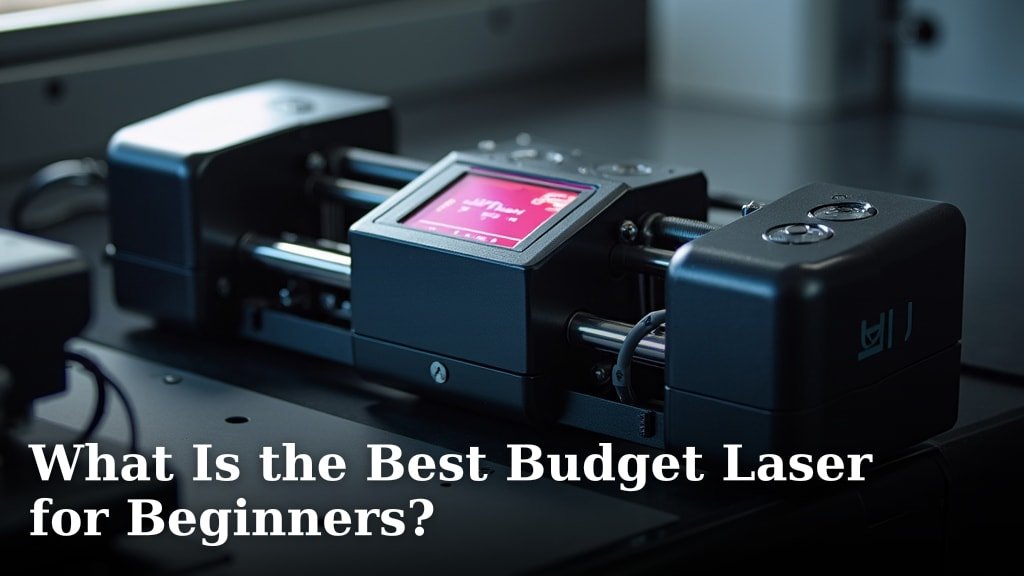
For beginners seeking an affordable entry into laser engraving, the best budget laser for beginners we
Choosing Your First Budget Laser Engraver
If you’re just starting, you want a laser engraver that’s easy to use, safe, and doesn’t break the bank. We found that diode lasers are often the best choice for beginners.
These machines are generally more affordable and simpler to operate than other types. They offer a great way to learn the basics without a huge upfront investment.
Why Diode Lasers Are Great for Beginners
Diode lasers are popular for many good reasons, especially for those new to engraving. They strike a nice balance between cost, performance, and ease of use.
You’ll find that many beginner-friendly models use diode technology. This makes them a fantastic starting point for your creative journey.
Understanding Diode Laser Advantages
One major plus is their simplicity. Diode lasers typically have fewer moving parts, which means less can go wrong. This also makes them easier to set up.
They are also quite compact. This means they won’t take up too much space in your workshop or craft area, a big plus for home users.
Safety Features You’ll Appreciate
Many diode lasers designed for beginners come with built-in safety features. These often include protective enclosures or eye shields. They help keep you safe while you learn (American Academy of Ophthalmology).
Always remember to wear your safety glasses. This is true no matter what type of laser engraver you use. Your eyes are important!
Materials You Can Engrave
What can you actually make with a budget diode laser? You might be surprised! They handle a good range of common materials.
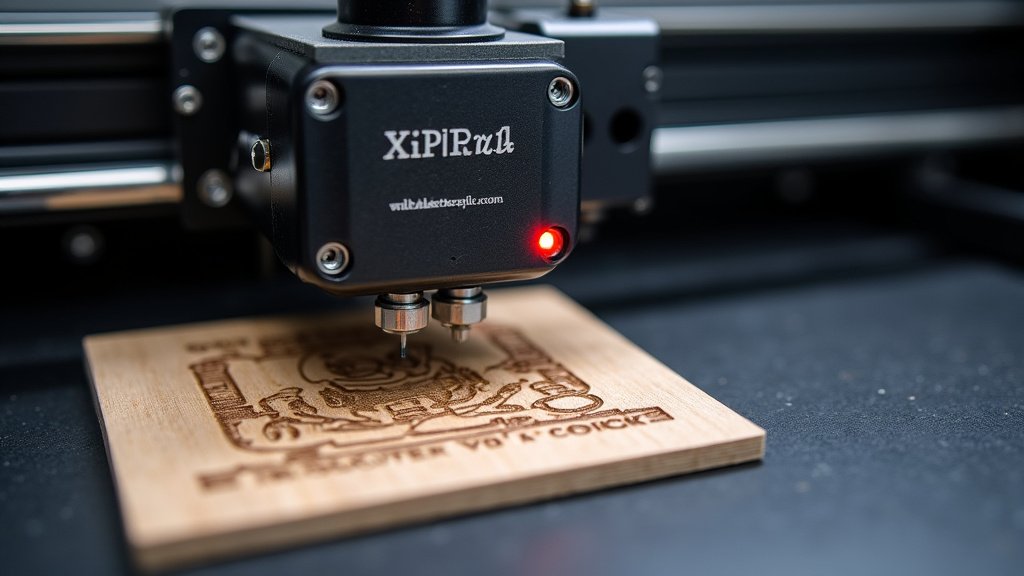
Think about things like wood, leather, paper, some plastics, and even anodized aluminum. This gives you plenty of options for your first projects.
What to Look for in a Budget Laser Engraver
When you’re shopping for your first laser, it’s easy to feel overwhelmed. But don’t worry, we’ll break down the key features to focus on.
Your goal is to find a machine that offers good value and meets your needs without unnecessary bells and whistles.
Power and Speed
Don’t get too hung up on raw power numbers for your first machine. For beginners, a 5W to 10W optical power diode laser is usually plenty.
This power range is strong enough for engraving many common materials. It also helps keep the price down. You’re learning, not mass-producing yet!
Speed is less critical when you’re just starting. Focus on getting clean, consistent engravings first. You can always upgrade later if you need faster production.
Work Area Size
How big do your projects need to be? The work area is where the laser does its magic. Common sizes for budget machines are around 400x400mm.
This size is very versatile. It lets you create everything from small coasters to medium-sized plaques. Measure your typical project ideas to be sure.
Software Compatibility
Good software makes a huge difference in your engraving experience. Look for engravers that work with user-friendly programs like LightBurn or LaserGRBL.
LightBurn is often considered the industry standard. It’s powerful but also has a great beginner interface. LaserGRBL is a popular free option for many machines.
Ease of Assembly and Setup
Nobody wants to spend hours building their new toy. Many budget lasers require some assembly. Look for models with clear instructions and video guides.
We found that user reviews often highlight how easy or difficult a machine is to put together. Check those reviews before you buy!
Key Features Checklist for Beginners
To help you choose, here’s a quick list of what to prioritize in your first budget laser engraver:
-
Diode Laser Technology: Best balance of cost and performance.
-
5W-10W Optical Power: Enough for most beginner projects.
-
400x400mm Work Area: Versatile size for various crafts.
-
LightBurn/LaserGRBL Compatibility: Essential for easy design and control.
-
Safety Enclosure/Shield: Added protection while learning.
-
Clear Assembly Instructions: Get started faster with less frustration.
Understanding Laser Engraving Terminology
The world of lasers can sound a bit technical at first. But don’t worry, we’ll simplify some common terms you’ll hear.
Understanding these basics will help you feel more confident when reading product descriptions and tutorials.
Optical Power vs. Machine Power
This is a common point of confusion. Optical power refers to the actual power of the laser beam coming out of the diode. This is the number that matters most for engraving strength.
Machine power (or electrical input power) is how much electricity the entire machine uses. It’s usually a much higher number, but it doesn’t tell you how strong the laser beam itself is.
Always focus on the optical power when comparing laser engravers. This is the true measure of its cutting and engraving capability (National Institute of Standards and Technology).
Focal Length and Focus Adjustment
For the best engraving quality, the laser beam needs to be perfectly focused on your material. This is called the focal length.
Many beginner machines use a fixed focal length, meaning you adjust the material’s height. Others have an adjustable lens. Either way, learning to focus properly is a key skill.
Budget Laser Engraver Comparison Table
To give you a clearer picture, here’s a simple comparison of what you might expect from different budget options. Remember, prices can change, but the features generally align.
| Feature | Entry-Level Budget ($150-$250) | Mid-Range Budget ($250-$400) |
|---|---|---|
| Optical Power | 5W (Good for engraving light wood, paper) | 5W-10W (Better for engraving, thin cutting) |
| Work Area | Smaller, ~200x200mm to 300x300mm | Standard, ~400x400mm |
| Assembly | Often more involved, multiple parts | Simpler, fewer parts, sometimes pre-assembled |
| Safety | Basic eye protection included, open frame | Enclosures or stronger shields, air assist port |
| Software | Usually LaserGRBL compatible, sometimes LightBurn | LightBurn compatible (often with trial/license) |
| Upgradeability | Limited, mostly for basic functions | Some potential for air assist, rotary attachments |
Setting Up Your Workspace Safely
Before you even plug in your new laser, think about your workspace. Safety should always be your number one priority (Occupational Safety and Health Administration).
Creating a safe environment will make your learning process much more enjoyable and worry-free. Don’t skip this step!
Ventilation is Key
When laser engraving, you’ll produce smoke and fumes. These can be harmful if you breathe them in. Good ventilation is an absolute must.
Work in a well-ventilated room, ideally with an open window. Consider a fan to blow fumes away or even a dedicated exhaust system if you plan on doing a lot of engraving.
Fire Safety Precautions
Yes, lasers can start fires, especially when working with flammable materials like wood. Always have a fire extinguisher or a bucket of water nearby.
Never leave your laser running unattended, especially when you’re just starting out. Stay present and watch your projects closely.
Conclusion
Choosing your first budget laser engraver doesn’t have to be overwhelming. We’ve seen that a diode laser with 5W-10W optical power offers the best starting point for most beginners. Focus on features like LightBurn compatibility, a reasonable work area, and clear assembly instructions.
Always prioritize safety with proper ventilation and fire precautions. By following these guidelines, you’ll find a machine that helps you learn and create without breaking the bank. Your creative journey is just beginning!
Now, take what you’ve learned and start comparing models that fit your specific project ideas and budget.
Frequently Asked Questions
What’s the absolute cheapest laser engraver I can get that’s still useful?
You can find some basic diode laser engravers for under $150. These typically have smaller work areas and lower optical power (around 5W). They are best for small, simple engravings on soft materials like paper or light wood.
Can a budget laser engraver cut anything, or just engrave?
Most budget diode laser engravers are primarily for engraving. However, models with 10W optical power or higher can often cut thin materials. Think balsa wood (up to 3mm) or thin acrylic (1-2mm) with multiple passes.
Is it difficult to learn how to use laser engraving software?
Modern laser software like LightBurn or LaserGRBL is designed to be user-friendly. There’s a learning curve, but many online tutorials and communities exist. You’ll likely grasp the basics within a few hours of practice.
Do I need any special computer to run a budget laser engraver?
Most budget laser engravers don’t require a high-end computer. A standard laptop or desktop running Windows, macOS, or Linux (depending on the software) with a USB port is usually sufficient. Check the software’s minimum system requirements.
What are some common mistakes beginners make with budget laser engravers?
New users often make mistakes like not focusing the laser correctly, ignoring ventilation, or trying to engrave/cut materials that aren’t suitable for their machine’s power. Always read your machine’s manual and perform small test engravings.
