How to Laser Cut Finger Joints in Acrylic
To make a laser cutter clear acrylic finger joint fit, design the tabs with kerf and material thickness in mind, cut a test comb, then adjust the fit before cutting the full panels. Keep protective film on during cutting when your machine and acrylic maker allow it.
On this page (10 sections)
- How do finger joints work in clear acrylic?
- What should you measure before designing the tabs?
- How do you account for kerf in acrylic finger joints?
- How many tabs should each edge have?
- How do you keep clear panels aligned during assembly?
- What should you check before cutting the full panels?
- Which tools and materials help with this project?
- How do finger joints compare with tongue and groove joints?
- How do you troubleshoot a poor fit?
- How do you get a clean final fit?
A laser cutter clear acrylic finger joint fits best when the tab geometry accounts for kerf, actual sheet thickness, and acrylic's brittle nature. Cut a small fit test first, then refine the design so the tabs seat evenly without force.
Finger joints can connect clear panels for boxes, display stands, covers, and other enclosures. Clear material makes gaps and uneven edges easy to see, so accurate measurements and a clean test cut matter.
How do finger joints work in clear acrylic?
Finger joints connect two edges through alternating tabs and matching slots. Each tab on one panel fits into a slot on the next, creating more contact along the seam than a plain butt joint.
For acrylic, the joint needs enough clearance to assemble without bending the tabs. Tight joints can concentrate stress at the corners, where the material may crack.
If you're comparing joint types for laser cutting, consider whether the joint will be visible and whether it must come apart later. A finger joint gives a distinct edge pattern, while the finished seam may need adhesive for a permanent bond.
What should you measure before designing the tabs?
Measure the sheet thickness and confirm the laser's usable cutting area before drawing the joint. Acrylic sheet thickness can vary, and tab geometry depends on the actual material.
Record the panel dimensions, intended inside or outside dimensions, and which face should remain visible. Mark the orientation of each panel in the drawing so matching edges don't get flipped or mirrored by mistake.
The clear sheet also needs to suit your laser's wavelength and cutting method. Review the acrylic maker's material guidance and your machine manual before preparing a job.
For material choices, see Best Clear Acrylic For Laser Cutting. If you haven't selected equipment yet, compare the capabilities in Best Laser Cutter For Acrylic.
How do you account for kerf in acrylic finger joints?
Kerf is the material removed by the laser, so it changes the width of both tabs and slots. A design that ignores kerf may produce tabs that are too narrow, slots that are too wide, or a fit that varies across the edge.
The exact kerf depends on the machine, lens, focus, material, and settings. Don't rely on a generic value when the joint fit matters.
How can a test comb help with laser cut joints in acrylic?
A test comb compares several nearby clearances in one small cut. Draw a row of slots or tabs with small, consistent size changes, label each option, and cut it from a scrap of the same sheet.
Try each tab by hand without twisting or forcing it. Choose the size that seats evenly and can be removed without chipping the corners.
How should you adjust the fit?
If the joint is too tight, widen the slots or narrow the tabs slightly. If it is loose, make the opposite change, then cut another test.
Change only one dimension at a time and keep a note of the sheet and machine settings. That makes it easier to carry the tested fit into the full design.
How many tabs should each edge have?
Use enough tabs to keep the panels aligned, while leaving each tab wide enough to handle safely. Very narrow fingers are fragile, especially in thin or brittle acrylic.
Divide the edge into a practical number of equal segments, then check the resulting tab width against the sheet thickness and project scale. Avoid tiny tabs that could break during handling or leave narrow slots that are difficult to clean.
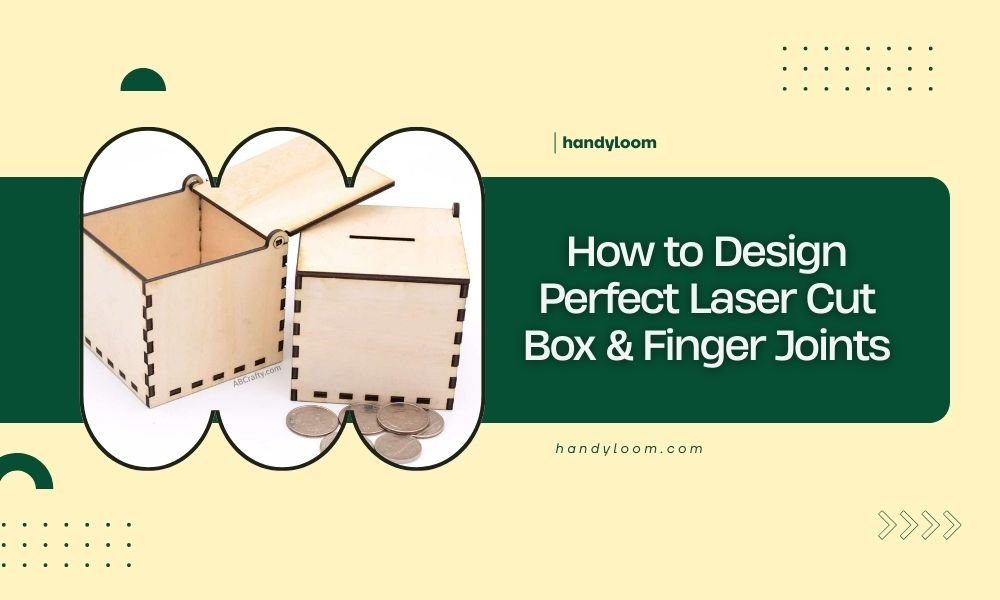
Our guide to How to Design Perfect Laser Cut Box & Finger Joints covers the layout steps for box corners. A 3d finger joint design tool laser cutting can also help visualize how the panels meet before you make the cut.
How do you keep clear panels aligned during assembly?
Lay the panels on a flat surface and dry-fit the full joint before applying any adhesive. Check that the edges meet squarely and that no tab needs to be bent into place.
Keep protective film on during cutting and dry fitting if the material maker and machine instructions allow it. Remove it from bonding areas only when you're ready to assemble, following the adhesive instructions.
Don't use a surface etchant as an acrylic bonding aid. Bathworks EZ-Etch Surface Prep Etching Solution prepares porcelain, ceramic, cast iron, tile, and steel before refinishing, and isn't recommended for acrylic, fiberglass, or glass.
Use a bonding product designed for acrylic if the joint must be permanent. Keep adhesive away from visible faces, and follow its cure and ventilation directions.
What should you check before cutting the full panels?
Confirm the material, focus, settings, and exhaust setup before running the job. Use the machine's instructions for acrylic, and never leave a laser operating unattended.
Inspect the test cut for a complete cut-through, clean edges, and consistent slots. If the cut is incomplete or the edge looks poor, resolve that with the machine and material guidance before scaling up.
Keep the panels flat and supported so they don't shift during cutting. Make sure the design uses the correct units and that the artwork matches the intended panel orientation.
Which tools and materials help with this project?
Acrylic sheet, a compatible laser, design software, and scrap for fit tests are the key supplies for finger joints. Choose each for the actual task rather than assuming a product with “laser” in its name suits acrylic.
OMTech Laser Marking Spray is intended for black marking on bare metals with compatible CO2 or fiber lasers. For how marking differs from etching, see laser marking vs etching.
It does not bond acrylic or correct a loose finger joint.
How do finger joints compare with tongue and groove joints?
Finger joints use repeated tabs, while tongue and groove joints use a continuous ridge and channel. For a plywood-specific comparison, see laser-cut plywood joint options.
The better choice depends on the edge appearance, panel thickness, and how you plan to assemble the enclosure.
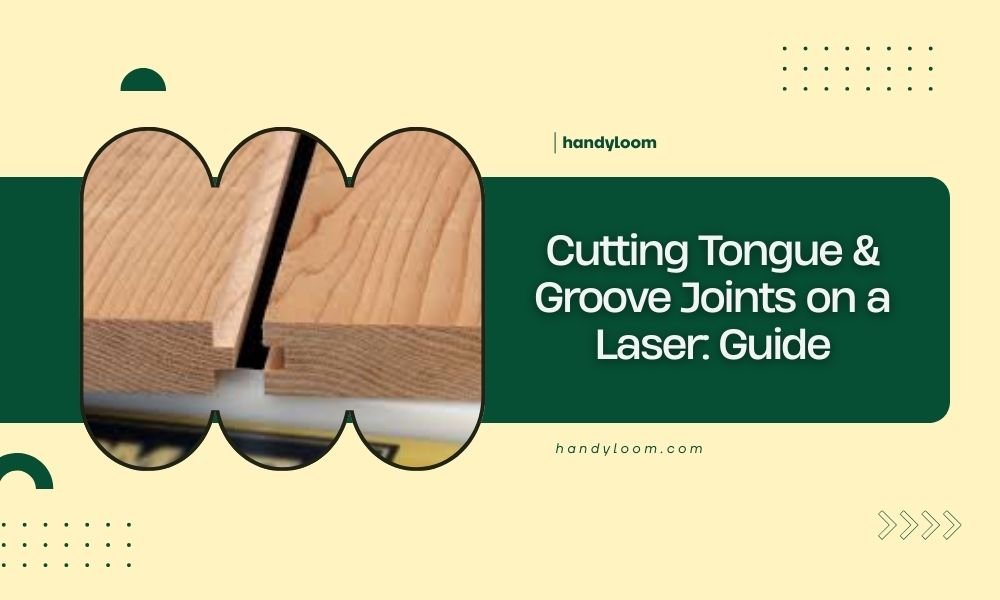
A tongue and groove layout can guide alignment along a longer seam, but it needs enough material around the groove to avoid a weak edge. See Cutting Tongue & Groove Joints on a Laser: Guide to compare the geometry and design tradeoffs.
How do you troubleshoot a poor fit?
Use the test cut to identify whether the problem is clearance, alignment, or a cutting issue. Don't force parts together to compensate for a design or process error.
- Tabs won't enter: Check actual sheet thickness, kerf allowance, focus, and whether the slots were designed too narrow.
- Tabs wobble: Reduce clearance slightly, then test the revised design on scrap.
- One end fits but the other doesn't: Check for panel rotation, mirrored geometry, or inconsistent cut quality.
- Tabs chip or crack: Make the fingers wider, reduce assembly force, and avoid bending the panels.
- Edges don't sit flush: Verify the tab depth, panel orientation, and whether the design accounts for the intended inside or outside dimensions.
How do you get a clean final fit?
A reliable laser cut joint in acrylic starts with material and machine compatibility, followed by a measured test and small design adjustments. Keep tabs wide enough to handle, align the panels before assembly, and use an acrylic bonding method only if you need a permanent seam.
Choose finger joints for visible, repeated tabs and slots. Choose a tongue and groove layout when a continuous alignment feature better suits the edge, then test either design on scrap before cutting the final clear panels.
Frequently asked questions
Can you laser cut finger joints in clear acrylic?
Yes, a laser can cut interlocking tabs in clear acrylic when the machine is suitable for that material and thickness. Test the joint first, account for kerf, and check the acrylic maker's cutting guidance.
Clear acrylic can reflect some laser wavelengths, so confirm compatibility with the machine before cutting.
How much clearance should acrylic finger joints have?
There isn't one clearance that fits every laser, acrylic sheet, and joint size. Cut a small test comb using the same material and settings, then adjust the tab width in small steps until the pieces fit without force and don't wobble.
Should acrylic finger joints be press fit?
Aim for a consistent fit that seats by hand without stressing the acrylic. A joint that needs heavy force can crack a tab or panel, while a loose fit may need a suitable adhesive or a revised design.
Test the assembled joint before making the full project.
Can you use laser marking spray on clear acrylic joints?
No, OMTech Laser Marking Spray is intended to make dark marks on bare metals with compatible lasers. It isn't an acrylic bonding agent or a fit adjustment.
Keep joint edges clean and use a bonding method made for acrylic if the design calls for a permanent connection.