
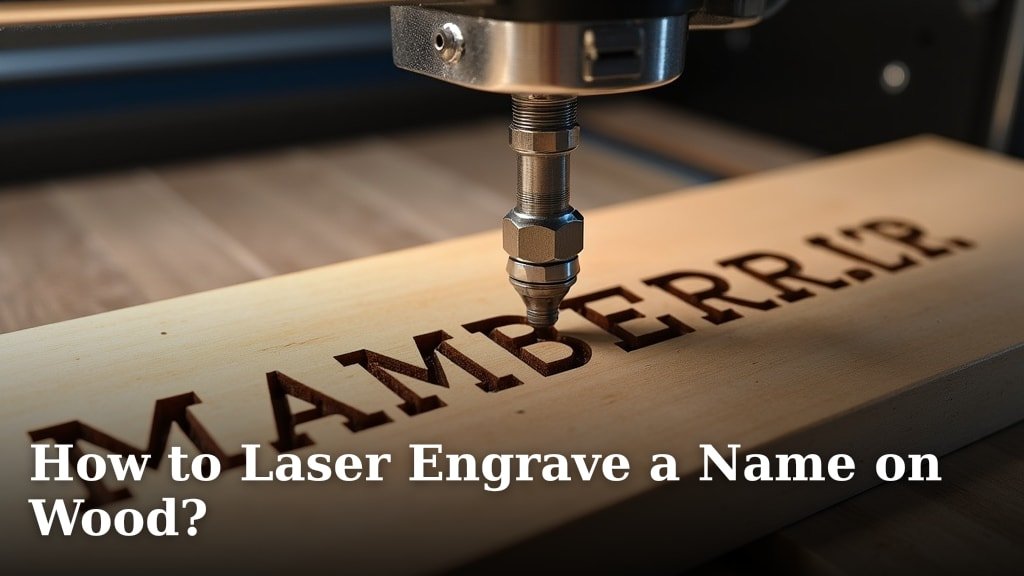
You can easily laser engrave a name on wood by following a few simple steps. The process involves preparing your wood, creating your design, and then using a laser engraver to etch the name precisely. It’s a fun way to personalize gifts or create unique crafts!
Laser engraving wood offers a fantastic way to add a personal touch to many projects. Whether you’re making custom signs, engraved cutting boards, or personalized jewelry boxes, the technology makes it possible to achieve professional-looking results at home. We found that even beginners can master this technique with practice.
- Prepare your wood surface properly.
- Design the name or text you want to engrave.
- Set up your laser engraver with the right settings.
- Execute the engraving, watching the laser do its work.
- Finish and seal your beautifully engraved piece.
Ready to make your mark? Let’s walk through exactly how to laser engrave a name on wood, step by step.
Laser engraving a name onto wood can seem daunting, but it’s actually a very accessible craft. You just need the right tools and a little guidance. Think of it like writing with light! This guide will walk you through the entire process. We’ll cover everything from picking your wood to making that final engraved name look absolutely perfect.
Getting Started with Wood Engraving
Adding personalized names to wood items is a popular craft. It’s a great way to make gifts feel extra special. You can engrave names on cutting boards, picture frames, jewelry boxes, and so much more. The precision of a laser engraver makes each piece look professionally done. Many crafters find this process incredibly rewarding.
Choosing the Right Wood for Engraving
Not all wood is created equal when it comes to laser engraving. Some woods engrave beautifully, while others can be tricky. The best woods for engraving are those with a good contrast between the engraved area and the surrounding surface. We found that hardwoods generally perform better than softwoods.
Hardwoods vs. Softwoods for Engraving
Hardwoods like maple, cherry, and walnut tend to engrave with a dark, crisp mark. This is because they have a denser grain. They produce a lovely, clear contrast that really makes the engraved name pop. We found that the darker the wood, the more subtle the engraving might appear, but the detail is usually excellent.
Softwoods, such as pine or fir, can be more challenging. They have a looser grain and can sometimes burn too deeply or inconsistently. You might get a lot of charring. If you’re a beginner, it’s best to stick with hardwoods for your first few projects. This will help ensure your results are clean and impressive.
Wood Types to Consider
- Maple: Smooth grain, light color, engraves with a nice dark contrast.
- Cherry: Beautiful reddish-brown hue, engraves with a crisp detail.
- Walnut: Rich dark color, engraves with a light, sharp line.
- Birch Plywood: Good for consistent results, especially on the smoother top layer.
Preparing Your Wood Surface
Before you even think about firing up the laser, your wood needs to be ready. A clean, smooth surface is key. You want to remove any dust, debris, or oils. These can interfere with the engraving process and create unwanted marks. Think of it like prepping a canvas for painting.
If your wood has a rough surface, you might want to sand it. Start with a medium-grit sandpaper (around 120-grit) and work your way to a finer grit (like 220-grit). This creates a smooth finish for the laser to work on. After sanding, wipe the wood down with a tack cloth or a slightly damp paper towel to remove all dust. For pre-finished wood, like some furniture pieces, you may need to carefully remove the finish first, depending on the type.
Designing Your Engraved Name
This is where your creativity comes in! You’ll need to create the design of the name you want to engrave. Most laser engravers come with software, or you can use popular design programs. The key is to create a vector file or a high-resolution image that the laser can interpret.
Choosing Your Font and Size
When selecting a font, consider its legibility. Simple, bold fonts often engrave best. Very thin or elaborate script fonts can sometimes be hard to read after engraving, especially on smaller pieces. You want a font that is clear and stands out.
Think about the size of the name in relation to the item you are engraving. A name that’s too large might overwhelm the piece. A name that’s too small might get lost. We suggest doing a test print on paper first to get a feel for the scale. Many design programs allow you to easily adjust the size.
Creating Your Design File
For laser engraving, vector files are generally preferred. Formats like SVG, AI, or DXF work well. These files contain mathematical equations that describe lines and curves. This allows the laser to trace the design with perfect precision. If you’re using a raster image (like a JPG or PNG), make sure it’s high-resolution (at least 300 DPI). A blurry image will result in a blurry engraving.
Many laser engraver software programs allow you to type text directly and then export it as a suitable file. If you’re using a more advanced design program, you can create intricate layouts. Just remember to convert all text to outlines or paths before exporting. This ensures the font looks the same on the laser engraver’s software as it does on yours.
Setting Up Your Laser Engraver
Now it’s time to get your laser ready to do its magic. This step involves placing your wood in the machine and inputting the correct settings. This is probably the most technical part, but it’s essential for good results.
Positioning Your Wood
Carefully place your prepared wood onto the laser engraver’s bed. Ensure it is flat and stable. You don’t want it moving around during the engraving process. If you’re engraving a curved surface, you might need special jigs or fixtures to hold it steady. Always make sure the surface you are engraving on is the correct distance from the laser head. This is called the focal length, and it’s critical for a clean engraving.
Most laser engravers have a focusing tool or a manual adjustment for this. You want the laser beam to be precisely focused on the surface of the wood. If it’s too far or too close, the engraving will be weak or fuzzy. We found that the manufacturer’s recommendations for focal length are a great starting point.
Understanding Laser Settings: Power, Speed, and Frequency
These are the three main settings you’ll adjust: Power, Speed, and Frequency (also sometimes called DPI or Hz). Each type of wood and even different batches of the same wood can react differently. You’ll need to find the sweet spot for your specific project.
- Power: This controls how much energy the laser emits. Higher power means a deeper, darker mark. Too high, and you’ll burn through the wood. Too low, and the engraving will be faint.
- Speed: This determines how quickly the laser head moves across the wood. Faster speeds result in lighter marks, while slower speeds create darker marks because the laser spends more time in one place.
- Frequency (or DPI/Hz): This relates to how many passes the laser makes or how close together the laser dots are. Higher frequency (or DPI) usually means more detail and a smoother finish.
Many laser engraver manufacturers provide recommended settings charts for different materials. These charts are incredibly helpful, especially for beginners. However, we found that these are often just starting points. You’ll likely need to do a small test engraving on a scrap piece of your wood to fine-tune these settings. This test is crucial for achieving the desired depth and contrast for your name.
The Importance of Test Engravings
Don’t skip the test! Grab a scrap piece of the exact same wood you’re using for your project. Engrave a small sample of your name design onto it. This test piece will show you exactly how your chosen settings will affect the wood. You can then adjust the power, speed, or frequency as needed.
For example, if the test engraving is too light, you might increase the power or decrease the speed. If it’s too dark and scorched, you’ll need to decrease the power or increase the speed. This iterative process of testing and adjusting is how you achieve perfect results. Many experienced users keep a logbook of settings that work well for different materials.
Executing the Engraving Process
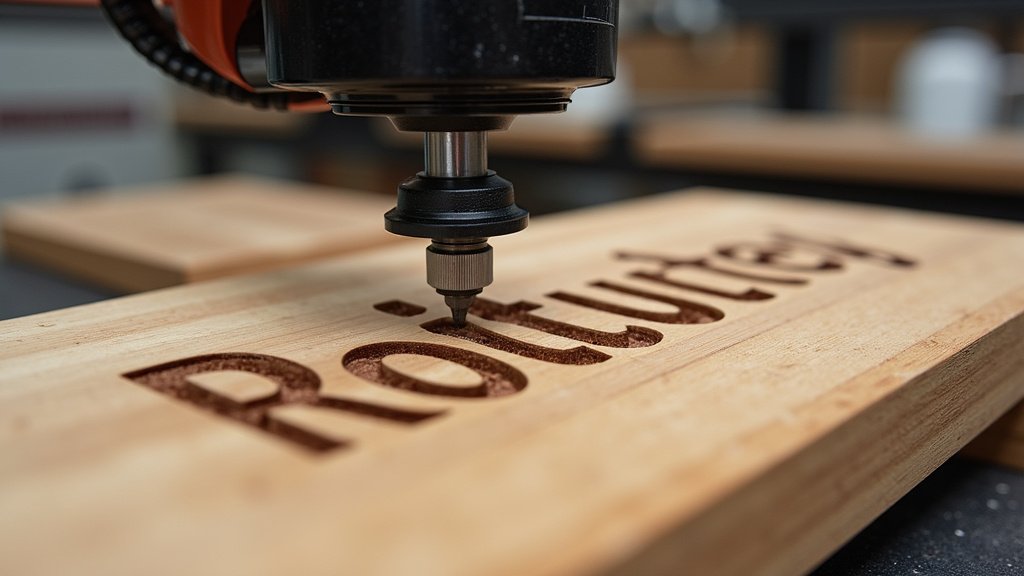
With your wood in place, your design loaded, and your settings dialed in, it’s time to press that button. Watch and learn as the laser does its precise work.
Monitoring the Engraving
Keep an eye on the laser engraver as it works. You should see a clear, bright beam of light tracing your design onto the wood. Pay attention to any unusual smoke or sparks. While some smoke is normal, excessive amounts could indicate an issue. Ensure your laser engraver’s exhaust system is functioning properly to vent fumes safely.
Many modern laser engravers have safety features that will stop the machine if something goes wrong. However, it’s always best practice to be present and observant. This allows you to intervene quickly if needed. We found that watching the process can be quite mesmerizing, like seeing your design come to life.
Troubleshooting Common Issues
Sometimes, things don’t go perfectly on the first try. If your engraving looks smudged, it could be due to excess soot. This can often be wiped away with a damp cloth or specialized cleaning solutions. If the engraving is uneven, double-check that your wood was perfectly flat and that your focal length was correct.
Burn marks around the edges of the engraving can sometimes happen. Adjusting the speed and power settings can help minimize this. If you notice the laser isn’t cutting or engraving deeply enough, revisit your power and speed settings. It’s a learning curve, and each piece helps you get better.
Finishing Your Engraved Wood Project
Once the laser has finished its work, you’re almost there! A few final steps will make your engraved name look polished and professional.
Cleaning After Engraving
After the engraving is complete, you’ll likely see some soot or dust left on the wood surface. Gently wipe away this residue. A soft brush, a clean cloth, or even a damp paper towel can work. For stubborn residue, a bit of isopropyl alcohol can be helpful. Be careful not to scrub too hard, as you don’t want to damage the engraved lines.
Some people like to use masking tape before engraving. You place the tape over the area to be engraved, and then engrave through it. This can help reduce soot and charring on the wood surface. After engraving, you peel off the tape, and the engraved area is often much cleaner. We found this technique to be quite effective for certain woods. Consider using masking tape before engraving to help reduce soot and charring on the wood surface.
Sealing and Protecting Your Engraving
To protect your beautiful engraved name and make it last, you should apply a finish. This seals the wood and can enhance the contrast of the engraving. Options include clear coats like polyurethane, lacquer, or even natural oils like mineral oil (especially for cutting boards).
Apply the finish according to the product’s instructions. Usually, this involves applying a thin, even coat and letting it dry completely. You might need to apply multiple coats for the best protection. For items like cutting boards that will come into contact with food, ensure you use a food-safe finish. Many guidelines recommend specific finishes for food-safe applications (FDA).
Here’s a quick checklist to help you remember the key steps:
- Prepare and clean your wood surface.
- Design your name in a suitable format.
- Test your laser settings on scrap wood.
- Position your wood correctly in the engraver.
- Monitor the engraving process closely.
- Clean and seal your finished piece.
With these steps, you’re well on your way to creating stunning personalized wood items. Happy engraving!
Conclusion
You’ve learned how to laser engrave a name onto wood, transforming simple materials into personalized keepsakes. Remember, success comes from careful preparation, thoughtful design, and precise laser settings. We found that even small details, like sanding your wood and testing your settings, make a big difference. Don’t be afraid to experiment on scrap pieces – that’s how you truly master the technique. Your next step? Gather your materials and try engraving a name on a piece of wood. You’ll be amazed at your creations!
Frequently Asked Questions
What’s the best type of wood for a beginner laser engraver?
For beginners, we recommend hardwoods like maple, cherry, or birch plywood. These woods offer a smooth grain and a good contrast when engraved, making it easier to achieve clear, crisp results. They are more forgiving than softer woods, which can sometimes burn unevenly.
Do I need special software to design the name?
Not necessarily! Many laser engravers come with user-friendly software that allows you to type text and adjust fonts directly. If you want more design freedom, you can use free vector graphics programs like Inkscape or paid options like Adobe Illustrator, saving your design as an SVG or DXF file.
How do I know what laser settings (power, speed, DPI) to use?
Start with the recommended settings provided by your laser engraver’s manufacturer for the specific type of wood you’re using. These are great starting points. Always perform test engravings on a scrap piece of the same wood to fine-tune these settings for the perfect depth and darkness.
Why is my laser engraving coming out faint or not deep enough?
A faint engraving usually means your laser isn’t powerful enough or is moving too fast. Try increasing the power setting or slowing down the engraving speed. Ensure your wood is properly focused with the laser head; an incorrect focal length can also lead to weak results.
How do I prevent burn marks or charring around the engraved name?
Excessive charring often comes from the laser staying on one spot for too long or having too much power. You can try increasing the engraving speed, slightly decreasing the power, or increasing the frequency (DPI) for more passes with less power. Some users also find applying masking tape over the wood before engraving helps minimize charring.
