
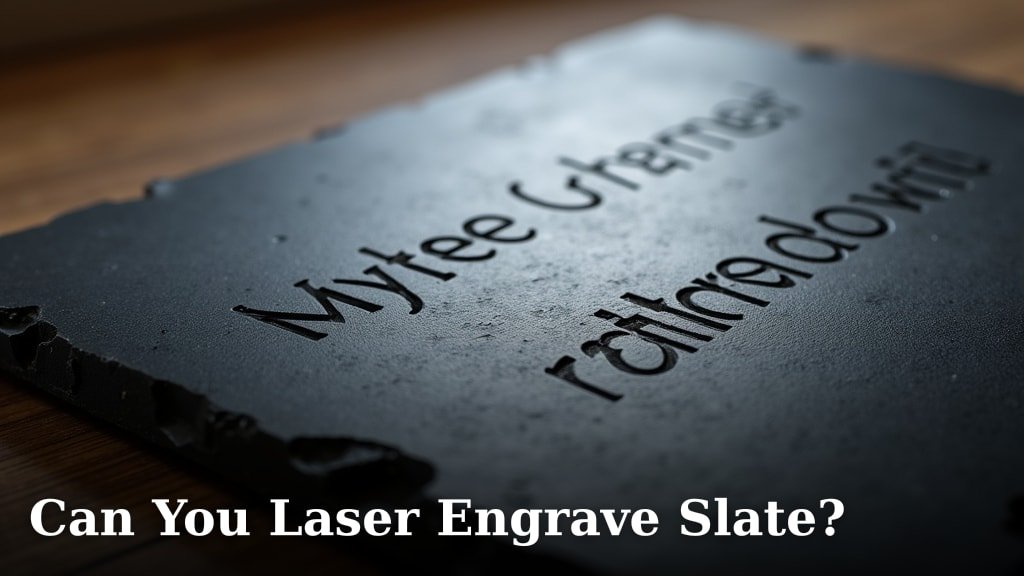
Yes, you absolutely can laser engrave slate! It’s a fantastic material for creating beautiful, personalized items. The laser burns away the top layers, revealing the natural stone underneath for a stunning contrast.
Many crafters and businesses love using slate for engraving. We found that it creates a crisp, permanent mark that really stands out. You can engrave everything from coasters and signs to unique gifts, giving your projects a high-end, natural look.
TL;DR:
- Laser engraving slate is very possible.
- It produces a clear, permanent mark.
- The process removes the top layer, showing the natural stone.
- It’s great for personalized items like coasters and signs.
- Offers a natural, premium finish.
Ready to turn that plain piece of slate into a work of art? Let’s walk through exactly how this works and what you need to know to get started.
Engraving Slate: The How-To and Why-To
Yes, laser engraving slate is a straightforward process when you know the basics. The laser beam removes a thin top layer of the slate, revealing the lighter, natural stone beneath. This contrast is what makes the engraving pop.
Think of it like scratching away a dark coating to show a lighter surface. That’s essentially what your laser does, but with incredible precision.
Understanding Slate as an Engraving Material
Slate is a natural, fine-grained rock. It’s formed from shale and clay minerals under pressure. This geological makeup is what gives slate its unique layered structure and relatively soft surface, making it ideal for laser work.
We found that not all slate is created equal. Some pieces might have more impurities or variations in hardness. This can affect how evenly your engraving appears. It’s part of the charm of working with natural materials!
Why Slate is a Favorite for Laser Engraving
Many crafters choose slate for its distinct advantages. First, it offers a beautiful natural aesthetic that synthetic materials can’t match. Each piece is unique, adding character to your finished product.
Second, the contrast achieved is often striking. The dark surface against the lighter engraved lines makes your designs very readable. We’ve seen this really impress people looking for a rustic yet refined look.
Finally, slate is quite durable. Once engraved, the design is permanent. It won’t fade or rub off, making it excellent for items meant to last.
The Right Laser for Engraving Slate
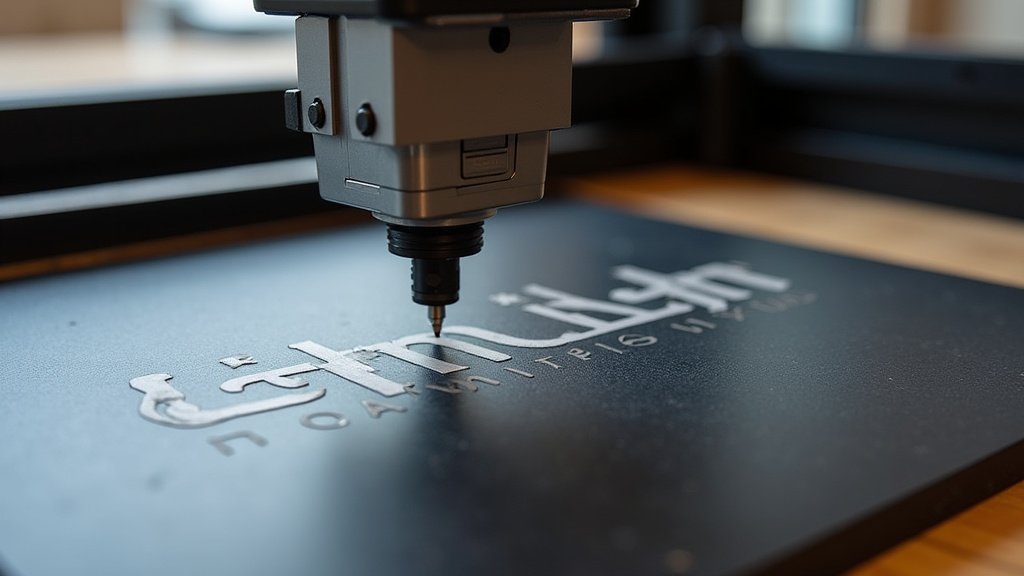
For engraving slate, a CO2 laser is your best friend. These lasers are excellent at engraving non-metal materials, and slate fits right into that category. Diode lasers can also work, but generally, CO2 lasers offer more power and precision for stone materials.
You don’t need an industrial-strength machine for most slate projects. Many desktop CO2 lasers are perfectly capable of producing fantastic results. It’s more about finding the right settings.
Optimal Laser Settings for Slate
Finding the perfect settings is key to a great engraving. We generally start with lower power and higher speed when testing. This helps prevent chipping or uneven etching.
Slate can vary in density, so always do a few test runs on a scrap piece. This will save you from potentially ruining your main project. Adjust power and speed incrementally until you achieve the desired depth and contrast.
- Power: Start around 20-30% for a CO2 laser. You might need more for deeper engraves.
- Speed: Begin with 200-300 mm/s. Faster speeds create lighter engraves.
- Resolution (DPI): 300-500 DPI usually gives good detail without being too slow.
Preparing Your Slate for Engraving
Preparation is simple but important. First, ensure your slate piece is clean and free of dust or debris. A quick wipe with a damp cloth and then drying it thoroughly usually does the trick.
Next, secure your slate firmly on the laser bed. You don’t want it moving during the engraving process. Some people use clamps, while others rely on the weight of the slate itself. Just make sure it’s stable.
Finally, check your laser’s focus. An in-focus laser beam will give you the crispest lines and best detail. Most laser machines have an auto-focus feature or a simple manual method to set this correctly.
Step-by-Step Slate Engraving Process
Ready to start engraving? Here’s a simple checklist to guide you. It’s easier than you might think!
- Design Your Artwork: Create your design in graphic software (like LightBurn, CorelDRAW, or Adobe Illustrator). Ensure it’s sized correctly for your slate.
- Import to Laser Software: Load your design into your laser’s control software.
- Set Parameters: Input your power, speed, and frequency settings. Remember those test runs!
- Position Your Slate: Place your slate on the laser bed and ensure it’s level and secure.
- Set Focus: Adjust your laser’s focus to the top surface of the slate.
- Run a Test Frame: Use your laser’s framing function to ensure the design fits perfectly on your slate piece.
- Start Engraving: Hit that start button and watch the magic happen!
Always stay near your machine while it’s working. It’s good practice to monitor the process for any unexpected issues.
What to Engrave on Slate: Project Ideas
The possibilities are vast! Slate’s natural beauty makes it perfect for a variety of personalized items. We’ve seen some truly creative uses.
Popular Slate Engraving Projects
Here are some popular ideas that customers love:
- Coasters: A classic choice! Engrave names, logos, or intricate designs.
- Serving Boards: Perfect for cheese or charcuterie. Add family names or witty sayings.
- House Signs: Give homes a touch of rustic elegance with engraved address plaques.
- Garden Markers: Label herbs or plants with durable, weather-resistant slate.
- Pet Memorials: A thoughtful way to remember beloved pets with engraved names and dates.
- Wall Art: Engrave scenic images or custom designs for unique home decor.
Troubleshooting Common Slate Engraving Issues
Even experienced engravers run into bumps. Don’t worry; most problems have simple solutions. We’ve gathered some common issues and how to tackle them.
Uneven Engraving or Chipping
If your engraving looks inconsistent or parts are chipping, it often points to a few things:
- Power Too High: Excessive power can cause the slate to chip or create a “blown out” look. Try reducing the power slightly.
- Focus Issues: If your laser isn’t perfectly focused, the energy dispersal can be uneven. Re-check your focus.
- Slate Quality: Sometimes, the slate itself has natural imperfections or varying densities. This is harder to fix, but adjusting power can sometimes help even it out.
- Dirty Lens: A dirty lens can diffuse the laser beam, leading to weaker or uneven engraving. Clean your lens regularly (NIH).
Experiment with settings on scrap pieces. A slight adjustment can make a big difference.
Faint Engraving or Lack of Contrast
Is your design barely visible? This usually means the laser isn’t removing enough material or the contrast isn’t strong enough.
- Power Too Low: The most common culprit. Increase your laser power in small increments.
- Speed Too High: If the laser moves too fast, it doesn’t have enough time to remove material. Slow down your speed.
- Incorrect Focus: An out-of-focus beam won’t deliver enough energy to the surface. Double-check your focal length.
Remember, the goal is to reveal the lighter stone beneath. If it’s not showing, you need more interaction between the laser and the slate.
Safety Considerations for Laser Engraving Slate
Working with lasers always requires caution. Your safety is paramount. We always advise following basic laser safety protocols.
Essential Safety Practices
Always take these precautions when operating your laser:
- Wear Eye Protection: Use certified laser safety glasses specific to your laser’s wavelength.
- Ensure Ventilation: Engraving slate can produce fine dust and a smoky odor. Good ventilation is crucial to protect your lungs.
- Supervise Operation: Never leave your laser machine unattended while it’s running.
- Keep a Fire Extinguisher Nearby: While slate isn’t flammable, it’s good practice to have one on hand for any laser operation.
These steps help keep you and your workspace safe. Laser engraving is a fantastic hobby and business, but safety first, always.
Conclusion
You’ve learned that laser engraving slate is not only possible but also incredibly rewarding. It allows you to transform simple stone into personalized art. With the right CO2 laser, careful settings, and a bit of practice, you can create stunning pieces. We’ve covered everything from choosing your slate to troubleshooting common issues, ensuring you’re ready to start.
Don’t be afraid to experiment with different designs and power settings on scrap pieces. Your unique creations will surely impress. Now, go ahead and give it a try – your next beautiful slate project is waiting!
Frequently Asked Questions
Does engraved slate need a sealant?
Generally, you don’t need to seal engraved slate for most indoor uses like coasters or signs. The engraving is permanent. However, if your slate will be exposed to harsh outdoor elements or frequent washing, a food-safe sealer can help protect the surface and potentially enhance the engraved contrast over time.
What color does slate engrave?
When you laser engrave slate, the dark top layer is removed, revealing the natural lighter gray or sometimes brownish-gray stone underneath. This creates a distinct, high-contrast effect that makes your designs stand out beautifully against the darker unengraved surface.
Can I engrave on polished or treated slate?
While you can engrave some polished or treated slate, results may vary. Polished surfaces can sometimes create a glare or reflect the laser differently, affecting engraving quality. Always test on a small, inconspicuous area first. For best results, we usually recommend working with natural, unsealed slate.
How thick can slate be for laser engraving?
The maximum thickness of slate you can engrave depends on your laser machine’s Z-axis clearance and focus range. Most desktop lasers can accommodate slate up to about 1/2 inch thick comfortably. Always check your specific laser engraver’s specifications for its maximum material height.
Is the engraving on slate truly permanent?
Yes, laser engraving on slate is considered permanent. The process physically removes material from the stone’s surface, creating a recessed design. This means the engraving won’t fade, rub off, or wash away like a printed image. It’s etched directly into the stone itself.
