Acrylic Engraving With Photos Ideas: What to Make
Photo engraved acrylic can become a light-catching portrait, memorial plaque, award, keychain, night-light panel, or personalized sign. Choose a clear design, prepare the image in grayscale, and match the project size to the photo detail.
On this page (9 sections)
- What can you make with a photo engraved on acrylic?
- Which acrylic photo engraving ideas suit gifts?
- How do you prepare a photo for acrylic engraving?
- Does clear acrylic work better than colored acrylic?
- Can photo engraved acrylic become a night-light?
- How can you combine acrylic photos with wood?
- Which personalized products pair with photo acrylic gifts?
- How do you choose the right photo project size?
- What are the best acrylic engraving with photos ideas for your next project?
Acrylic engraving with photos ideas include portrait plaques, memorial panels, wedding signs, awards, keychains, ornaments, night-light inserts, desk displays, and personalized signs. Clear acrylic works well for photographs because engraved areas scatter light and stand out against the sheet.
The best project depends on the photo, viewing distance, and use. A close portrait can suit a keychain, while a group photo usually needs a larger panel with fewer surrounding details.
What can you make with a photo engraved on acrylic?
You can turn one photograph into a gift, display piece, or part of a larger laser-cut design. The strongest ideas give the image enough room to stay recognizable and add only a few words or shapes.
Portrait plaques
A portrait plaque works for family gifts, pet memorials, graduation displays, and desk decorations. Use one main subject and leave a clean border so the face does not blend into the edge.
A clear panel can be mounted against a dark backing or displayed near a light source. Avoid decorative lines that compete with the photograph.
Memorial panels
A memorial panel can combine a portrait, name, dates, and a short message. Keep the text readable from the expected viewing distance, and choose a photo with a simple background.
For a related material idea, see Mixing Wood & Acrylic: Creative Laser Project Ideas. A wood base can give a clear acrylic panel a stable display shape without covering the image.
Personalized signs
Photo engraved acrylic can become a welcome sign, family name sign, wedding display, or small business plaque. A single photo works best when the sign also contains a name or date.
Plan the layout before engraving. Keep the photo away from holes, corners, and cut lines, which can make important details harder to read.
Which acrylic photo engraving ideas suit gifts?
The best gift projects are small enough to display, personal enough to remember, and simple enough for the photo to remain clear. For another personalized material, browse laser engraving ideas for leather.
Portraits, couple photos, pet images, and milestone pictures work well when the design has strong contrast.
Acrylic photo gifts can include desk plaques, ornaments, keychains, refrigerator pieces, small signs, and light-up panels. Add the recipient's name only when it improves the design.
Acrylic keychains
A photo keychain suits a single face, pet, logo, or simple symbol. Crop the image tightly and leave enough acrylic around the edge for strength.
Small projects lose fine detail quickly, so avoid busy group photos.
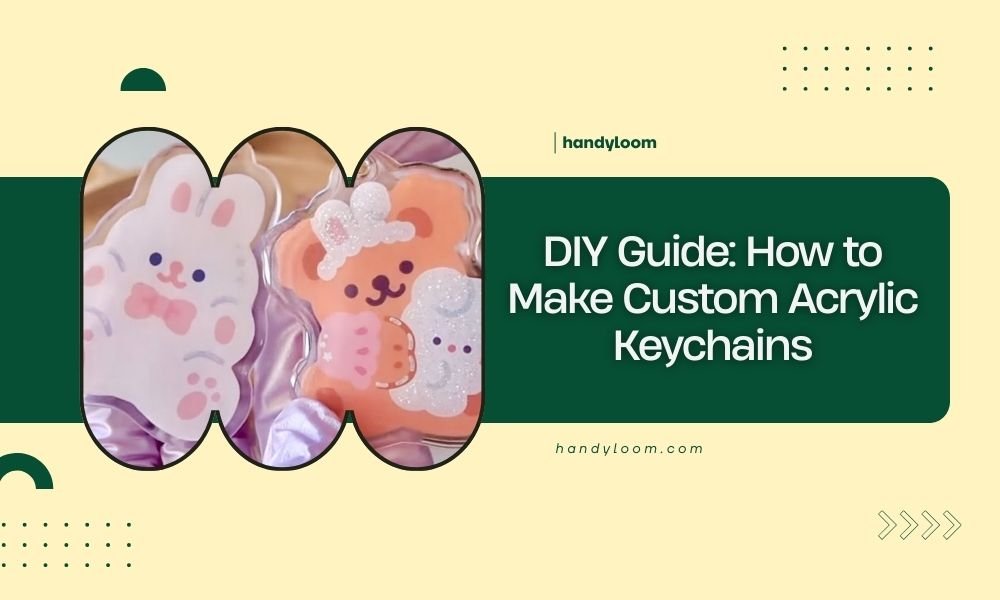
The guide to DIY Guide: How to Make Custom Acrylic Keychains covers the shape and personalization side. For photo work, keep the image simpler than the surrounding text or outline.
Awards and keepsakes
A photo can make an award feel personal when it shows a team, event, graduate, or recipient. Use a large image area, a short title, and a date or achievement line.
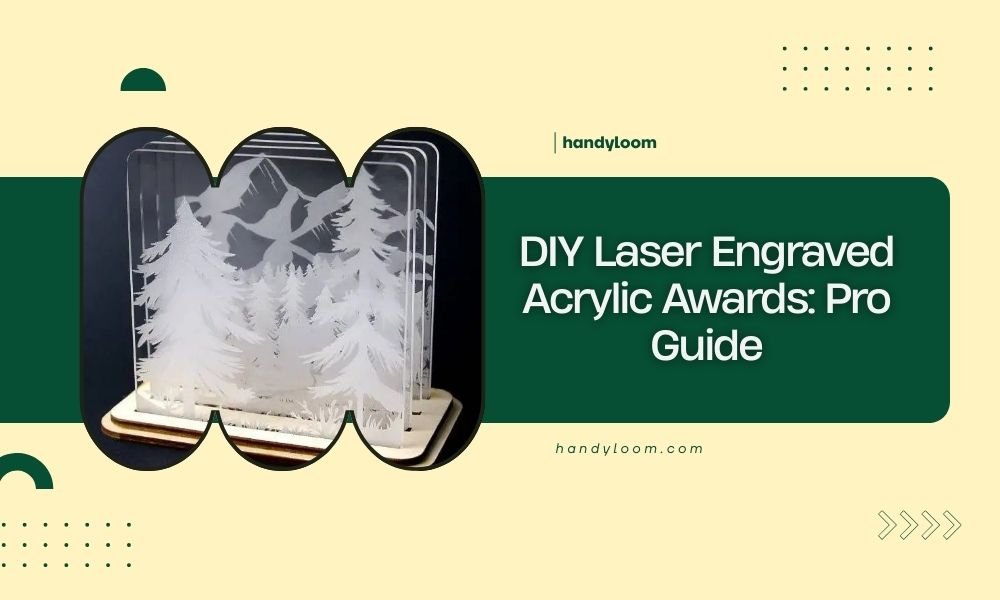
For more layout ideas, read DIY Laser Engraved Acrylic Awards: Pro Guide. Awards need readable text, a stable base, and open space around the photo.
How do you prepare a photo for acrylic engraving?
Prepare the photo by cropping it, removing distracting background details, converting it to grayscale, and checking contrast at the final size. A laser cannot restore detail that disappears during resizing.
Start with the face or main shape. Increase separation between light and dark areas only as needed.
Excessive contrast can remove hair, clothing, or background features that help the image look natural.
Dithering can turn grayscale information into dots that the laser marks. The right setting depends on the machine, acrylic, and software, so test a small area before using the final sheet.
View the artwork at the size and distance where it will be seen. A photo that looks detailed on a monitor may need a simpler crop for a small ornament.
The Best Laser Engraver For Photo Engraving can help you compare machine features. Check the machine's approved materials and operating instructions before cutting or engraving.
Does clear acrylic work better than colored acrylic?
Clear acrylic is usually best for light-catching portraits and panels, while colored, opaque, and mirror sheets create stronger surface contrast. Neither option suits every design.
Clear acrylic lets you use a backing, LED base, or frame to change how the image appears. Engraving the back can leave the front smooth, but the artwork must be mirrored so it reads correctly from the viewing side.
Opaque acrylic can make the engraved area easier to see without a separate backing. Dark sheets may provide strong contrast, but the final appearance still depends on the finish.
Mirror acrylic can create a reflective gift, sign, or decorative panel. Reflection may compete with a detailed portrait, so use a clean image and simple layout.
Browse What Can You Make with Laser Cut Mirror Acrylic? for projects that use reflection.
Test the exact sheet before producing several copies. A corner test can show whether the image needs more contrast or a larger final size.
Can photo engraved acrylic become a night-light?
Yes, a clear engraved panel can become a night-light insert or illuminated desk display when it fits a compatible base. Light passing through the engraved marks can make the image easier to see in a dim room.
Choose a photo with clear outlines and keep important facial details away from the bottom edge, where the panel may enter a base. Leave enough blank acrylic below the artwork for mounting.
A night-light design can use a pet portrait, family photo, skyline, nursery image, or memorial. Keep the text short and place it where the light will not make the letters blend into the photo.
Confirm the material instructions, panel thickness, and base opening before cutting the final piece.
How can you combine acrylic photos with wood?
Wood and acrylic work well together when the acrylic carries the image and the wood provides a frame, base, or backing. For a small project, see wooden laser-cut buttons.
This gives a flat engraving more structure without covering the photo.
A wood base can hold a vertical portrait panel. A wood frame can surround a clear image and create a warm border.
You can also place a small acrylic photo in a layered sign with names or dates on the wood.
Choosing the wood partner
Pick a base shape that supports the acrylic without crossing the engraved area. Keep the photo centered and make the slot or mounting area easy to measure.
Personalized wood gifts can sit beside an acrylic panel at a celebration. The GIFTS TO ENGRAVE Personalized Cutting Board uses bamboo, has a rectangular 16 x 11 in option, includes 3 text inputs, and is designed for hand washing.
{{product B0BPGHJ7YX}} The listing describes a bamboo personalized board that can serve as a separate engraved gift beside an acrylic photo display.
This board suits wedding, anniversary, engagement, bridal shower, and housewarming gifting. It has grooves and side handles, and the care instruction is hand wash only.
Which personalized products pair with photo acrylic gifts?
Personalized cutting boards can pair with photo acrylic gifts when the occasion calls for a practical keepsake plus a display piece. They can build a coordinated set for weddings, anniversaries, housewarmings, or family events.
The Barika Personalized Cutting Board is wood, measures 15 x 10 x 0.75 in, and accepts 4 text inputs. Its recommended uses include bread, cheese, fruit, meat, and vegetables, with hand wash care.
{{product B0C13ZYYM6}} The listing describes a wood board with multiple text inputs for a matching name, date, or short message beside an acrylic photo gift.
Use the acrylic for the portrait or event image, then use the board for a short personal message. Keep the wording different on each piece so the set feels planned.
If the board will be used with food, follow its hand wash instruction. Measure the available kitchen or serving area before choosing among the size choices.
How do you choose the right photo project size?
Choose the size by counting the important details in the image and matching them to the viewing distance. One face can work in a small piece, while a group or detailed scene needs more room.
Use a small project for a single pet outline, initials, or simple head-and-shoulders portrait. Choose a larger plaque for several people, a landscape, or a photo with fine clothing and hair detail.
Leave a clear margin around the artwork. This protects the design from cut edges, mounting holes, and corners while giving the eye space around the image.
Make a small test before using the final sheet. Compare the light and dark areas, check the smallest text, and inspect faces at the expected viewing distance.
What are the best acrylic engraving with photos ideas for your next project?
The best acrylic engraving with photos ideas follow one rule: use a simple image for a small gift and a larger, cleaner layout for a display panel. Portrait plaques, memorials, awards, keychains, signs, and night-light inserts all work when the image has room to stay readable.
Choose clear acrylic for light effects, opaque sheets for direct contrast, and mirror acrylic when reflection supports the design. Pair acrylic with wood when you need a frame or base, and prepare every photo in grayscale before testing.
For a practical gift set, pair an acrylic portrait with a personalized bamboo or wood cutting board.
Frequently asked questions
What can you make with photo engraved acrylic?
You can make portrait plaques, memorial panels, wedding signs, awards, keychains, ornaments, night-light inserts, desk displays, and small gifts. Clear acrylic works well for photographs because engraved areas scatter light and contrast with the smooth surface.
Pick a simple image when the finished piece will be small.
What photo works best for acrylic engraving?
A sharp photo with one clear subject, good lighting, and visible contrast usually gives the best starting point. Remove clutter, crop tightly, and convert the image to grayscale before testing.
A busy background or several faces can lose detail when reduced to a small acrylic panel.
Should acrylic photo engraving be mirrored?
Mirror the artwork when you plan to engrave the back of clear acrylic and view the image through the front. This protects the engraved surface from handling and gives the front a smooth appearance.
If you engrave the viewing side, keep the image in its normal orientation.
Can you engrave photos on colored acrylic?
Yes, but the result depends on the sheet color, finish, and contrast between the engraved marks and the surface. Clear acrylic is useful when you want light to pass through the panel, while opaque or mirror acrylic creates a different visual effect.
Test a small corner first.