
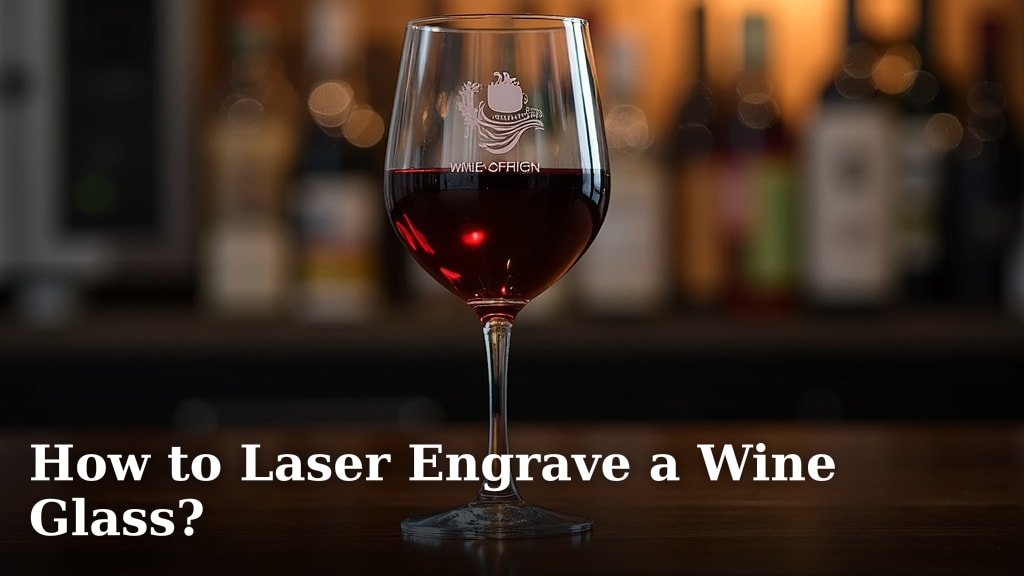
Yes, you can absolutely laser engrave wine glasses! It’s a fantastic way to create personalized gifts or unique items for your home. With the right laser engraver and settings, you can achieve crisp, permanent designs on glass surfaces without damaging them. Many crafters and businesses use this method for its precision and professional finish.
Laser engraving on glass works by creating a frosted or etched effect. The laser beam precisely removes a microscopic layer of the glass surface. This process is surprisingly safe when done correctly, often requiring simple safety glasses. It’s a popular technique for making custom glassware for events like weddings or for unique branding on drinkware.
- Laser engraving creates a frosted effect on wine glasses.
- It’s a permanent personalization method.
- Safety precautions, like wearing glasses, are important.
- It’s suitable for gifts, events, and business branding.
Let’s walk through exactly how to get started with laser engraving your own wine glasses. We’ll cover what you need and the basic steps.
Getting Started with Laser Engraving Your Wine Glasses
You’re ready to transform plain wine glasses into personalized works of art! It’s easier than you might think. Laser engraving offers a clean, permanent way to add your touch. This guide will walk you through the essential steps and considerations.
What You’ll Need for Your Engraving Project
Before you fire up the laser, gather your supplies. Having everything ready makes the process much smoother. Think of it like preparing ingredients before baking a cake.
The Laser Engraver Itself
First, you need a laser engraver. Not all lasers are created equal, so ensure yours is suitable for glass engraving. Fiber lasers are excellent for metal, but for glass, a CO2 laser is generally preferred. Some diode lasers can also engrave glass, but they might require a spray coating for better contrast. Always check your laser’s manual for material compatibility.
Your Wine Glasses
What kind of wine glasses can you engrave? Most standard glass items work well. This includes stemmed wine glasses, tumblers, and even beer mugs. Avoid heavily tinted or coated glass, as the laser might not interact with it as expected. Thin, delicate glass can also be trickier to work with, so starting with a sturdier option is wise.
Design Software and Files
You’ll need software to create or import your design. Popular choices include Adobe Illustrator, CorelDRAW, or even free options like Inkscape. Your design needs to be in a vector format (like SVG, AI, or DXF) for the cleanest results. Raster images (like JPG or PNG) can work, but the engraving might appear less sharp.
Safety Gear
Safety is non-negotiable. You’ll need laser safety glasses. These aren’t your everyday sunglasses. They are specifically designed to block the wavelength of your laser, protecting your eyes from harmful reflections. Always wear them when the laser is operating. A well-ventilated area or an exhaust system is also important to clear any fumes.
Optional: Marking Spray or Paste
Some materials, especially certain types of glass, benefit from a marking spray or paste. This creates a darker, more visible contrast after engraving. Common options include metal marking spray or even a paste made from dishwasher detergent and water. This step is often found to be helpful for achieving a frosted look.
Preparing Your Wine Glass for Engraving
A little preparation goes a long way. Cleaning and properly positioning your glass ensure a flawless final product. You don’t want smudges or fingerprints interfering with your design.
Clean the Surface Thoroughly
Start by washing your wine glass. Remove any dust, oils, or fingerprints. A clean glass surface allows the laser to interact directly with the material. Use soap and water, then dry it completely with a lint-free cloth. You want a perfectly clean canvas.
Secure the Glass in Your Laser Engraver
This is a critical step for success. Most laser engravers have a flat bed. Wine glasses are curved, which presents a challenge. You’ll need a way to hold the glass steady and ensure it rotates smoothly if your design wraps around. Many users employ rotary attachments designed for cylindrical objects. If you don’t have one, you might need to improvise with custom jigs or supports to keep the glass from wobbling during the engraving process. A stable glass is key to an undistorted design.
Consider Laser Marking (If Needed)
If you’re aiming for a high-contrast, dark engraving, applying a marking compound is the way to go. Spray a thin, even coat over the area to be engraved. Allow it to dry according to the product’s instructions. This compound will burn away during the laser process, leaving a darker mark behind.
Setting Up Your Laser Engraver for Glass
Getting the settings right is where the magic happens. Glass engraving is different from wood or acrylic. You need to find that sweet spot for a perfect etch without causing damage.
Understanding Laser Settings for Glass
Laser settings involve power, speed, and frequency (or DPI). These parameters interact to determine the depth and appearance of your engraving. You’ll likely need to experiment a bit.
Power and Speed
Glass generally requires a moderate to high power setting. However, you need to move the laser quickly. Too much power or too slow a speed can cause the glass to crack. Many experts suggest starting with a power level of around 40-70% and a speed of 100-200 mm/s. These are just starting points, so always test on a scrap piece first.
Frequency (PPI or DPI)
Frequency, often measured in pulses per inch (PPI) or dots per inch (DPI), controls how many laser pulses hit the material. For glass, a lower frequency (around 200-500 PPI) often works best. This helps create a frosted effect rather than a deep, potentially damaging cut. A higher DPI can lead to a finer detail but might require more passes or different power settings.
Focus and Air Assist
Proper focus is crucial for any laser engraving. Ensure your laser is focused correctly on the glass surface. Air assist is also important; it blows a stream of air onto the engraving spot. This helps clear debris and can reduce the risk of thermal shock, which could crack the glass. Many find that a moderate air assist setting is beneficial.
Testing and Calibration
Never engrave your final piece without testing first! This is where you dial in those perfect settings.
The Importance of Test Engravings
Find a similar piece of glass – maybe an old jar or a spare wine glass. Use it to test different power, speed, and frequency combinations. You’re looking for a crisp, frosted appearance that is permanent and doesn’t show signs of stress or cracking. It might take several tries to get it just right for your specific machine and glass type.
Adjusting Based on Results
Did the engraving come out too faint? Try increasing the power slightly or slowing down the speed. Is it too deep or showing stress cracks? Reduce the power, increase the speed, or adjust the frequency. Keep a log of your settings and the results. This reference will be invaluable for future projects.
| Parameter | Typical Range | Notes |
|---|---|---|
| Power | 40% – 70% | Start lower and increase if needed. |
| Speed | 100 mm/s – 200 mm/s | Faster speeds reduce heat buildup. |
| Frequency (PPI) | 200 – 500 | Lower frequency for frosted effect. |
| Focus | Set precisely on glass surface | Crucial for detail and preventing stress. |
| Air Assist | Moderate | Helps with cooling and debris removal. |
Remember: These are general guidelines. Always test on a scrap piece first!
The Engraving Process and Finishing Touches
With your settings dialed in and your glass prepped, you’re ready for the main event. Follow these steps for a successful engraving and a beautiful finished product.
Executing the Engraving Run
Once your laser is calibrated and your design is loaded, it’s time to engrave. Double-check that your glass is secure and the focus is correct. Then, initiate the engraving job. Stay nearby and monitor the process, especially during the first few runs. Watch for any unusual sounds or signs of distress from the glass.
Post-Engraving Cleaning
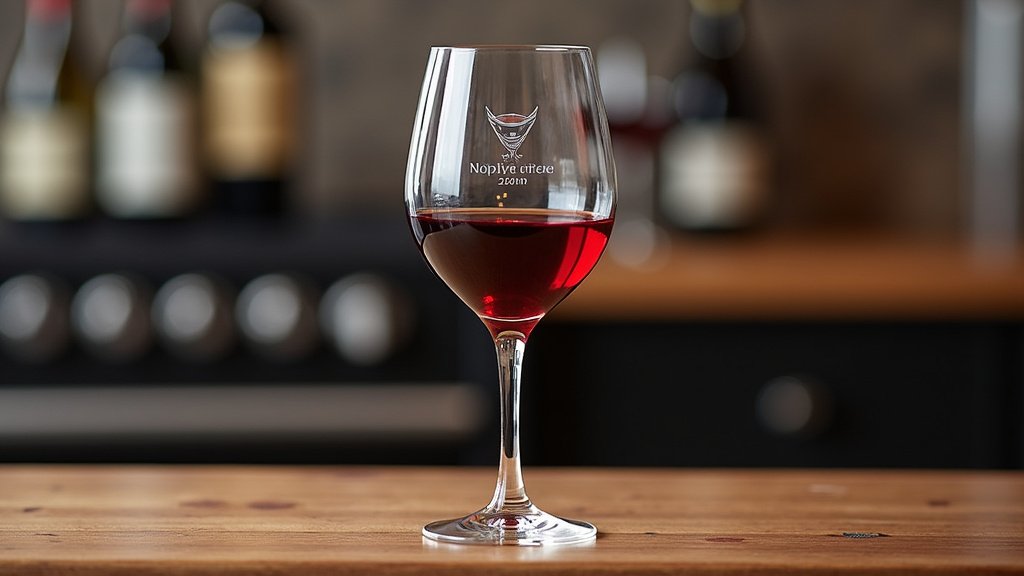
After the laser has finished its work, you’ll need to clean the glass. If you used a marking spray or paste, you’ll need to remove the residue. A simple wipe with a damp cloth or a bit of rubbing alcohol usually does the trick. Gently clean the engraved area to reveal the crisp, frosted design underneath. Sometimes, a gentle scrub with a soft brush is needed for stubborn residue.
Final Inspection
Take a moment to admire your handiwork! Inspect the engraved design closely. Ensure the lines are clean and sharp. Check for any unintended marks or imperfections. If you’re happy with the result, congratulations! You’ve successfully laser engraved a wine glass.
What if it’s Not Perfect?
Don’t get discouraged if your first attempt isn’t flawless. Laser engraving on glass can have a learning curve. Perhaps the contrast isn’t what you wanted, or there’s a slight imperfection. Most minor issues can be addressed by fine-tuning your settings and trying again. Remember that the learning process itself is part of the fun!
Your Checklist for Laser Engraving Wine Glasses
Here’s a quick rundown to ensure you don’t miss a step:
- Gather all your supplies: Laser engraver, suitable glasses, design software, safety gear.
- Clean the glass surface thoroughly.
- Secure your glass properly using a rotary attachment or jig.
- Perform test engravings on scrap glass to find optimal settings.
- Wear your safety glasses throughout the entire process.
- Clean the engraved glass gently to reveal the design.
Conclusion
You’ve learned the essential steps to laser engrave your own wine glasses, transforming them into personalized treasures. From selecting the right equipment and materials to mastering the settings and executing the engraving, you’re now equipped to create stunning custom drinkware. Remember that practice makes perfect, so don’t shy away from test runs. Your next step is to gather your supplies, choose your first design, and confidently fire up your laser engraver. Get ready to impress with your custom creations!
Frequently Asked Questions
Can any laser engraver etch glass?
Not all laser engravers are ideal for glass. CO2 lasers are generally recommended for their effectiveness on glass. While some diode lasers can work, they might require special coatings for better results. Always check your engraver’s specifications for material compatibility.
How do I prevent wine glasses from cracking during engraving?
Preventing cracks involves precise settings and careful handling. Use moderate power settings with a higher speed, and ensure your glass is stable and properly focused. Air assist also helps manage heat buildup, reducing the risk of thermal shock that can cause the glass to break.
What is the best way to secure a wine glass on a flat laser bed?
Securing a curved wine glass on a flat bed is challenging. Using a rotary attachment designed for cylindrical objects is the most effective method. If that’s not an option, you might need to create custom jigs or supports to keep the glass from wobbling during the engraving process.
How can I make the engraved design on the wine glass more visible?
To enhance visibility, you can use a laser marking spray or paste. Apply a thin, even layer to the glass surface before engraving. This compound burns away with the laser, leaving a darker, more contrasted etched mark. Cleaning after engraving will reveal this enhanced design.
Is it safe to drink from a laser-engraved wine glass?
Yes, it is safe to drink from a laser-engraved wine glass, provided the engraving was done correctly. The laser etching creates a permanent frosted effect on the outer surface of the glass. It doesn’t penetrate deeply or release harmful substances into your beverage.
