
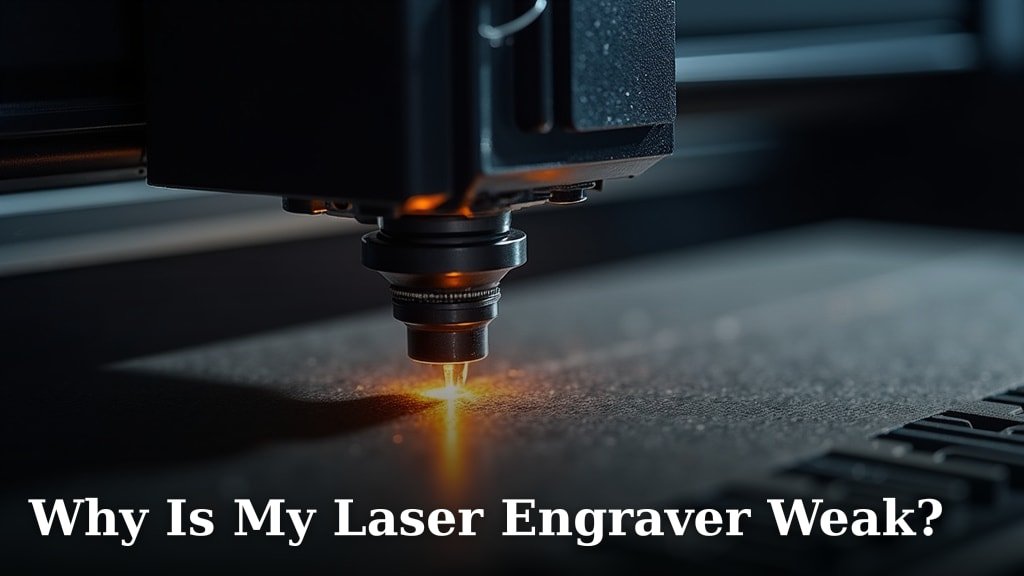
A weak laser engraver is often caused by a few common culprits, typically related to power settings, focus, or the condition of your laser lens. You might be experiencing less-than-ideal engraving results because your machine isn’t delivering enough power or the laser beam isn’t hitting your material correctly. We found these to be the most frequent reasons for underperforming engravers.
It can be frustrating when your laser engraver doesn’t perform as expected. Many users find that simple adjustments can make a huge difference in engraving quality. Looking into your laser’s optics and ensuring the correct material settings are applied are key steps many successfully take to boost their engraver’s performance and get those crisp, deep marks you’re aiming for.
- Power settings might be too low.
- Laser focus could be incorrect.
- Dirty or damaged lenses reduce power.
- Material type can affect engraving depth.
- Software settings might not match your material.
Let’s dive into why your laser engraver might be feeling a little underpowered and what you can do about it.
“`htmlTroubleshooting a Weak Laser Engraver Performance
It’s disheartening when your laser engraver isn’t producing the crisp, deep marks you expect. You might wonder, “Why is my laser engraver so weak?” Often, the answer lies in a few common, fixable issues. We’ve found that addressing these can dramatically improve your engraving quality.
Think of your laser engraver like a high-performance car. If it’s not tuned up correctly, it won’t win any races. We see this most often with power settings, focus, and the cleanliness of your laser’s optics. Let’s get your engraver back to its full potential.
Is Your Laser Power Set Correctly?
One of the most frequent reasons for weak laser engraving is simply that the power output is too low. It sounds obvious, but settings can easily be missed or misunderstood.
Understanding Power Percentages
Laser engravers often have a power setting that goes from 0% to 100%. If you’re engraving on wood, for example, and your power is set to 10%, you won’t get much of a mark. You need to match the power to the material’s density and your desired depth.
We found that for harder materials like dense hardwoods or acrylics, you’ll need higher power settings. Softer woods or certain plastics might require less power to avoid burning or melting too much. It’s a balancing act.
Material Settings Matter
Your laser software usually has pre-set material settings. These are a great starting point, but they aren’t always perfect. Sometimes, these defaults are conservative to prevent users from damaging their machines or materials. You might need to experiment with higher power or slower speeds than what the software suggests.
For instance, if you’re engraving on a new type of wood, the default setting might be for pine. If you’re using oak, which is much harder, you’ll likely need to increase the power significantly. Many users overlook this simple step.
Checking Your Laser Module’s Health
Even with the right settings, a struggling laser module won’t perform well. Over time, components can degrade. This is especially true for the laser diode itself. If your laser module is older or has seen heavy use, its maximum power output might have decreased.
We found that if your laser has been running for thousands of hours, it’s possible its power capacity has naturally reduced. You might need to compare its current performance to its original capabilities, if known. This is less common with newer machines but worth considering for older ones.
The Critical Role of Laser Focus
A perfectly focused laser beam is like a sharp pencil; it can draw fine lines and achieve deep marks. An unfocused beam is more like a dull crayon, creating a weak, blurry impression. Getting the focus right is absolutely essential.
What Is Correct Laser Focus?
Correct focus means the laser beam is at its narrowest point when it hits the surface of your material. The laser diode emits light, which travels through a lens to concentrate it into a tiny, high-energy spot. If this spot is too large or too far from the material’s surface, the energy is spread out, leading to weak engraving.
Think of a magnifying glass on a sunny day. You need to adjust the height of the magnifying glass to concentrate the sun’s rays into a single, hot point. Your laser lens works similarly. Getting the distance between the lens and material just right is key.
How to Achieve Proper Focus
Most laser engravers have a method for focusing. Some have a manual adjustment screw, while others use a digital readout or a physical jig. Always refer to your specific machine’s manual for the best procedure.
A common technique involves using a calibration card or a simple ruler. You position the laser at the expected height, then move the laser head up or down slightly. You’ll often see a small dot or line on a test piece of material. You want the smallest, brightest dot possible. We found that making this adjustment precisely can make a world of difference in mark depth and clarity.
Factors Affecting Focus Consistency
Materials have different thicknesses. If you switch from a thin piece of cardstock to a thick block of wood, you’ll need to refocus. Even slight variations in material thickness can impact your focus. Always double-check focus for each new job or material batch.
We also found that the stability of your material on the build plate matters. If your material shifts or isn’t perfectly flat, the focus point can vary across the surface. Ensure your material is securely held down and level.
Optics: The Eyes of Your Laser
The lenses and mirrors in your laser engraver are its optical system. They guide and shape the laser beam. If these components are dirty, damaged, or misaligned, the laser’s power and precision will suffer.
The Impact of a Dirty Lens
Over time, smoke and debris from your engraving projects can accumulate on the laser lens. This buildup acts like a filter, blocking or scattering some of the laser’s energy before it reaches your material. A dirty lens is one of the most common culprits for reduced power.
We highly recommend cleaning your laser lens regularly. A specialized lens cleaner and a lint-free cloth are usually sufficient. Treat the lens gently; it’s a delicate part. Many experts say that a clean lens can restore 10-20% of lost power.
Inspection for Damage
Laser lenses can also get damaged. Small nicks, chips, or even subtle scratches can affect the beam’s quality. If you’ve had a backfire or a component fall, inspect your lens carefully. Look for any imperfections.
Similarly, mirrors can become coated with soot or get scratched. These also need to be kept clean and in good condition. A quick wipe down with a proper mirror cleaner might be all that’s needed. If you see visible damage, it’s likely time for a replacement part.
Mirror Alignment Issues
Laser engravers often use a series of mirrors to direct the laser beam from the source to the point of engraving. If these mirrors are not perfectly aligned, the beam might not hit the lens correctly or might arrive at an angle, reducing its effectiveness.
Misalignment can cause the beam to be weaker or even miss the target entirely. Laser alignment is a bit more technical. You might need to use alignment cards or special laser alignment tools. Many service manuals provide detailed instructions for checking and adjusting mirror alignment. This is often a two-person job or requires patience.
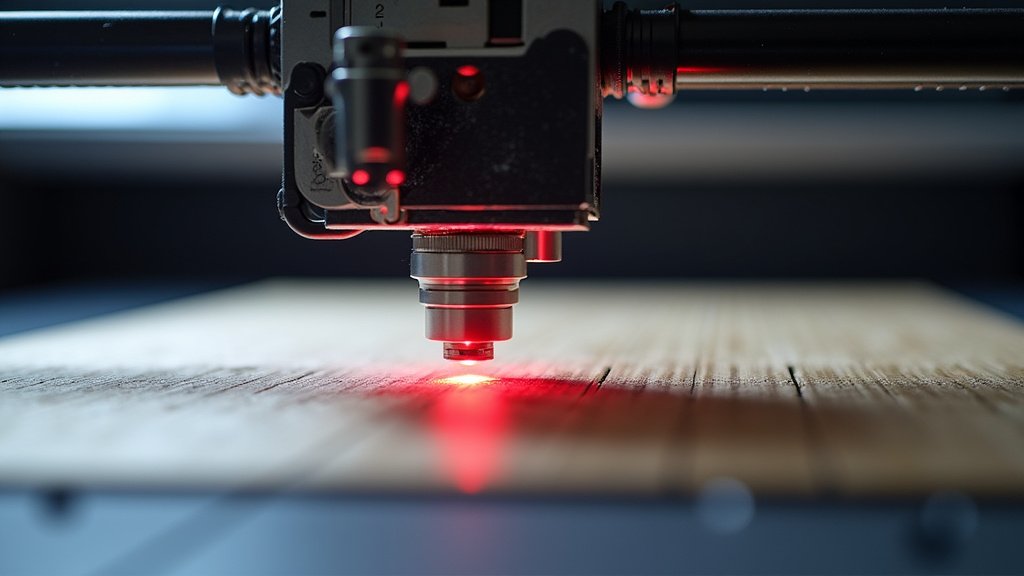
Material Compatibility and Settings
Not all materials engrave the same way. The type of material you’re using plays a huge role in how deep and well your laser engraver can make a mark.
Understanding Material Properties
Dense materials like certain hardwoods or metals require more power and often slower speeds to engrave effectively. Softer materials like basswood or cork might engrave with less power but can easily scorch if the settings are too aggressive.
We found that materials also behave differently based on their color and density. For example, dark acrylics generally engrave better than clear or light-colored ones. The laser light is absorbed differently by each type. Always research the specific material you’re working with.
Speed vs. Power Trade-offs
There’s a constant trade-off between speed and power. If you’re engraving too fast, the laser doesn’t have enough time to interact with the material deeply enough, resulting in a weak mark. If you slow down your engraving speed, you can often use less power and still achieve a good result.
Consider this: if your laser is set to a high power but is moving very quickly, it’s like trying to paint a wall with a spray can that’s moving too fast – you get a light, uneven coat. Slowing down allows the laser energy to build up and create a more defined mark.
Software and Machine Communication
Sometimes, the issue isn’t with the laser hardware itself but how your computer software is communicating with the engraver. Incorrect settings or glitches can lead to poor performance.
Driver and Firmware Updates
Ensure your laser engraver’s drivers and firmware are up to date. Manufacturers often release updates to improve performance, fix bugs, and enhance compatibility. Outdated software can sometimes cause communication errors that lead to weaker laser output.
Check your manufacturer’s website regularly for any new updates. Installing them is usually straightforward, but always follow the instructions carefully. We’ve seen cases where a simple firmware update resolved weak engraving issues.
File Types and Resolution
The type of file you’re sending to your laser engraver can also impact the quality. Vector files (like SVG, AI, DXF) are generally preferred for line-based engraving and cutting because they scale without losing quality. Raster files (like JPG, PNG, BMP) are made of pixels.
If you’re engraving a raster image with low resolution, the laser might struggle to interpret the fine details, leading to a weaker or blockier output. Ensure your raster images have a high enough DPI (dots per inch) for the size of your engraving.
Here’s a quick checklist to help you troubleshoot:
- Double-check your laser’s power percentage settings.
- Verify that your material settings in the software match your actual material.
- Clean your laser lens and mirrors meticulously.
- Ensure your laser is properly focused on the material surface.
- Test with a different material or a known good setting.
- Check for any available driver or firmware updates for your engraver.
Conclusion
You’ve learned that a weak laser engraver performance usually stems from fixable issues. We’ve seen that checking your power settings, ensuring proper laser focus, and maintaining clean optics are your first lines of defense. Don’t forget to consider material compatibility and software updates too. By systematically addressing these points, you can get your engraver back to producing those crisp, satisfying marks.
Your next step is to grab your machine’s manual and start a thorough inspection using this guide. You’ve got this!
Frequently Asked Questions
How often should I clean my laser engraver’s lens?
We recommend cleaning your laser lens at least once a week, or more often if you engrave frequently or use materials that produce a lot of smoke. Keeping the lens clean is one of the simplest ways to maintain consistent laser power and performance.
My laser seems weaker on certain materials. Is this normal?
Yes, this is very normal. Different materials absorb and reflect laser energy differently. Denser or darker materials typically require higher power settings or slower speeds for effective engraving compared to softer or lighter ones. Always test your settings on a scrap piece.
Can a slow engraving speed fix a weak laser?
Yes, slowing down your engraving speed often compensates for a perceived weak laser. When the laser moves slower, it has more time to interact with the material, allowing for a deeper, more defined mark even at lower power settings. It’s a common trade-off to experiment with.
What should I do if my laser engraver feels generally weaker than when it was new?
If your laser engraver’s performance has noticeably decreased over time, it might indicate that the laser diode or other components are degrading due to age and usage. You may need to consult your manufacturer about potential part replacements or recalibration.
Is it possible to over-focus my laser engraver?
It’s more about achieving the correct focal distance than “over-focusing.” If the laser beam isn’t concentrated at the material’s surface, the engraving will be weak. Always aim for the smallest, brightest dot possible on your material to ensure optimal focus for maximum power density.
“`