
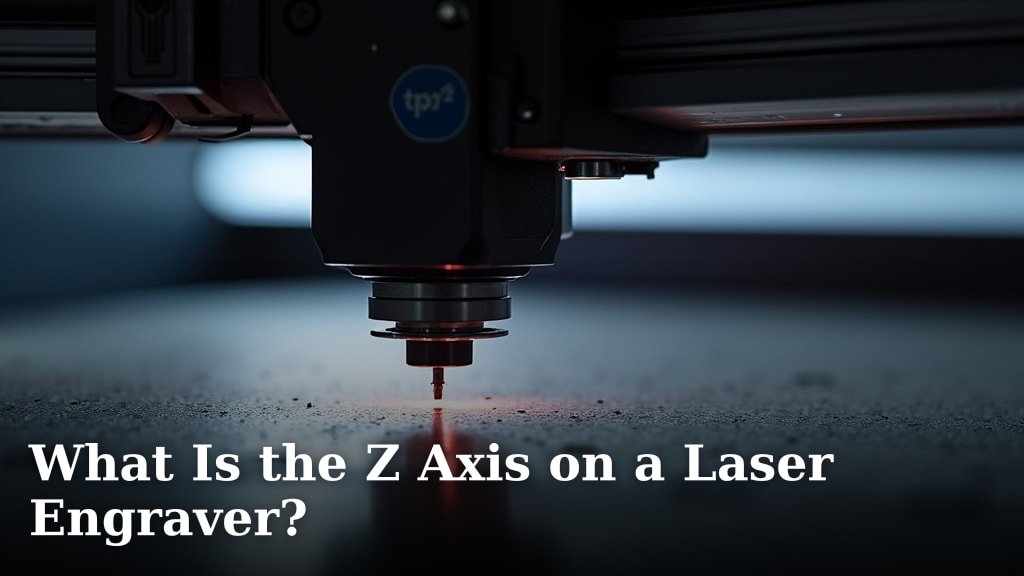
The Z axis on your laser engraver controls the focus and the height of the laser head. It lets you adjust how far away your material is from the laser lens. This adjustment is key for achieving clean, precise engravings. Think of it as fine-tuning your camera’s focus.
Many laser engravers have an automatic Z axis, which is super convenient. Others use a manual knob or screw. Understanding the Z axis helps you get the best results on different materials. It ensures your laser beam hits the material at the perfect distance for a crisp cut or etch.
- The Z axis moves the laser head up and down.
- It’s essential for focusing the laser beam on your material.
- Proper Z axis settings ensure clean, sharp engravings.
- Automatic Z axes adjust height for you; manual ones require your input.
Let’s walk through exactly how the Z axis works and how you can use it to improve your laser engraving projects.
Understanding Your Laser Engraver’s Z Axis Movement
The Z axis is your laser engraver’s secret weapon for perfect results. It controls the vertical position of the laser head. This means it dictates the distance between your laser lens and the material you’re working on. Getting this distance just right is key for sharp details and clean cuts.
Think of it like focusing a camera. If the lens is too close or too far from your subject, the image will be blurry. Your laser engraver is similar. The Z axis helps you find that sweet spot for the clearest possible engraving or cut. We’ll show you how it works and why it matters.
How the Z Axis Affects Laser Engraving Quality
The Z axis plays a direct role in how well your laser engraver performs. Its primary function is to allow you to adjust the laser’s focal point. When the laser beam is correctly focused, it’s at its most concentrated power. This allows for precise etching and cutting.
Focusing the Laser Beam
A laser beam isn’t like a light bulb that shines everywhere. It’s more like a tiny, incredibly powerful spotlight. When it’s focused, all its energy is directed into a very small spot. The Z axis moves the laser head up or down to bring that tiny spot into perfect alignment with the surface of your material. This is how you achieve that crisp, detailed look.
The Science of Focal Length
Every laser lens has a specific focal length. This is the distance at which the lens brings light rays to a single point. For laser engraving, this point is where the magic happens. If your material is too far from this focal point, the beam spreads out. This leads to wider, weaker cuts and less detailed engraving.
Conversely, if the laser head is too close, the beam might not have fully converged to its smallest point. The result is often a less defined edge or a shallower engraving. Finding the optimal distance is where the Z axis shines.
Adapting to Different Materials
One of the biggest advantages of controlling the Z axis is its ability to handle various materials. Different materials have different thicknesses. You’ll also be engraving on different types of surfaces, like wood, acrylic, leather, or metal.
For example, engraving on a thin piece of veneer requires a different Z axis setting than engraving on a thick block of wood. The Z axis lets you compensate for these differences. It ensures the laser is always working at the correct distance for optimal results on whatever you’re engraving.
Material Thickness and Z Height
The thickness of your material is a primary factor in setting your Z axis. If your material is 1/4 inch thick, you’ll need to position the laser head differently than if it’s 1/2 inch thick. Many laser engraving software programs have settings where you can input the material thickness.
This often helps the software calculate an approximate Z height. However, manual adjustments are sometimes necessary. We found that a slight tweak can make a big difference in the final output quality. It’s worth experimenting to find the perfect height.
Achieving Clean Edges and Cuts
When you’re cutting through materials, the Z axis is just as important as when you’re engraving. A well-focused beam can slice through materials cleanly. This leaves sharp, smooth edges that don’t require a lot of post-processing. If the laser isn’t focused correctly, you might end up with a jagged cut or a melted edge.
We found that for cutting, it’s often beneficial to have the laser slightly focused just below the surface of the material. This allows the beam to enter the material cleanly and cut its way through. The Z axis control gives you that precision. It’s a technique many experienced users employ.
Types of Z Axis Mechanisms
Laser engravers come with different ways of controlling the Z axis. Understanding these will help you know what to expect and how to operate your machine. The main types are manual and automatic.
Manual Z Axis Control
On many entry-level or older laser engravers, you’ll find a manual Z axis. This usually involves a knob or a screw mechanism located on the laser head assembly. You physically turn this knob or screw to raise or lower the laser head.
To set the focus with a manual Z axis, you typically use a gauge or a tool. This tool has a specific thickness that represents the focal length of your laser. You’ll place the gauge between the laser lens and your material. Then, you adjust the Z axis until the laser head rests on the gauge. This ensures the lens is at the correct height. Many users find this method reliable with a little practice.
Automatic Z Axis Control
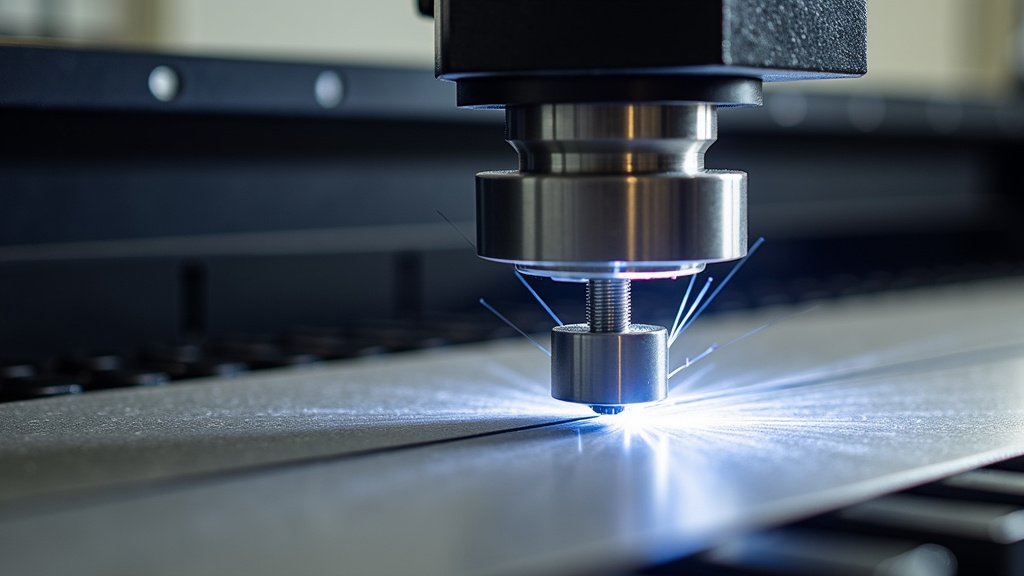
Automatic Z axis systems are a major convenience. These systems use motors and sensors to automatically adjust the height of the laser head. They can also automatically focus the laser.
How does it work? Often, the laser engraver software communicates with the machine. You might input the material thickness, or the machine might have sensors. The laser head then moves up or down to the correct Z height. Some advanced machines can even scan the material surface to find the perfect focus point automatically. This significantly speeds up the setup process.
Advantages of Automation
The primary benefit of an automatic Z axis is its ease of use and speed. For users who work with a wide variety of materials or frequently change jobs, this feature is a lifesaver. It reduces the chance of human error in focusing. This can lead to more consistent results across multiple projects.
We found that automatic Z axes can also improve engraving quality on uneven surfaces. The system can dynamically adjust the Z height as it moves across the material. This keeps the laser perfectly focused even on slightly warped or textured materials. It’s a feature that truly enhances precision.
How to Set Your Z Axis Correctly
Getting the Z axis setting right is crucial for your engraving or cutting projects. It’s a step that shouldn’t be rushed. Here’s a general approach that works for most situations.
Consult Your Laser Engraver’s Manual
Your laser engraver’s manual is your best friend. It will detail the specific Z axis mechanism on your machine. It will also provide recommended settings or methods for focusing. Always start by reading what the manufacturer advises. They know their machine best.
Using the Material Thickness Method
For most materials, the Z axis is set based on their thickness. You’ll need to accurately measure your material. Then, you’ll adjust the laser head to achieve the correct distance from the material’s surface to the laser lens. This might involve using a focus gauge or entering the thickness into your software.
If your material isn’t perfectly flat, you might need to set the Z height to the average thickness. Or, you might focus on the highest point of the material for engraving. For cutting, you might want to focus slightly below the material’s surface. This takes a bit of trial and error.
Performing a Test Engraving or Cut
Before committing to a large project, always perform a test run. Engrave a small sample on a scrap piece of the same material. You can test different Z axis settings or focus points. Look closely at the results.
Are the lines sharp? Is the depth consistent? If not, adjust the Z axis slightly and test again. We found that making even 0.1mm adjustments can sometimes yield noticeable improvements. Patience here saves frustration later.
Common Z Axis Setting Checklist
- Measure your material’s thickness accurately.
- Check your laser engraver’s manual for specific instructions.
- Use a focus gauge or alignment tool if available.
- Input material thickness into your software if using automatic Z axis.
- Perform a small test engraving on scrap material.
- Adjust Z height slightly based on test results if needed.
Troubleshooting Common Z Axis Issues
Sometimes, you might run into problems with your Z axis. Don’t worry, most issues are solvable with a little troubleshooting.
Blurry or Inconsistent Engravings
This is almost always a focusing problem. Double-check that your Z axis is set to the correct height for your material. Ensure your laser lens is clean. Dust or debris on the lens can interfere with the beam’s focus. We found that a dirty lens is a very common culprit for blurry results.
Laser Not Cutting Through Material
If your laser isn’t cutting, it could be a Z axis issue. If the focus is too high, the beam might not be concentrated enough. It might be losing power. Ensure the Z axis is set correctly, and consider focusing slightly below the material surface for cutting. You might also need to increase your laser power or slow down your cutting speed.
Z Axis Not Moving Correctly
If you have an automatic Z axis and it’s not moving, check for any obstructions. Make sure the motors are connected properly. Sometimes, a simple reboot of the engraver and its software can resolve communication errors. For manual Z axes, ensure the screw mechanism isn’t jammed or stripped.
Conclusion
You’ve learned that your laser engraver’s Z axis is the key to precise focus and height control. It directly impacts the quality of your engravings and cuts by managing the distance between the laser lens and your material. Whether you have a manual or automatic system, understanding its role helps you adapt to different materials and achieve cleaner results. Don’t skip the test runs! Experimenting with Z axis settings, even small adjustments, will lead to more professional-looking projects. Now, go set that Z axis with confidence and make your next project shine!
Frequently Asked Questions
How do I know the correct Z axis setting for a new material?
Always start by measuring your material’s thickness accurately. Consult your laser engraver’s manual for recommended settings or methods. For many, using a focus gauge or inputting the material thickness into your software is a good starting point.
Can a dirty laser lens affect my Z axis focus?
Yes, absolutely. A dirty or smudged laser lens can scatter the beam, making it impossible to achieve a sharp focus even with the correct Z axis setting. Regularly clean your lens according to your manufacturer’s instructions.
What’s the difference between focusing for engraving and focusing for cutting?
For engraving, you want the beam’s focal point directly on the material’s surface for maximum detail. When cutting, we found it can be beneficial to focus the beam slightly below the material’s surface to ensure a clean, efficient cut through the entire thickness.
My automatic Z axis isn’t moving. What should I check first?
First, check for any physical obstructions around the laser head that might be preventing movement. Ensure all cables are securely connected. Sometimes, a simple restart of both the engraver and the control software can resolve communication errors.
Is it better to have a manual or automatic Z axis?
An automatic Z axis offers greater convenience and speed, especially if you work with many different materials. However, manual Z axes are perfectly capable of producing excellent results with a little more user input and practice. The best choice depends on your budget and workflow.
