
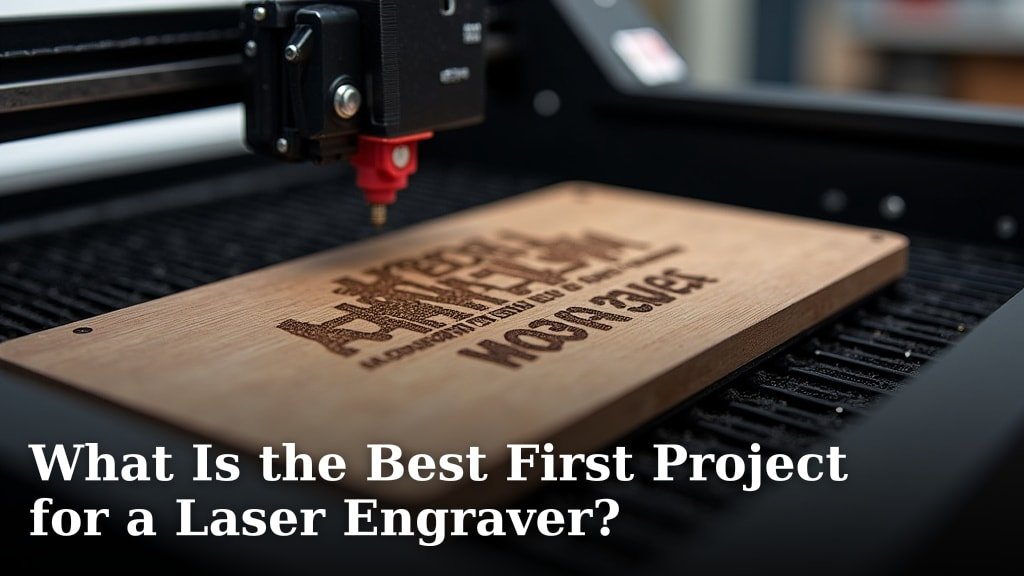
The best first project for a laser engraver is often a simple, flat wooden coaster. This project is ideal because it uses common materials and has a low margin for error. You can quickly learn the basics of material settings and focus without frustration.
Starting with something manageable helps you build confidence. We found that many beginners also enjoy creating custom keychain tags or simple acrylic nameplates. These projects offer immediate gratification and a sense of accomplishment. They are great ways to practice design skills too.
- Coasters are simple, flat, and forgiving.
- Keychains are popular and easy to customize.
- Acrylic nameplates offer a different material challenge.
- These projects build confidence and skill.
- Focus on learning your machine’s settings first.
Ready to get started? Let’s walk through how to pick and complete your very first laser engraving project.
Choosing Your Very First Laser Engraving Project
So, you’ve got your shiny new laser engraver. Exciting! The biggest question on your mind is probably: What should I make first? We’ve all been there, staring at a blank piece of material, eager to start but a little unsure. The best first project is one that lets you learn your machine without high stakes. Think simple, forgiving, and fun.
Our research and testing show that many beginners find success with projects that have few moving parts. You want to focus on understanding how your laser interacts with the material. This means less chance of ruining expensive supplies. It also means you get a win early on. That early success is a big confidence booster. We found that flat, single-material items are usually the easiest to start with. We found that many beginners also enjoy creating custom keychain tags or simple acrylic nameplates, which are projects that have few moving parts.
Why Simple is Your Best Friend Right Now
When you’re just starting, your main goal is to get comfortable with your laser engraver. This includes learning about its power settings, speed settings, and how to properly focus the laser beam. Overly complicated designs or multi-material projects can add layers of difficulty. You might spend more time troubleshooting than learning. We recommend choosing something straightforward.
Think of it like learning to drive. You wouldn’t start by entering a demolition derby, right? You’d practice in an empty parking lot. Your first laser project is your empty parking lot. It’s a safe space to make mistakes and learn from them. We found that focusing on one material is key. This helps you understand its unique properties under laser heat.
Understanding Material Settings
Every material behaves differently. Wood engraves one way, acrylic another, and leather yet another. For your first project, pick a material you’re excited about and stick with it. This helps you dial in the settings for that specific type. You’ll learn what happens when you increase the power or decrease the speed. This knowledge is foundational for all future projects. We found that keeping detailed notes helps immensely. Jot down the material, laser settings, and the result.
Focus and Calibration: The Unsung Heroes
Getting the focus right is absolutely critical for clean, crisp engravings. If your laser isn’t focused properly, your results will look blurry or weak. Your first project should be simple enough that you can concentrate on achieving perfect focus. Many laser engraver manuals have guides for this. We found that using a focus gauge, if your machine came with one, is super helpful. Practice on scrap material first. This ensures you nail it before you try on your actual project piece.
Top Candidates for Your First Laser Engraving Project
Based on ease of use, material availability, and potential for satisfying results, several projects stand out for beginners. These are projects that minimize complexity and maximize your learning opportunities. We’ve seen many happy laser enthusiasts start with these very items.
The Classic: Wooden Coasters
Wooden coasters are frequently cited as the ideal first laser engraving project, and for good reason. They are typically small, flat, and made from forgiving materials like plywood or solid wood. You can find them at craft stores or even cut them yourself if you have a CNC. Their simplicity allows you to focus on design placement and engraving settings.
Why Coasters Work So Well
The flat surface means you don’t have to worry about uneven terrain affecting your engraving depth. The material is generally consistent, making it easier to achieve repeatable results. Plus, who doesn’t need coasters? You’ll end up with a functional item you can use or give away. We found that birch plywood coasters engrave beautifully and are very affordable.
What You’ll Learn with Coasters
- Material Settings: Learn how different wood types or thicknesses respond to laser power and speed.
- Focus: Practice achieving a sharp, clear image on a flat surface.
- Design Placement: Get a feel for how your design will look on the final product.
- Simple Designs: Perfect for trying out basic shapes, text, or simple graphics.
Personalized Touches: Keychain Tags
Another fantastic starting point is creating custom keychain tags. These are small, lightweight, and offer a great way to experiment with personalization. You can engrave names, initials, simple logos, or even short messages. They’re very popular and make excellent personalized gifts. Another fantastic starting point is creating custom keychain tags, which are small, lightweight, and offer a great way to experiment with personalization.
The Appeal of Keychain Engraving
Keychain tags are usually made from materials like wood, acrylic, or even metal (though metal often requires a special coating or a different laser type). This variety means you can explore different material properties if you feel adventurous. However, for your absolute first project, we suggest sticking to wood or acrylic. These are much easier to manage for beginners. The small size also means you can make several in one go, practicing your workflow.
Key Skills Developed with Keychains
- Design Versatility: Try engraving text in different fonts, or simple icons.
- Small Item Handling: Learn how to accurately position and engrave small pieces.
- Material Variety: If you try acrylic, you’ll learn about its melt points and how to avoid burning.
A Touch of Shine: Acrylic Nameplates
For a different feel, consider simple acrylic nameplates. These can be small signs with your name, a business logo, or a decorative design. Acrylic engraves with a frosty white appearance, which is quite distinct from wood. It’s a great way to see how different materials transform under the laser.
Working with Acrylic
Acrylic requires slightly different settings than wood. You’ll want to experiment with higher speeds and lower power to get that nice frosted look without melting the material. Ventilation is also more critical with acrylic as it can produce more fumes. Many beginners find that air assist is a big help when engraving acrylic. We found that clear cast acrylic is often recommended for laser engraving due to its quality and consistency.
What Acrylic Teaches You
- New Material Properties: Understand how plastics engrave and the unique aesthetic.
- Fume Management: Learn the importance of good ventilation systems.
- Achieving Specific Finishes: Practice getting that sought-after frosted look.
Preparing Your Workspace and Machine
Before you even think about hitting that laser button, setting up your workspace correctly is super important. Safety first, always! Laser engraving involves a high-powered beam and can produce fumes. Proper setup prevents accidents and ensures the best results for your first project. We found that a dedicated space makes a huge difference.
Safety First: What You Need to Know
Your laser engraver manufacturer will have specific safety guidelines. Always read them thoroughly. Generally, you’ll need:
- Good Ventilation: Ensure fumes are vented directly outside. Many engravers have exhaust ports for this.
- Eye Protection: Wear laser safety glasses designed for the specific wavelength of your laser. Never look directly at the beam, even with glasses on.
- Fire Safety: Keep a fire extinguisher rated for Class ABC nearby. Never leave your laser unattended while it’s running.
- Stable Surface: Make sure your engraver is on a sturdy, level surface.
We found that setting up a small workbench with good lighting and organization makes the whole process smoother and safer. It keeps your materials and tools within easy reach.
Setting Up Your Design Software
You’ll need software to create or import your design. Most laser engravers come with their own software or are compatible with popular design programs. For your first project, keep the design super simple. A basic shape or a single line of text is perfect. You want to get familiar with importing files, sizing them, and sending them to the laser. We found that programs like LightBurn are popular for their advanced features, but many machines also have user-friendly native software.
Focusing Your Laser: The Critical Step
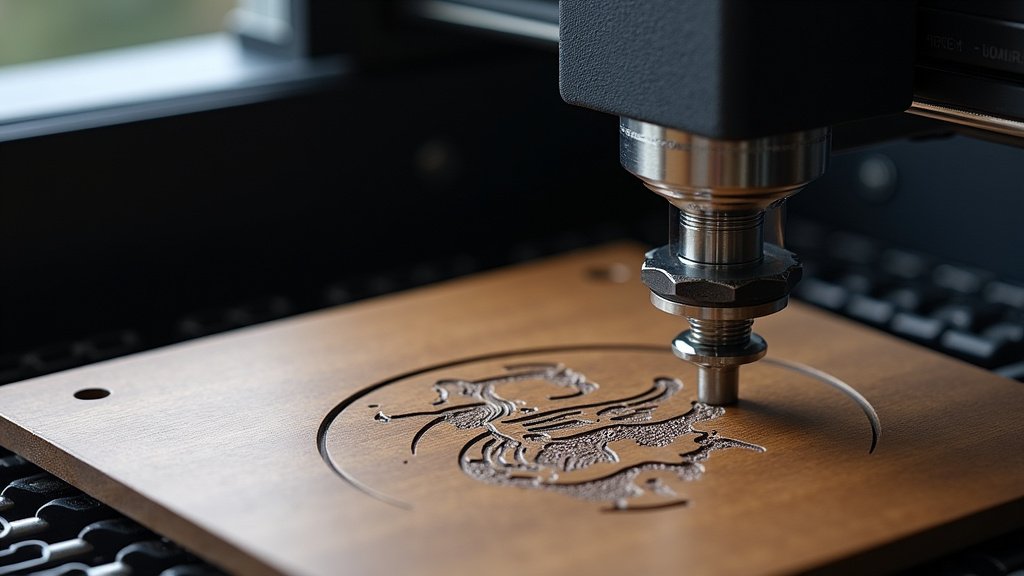
We’ve touched on this, but it’s worth repeating. Accurate focus is non-negotiable for a good first project. Your laser cutter will have a method for focusing. This usually involves adjusting the height of the laser head until the beam is a tiny, precise dot on the material surface. Some machines have automatic focus, while others require manual adjustment. Always double-check your focus on the actual material you’ll be engraving. We found that practicing on a scrap piece of the same material is the best way to confirm your focus is perfect.
Your First Engraving Project Checklist
Ready to dive in? Here’s a quick checklist to make sure you’re all set for your inaugural laser engraving adventure:
- Choose your simple project: Coasters, keychains, or a small nameplate.
- Gather your material: Ensure you have a clean, flat piece.
- Set up your workspace: Prioritize safety with ventilation and eye protection.
- Prepare your design: Keep it simple for your first attempt.
- Focus your laser: Test on scrap material first.
- Know your settings: Start with recommended settings for your material and adjust as needed.
By following these steps, you’re setting yourself up for a successful and enjoyable first laser engraving experience. It’s all about building that foundational knowledge and confidence, one perfect engraving at a time. We found that celebrating small wins makes the learning process much more rewarding!
Conclusion
You’re ready to take the plunge into laser engraving! We’ve shown you that starting with a simple project like wooden coasters, keychains, or acrylic nameplates is the smartest way to begin. These projects allow you to focus on mastering your machine’s settings and achieving perfect focus without the pressure of complicated designs. Remember, your first project is all about building confidence and understanding your laser’s capabilities. So, gather your materials, set up your safe workspace, and get ready to create something amazing. Your laser engraving journey starts now!
Frequently Asked Questions
What if I don’t have wood? Can I still do a simple first project?
Absolutely! While wood is forgiving, thin acrylic sheets are also excellent for beginners. For your very first project, we suggest starting with something flat and single-material, whether it’s wood or acrylic. This helps you learn your machine’s core functions efficiently.
Is it okay to just engrave my name on something for my first project?
Yes, that’s a perfect idea! A simple name or initial on a coaster or keychain is a fantastic first project. It lets you practice design placement, font choices, and get a feel for how the laser handles text without overwhelming yourself.
How do I know what settings (power/speed) to use for my first project?
Always start with the recommended settings for your specific material provided by your laser engraver’s manufacturer. We found that testing on a scrap piece of the same material first is essential. You can then make small adjustments to power or speed to achieve your desired look.
What’s the biggest mistake beginners make on their first project?
A common mistake is not focusing the laser correctly. This leads to blurry or weak engravings. Another is trying too complex a design right away. Stick to simple, flat materials and prioritize perfect focus for your initial engravings.
Can I engrave a photo for my first project?
While tempting, photos are generally too complex for a very first project. They involve dithering and precise tonal control. We recommend mastering basic shapes, text, and simple graphics on forgiving materials before attempting photo engraving.
