
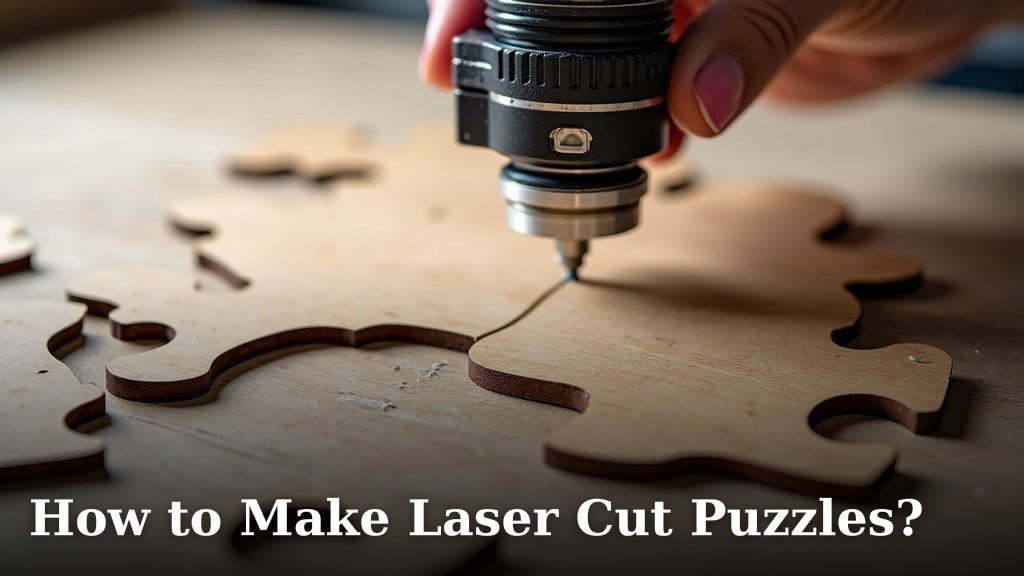
Making laser cut puzzles is a fantastic way to create unique gifts or even start a small business. You can definitely make your own laser cut puzzles with the right equipment and design software. It’s a fun process that results in satisfyingly precise pieces.
This hobby combines your creativity with cool technology. We’ve found that starting with a simple design is best for beginners. You’ll need a laser cutter, of course, and some knowledge of vector graphics to prepare your artwork.
- Design your puzzle using software like Adobe Illustrator or Inkscape.
- Choose your material – wood and acrylic are popular choices.
- Set up your laser cutter with the correct settings for your material.
- Cut out your puzzle pieces and clean up any edges.
- Assemble your creation!
Ready to get started? Let’s walk through exactly how to make laser cut puzzles step by step.
Creating Your Own Laser Cut Puzzles
Making your own laser cut puzzles is a super rewarding craft. It lets you turn a digital design into a physical, tactile object. You can personalize them for friends, family, or even sell them. We’ve found the process to be quite addictive, so be warned!
Designing Your Puzzle: The Blueprint for Fun
Before your laser cutter can do its magic, you need a design. This is where your creativity really shines. Think about the final look and feel you want for your puzzle.
Choosing Your Design Software
You’ll need software that works with vector graphics. Vector files describe shapes using mathematical equations, which lasers can precisely follow. Popular choices include Adobe Illustrator, CorelDRAW, and Inkscape. Inkscape is a great free option for beginners.
When you’re designing, remember that the laser will cut along the lines you draw. So, your lines need to form closed shapes for the individual puzzle pieces. You’ll also need to plan for the “keyways” – the tabs and slots that connect the pieces.
Key Elements of a Laser Cut Puzzle Design
A good puzzle design isn’t just random shapes. There are a few key things to consider:
- Piece Shape: The interlocking tabs and slots need to be consistent.
- Size: How large do you want your finished puzzle to be?
- Piece Count: More pieces mean a more challenging puzzle.
- Image/Pattern: What will be on the surface of your puzzle?
Many designers create a base shape for the puzzle, like a circle or rectangle. Then, they add a network of cuts to form the individual pieces. You can even find puzzle generators online that help create the interlocking cuts for you. These can save a lot of time!
Selecting Your Material: The Canvas for Your Creation
The material you choose will greatly affect the look, feel, and durability of your puzzle. Wood and acrylic are the most common choices for laser cutting. Learn what is the best acrylic for laser cutting to ensure a quality finish.
Wood: The Classic Choice
Plywood, especially birch or maple, is excellent for laser cut puzzles. It’s sturdy and has a beautiful natural grain. You can get it in various thicknesses, like 1/8 inch (3mm) or 1/4 inch (6mm). Thicker wood makes for a more substantial puzzle.
When cutting wood, you might notice a slight burn mark along the edges. This is normal. It gives the puzzle a nice, rustic look. You can easily sand it down if you prefer a cleaner edge. We found that a finer grit sandpaper works best for a smooth finish.
Acrylic: The Modern Aesthetic
Acrylic offers a sleek, modern feel. It comes in a huge range of colors, including clear, frosted, and vibrant hues. Acrylic pieces often have a satisfying snap when they fit together.
Laser cutting acrylic usually results in a polished edge. This means no sanding is needed! It’s a very clean look. However, acrylic can be more brittle than wood, so handle pieces with care. It also tends to be more expensive than wood.
Other Material Possibilities
While wood and acrylic are favorites, you can also experiment with other materials. Cardboard, MDF, or even certain types of hard plastic can work. Always do a small test cut on any new material to check its behavior with your laser.
Setting Up Your Laser Cutter: Precision Engineering
This is where the technology meets your design. Proper laser cutter settings are critical for clean cuts and avoiding material damage.
Understanding Laser Settings
Laser cutters typically use three main settings: Power, Speed, and Frequency (or PPI – Pulses Per Inch).
- Power: This determines how much energy the laser emits. Higher power means deeper cuts.
- Speed: This is how fast the laser head moves across the material. Faster speed means less material is affected.
- Frequency: This controls how many laser pulses happen per inch of travel. Higher frequency can result in a smoother cut.
The right settings depend heavily on your specific laser cutter model and the material you are using. We always recommend checking the manufacturer’s guide for your laser cutter. They usually provide recommended settings for common materials.
Material-Specific Settings (General Guidelines)
Here’s a general idea of what you might expect, but **always test first**:
| Material | Thickness | Power (%) | Speed (mm/s) | Frequency (Hz) |
|---|---|---|---|---|
| Plywood (Birch) | 1/8 inch (3mm) | 40-60 | 10-15 | 300-500 |
| Plywood (Birch) | 1/4 inch (6mm) | 60-80 | 8-12 | 250-450 |
| Acrylic | 1/8 inch (3mm) | 50-70 | 15-20 | 500-1000 |
| Acrylic | 1/4 inch (6mm) | 70-90 | 10-15 | 500-1000 |
Remember, these are just starting points. You might need to adjust them based on your machine’s calibration and the specific batch of material. A perfect cut is often achieved through trial and error.
Focusing the Laser Beam
The laser beam needs to be focused correctly on the surface of your material. Most laser cutters have an adjustable lens. If the focus is too high or too low, the cut will be less effective, or the material might not cut through at all. Your laser cutter should have a guide on how to Learn how to properly focus the lens for the sharpest and most effective cuts.properly focus the lens.
The Cutting Process: Bringing Your Design to Life
With your design ready and settings dialed in, it’s time to cut! This is the most exciting part.
Preparing Your Laser Cutter
Before you hit “go,” make sure your laser cutter is clean. Check that the lens is free of dust or debris. Ensure proper ventilation is active, as laser cutting produces fumes. Safety first, always!
Loading Your Design and Material
Upload your vector file to your laser cutter’s software. Place your chosen material flat on the laser bed. Secure it so it doesn’t move during the cutting process. You can use magnets or clamps for this.
Starting the Cut
Double-check your settings and file one last time. Then, initiate the laser cutting job. Watch the machine work! You’ll see the laser beam precisely trace your design, cutting through the material. It’s mesmerizing to watch!
Post-Cut Cleanup
Once the laser has finished, carefully remove your puzzle pieces from the laser bed. If you used wood, you might want to gently sand the edges to remove any small burrs or burn marks. For acrylic, a quick wipe with a soft cloth is usually all that’s needed. Sometimes, there’s a protective film on acrylic that you’ll peel off.
Assembling Your Masterpiece: The Final Challenge
Now comes the moment of truth – putting your puzzle together!
If you designed your puzzle yourself, it’s a good idea to have a reference image of the completed puzzle handy. This is especially true if your design has unique shapes or a complex pattern. Some people like to print out their design beforehand.
The satisfaction of fitting those perfectly cut pieces together is immense. It’s a tangible reward for all your design and setup work. Enjoy the process of seeing your creation come to life!
Quick Checklist for Your First Laser Cut Puzzle:
- Design your puzzle in vector software.
- Choose your material (wood or acrylic).
- Find recommended laser settings for your material.
- Perform test cuts on scrap material.
- Secure your material on the laser bed.
- Run your laser cutting job and clean up.
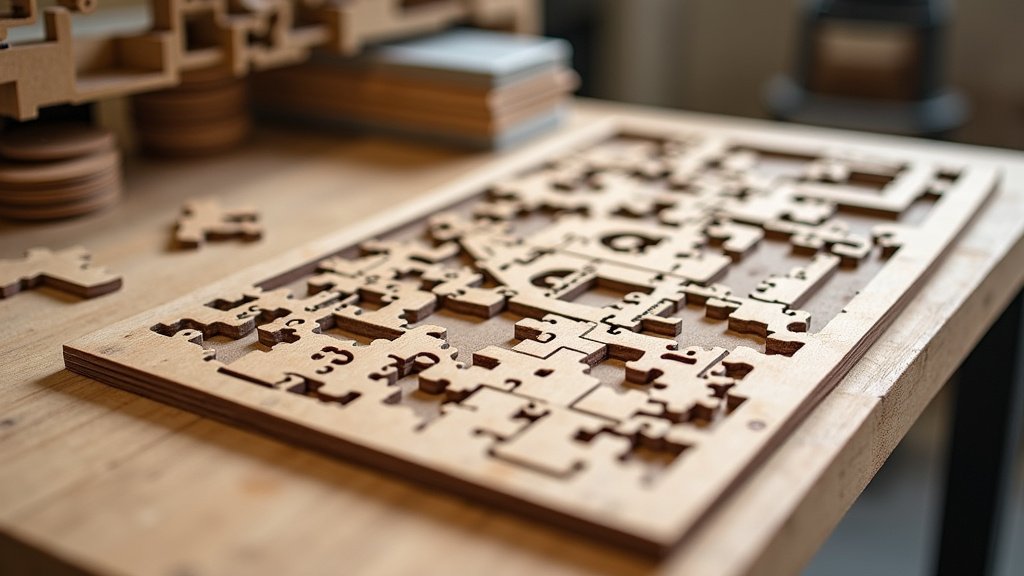
Conclusion
You’ve learned that creating your own laser cut puzzles is an achievable and exciting project. From designing your unique interlocking shapes in vector software to selecting the perfect wood or acrylic material, you have the power to craft something special. Remember to always test your laser settings on scrap material. This ensures clean cuts and prevents waste. With a little practice, you’ll be assembling your own custom puzzles in no time. Your next step? Grab your design software and start sketching out your very first laser cut puzzle idea!
Frequently Asked Questions
Can I make laser cut puzzles without owning a laser cutter?
Yes, you absolutely can! Many maker spaces and local print shops offer laser cutting services. You can upload your design file and have them cut your puzzle for you. It’s a great way to try out the process before investing in your own machine.
How do I make sure my puzzle pieces fit together properly?
Accurate design and precise cutting are key. Ensure your vector lines are clean and represent the actual width of your laser’s cut (kerf). Most design software allows you to account for kerf. Always perform test cuts to check the fit before cutting your final puzzle.
What kind of designs work best for laser cut puzzles?
Simple, clear images or patterns with distinct color areas tend to work best. Highly detailed or photographic images can be challenging to cut and assemble. Consider designs with good contrast that lend themselves well to the puzzle format.
How can I make my laser cut puzzle more durable?
For wood puzzles, using a thicker material like 1/4 inch plywood will make them more robust. You can also apply a clear sealant or varnish after cutting and assembly. Acrylic puzzles are generally quite durable on their own, but can be brittle if dropped.
Is it hard to remove the protective film from acrylic puzzles?
Typically, acrylic comes with a paper or plastic protective film on both sides. This film is usually easy to peel off after cutting. If it’s a bit stubborn, a gentle prying with a craft knife or even a little bit of soapy water can help it lift away cleanly.
