
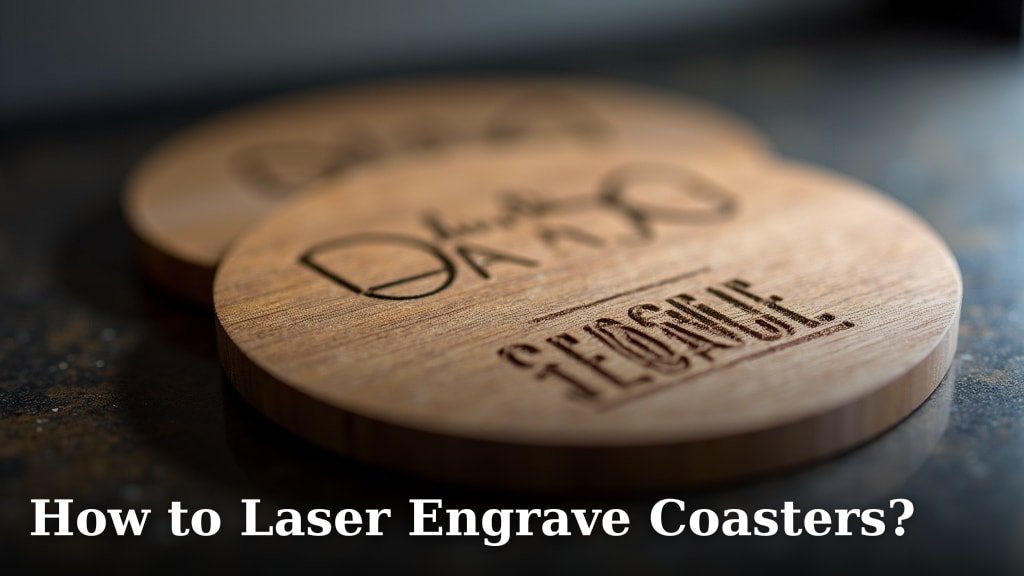
Laser engraving coasters is a fun DIY project. You can create unique gifts or stylish additions to your home bar. It’s surprisingly easy to get started with the right setup. Laser engraving lets you personalize almost any coaster material.
You’ll want to consider your laser engraver’s power. This is important for different coaster materials like wood, slate, or even certain metals. Finding the right settings ensures a clean, crisp design. Many people find success with a CO2 laser. It offers great versatility.
- Laser engrave coasters for custom designs.
- Choose the right laser settings for materials.
- Wood, slate, and acrylic are popular choices.
- Safety gear is always a must-have.
Ready to make some awesome custom coasters? Let’s walk through exactly how to laser engrave them step by step.
Getting Started with Laser Engraving Your Coasters
Laser engraving coasters can turn a simple drink accessory into a personalized piece of art. You might be wondering how to achieve those crisp, permanent designs. It’s simpler than you think! We’ll guide you through the process, from choosing your materials to making your first engraved coaster.
Choosing Your Coaster Material
The material you choose for your coasters heavily influences the laser settings and the final look. Each material reacts differently to laser energy. Some engrave deeply, while others offer a more subtle mark. Let’s look at some popular choices.
Wood Coasters
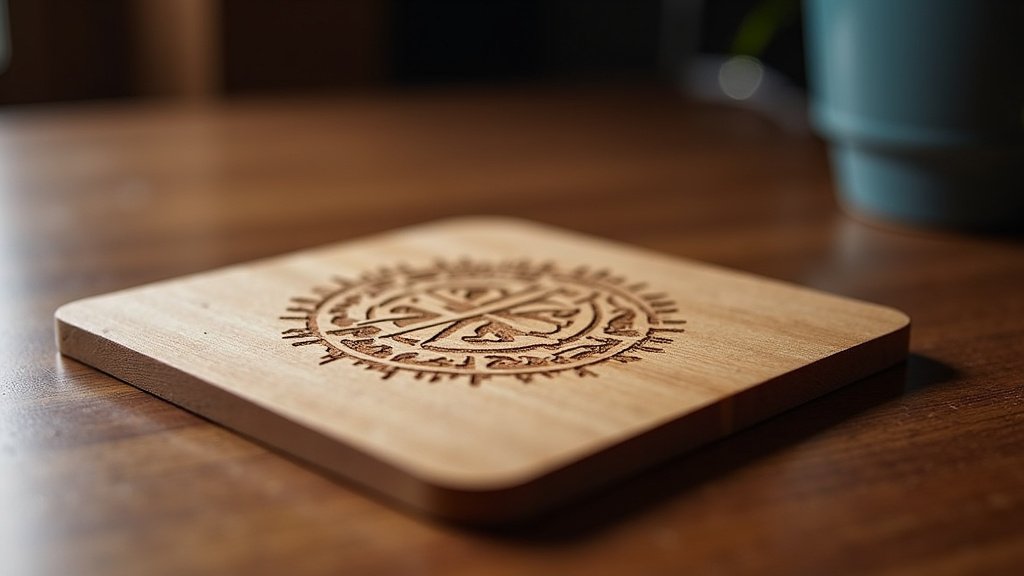
Wood is a fantastic starting point for laser engraving. It’s forgiving and takes on a beautiful, natural-looking engraving. You can use solid wood, like maple or cherry, or even wood composite materials like MDF. Different wood grains will engrave slightly differently. You’ll get a lovely brown or dark burn mark. This gives your designs a warm feel.
Slate Coasters
Slate offers a unique, rustic charm. Its natural, uneven surface adds texture to your designs. When you laser engrave slate, it usually creates a light gray or white mark. This contrast can be very striking. Be aware that slate can be brittle. Handle it with care to avoid chips or cracks. The engraving process can also create a fine dust. Ensure good ventilation.
Acrylic Coasters
Acrylic coasters can provide a modern and sleek look. When lasered, acrylic often creates a frosted or milky-white appearance. This can be quite eye-catching, especially on colored acrylic. You can also engrave the back of clear acrylic for a reverse effect. However, acrylic can produce fumes when lasered. Good ventilation is absolutely essential here. Always check your laser manufacturer’s recommendations for acrylic.
Other Materials
You can also explore other materials like cork, leather, and even some types of ceramic. Cork engraves similarly to wood, offering a natural look. Leather creates a debossed effect that is smooth to the touch. Ceramic can be tricky, often requiring a coating or specific settings to achieve a good result. Always test on a scrap piece first!
Understanding Your Laser Engraver
Your laser engraver is the heart of this project. Knowing its capabilities will help you select the right materials and settings. Most hobbyists use CO2 lasers. These are versatile and work well for common coaster materials. The power of your laser, measured in watts, is a key factor. Higher wattage lasers can engrave deeper and faster.
Laser Power and Speed
The relationship between laser power and speed is critical. Higher power with slower speeds will engrave deeper. Lower power with faster speeds might just mark the surface. For wood, you might use medium to high power and a moderate speed. For slate, you might need higher power and slower speeds to get a clear mark. Always consult your laser’s manual for general guidelines.
Focus and Resolution
Proper focus is absolutely vital for a sharp, detailed engraving. If your laser isn’t focused correctly, your design will look blurry. Most laser engravers have a manual focus adjustment or an auto-focus feature. Resolution, measured in DPI (dots per inch), affects the detail of your engraving. Higher DPI means more dots per inch, resulting in finer detail.
Preparing Your Design and Settings
Before you hit that ‘engrave’ button, you need a design and the correct settings. This step is where you bring your vision to life.
Design Software and File Types
You’ll need design software to create or edit your artwork. Programs like Adobe Illustrator, Inkscape (a free option), or even Canva can be used. For laser engraving, vector files (.SVG, .AI, .DXF) are often preferred. They scale without losing quality. Raster images (.JPG, .PNG, .BMP) can also be used, especially for photographs. The laser engraver software will convert these images into engraving paths.
Setting Up Your Artwork
Keep your design relatively simple, especially when starting out. Bold lines and clear shapes engrave best. Consider the size of your coaster. Overly complex designs might not translate well on a small surface. Many laser software programs allow you to trace images or convert text to outlines. This ensures your design is ready for engraving.
Finding the Right Engraving Settings
This is often the trickiest part. There’s no one-size-fits-all setting. We recommend starting with a test piece of the exact same material you plan to engrave. Many laser manufacturers or online communities provide recommended starting settings for different materials and laser types. You can often find tables with suggested power, speed, and frequency (Hz) for common materials. Here’s a general idea:
| Material | Laser Power (%) | Speed (mm/s) | Frequency (Hz) |
|---|---|---|---|
| Light Wood (e.g., Maple) | 30-50 | 200-300 | 500-1000 |
| Dark Wood (e.g., Walnut) | 40-60 | 150-250 | 500-1000 |
| Slate | 60-80 | 100-150 | 300-600 |
| Acrylic (Clear/Frosted) | 20-40 | 200-300 | 500-1000 |
| Cork | 30-50 | 250-350 | 500-1000 |
Please note: These are general guidelines. Always perform test engravings on scrap material first to dial in your specific settings.
Safety First: Always Protect Yourself
Working with a laser engraver requires a serious commitment to safety. Lasers can be dangerous if not used correctly. Never skip these precautions.
Ventilation is Key
When laser engraving, especially materials like acrylic or certain woods, fumes are produced. These fumes can be harmful and damage your laser’s optics. You need a good ventilation system. This usually involves a fan that exhausts the fumes directly outside. Many laser engravers have an exhaust port for this purpose. Ensure it’s properly connected and working before every use.
Eye Protection
Never, ever look directly at the laser beam. It can cause permanent eye damage. You must wear certified laser safety glasses. These glasses are specifically designed to block the wavelength of your laser. Standard sunglasses won’t cut it. Make sure everyone in the vicinity is also protected if they are near the machine while it’s operating.
Fire Safety
Wood and other organic materials can potentially catch fire during engraving. Keep a fire extinguisher (rated for Class A, B, or C fires) nearby. Never leave your laser engraver unattended while it’s running. Some machines have built-in fire detection or suppression systems, but personal vigilance is still crucial.
The Engraving Process: Step-by-Step
Now that you have your materials, design, and safety measures in place, let’s get to the actual engraving!
Prepare Your Workspace and Machine
Ensure your laser engraver is clean and its components are working correctly. Place your coaster firmly on the laser bed. Make sure it is stable and won’t move during the engraving process. Use clamps or jigs if necessary. Double-check that your ventilation is running.
Align Your Design and Focus the Laser
Most laser software allows you to do a “frame” test. This moves the laser head around the perimeter of your design without firing the laser. It helps you see exactly where the engraving will be placed on your coaster. Once you’re happy with the placement, focus your laser. This is crucial for a clean engraving.
Run the Engraving Job
Once everything is set, start the engraving job. Keep an eye on the process, especially for the first few coasters. Watch for any signs of excessive flare-ups or smoke. If something looks wrong, pause or stop the job immediately. This is where your safety training comes into play.
Post-Engraving Cleanup
After the engraving is complete, carefully remove your coaster. You may find some soot or residue on the surface. For wood, a soft brush or a damp cloth often works well for cleaning. For slate, a gentle wipe is usually sufficient. For acrylic, a specialized cleaner might be best. Avoid harsh chemicals that could damage the engraved area.
Here’s a quick checklist to keep you on track:
- Choose a coaster material you like.
- Select or create a design suitable for engraving.
- Gather your safety gear: glasses and ventilation.
- Perform test engravings on scrap material.
- Double-check your laser settings and focus.
- Supervise the entire engraving process.
Conclusion
You’ve learned that laser engraving coasters is an achievable DIY project. From selecting your material like wood or slate to understanding your laser engraver’s power, you’re well-equipped. Remember to prioritize safety with proper ventilation and eye protection. Always test your settings on scrap material first. With a little practice, you’ll be creating personalized coasters that impress your friends and family. Your next step is to gather your supplies and start designing!
Frequently Asked Questions
What’s the best laser engraver for beginners making coasters?
For beginners, a CO2 laser engraver with 30-60 watts of power is a great starting point. These machines offer good versatility for various coaster materials like wood, slate, and acrylic without being overly complex or expensive. Look for models with user-friendly software.
How do I ensure my design is centered on the coaster?
Most laser engraving software has a centering feature for your design. You can also use the “frame” test, which outlines your design’s perimeter without firing the laser. This allows you to visually adjust the placement on the coaster before committing to the engraving.
Why is my laser engraving not showing up clearly on my coasters?
An unclear engraving is usually due to incorrect settings or poor focus. Ensure your laser is properly focused on the material’s surface. You may need to adjust the laser power, speed, or frequency. Always test on scrap material first to find the optimal settings for your specific coaster type.
Can I engrave photos onto coasters?
Yes, you can engrave photos onto coasters, especially wood and slate. You’ll need to convert your photo into a grayscale image and use software that can convert it into a dithered pattern for the laser. Adjusting contrast and brightness is key for a good result.
How do I prevent wood coasters from burning too much?
To avoid excessive burning on wood coasters, try reducing the laser power and increasing the engraving speed. Ensure your laser is properly focused, as a slightly out-of-focus beam can sometimes cause more charring. Using a lower frequency (Hz) might also help reduce burning.
