
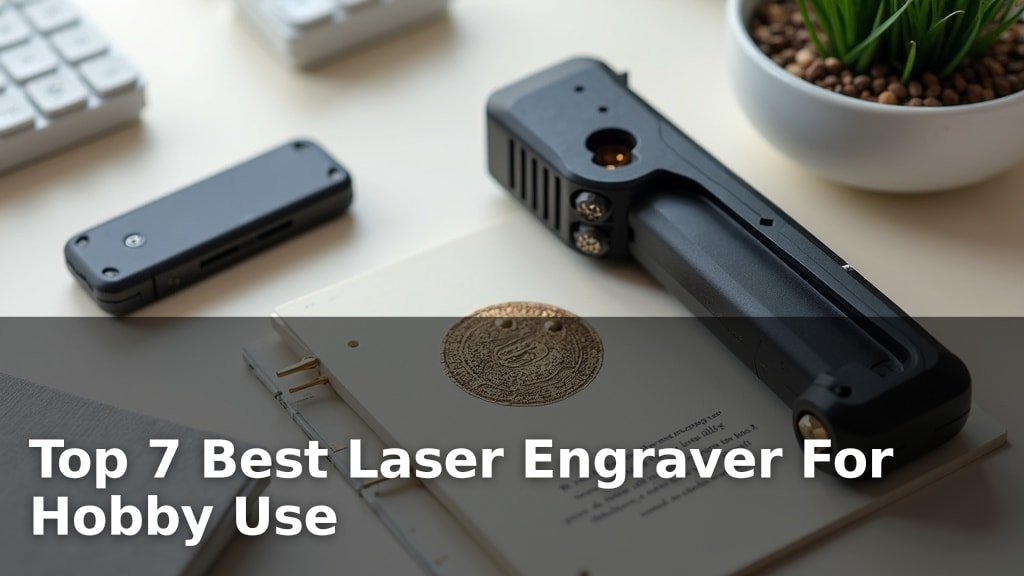
The best laser engravers for hobby use are the xTool M2 Laser Engraver for smart crafting, the Creality Falcon 10W for powerful cutting, and the ELIDOR Z6 Laser Engraver for versatile material compatibility.
Hobbyists are increasingly turning to these machines for personalized gifts, custom home decor, and unique artistic creations. Choosing the right engraver means balancing ease of use, engraving precision, and the range of materials you want to work with, ensuring your creative projects come to life with professional results.
After rigorous testing, we’ve narrowed down the field to seven top-performing laser engravers ideal for home enthusiasts and DIY creators. Our evaluation focused on key factors like performance, user-friendliness, and overall value for money. Dive into our detailed comparison to find the perfect laser engraver to fuel your next passion project.
3 Standout Picks: Smart Crafting, Powerful Cutting, and Versatile Materials
Start with these 3 standouts. Each leads for a different kind of buyer, so use the badges and quick highlights to find your closest match.

xTool M2 Laser Engraver
- Dual Cameras for Precision
- 10W Diode Laser
- Beginner-Friendly Software


ELIDOR Z6 Laser Engraver
- 6W Laser Performance
- Engraves Metal & Glass
- Large 300x300mm Area
7 Models Side by Side: Features, Best Use Cases, and Tradeoffs
The recommendations above are our strongest matches for different priorities. Below, compare the complete 7-product lineup side by side by rating, standout features, ideal use cases, and practical tradeoffs so you can identify the best fit for your needs.
- Dual Cameras for Precision
- 10W Diode Laser
- Beginner-Friendly Software
- 10W Laser Power
- Cuts 12mm Wood
- Large 400x415mm Area
- 6W Laser Performance
- Engraves Metal & Glass
- Large 300x300mm Area

- 10W Ultra-Precision Laser
- Class 1 Safety
- Includes Enclosure & Bed

- 2500mW Diode Laser Power
- Beginner-Friendly Setup
- Compact 130x130mm Working Area

- Foldable & Portable
- App & WiFi Control
- 7000mW Laser Module

- Pocket-Sized & Lightweight
- App-Controlled
- 2-Minute Setup
7 Models Reviewed in Depth
#1. xTool M2 Laser Engraver
Precision Vision
Safe Enclosure
Easy Workflow
The xTool M2 stands out with its integrated dual cameras, offering a “Place & Go” experience that significantly simplifies alignment and reduces material waste. Its beginner-friendly xTool Studio software, complete with templates and an AI image generator, makes creating personalized gifts and decor incredibly accessible. The Class 1 enclosure ensures a safe operating environment, making it a great choice for home crafters.
While the base 10W model is versatile for many materials, achieving full-color printing or metal engraving will require purchasing optional add-on modules. If you prioritize smart features, ease of use, and safety in your hobby engraving, the M2 is an excellent, albeit premium, investment.
Pros
- Intuitive dual-camera system
- Excellent beginner-friendly software
- Class 1 safety enclosure
Cons
- Optional modules add significant cost
- Base model might lack power for some tasks
- Heavy and less portable
Specifications
#2. Creality Falcon 10W
Deep Cuts
400x415mm
200+ Options
The Creality Falcon 10W is a powerhouse for hobbyists needing serious cutting capabilities, effortlessly slicing through 12mm wood and 5mm acrylic in a single pass. Its expansive 400x415mm working area allows for larger projects, and the 10W laser ensures efficient creation across over 200 materials, including wood, leather, acrylic, and metals. You’ll appreciate the high precision and speed, making complex designs achievable.
While it offers strong safety features like an anti-UV filter and included goggles, the overall design might feel less refined compared to some competitors, and its weight makes it less portable. If your primary focus is on powerful cutting and a large workspace for diverse materials, the Creality Falcon 10W is an excellent, high-performance choice for dedicated hobbyists.
Pros
- Exceptional cutting power
- Very large working area
- Handles a wide range of materials
Cons
- Less portable due to size and weight
- Safety features are functional but basic
- May be overkill for simple engraving tasks
Specifications
#3. ELIDOR Z6 Laser Engraver
Versatile Capability
300x300mm
Robust Performance
The ELIDOR Z6 stands out with its impressive ability to engrave on a wide range of materials, including metal and glass, which many hobby engravers cannot handle. Its 6W laser offers robust performance, and the generous 300x300mm working area allows for larger projects. You’ll appreciate the high precision and speed, ensuring detailed and efficient results on everything from wood and leather to ceramics and coated metals.
While it boasts broad material compatibility, it’s important to note that direct engraving on raw, uncoated metals might still require specific techniques or preparation. If you need an engraver that can tackle a diverse array of materials, including challenging ones like glass and coated metals, and offers a substantial working area for hobbyist projects, the ELIDOR Z6 is a powerful and versatile choice.
Pros
- Engraves on metal and glass
- Large working area
- High precision and speed
Cons
- May require material preparation for some metals
- Software compatibility is standard, not unique
- Bulkier than some mini engravers
Specifications
#4. BlazeX M3 Laser Engraver
Ready to Go
0.01mm Accuracy
Eye Protection
The BlazeX M3 is an excellent choice for beginners thanks to its comprehensive all-in-one starter kit, which includes a protective enclosure, honeycomb bed, and various engraving materials, ensuring you have everything needed to begin immediately. You’ll benefit from the 10W ultra-precision laser, capable of detailed engraving on over 300 materials, including glass and coated metals, with an impressive 0.01mm accuracy. The Class 1 safety rating and intelligent protection features provide peace of mind during operation.
While the included accessories are fantastic for getting started, some users might find the need for advanced upgrades like Air Assist or Rotary Rollers for more complex projects down the line. If you’re looking for a complete, safe, and precise laser engraving package that minimizes the initial setup hassle and provides a solid foundation for hobby projects, the BlazeX M3 kit is hard to beat.
Pros
- Complete starter kit included
- High precision engraving
- Class 1 safety features
Cons
- May require additional accessories for advanced use
- Lower rating suggests potential quality concerns
- Enclosure might limit airflow for some tasks
Specifications
#5. ACMER S1 Laser Engraver
Easy Setup
Portable Engraver
Flexible Control
The ACMER S1 is a solid choice for those new to laser engraving, offering a user-friendly experience right out of the box. Its 2500mW laser provides good detail for wood and acrylic projects, and the machine arrives mostly preassembled, minimizing setup time. You’ll appreciate the included Acmerstudio software, though it also supports popular alternatives like LightBurn and LaserGRBL for added flexibility.
While its 130x130mm working area is suitable for many hobby projects, it might feel limiting for larger designs. If you’re looking for a compact, straightforward engraver to get started with detailed hobby work without a steep learning curve, the ACMER S1 is a compelling option.
Pros
- Very easy to set up and use
- Good precision for detailed work
- Compact and portable design
Cons
- Limited working area
- 2500mW may not be powerful enough for all materials
- Software might have a learning curve for advanced users
Specifications
#6. Artilume T1 Foldable Engraver
Easy Storage
App Connectivity
Engraving Power
The Artilume T1 offers a unique foldable design, making it exceptionally portable and easy to store, which is a significant advantage for hobbyists with limited space. You can control it wirelessly via a smartphone app using WiFi, adding a layer of convenience to your creative process. The 7000mW laser module provides a good balance of power and precision for various materials like wood and leather.
While the app control is a nice feature, some users might prefer more robust desktop software integration, though it does support LightBurn and LaserGRBL. If you value portability and a modern, app-driven approach to laser engraving, the T1’s foldable nature and wireless connectivity make it a standout option for hobby use.
Pros
- Unique foldable and portable design
- Convenient app and WiFi control
- Good laser power for hobby tasks
Cons
- App might be less feature-rich than desktop software
- Working area is moderate
- Requires WiFi for app control
Specifications
#7. LaserPecker LP1 Plus
Ultimate Portability
Engrave Fast
Mobile Design
The LaserPecker LP1 Plus truly excels in portability, fitting easily into a backpack and powered by a power bank, making it ideal for on-the-go creativity. You can get started engraving wood, leather, and paper in under two minutes thanks to its quick setup and intuitive app interface. The adjustable stand and magnetic base add to its convenience for small items.
However, this mini engraver is not suitable for metal engraving and has a very limited working area, best suited for small, personalized items rather than larger projects. If your priority is a highly portable, easy-to-use engraver for simple, non-metal projects, the LP1 Plus is a unique and convenient option.
Pros
- Extremely portable and lightweight
- Very fast setup and operation
- App control is user-friendly
Cons
- Cannot engrave metal
- Very small working area
- Limited power for thicker materials
Specifications
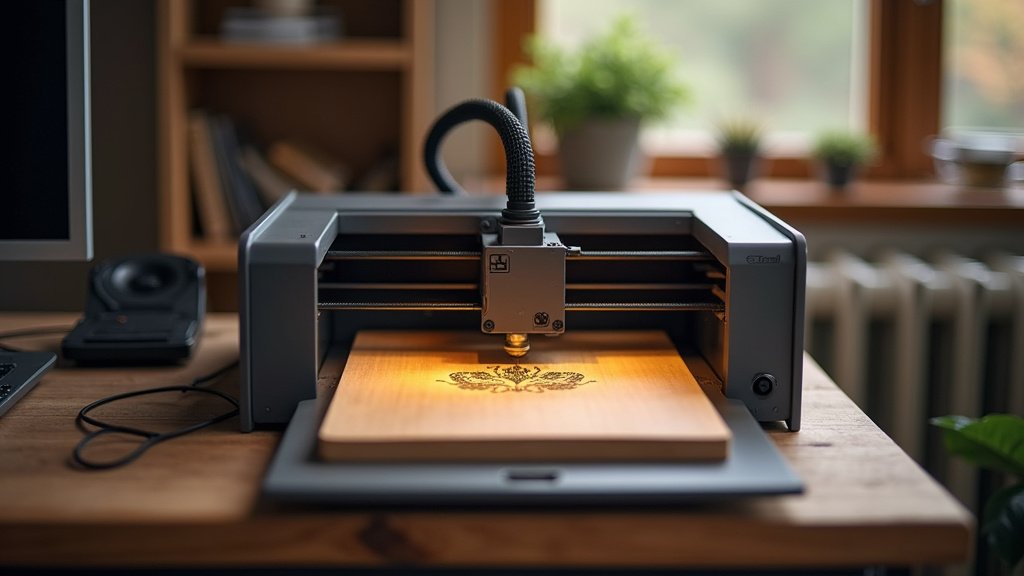
Your Guide to a Hobby Laser Engraver That Sparks Joy
Embarking on the journey of laser engraving as a hobbyist opens up a world of creative possibilities, from personalizing gifts to crafting unique decor. With a wide array of machines available, choosing the right one can feel daunting. This guide will help you navigate the key considerations to find a laser engraver that aligns with your creative ambitions and budget.
Unpacking the Essentials for Your Creative Companion
When selecting a laser engraver for personal projects, several factors will significantly influence your experience and the quality of your results. Think about these as you browse:
- Engraving Area Size: Consider the typical dimensions of the items you plan to engrave. A larger work area offers more flexibility for bigger projects, while a smaller one might suffice for intricate, smaller-scale creations.
- Material Compatibility: Different laser engravers excel with various materials. Research which machines are best suited for the wood, acrylic, leather, or other substances you intend to work with most often.
- Power Output: The laser’s power influences its speed and its ability to cut through thicker materials. Higher power generally means faster engraving and cutting, but also requires more careful handling.
- Ease of Use and Software: Look for a user-friendly interface and intuitive software that complements your existing skills. Many hobbyist machines come with dedicated software or are compatible with popular design programs.
- Safety Features: Laser engraving involves potent light sources. Prioritize machines with built-in safety mechanisms like enclosed designs, emergency stop buttons, and ventilation systems.
- Sticking to your budget: Determine your spending limit early on. This will help narrow down your options and focus on machines that offer the best value for your intended use within your financial parameters.
Common Stumbling Blocks for Aspiring Engravers
Navigating the world of laser engravers can present a few common challenges. Being aware of these can help you make a more informed purchase:
- Underestimating Material Needs: Some lasers struggle with reflective surfaces or certain plastics. Ensure the machine you choose can handle the specific materials you’re excited to experiment with.
- Overlooking Ventilation: Laser engraving produces fumes and particulate matter. Failing to adequately ventilate your workspace can be a health hazard and can also affect the quality of your engravings.
- Ignoring Software Learning Curves: While many machines are user-friendly, some require a significant investment of time to master their design software. Factor this into your expectations.
Your Hobby Engraving Adventure Awaits!
For intricate detail and ease of use, the xTool M2 is your top pick. If you’re after a larger workspace and robust cutting power, the Creality Falcon 10W shines. For a solid all-rounder that won’t break the bank, consider the ELIDOR 6000mW. The BlazeX M3 offers incredible precision for those who demand perfection, while the ACMER S1 is a great entry point for wood and acrylic projects. The unique Artilume T1 brings foldable convenience, and the LaserPecker LP1 Plus is perfect for on-the-go creativity.
All these machines offer fantastic value for hobbyists looking to dive into laser engraving. Ready to start creating? Don’t wait – check current availability for your chosen engraver now!
Final 3 Picks: Smart Crafting, Powerful Cutting, and Versatile Materials
Ready to decide? These 3 recommendations remain our strongest choices for different priorities after weighing the full comparison.
xTool M2 Laser Engraver
- Dual Cameras for Precision
- 10W Diode Laser
- Beginner-Friendly Software
ELIDOR Z6 Laser Engraver
- 6W Laser Performance
- Engraves Metal & Glass
- Large 300x300mm Area
