
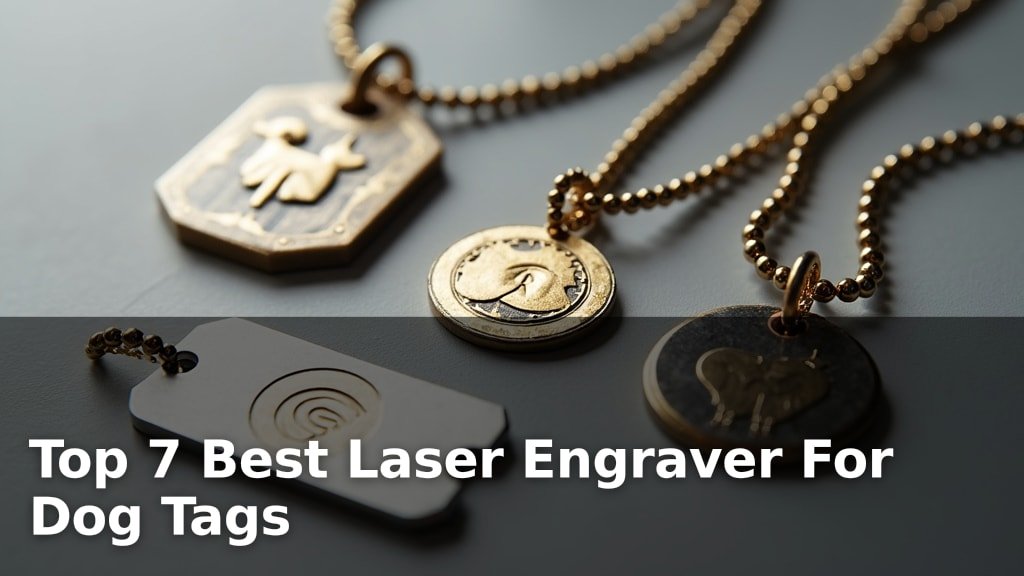
The best laser engravers for dog tags include options like the ACMER S2 12000mW for its large workspace, the Carverall K15 Pro IR for bare metal engraving, and the Twotrees TTS-55 Pro for high-speed results.
Choosing the right laser engraver is crucial for creating durable, clear, and personalized dog tags for pets or identification purposes. A good machine ensures precision engraving on various metal types, offering a cost-effective solution for custom creations.
We’ve tested and narrowed down the field to seven top laser engravers, evaluating each on factors like engraving quality, ease of use, and material compatibility. Our selection process focused on finding machines that deliver excellent performance for dog tag creation, suitable for both hobbyists and small businesses. Continue reading to see our full comparison and find the perfect laser engraver for your needs.
3 Standout Picks: Large Workspace Engraving, Bare Metal Engraving, and High-Speed Engraving
Start with these 3 standouts. Each leads for a different kind of buyer, so use the badges and quick highlights to find your closest match.



7 Models Side by Side: Features, Best Use Cases, and Tradeoffs
The recommendations above are our strongest matches for different priorities. Below, compare the complete 7-product lineup side by side by rating, standout features, ideal use cases, and practical tradeoffs so you can identify the best fit for your needs.
- 300x300mm Workspace
- True 12W Power
- Expandable Design
- 1064nm IR Laser
- Bare Metal Marking
- 200x300mm Work Area
- 5.5W Laser Power
- 30,000mm/min Speed
- 300x300mm Work Area
- 12W Laser Power
- AI Camera Positioning
- App Control

- AI Camera Positioning
- Beginner-friendly Software
- 5W Laser Power

- 12W Blue Diode Laser
- AI Design Software
- Enclosed Design

- 2.5W Laser Power
- Pre-assembled Frame
- WiFi App Control
7 Models Reviewed in Depth
#1. ACMER S2 12000mW
Workspace
Modular Design
Laser Power
The ACMER S2 stands out with its expansive 300x300mm working area, providing ample room for larger projects or batch processing of dog tags. Its true 12W laser power ensures efficient engraving and cutting across a wide range of materials, from wood and leather to acrylic and coated metals. The machine’s precision, with a fine 0.08mm spot and 0.01mm accuracy, guarantees detailed and clean results for professional-looking finishes.
This engraver is designed to grow with your needs, offering compatibility with various optional accessories like rotary modules and air assist for expanded capabilities. While it requires some assembly and software setup, the support for ACMER Studio, LightBurn, and LaserGRBL caters to both beginners and advanced users. If you need a versatile machine with a large workspace and room for future upgrades, the S2 is an excellent investment.
Pros
- Very large work area
- Expandable with accessories
- True 12W laser power
Cons
- Requires assembly
- Software learning curve
- 12W laser for deep cuts
Specifications
#2. Carverall K15 Pro IR
IR Laser
Work Area
App Control
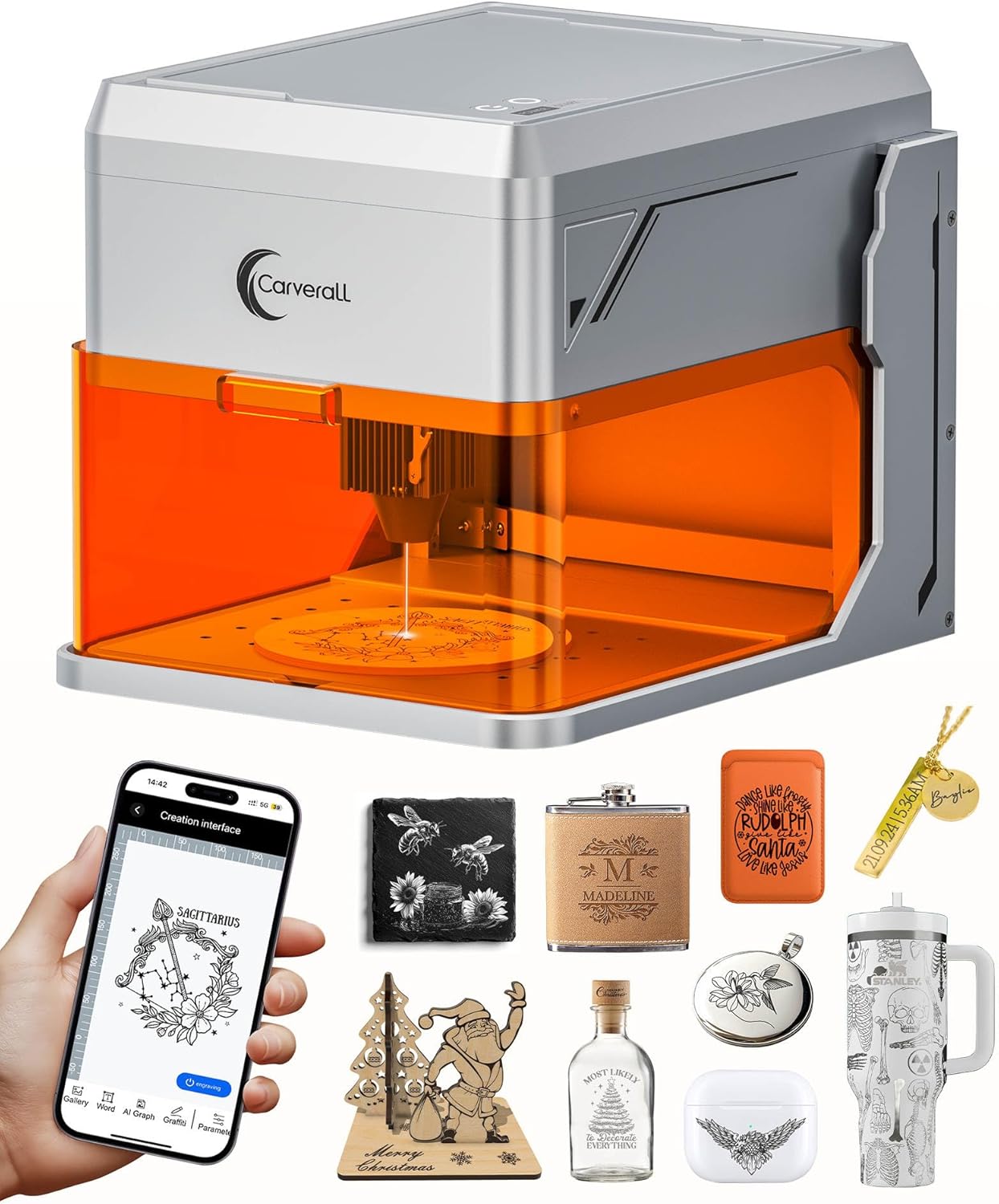
For engraving directly onto bare metal, the Carverall K15 Pro is a standout choice. Its 1064nm IR laser technology bypasses the need for coatings, delivering permanent, crisp marks on stainless steel, aluminum, and copper. The 200x300mm work area is generous for items like dog tags and jewelry, and the WiFi app control simplifies the design process, even offering AI-generated options.
While this IR laser excels on metal, it’s not designed for engraving or cutting non-metal materials like wood or acrylic. If your primary need is metal personalization, this machine offers specialized performance. For those focused solely on metal dog tags and similar items, its precision and ease of use are highly commendable.
Pros
- Specialized for bare metal engraving
- Large work area
- Wireless app control with AI
Cons
- Not for non-metal materials
- 1W laser is low power
- Requires driver installation
Specifications
#3. Twotrees TTS-55 Pro
Max Speed
Work Area
Support
The Twotrees TTS-55 Pro is engineered for speed, boasting an impressive engraving rate of up to 30,000mm/min, which significantly cuts down project times. Its 5.5W laser and 300x300mm work area provide a good balance of power and space for detailed dog tag personalization and other crafts. The inclusion of air assist support and advanced compression laser technology enhances cutting performance and detail clarity.
While the 5.5W laser is capable, it may require multiple passes for thicker materials compared to higher-wattage models. The setup process, though detailed, is manageable with the provided guides. If speed and efficiency are your top priorities for engraving and light cutting tasks, the TTS-55 Pro offers a compelling combination of performance and features.
Pros
- Extremely fast engraving speed
- Large work area
- Supports air assist
Cons
- 5.5W laser for cutting limits
- Requires assembly
- Setup may take time
Specifications
#4. Carverall A1 Pro 12W
Laser Power
Precision Aid
Design Software
The Carverall A1 Pro 12W offers a significant power upgrade, making it more capable for both intricate dog tag engraving and cutting through thicker materials. Its HD camera and intuitive software ensure precise placement and ease of use, even for beginners. The 12W laser means faster engraving and cutting times, increasing your productivity.
While the work area remains compact, the increased power and versatility make this a strong contender for various projects beyond just dog tags. If you need a machine that can handle both detailed engraving and some light cutting with user-friendly features, this 12W model is an excellent choice.
Pros
- Higher power for faster engraving/cutting
- Precise camera positioning
- User-friendly AI software
Cons
- Compact work area
- 12W laser still limited for heavy cutting
- Requires software setup
Specifications
#5. Carverall A1 Pro 5W
Positioning Aid
Friendly Software
Safety Enclosure
You’ll appreciate the Carverall A1 Pro’s beginner-friendly approach, especially with its integrated HD camera for precise material placement. The AI-powered CutLabX software, free on all devices, makes design creation accessible even without prior experience. Its Class 1 enclosed design and safety features offer peace of mind, making it a solid choice for home use.
While the 5W laser is suitable for dog tags and lighter materials, it might struggle with thicker woods or acrylics. If you plan on extensive cutting or working with denser materials, you might consider a higher wattage model. However, for straightforward engraving tasks and ease of use, this machine is a great starting point.
Pros
- Intuitive camera-assisted positioning
- Free, user-friendly software
- Enclosed and safe design
Cons
- Limited cutting power
- Smaller work area
- 5W laser may be slow
Specifications
#6. ACMER K1 12000mW
Enclosed Safety
Design Tools
Laser Power
The ACMER K1 offers a compelling package for home studio engraving, featuring a 12W laser capable of handling various materials like wood, leather, and acrylic. Its Class 1 enclosed design with a built-in fan enhances safety and reduces fumes, making it suitable for shared spaces. The included Acmerstudio software with AI design tools simplifies the creative process, making it accessible for beginners.
While the 150x150mm work area is adequate for many small projects, it might feel restrictive for larger items. The 0.08mm fine engraving spot ensures good detail, but if you need to engrave very large dog tags or multiple items at once, you might find the space limiting. Overall, it’s a safe, capable, and user-friendly option for hobbyists.
Pros
- Safe enclosed design with fan
- AI-powered design software
- Good power for materials
Cons
- Small work area
- 12W laser for cutting limits
- Software may have a learning curve
Specifications
#7. WIZMAKER Wand Mini
Design
Quick Start
0.04mm
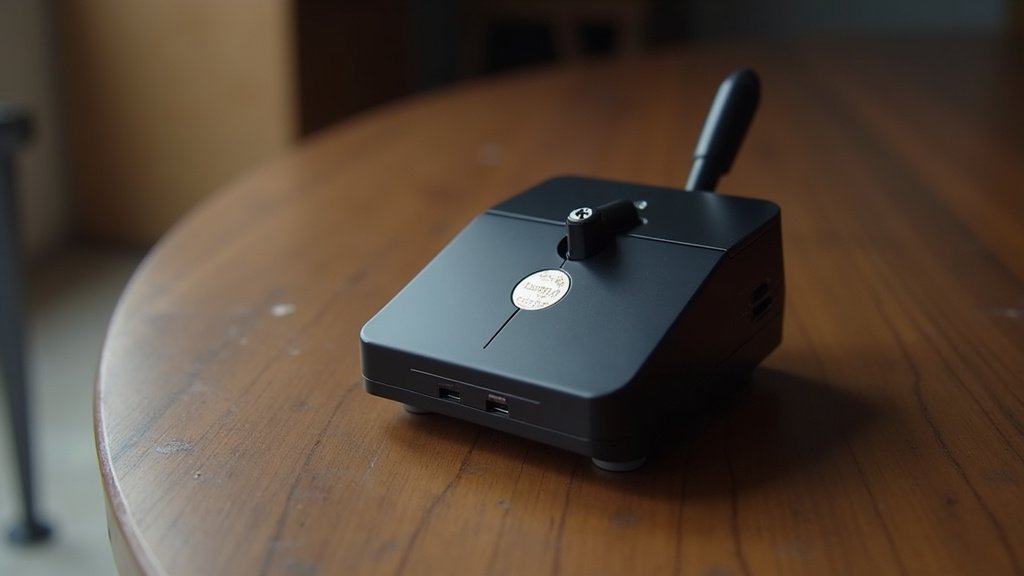
The WIZMAKER Wand Mini is an excellent choice for hobbyists seeking a compact and user-friendly laser engraver. Its pre-assembled frame means you can start engraving in minutes, and the 2.5W laser is suitable for detailed work on wood, leather, and dark acrylic. The fine 0.04mm spot size ensures crisp results for small projects like tags and coasters, and Wi-Fi app control adds convenience.
However, the 2.5W laser power is quite low, limiting its ability to cut thicker materials or engrave rapidly. This machine is best suited for light engraving tasks rather than significant cutting. If your focus is on portability, ease of setup, and detailed engraving on softer materials, the Wand Mini is a solid, budget-friendly option.
Pros
- Extremely compact and portable
- Very easy setup
- Precise fine engraving spot
Cons
- Low laser power
- Limited cutting ability
- Small work area
Specifications
Etching Fido’s Identity: Your Guide to the Perfect Dog Tag Laser Engraver
Investing in a laser engraver for dog tags might seem like a niche pursuit, but for pet owners who value durability, clarity, and a personal touch, it’s a purchase that can bring lasting satisfaction. Unlike traditional stamping, laser engraving offers a permanent, crisp mark that won’t fade or wear off, ensuring your furry friend’s identification is always legible. This guide will help you navigate the options to find a machine that meets your needs.
Decoding the Engraving Essentials
When you’re ready to buy, focus on these key aspects to ensure you get a machine that performs beautifully on metal dog tags.
- Engraving Area: Consider the typical size of dog tags you’ll be working with. A larger engraving area offers more flexibility, though most standard tags will fit comfortably in smaller work zones.
- Power Output: The laser’s power is crucial for cleanly marking metal. Higher power generally means faster engraving and the ability to achieve deeper, more defined marks on various metal types.
- Ease of Use: Look for intuitive software and a straightforward setup process. If you’re new to laser engraving, user-friendly controls will significantly reduce the learning curve.
- Material Compatibility: Ensure the engraver is designed to work effectively with the metals commonly used for dog tags, such as stainless steel, aluminum, and brass. Ensure the engraver is designed to work effectively with the metals commonly used for dog tags, such as aluminum.
- Safety Features: Laser engraving involves powerful light. Prioritize machines with built-in safety mechanisms like enclosed designs or emergency stop buttons.
Blunders That Can Leave a Sour Taste
Avoid these common missteps to ensure your dog tag engraving project is a success from the start.
- Overlooking the importance of ventilation. Laser engraving can produce fumes, so ensure your chosen model is compatible with a proper exhaust system or is designed with enclosed operation.
- Assuming all lasers engrave all metals equally well. Research the specific capabilities of the engraver regarding different metal types to avoid disappointment.
- Not factoring in the learning curve. While some machines are plug-and-play, others require practice to master. Be prepared to invest a little time in learning the software and settings.
Your Dog Tag Engraving Companion Awaits
For robust metal engraving, the K15 Pro is your go-to, especially if you need that IR laser power. If portability and app control are key, the A1 Pro models (both the 12W and 5W Carverall versions) offer fantastic beginner-friendly features for various materials, including dog tags. The ACMER S2 and ACMER K1 are powerhouses for those needing higher wattage and a solid desktop setup. For a simpler, WiFi-enabled option, the WIZMAKER Wand Mini is a great starting point.
All these engravers are excellent choices for tackling dog tags and more. Ready to bring your personalized creations to life? Don’t delay – check the latest availability through the links provided!
Final 3 Picks: Large Workspace Engraving, Bare Metal Engraving, and High-Speed Engraving
Ready to decide? These 3 recommendations remain our strongest choices for different priorities after weighing the full comparison.
