
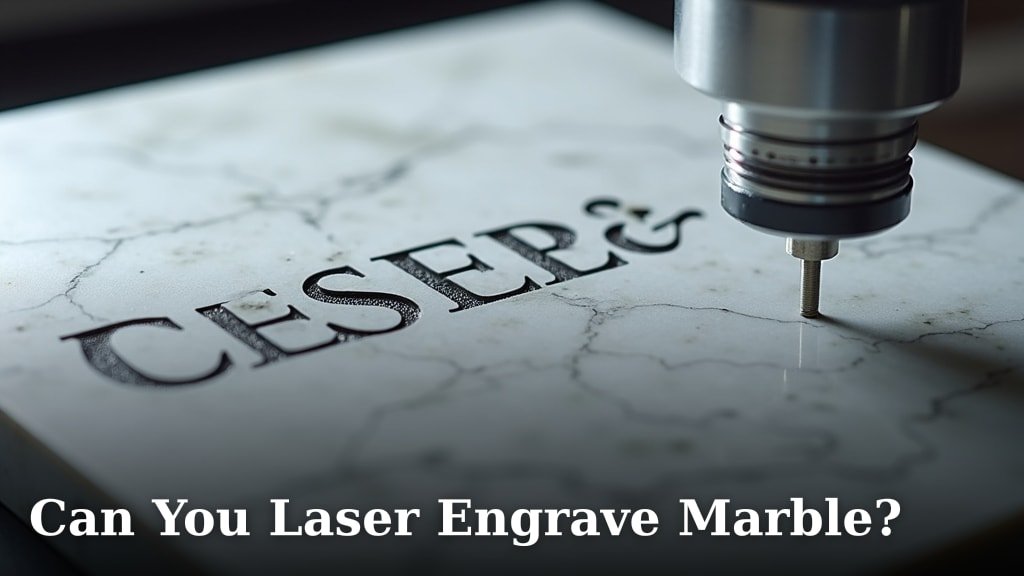
Yes, you can laser engrave marble, but it requires a specific approach. It’s possible to achieve detailed and permanent markings on marble surfaces using a laser engraver. However, the process demands careful control of laser power and speed to avoid damaging the stone.
When laser engraving marble, the laser essentially vaporizes a tiny amount of the stone’s surface. This creates a frosted or etched effect that’s highly durable. Many enthusiasts and professionals have found success by using a CO2 laser, which is generally well-suited for engraving non-metallic materials like marble.
- Yes, you can laser engrave marble.
- It creates a frosted or etched effect.
- CO2 lasers are commonly used.
- Careful control of power and speed is key.
- Results are permanent and durable.
Let’s walk through what you need to know to laser engrave marble successfully.
“`htmlUnderstanding Laser Engraving on Marble
Yes, you absolutely can laser engrave marble! It’s a fantastic way to add permanent and detailed designs to this beautiful natural stone. Many people wonder if marble is too hard or brittle for laser engraving, but with the right approach, you can achieve stunning results.
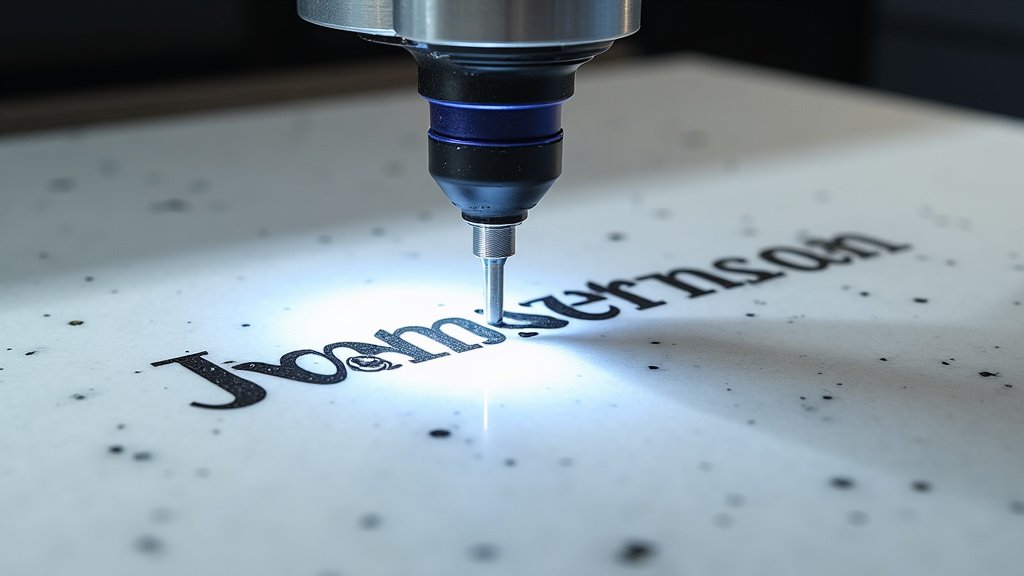
The process works by using a laser beam to precisely remove a thin layer of the marble’s surface. This action essentially vaporizes the material, creating a lasting mark. Think of it like a tiny, controlled explosion that etches your design into the stone. The result is a frosted, matte, or slightly rough texture that contrasts beautifully with the polished surface of the marble.
What Happens When You Laser Marble?
When the laser beam hits the marble, it transfers energy. This energy causes the stone to heat up rapidly. Depending on the laser’s settings and the type of marble, this heat can cause the material to disintegrate or sublimate. It’s this controlled removal that creates the engraving.
You’ll notice that the engraved area often appears lighter or a different color than the surrounding marble. This is because the laser exposes the underlying material or creates tiny pits that reflect light differently. The depth of the engraving can be controlled by adjusting the laser’s power and speed, allowing for subtle shading or deeper, more pronounced etchings.
Choosing the Right Laser for Marble
For laser engraving marble, a CO2 laser engraver is your best bet. These lasers are excellent for working with non-metallic materials, and marble fits that category perfectly. While other laser types exist, CO2 lasers offer a good balance of power, precision, and affordability for hobbyists and small businesses.
When selecting a CO2 laser, consider its wattage. Higher wattage lasers can engrave marble more quickly and deeply. However, even lower-wattage machines can produce excellent results with the correct settings. It’s more about fine-tuning your parameters than simply having the most powerful machine.
Preparing Your Marble for Laser Engraving
Getting your marble ready is a crucial step for success. You want to ensure the surface is clean, stable, and free from any imperfections that could interfere with the laser.
Cleaning the Marble Surface
Start by giving your marble a thorough cleaning. Dust, dirt, grease, or any other residue can affect how the laser interacts with the stone. Use a mild cleaner and a soft cloth. Make sure the marble is completely dry before placing it in the laser engraver.
For polished marble, you might want to use a specialized stone cleaner. If you’re working with raw or honed marble, a simple damp cloth might suffice. The goal is a pristine surface that the laser can work on unimpeded.
Securing the Marble
Marble can be a bit slippery. You need to make sure it doesn’t shift during the engraving process. A slight movement can ruin your design. Use a secure method to hold the marble in place.
Many laser engravers have honeycomb beds, which can help, but for added security, consider using clamps or double-sided tape. Just be careful where you place these items so they don’t end up in the laser’s path! Ensure the marble is also perfectly level, as this will help with consistent engraving depth.
Choosing the Right Marble Type
While many types of marble can be engraved, some varieties might react differently to laser heat. Veined marbles can sometimes have areas that are denser or softer, leading to variations in the engraving. Experimentation is key here.
White or light-colored marbles often provide the best contrast for engravings. Darker marbles might require more power or slower speeds to achieve a visible mark. We found that Carrara and Calacatta marbles, common types, engrave quite well.
Laser Engraving Settings for Marble: The Sweet Spot
This is where the magic happens – dialing in the perfect settings. It’s a balancing act between power, speed, and resolution to get a clean, crisp engraving without damaging the stone.
Power and Speed: Finding the Balance
Marble engraving typically requires a moderate to high laser power. However, applying too much power for too long can cause the marble to crack or chip. This is why speed is your best friend here. You want to use enough power to effectively remove material, but keep the speed up so the laser isn’t dwelling in one spot for too long.
Think of it like drawing with a hot poker. If you hold it still, you burn a big hole. If you move it quickly, you make a light mark. Many users report success with settings like 40-60% power and a speed of 100-200 mm/s. But remember, these are starting points!
Focus and Resolution: Clarity is Key
Proper focus is essential for any laser engraving, and marble is no exception. Ensure your laser is focused correctly on the marble’s surface. An out-of-focus beam will result in a fuzzy, unclear engraving. Many laser engravers have automatic focus features, but it’s always good to double-check.
Resolution, measured in DPI (dots per inch), affects the level of detail. Higher DPI settings will give you finer details but will also take longer to engrave. For most marble projects, a resolution between 300-600 DPI is a good range. You want enough detail without overworking the material.
Testing on Scrap Pieces
Before you engrave your masterpiece, always test your settings on a scrap piece of the same marble. This is the most important step! You’ll want to run a small test pattern or a section of your design to see how the marble reacts.
Adjust your power, speed, and frequency settings based on the test results. Does the engraving look too light? Increase power or decrease speed slightly. Is it too deep or chipping? Decrease power or increase speed. This trial-and-error process ensures you won’t waste your main piece.
Ventilation and Safety When Engraving Marble
Engraving any material with a laser produces fumes. Marble, being a natural stone, releases mineral dust when vaporized. This dust can be harmful if inhaled and can also be corrosive to your laser machine.
The Importance of Proper Ventilation
You must have adequate ventilation when laser engraving marble. Your laser engraver should be connected to an exhaust system that safely vents these fumes and particles outside. Many commercial laser machines come with built-in ventilation or recommend specific exhaust fan setups.
Without proper ventilation, you risk inhaling fine mineral particles, which can cause respiratory irritation or long-term health issues (Occupational Safety and Health Administration – OSHA). Furthermore, this dust can settle inside your laser machine, potentially damaging sensitive components like mirrors and lenses.
Personal Protective Equipment (PPE)
In addition to machine ventilation, wear appropriate personal protective equipment. This includes safety glasses designed to block laser light and, ideally, a respirator mask to protect against airborne particles. Your eyes and lungs are your most important assets!
Always follow the safety guidelines provided by your laser engraver manufacturer. Proper safety protocols ensure you can enjoy laser engraving as a safe and rewarding hobby or business.
Post-Engraving Care and Finishing Touches
Once the engraving is complete, there are a few steps you can take to enhance and protect your marble piece.
Cleaning After Engraving
After engraving, there will likely be a fine dust residue within the etched areas. You can clean this out using a soft brush or compressed air. For a deeper clean, a slightly damp cloth can be used, but be sure to dry the marble thoroughly afterward.
Some users find that gently wiping the engraved area with isopropyl alcohol helps to remove any lingering dust or discoloration. Just be sure to test this on your scrap pieces first.
Optional: Adding Color or Sealant
For an extra touch, you can fill the engraved areas with a paint or epoxy. This can make the design stand out, especially on lighter marbles. Again, test your chosen filler material on a scrap piece first to ensure compatibility and the desired aesthetic.
Applying a stone sealant after cleaning can help protect the marble’s surface and the engraving from stains and moisture. This is particularly recommended if your marble piece will be used in a kitchen or bathroom. Choose a sealant appropriate for natural stone.
A Quick Checklist for Marble Engraving Success:
- Use a CO2 laser engraver.
- Clean and secure your marble piece.
- Test settings on scrap marble first.
- Ensure proper ventilation and wear PPE.
- Clean the engraved area thoroughly afterward.
- Consider sealing for added protection.
Conclusion
Laser engraving marble is absolutely achievable and opens up a world of creative possibilities for you. You’ve learned that with the right CO2 laser, careful preparation of your marble, and precise control over power and speed, you can create stunning, permanent designs. Remember that testing on scrap pieces is your secret weapon for success. Always prioritize safety with proper ventilation and PPE to protect yourself and your equipment. Now you’re ready to bring your unique visions to life on this beautiful stone.
Frequently Asked Questions
What is the best laser type for engraving marble?
A CO2 laser engraver is generally the best choice for working with marble. These lasers are well-suited for non-metallic materials like stone and offer the precision needed for detailed engraving. While other laser types exist, CO2 lasers provide a good balance of performance and accessibility for most users.
Can I engrave very thin marble without it breaking?
Engraving very thin marble can be tricky due to its brittleness. You’ll need to use extremely precise settings with lower power and higher speed to minimize heat impact. Securing the marble very firmly is also essential to prevent any movement or stress that could cause it to crack.
Will laser engraving damage the marble’s polish?
Laser engraving inherently removes a layer of the marble’s surface, so it will alter the polished finish in the engraved area. The engraved sections will typically have a frosted or matte appearance, which creates a beautiful contrast with the original polish. You cannot laser engrave marble and expect the engraved parts to remain polished.
How deep can I engrave into marble with a laser?
The depth of laser engraving on marble is quite limited, usually only a fraction of a millimeter. The laser vaporizes the surface layer to create the effect. Achieving a significant depth often requires multiple passes and can increase the risk of cracking or chipping the stone.
Is laser engraving marble a noisy process?
Laser engraving marble itself isn’t excessively noisy, but the accompanying exhaust fan system required for ventilation can produce a significant amount of sound. You should expect a consistent hum or whirring noise from the fan, which is necessary for safety and machine health.
