
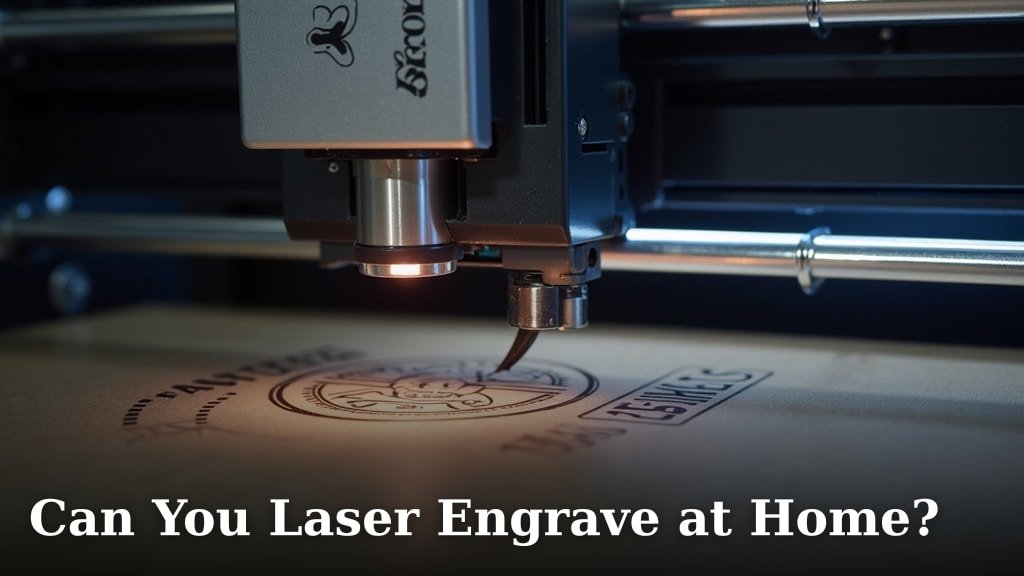
Yes, you absolutely can laser engrave at home. We found that modern technology has made home laser engraving much more accessible and user-friendly than ever before. You can create amazing custom items right from your own space.
Many people are turning their hobbies into small businesses with these versatile machines. You can etch designs onto wood, leather, acrylic, and even some metals. It’s an exciting way to add a personal touch to gifts or decor.
- Home laser engraving is definitely possible.
- Machines are now more affordable and easier to use.
- You can engrave many different materials.
- Great for hobbies, crafts, and small businesses.
So, are you ready to dive into the world of at-home laser engraving? Let’s explore everything you need to know to get started safely and successfully.
Getting Started with At-Home Laser Engraving
You’re ready to create! Setting up your home laser engraver is simpler than you might think. We found that a bit of planning goes a long way to ensure a smooth, enjoyable experience.
The main thing is understanding what these machines can do and how to use them safely. Think of it like learning to drive a new car – exciting, but you need to know the rules of the road first.
Types of Home Laser Engravers Available
When you start looking, you’ll notice two main types of laser engravers for home use: diode lasers and CO2 lasers. Each has its own strengths and ideal uses.
Diode lasers are generally more compact and affordable. They’re great for beginners and hobbyists. You’ll find them perfect for softer materials. They are a fantastic entry point into the world of laser etching.
CO2 lasers are more powerful and versatile. They can engrave and cut a wider range of materials, including clear acrylic and glass. These machines are a bigger investment, often used by serious hobbyists or small businesses. We found they offer more speed and precision for detailed work.
Diode Laser Pros and Cons
Diode lasers are a popular choice for many. They are truly beginner-friendly and won’t break the bank.
- Pros: Affordable, compact, easy to set up, user-friendly software.
- Cons: Less powerful, slower, limited material compatibility (can’t engrave clear acrylic or metal directly).
CO2 Laser Pros and Cons
CO2 lasers are the workhorses of the home engraving world. They are more robust and offer more possibilities.
- Pros: High power, faster engraving and cutting, wide material compatibility (wood, acrylic, glass, leather, some metals with coating).
- Cons: More expensive, larger footprint, requires more maintenance (water cooling, mirror alignment), needs external ventilation.
What Materials Can You Engrave at Home?
The variety of materials you can personalize with a home laser engraver is quite impressive. This versatility is what makes the hobby so exciting! You’re only limited by your imagination and, of course, your machine’s capabilities.
We found that common materials like wood, leather, and acrylic are excellent starting points. Many people begin with simple wood coasters or personalized phone cases. You can also learn more about how to laser engrave leather for various projects.
Popular Materials for Laser Engraving
Here’s a quick rundown of some materials you’ll likely engrave often:
| Material | Diode Laser Friendly? | CO2 Laser Friendly? | Notes |
|---|---|---|---|
| Wood | Yes | Yes | Excellent for detailed etchings; watch for smoke. |
| Leather | Yes | Yes | Creates a nice dark burn; can have a distinct smell. |
| Acrylic (Opaque) | Yes | Yes | Melts and etches well; clear acrylic needs CO2. |
| Cardboard/Paper | Yes | Yes | Great for intricate cuts and delicate designs. |
| Slate/Stone | No (etching only) | Yes | Leaves a frosted white mark; can be brittle. |
| Coated Metal | Yes | Yes | Removes coating to reveal metal; not direct engraving. |
| Glass | No | Yes | Creates a frosted look; be careful with heat. |
As you can see, a CO2 laser offers more options, especially for transparent materials like glass and clear acrylic. Diode lasers are still fantastic for a wide array of popular crafting materials.
Materials to Avoid and Why
Just as important as knowing what you can engrave is knowing what you shouldn’t engrave. Some materials can be dangerous or damage your machine.
Never engrave PVC (Polyvinyl Chloride). When burned, PVC releases chlorine gas, which is toxic and corrosive. It’s really bad for your lungs, your machine, and anything else in the room (CDC).
Avoid any material that contains vinyl. Also, steer clear of materials that are unknown. If you don’t know what it is, don’t engrave it. Safety first!
Essential Safety Measures for Home Laser Engraving
Safety is not something to skip or take lightly. These machines use powerful lasers, which can cause serious injury if not handled correctly. Think of it like handling a power tool – respect it, and you’ll be fine.
Your eyes are particularly vulnerable. The laser beam can cause permanent eye damage, even from reflected light. We found that taking a few precautions makes all the difference.
Must-Have Safety Equipment
Before you even turn on your laser, make sure you have these items ready:
- Laser Safety Glasses: Get the correct wavelength-specific glasses for your machine. This is non-negotiable.
- Ventilation System: Fumes and smoke are produced during engraving. You need a way to vent them outside.
- Fire Extinguisher: Keep a small CO2 or ABC extinguisher nearby. Accidents can happen, especially with wood.
- Protective Gloves: Good for handling materials and cleaning.
Many experts say that proper ventilation is crucial (OSHA). The smoke from engraving wood, for example, is not something you want to breathe in regularly.
Safe Operating Practices
Beyond the gear, how you operate your laser matters a lot. Establish a routine and stick to it every time you engrave.
- Supervise Constantly: Never leave your laser running unattended. Fires can start quickly.
- Clear Workspace: Keep your engraving area free of flammable materials.
- Know Your Machine: Read your engraver’s manual thoroughly. Understand all its features and safety interlocks.
- Proper Ventilation: Always ensure fumes are safely exhausted to the outdoors. Don’t just open a window; use a dedicated exhaust fan. If you plan to use a laser engraver indoors, proper ventilation is even more critical.
- Test Small: When trying a new material or setting, do a small test engrave first. This helps prevent larger mistakes or potential hazards.
These practices might seem like a lot, but they quickly become second nature. They are there to protect you, your loved ones, and your home.
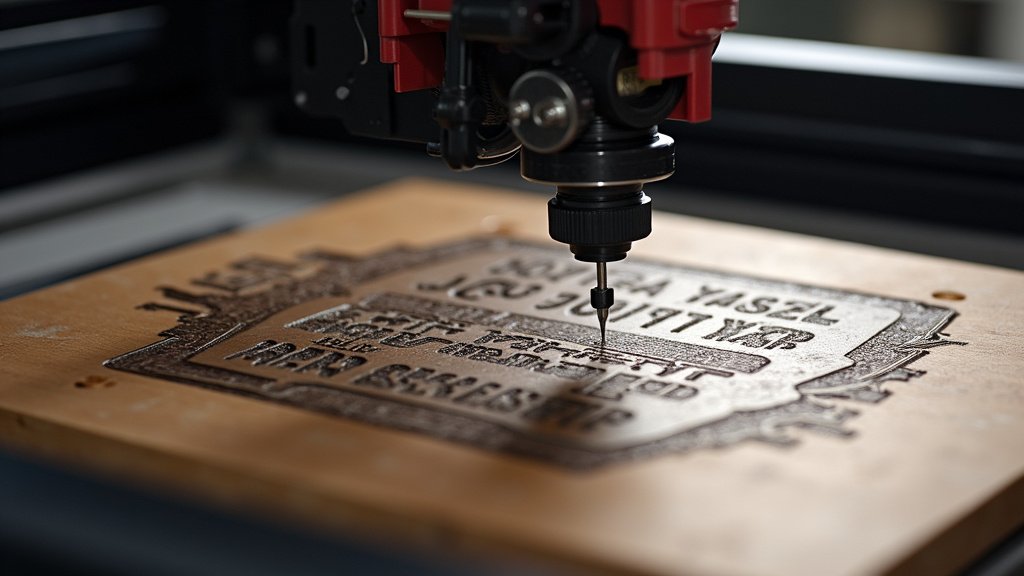
Setting Up Your Home Laser Engraving Workspace
Your workspace is more than just a table; it’s your creative hub. A well-organized space makes engraving more enjoyable and safer. You want a dedicated spot that works for you.
Ideal Location Considerations
Where you put your laser engraver is important. Think about these factors:
- Ventilation Access: Can you easily vent fumes outside? A window is often the easiest solution for hobby machines.
- Power Outlets: Do you have enough outlets, and are they suitable for your machine’s power requirements?
- Space: Is there enough room around the machine for safe operation, material handling, and maintenance?
- Stability: Your engraver needs a sturdy, level surface. Vibrations can affect engraving quality.
- Temperature Control: Avoid extreme temperatures, as they can affect machine performance and material behavior.
We found that a garage or a dedicated workshop area is often ideal. If you’re in a living space, ensure you have robust air filtration and ventilation.
Recommended Workspace Checklist
Here’s a quick checklist to help you set up your ideal home engraving station:
- Sturdy, level work table.
- Proper ventilation system to the outside.
- Accessible power outlets (dedicated circuit if needed).
- Ample lighting for visibility.
- Storage for materials and tools.
- Safety glasses readily available.
- Small fire extinguisher nearby.
Having everything in its place means less fumbling and more focused creative time. You’ll thank yourself later when you’re in the middle of a project and need a tool right away!
Conclusion
You’ve seen that bringing laser engraving into your home is not just possible, but also incredibly rewarding. Modern machines make it accessible for creators like you. We’ve covered everything from choosing the right engraver to setting up a safe workspace. With a focus on safety and understanding your tools, you can turn your creative ideas into tangible realities.
Ready to start personalizing? Take what you’ve learned and begin your own exciting journey into home laser engraving. The perfect custom project is waiting for you to create it.
Frequently Asked Questions
Is home laser engraving safe for beginners?
Yes, it can be very safe for beginners if you follow all safety guidelines. Always wear proper eye protection and ensure excellent ventilation. Many entry-level machines also have built-in safety features.
How much does a home laser engraver typically cost?
The cost varies widely based on the type and power. Diode lasers can start around $200-$500, while more powerful CO2 lasers might range from $2,000 to $10,000 or more. Consider your budget and planned projects.
What software do you use for laser engraving?
Most laser engravers come with their own proprietary software, which is often user-friendly. Common third-party options include LightBurn, which is highly popular for its versatility, and Inkscape or Adobe Illustrator for design work.
Do I need a special computer to run a laser engraver?
No, you generally don’t need a high-end computer. Most modern laptops or desktop computers with a USB port will work just fine. Check your engraver’s specific software requirements for recommended specifications.
How long does it take to engrave an item?
Engraving time depends on several factors: the size and complexity of your design, the material you’re using, and the power settings of your laser. Simple designs on wood might take minutes, while detailed images on harder materials could take hours.
