
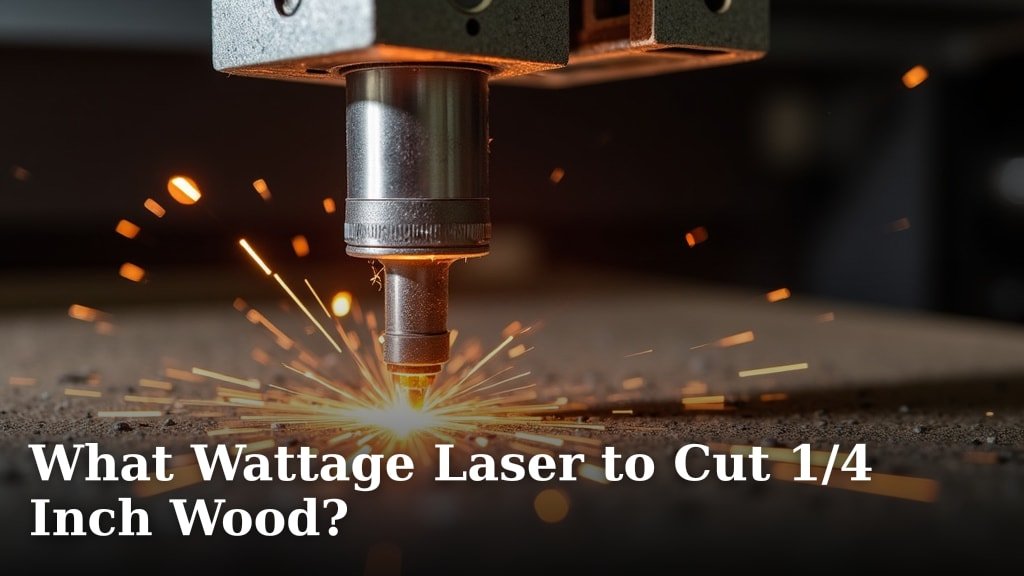
When you’re looking to cut 1/4 inch wood with a laser, you’ll generally need a laser with at least 40 watts. Lower wattage lasers might struggle to make a clean cut through this thickness. A 40W to 60W laser is often the sweet spot for consistent results.
The wattage of your laser cutter directly impacts its ability to power through different materials. Thicker or denser woods require more power to achieve a clean cut without burning. You might also find that the type of wood plays a role, with some burning more easily than others.
- For 1/4 inch wood, aim for 40 watts or more.
- Lower wattage lasers may not cut cleanly.
- Higher wattage gives you more cutting power.
- Wood type also affects cutting ease.
Let’s dive into the specifics of choosing the right laser wattage and what factors will affect your cuts on 1/4 inch wood.
Choosing the Right Laser Wattage for 1/4 Inch Wood
So, you’ve got a project in mind that calls for cutting 1/4 inch wood with your laser. That’s fantastic! But what laser wattage do you really need? We found that for consistent, clean cuts through 1/4 inch wood, you’ll want a laser cutter with a minimum of 40 watts.
Think of wattage like the horsepower of a car. A more powerful engine can handle tougher jobs. For wood that’s a quarter-inch thick, a 40W to 60W laser often hits that sweet spot. Anything less might leave you with a scorched edge or an incomplete cut.
Understanding Laser Wattage and Its Impact
Why is wattage so important? It’s all about the laser’s power output. Higher wattage means the laser can deliver more energy to the material. This energy is what vaporizes or burns through the wood. Why is wattage so important? It’s all about the laser’s power output, and testing it ensures optimal performance.
Power Needs for Different Wood Thicknesses
For thinner materials, like 1/8 inch plywood, a lower wattage laser might do the trick. You could likely get away with 30W or even 20W for scoring or very light cuts. But when you step up to 1/4 inch, the material’s density and thickness demand more power.
We found that trying to cut 1/4 inch wood with a laser under 40W is often frustrating. You might get a partial cut, but the edges will likely be rough and blackened. You might need multiple passes, which can lead to uneven results and a lot of smoke.
Minimum Wattage for Clean Cuts
A 40W laser is generally considered the entry-level for reliable 1/4 inch wood cutting. It allows you to make a single pass for many types of wood. This results in cleaner edges and less charring. Many hobbyists and small businesses find 40W to be perfectly adequate.
The Benefits of Higher Wattage
What if you go for more power, say 60W or 80W? You’ll notice a few things. First, you’ll be able to cut faster. This is great if you have a lot of pieces to make.
Second, higher wattage lasers offer more flexibility. You can cut 1/4 inch wood with ease and then tackle thicker materials like 1/2 inch wood or acrylic. It gives you more room to grow and experiment with different projects. More power means less chance of burning and a cleaner finished product.
Factors Beyond Wattage That Affect Cutting
While wattage is key, it’s not the only player on the field. Several other factors can influence how well your laser cuts through 1/4 inch wood. Think of it like baking a cake; you need the right ingredients and oven temperature.
Type of Wood Matters
Different types of wood have different densities and resin content. This absolutely affects how they react to a laser. Softwoods like pine tend to cut more easily than hardwoods like oak or maple.
We found that balsa wood, for example, is very light and airy. It cuts like butter with relatively low power. Cherry or walnut, on the other hand, are dense and hard. They require more power and slower speeds for a clean cut.
Hardwoods vs. Softwoods
Hardwoods have a tighter grain structure. This makes them more resistant to laser penetration. You’ll often need a higher wattage laser or slower cutting speeds for hardwoods. Expect a bit more charring with denser woods.
Softwoods are less dense and have wider grain. They cut more readily. However, they can sometimes burn more easily due to their natural oils and lower density. Finding the right balance of speed and power is essential.
Plywood and Composites
Plywood is a popular choice for laser cutting. It’s made of thin layers of wood glued together. The type of glue and the wood species used for the plies can make a difference.
Baltic birch plywood is often favored for its strength and consistent layers. Other types of plywood might contain voids or different glues that can react unexpectedly with the laser. Always do a test cut on a scrap piece!
Cut Settings: Speed and Power
Even with the right wattage, your cutting settings are critical. Laser cutting involves a delicate dance between speed and power. Too fast, and you won’t cut through. Too slow, and you’ll burn the wood.
For 1/4 inch wood with a 40W laser, you’ll typically use a slower speed and moderate power. If you have a higher wattage laser, you can often increase the speed while maintaining a similar power level for efficient cutting.
Finding the Sweet Spot
The perfect settings can vary from one machine to another and even between different batches of the same wood. You’ll likely need to run some test cuts. Start with recommended settings for your laser and wood type, then adjust.
If your cut isn’t going all the way through, you can either decrease your speed or increase your power. If you’re getting too much charring, try increasing your speed slightly or decreasing your power. It’s a balance you learn through practice.
Air Assist: Your Cutting Buddy
Have you heard of air assist? It’s a stream of compressed air directed at the point where the laser beam hits the wood. It’s surprisingly effective!
Air assist does two main things. First, it blows away smoke and debris from the cutting kerf. This allows the laser beam to reach the wood more effectively, resulting in a cleaner cut. Second, it helps to Air assist helps to cool the material, which reduces the chance of flaming and excessive charring.cool the material, which reduces the chance of flaming and excessive charring.
Many laser cutters come with air assist, or you can add it as an upgrade. For cutting 1/4 inch wood, air assist is highly recommended. It can make the difference between a good cut and a great one.
Lens and Mirror Cleanliness
Your laser’s optics are like its eyes. If they’re dirty or smudged, the laser beam won’t be as focused or as powerful when it hits the material. This means you’ll need more passes or higher power settings.
Regularly cleaning your laser’s lens and mirrors is a simple maintenance task that has a big impact. A clean lens ensures you’re getting the maximum power to your workpiece. Many manufacturers provide cleaning instructions for their optics.
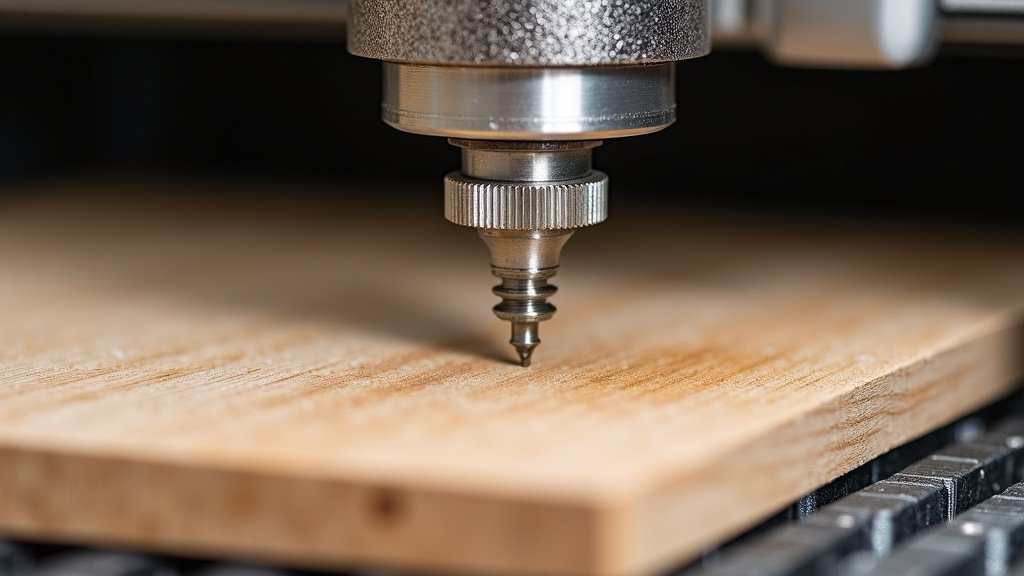
Recommended Laser Wattage Guide
To summarize, when you’re targeting 1/4 inch wood, here’s a general guideline based on what we found:
| Wood Thickness | Recommended Minimum Wattage | Ideal Wattage Range | Notes |
|---|---|---|---|
| 1/8 inch | 20-30W | 30-50W | Cuts easily, can score thicker materials |
| 1/4 inch | 40W | 40-60W | Reliable for most wood types |
| 1/2 inch | 60W+ | 70-100W+ | Requires higher power, slower speeds |
This table is a starting point. Always consider the specific type of wood and your desired cut quality. For 1/4 inch wood, the 40W to 60W range is where you’ll find the best balance of capability and cost for most users.
Checklist for Cutting 1/4 Inch Wood
Before you fire up your laser, here’s a quick checklist to ensure you’re set for success:
- Confirm your laser cutter is at least 40 watts.
- Identify the specific type of 1/4 inch wood you’re using.
- Have your air assist system ready and functioning.
- Prepare a scrap piece for test cuts.
- Gather cleaning supplies for your laser optics.
- Be ready to adjust speed and power settings.
Conclusion
So, you’re ready to cut 1/4 inch wood with your laser. Remember, a 40-watt laser is your starting point for clean, reliable cuts. Aiming for the 40W to 60W range often provides the best balance for this thickness. Keep in mind that wood type, your cut settings, and even your air assist system play big roles. You’ve got the knowledge to make smart choices now. Your next step is to gather your materials, run some test cuts on scrap wood, and fine-tune those settings. Happy lasering!
Frequently Asked Questions
Will a 30-watt laser cut 1/4 inch wood?
A 30-watt laser will likely struggle to cut through 1/4 inch wood cleanly. You might get a partial cut, but expect rough edges and significant charring. For consistent results on this thickness, we found 40 watts or more is generally recommended.
Is a 60-watt laser overkill for 1/4 inch wood?
A 60-watt laser is not overkill for 1/4 inch wood; it offers more power and flexibility. You’ll likely be able to cut faster and achieve cleaner edges than with a lower wattage laser. It also gives you the capability to tackle thicker materials or denser woods with ease.
How does wood type affect cutting 1/4 inch thickness?
Denser hardwoods like oak or maple will require more power and slower speeds to cut through 1/4 inch compared to softer woods like pine. Softwoods can cut more easily but may burn more readily. Always do test cuts to find the right settings for your specific wood.
Do I really need air assist for cutting 1/4 inch wood?
Air assist is highly recommended when cutting 1/4 inch wood. It helps clear smoke and debris from the cut path, allowing the laser beam to penetrate more effectively. It also cools the material, reducing flare-ups and charring for a much cleaner finish.
How many passes will it take to cut 1/4 inch wood?
With a 40-watt laser or higher, you should aim to cut 1/4 inch wood in a single pass for the best results. If your laser is lower powered or your settings aren’t optimized, you might need multiple passes. However, multiple passes can lead to increased charring and less precise cuts.
