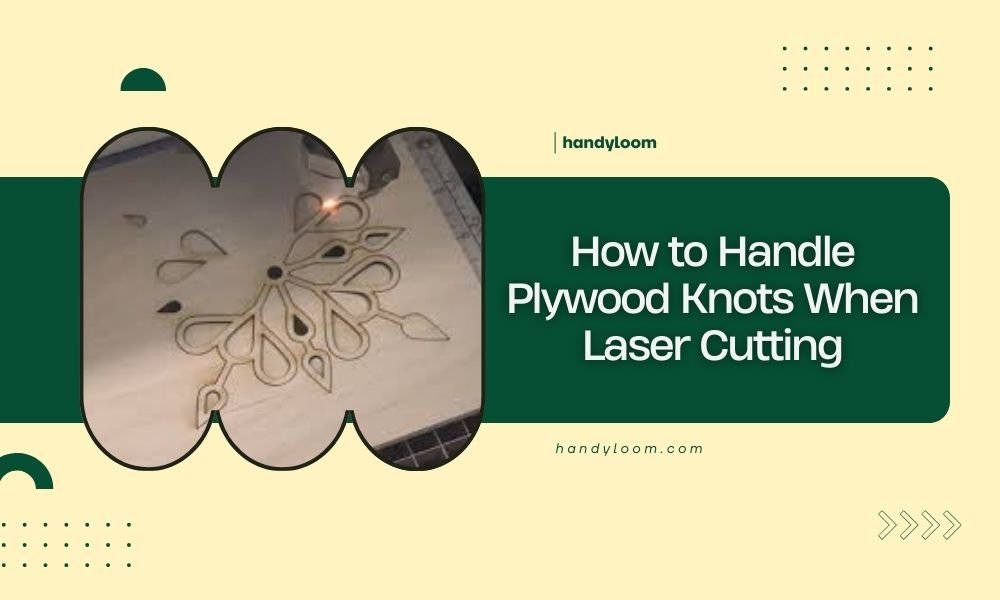
To handle plywood knots when laser cutting, slow down your cutting speed by 20-30% and increase power by 10-15% when approaching knot areas.
Pre-drilling small pilot holes through large knots before laser cutting helps prevent burning and ensures clean cuts through these dense wood sections.
Understanding Plywood Knots and Laser Cutting Challenges
Plywood knots are like speed bumps on your laser cutting highway. They’re denser than the surrounding wood and can cause your laser to stall, burn, or create rough edges.
When I researched this topic, I found that knots contain compressed wood fibers and sometimes resin pockets. This makes them harder to cut cleanly with standard laser settings.
Why Knots Cause Problems
Knots have different grain patterns than regular plywood. The wood fibers twist and compress around the knot area. Your laser beam hits this dense section and suddenly needs more power to push through.
Think of it like trying to cut through a thick steak with a butter knife. You need more pressure and time to get through the tough parts.
Pre-Cutting Preparation Methods
Inspect Your Plywood First
Before you start cutting, take a close look at your plywood sheet. Mark any knots with a pencil or removable tape.
Small knots under 1/4 inch usually won’t cause major issues. Large knots over 1/2 inch need special attention.
Create a Knot Map
Draw a simple sketch of where the big knots sit on your plywood. This helps you plan your cutting path and settings.
Pre-Drilling Technique
For knots larger than 1/2 inch, consider pre-drilling a small pilot hole. Use a 1/8 inch drill bit right through the center of the knot.
This gives your laser beam a starting point and reduces the chance of burning or incomplete cuts.
When to Skip Pre-Drilling
Skip the drill if your design needs the knot intact for decorative purposes. Some projects look better with natural knot patterns preserved.
Laser Settings Adjustments for Knots
Power and Speed Modifications
Your standard plywood settings won’t work well on knots. You’ll need to make some changes.
| Plywood Area | Power Adjustment | Speed Adjustment |
|---|---|---|
| Regular wood | Standard setting | Standard speed |
| Small knots | +5-10% power | -10-20% speed |
| Large knots | +10-15% power | -20-30% speed |
Test Cuts Are Your Friend
Always run a test cut on a scrap piece first. Find a section with similar knots and try different settings.
Start with small adjustments. You can always increase power or slow down more if needed.
Multi-Pass Cutting Strategy
Sometimes one pass isn’t enough for thick knots. Set up your laser for 2-3 lighter passes instead of one heavy cut.
This prevents overheating and gives you more control over the cut quality.
Pass Timing
Let your plywood cool for 30-60 seconds between passes. This prevents heat buildup that can cause warping or burning.
Common Knot-Related Problems and Solutions
Burning Around Knots
Black burn marks around knots happen when your laser moves too slowly or uses too much power.
Reduce your power by 5% and increase speed by 10%. This usually fixes the burning problem.
Preventing Scorch Marks
Use masking tape over knot areas before cutting. The tape protects the wood surface from heat damage.
Incomplete Cuts Through Knots
When your laser doesn’t cut all the way through a knot, don’t just crank up the power to maximum.
Instead, try these steps:
- Slow down your cutting speed by 25%
- Increase power by 10%
- Clean your laser lens
- Check your focus height
Manual Finishing Options
Sometimes you’ll need to finish tough knots by hand. A sharp craft knife or fine sandpaper can clean up rough edges.
Advanced Techniques for Problem Knots
Variable Power Settings
Some laser cutters let you adjust power based on image darkness. You can create a cut file that automatically increases power over knot areas.
This works great if you have the same plywood type for multiple projects.
Grayscale Mapping
Take a photo of your plywood and convert it to grayscale. Dark knot areas will automatically get more laser power.
Air Assist Adjustments
Turn up your air assist when cutting through knots. The extra airflow helps clear debris and prevents flame-ups.
Some laser operators I’ve heard from increase air pressure by 20-30% for knot-heavy plywood.
Nozzle Distance
Bring your air assist nozzle closer to the cutting surface. This concentrates the airflow right where you need it most.
Choosing Knot-Friendly Plywood
Plywood Grades Matter
Not all plywood is created equal. Some grades have fewer and smaller knots than others.
A-grade plywood has the fewest knots but costs more. B-grade is a good middle ground for most laser cutting projects.
Thickness Considerations
Thicker plywood makes knot problems worse. Stick to 1/4 inch or thinner when possible.
Wood Species Differences
Different wood types have different knot characteristics. Pine knots are usually softer and easier to cut than oak knots.
Baltic birch plywood has fewer knots overall and is popular with laser cutters for this reason.
Safety Considerations
Fire Prevention
Knots can catch fire more easily than regular wood. They contain resins that are flammable.
Never leave your laser unattended when cutting knot-heavy plywood. Keep a spray bottle of water nearby just in case.
Ventilation Needs
Burning knots create more smoke than regular wood cuts. Make sure your ventilation system can handle the extra load.
Conclusion
Handling plywood knots doesn’t have to ruin your laser cutting projects. With the right preparation, settings adjustments, and techniques, you can cut through even the toughest knots cleanly.
Remember to inspect your plywood first, adjust your laser settings for knot areas, and always prioritize safety. Pre-drilling large knots and using multiple passes often gives better results than trying to power through in one cut.
The key is patience and preparation. Take time to understand your material and adjust accordingly. Your finished projects will look much more professional when you master these knot-cutting techniques.
Can I use the same laser settings for all types of knots?
No, different knot sizes and wood types need different settings. Small pine knots might only need 5% more power, while large hardwood knots could need 15% more power and 30% slower speeds.
Should I avoid plywood with knots completely?
Not necessarily. Knots can add character to your projects. Just plan ahead and adjust your cutting technique. A-grade plywood costs more but has fewer knots if you prefer cleaner cuts.
What happens if my laser catches a knot on fire?
Stop cutting immediately and use your air assist to blow out small flames. Keep water nearby but avoid spraying it directly on hot laser components. Prevention through proper settings is better than fighting fires.
How do I know if a knot is too hard for my laser to cut?
If your test cuts show heavy burning, incomplete penetration, or rough edges even after adjusting settings, the knot might be too dense. Consider pre-drilling or choosing different plywood.
Can I use knots as design elements in my projects?
Absolutely. Many crafters love the natural look of knots in their finished pieces. Just cut around them carefully and sand any rough edges smooth. Knots can become focal points in rustic or natural-themed projects.