
To start a laser engraving business, you will first need to develop a solid business plan, acquire the right equipment, and then learn the engraving software. We found that choosing a niche and understanding your target market are also critical early steps to success.
You’re looking to turn creative ideas into tangible products, right? A laser engraving business offers a flexible path to entrepreneurship and a chance to create personalized items. Many people appreciate these unique gifts and custom products. We found that getting started is more accessible than you might think.
- Plan your business.
- Buy your laser engraver.
- Learn engraving software.
- Find your niche market.
- Market your services.
So, ready to dive in and get your engraving business off the ground? Let’s walk through exactly how to set up your own successful laser engraving venture, step by step.
Ready to turn your passion into profit? Starting a laser engraving business can be a truly rewarding adventure. You’ll need a clear path forward, and we’re here to guide you.
Mapping Your Path to a Successful Engraving Business
Success in any venture begins with a solid plan. Think of your business plan as a roadmap. It helps you navigate challenges and stay focused on your goals. We found that a good plan identifies your niche and target audience early on.
Defining Your Niche and Target Market
Who will you serve? What will you engrave? These questions are key. Many new business owners try to cater to everyone. We found that this approach often leads to burnout and less profit. Focusing on a specific niche makes your marketing easier and more effective. Are you passionate about pet products? Or maybe custom wedding gifts? Identify what excites you.
Choosing Your Engraving Niche
Consider what types of items you enjoy creating. Do you love personalized jewelry? How about custom awards for local businesses? Or perhaps unique home decor? We found that engraving photographs onto wood or slate is very popular. Your niche helps you stand out from the competition. What materials fascinate you most?
- Customized pet tags and memorials.
- Personalized wedding and anniversary gifts.
- Engraved corporate awards and promotional items.
- Unique home decor like coasters or cutting boards.
- Fashion accessories like leather wallets or watch bands.
Understanding Your Ideal Customer
Once you know your niche, define your ideal customer. Are they individuals celebrating milestones? Or small businesses looking for branding solutions? Knowing your customer helps you tailor your products and messaging. Where do they shop? What problems do they need solved? We found that creating buyer personas can be very helpful here.
Crafting Your Business Plan
A business plan doesn’t have to be a daunting novel. It’s a living document that outlines your services, financial projections, and operational strategies. We found that a simple, well-thought-out plan works best. This plan helps you secure funding and keeps you organized.
Key Components of Your Plan
What should go into your business plan? Start with your executive summary — a brief overview of your entire plan. Then detail your company description, market analysis, and organizational structure. Don’t forget your products and services section. Outline your marketing and sales strategies, too. Finally, your financial projections are essential for estimating startup costs and potential earnings.
Essential Equipment for Your Engraving Journey
You can’t engrave without the right tools, right? Choosing your laser engraver is a big decision. It’s often the largest initial investment. We found that understanding the different types and their capabilities is crucial. Don’t rush this step.
Selecting Your Laser Engraver
Two main types of lasers dominate the market: CO2 lasers and Fiber lasers. Each has its strengths. Your choice depends heavily on your niche and the materials you plan to engrave. Research is your best friend here.
CO2 Lasers vs. Fiber Lasers
CO2 lasers are versatile. They can engrave and cut a wide range of organic materials. Think wood, acrylic, leather, glass, and some plastics. They are generally more affordable too. Fiber lasers, however, excel at engraving metals and some plastics. They create very fine, precise marks on harder materials. So, what materials are you eyeing?
| Feature | CO2 Laser Engraver | Fiber Laser Engraver |
|---|---|---|
| Primary Materials | Wood, acrylic, leather, glass, fabric, some plastics | Metals (stainless steel, aluminum, brass), some plastics |
| Cutting Ability | Excellent for non-metals | Limited for cutting, better for marking |
| Initial Cost | Generally lower | Generally higher |
| Maintenance | Requires more routine cleaning of optics | Lower maintenance, few consumables |
| Engraving Detail | Good for various textures | Very fine, high-contrast detail on metals |
Considering Engraver Specifications
Beyond the laser type, think about power (watts), bed size, and software compatibility. More wattage means you can engrave faster or cut thicker materials. A larger bed size allows for bigger projects. We found that a well-ventilated space is also non-negotiable due to fumes. Safety first, always!
Acquiring Essential Software
Your laser engraver needs instructions, and that’s where software comes in. You’ll need design software and engraving software. Many engravers come with their own proprietary software. However, understanding standard design programs is a huge asset. You want software that “talks” to your machine effectively.
Design Software Options
Familiarize yourself with graphic design software. Programs like Adobe Illustrator, CorelDRAW, or Inkscape (a free alternative) are industry standards. They allow you to create intricate designs, logos, and text. We found that knowing a vector-based program is especially helpful. Vector files scale without losing quality, which is perfect for engraving.
Engraver Control Software
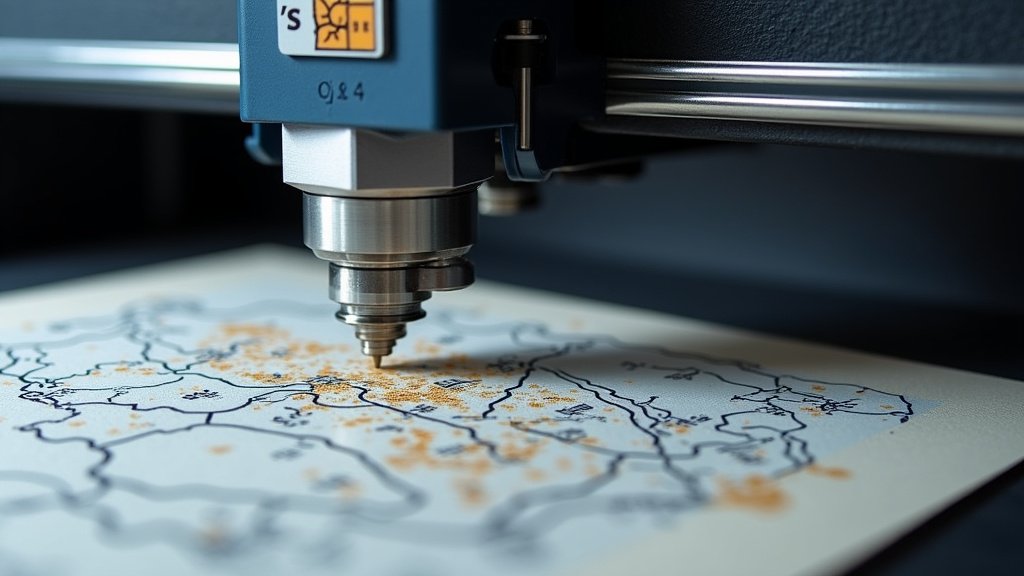
This software sends your designs to the laser. It controls speed, power, and passes. Each engraver brand often has its own specialized software. Take time to learn it thoroughly. Many experts say that mastering your control software improves efficiency significantly (Laser Engraving Community forums). Don’t skip the tutorials!
Navigating Legalities and Business Formalities
Starting any business involves some red tape. It’s smart to tackle these items early. They protect you and give your business legitimacy. Many new business owners overlook these important steps, leading to headaches later. Get registered and insured.
Registering Your Business
You need to choose a business structure. Will you be a sole proprietor, LLC, or corporation? Each has different tax and liability implications. We found that an LLC offers a good balance of protection and simplicity for most small businesses. Check with your Secretary of State’s office for specific requirements.
Obtaining Necessary Licenses and Permits
The requirements vary by location. You might need a general business license from your city or county. If you plan to sell online, you might need a seller’s permit to collect sales tax. Investigate your local regulations. A quick call to your local small business administration office can clarify things quickly.
Insurance and Safety Protocols
Laser engraving involves powerful equipment. Protecting your business means having the right insurance. It also means prioritizing safety in your workspace. Don’t underestimate the importance of either.
Securing Business Insurance
You’ll likely need general liability insurance. This protects you if someone gets hurt on your property or if your product causes damage. Property insurance will cover your equipment. We found that product liability insurance is also a good idea. Talk to an insurance agent who specializes in small businesses. They can help you find the right coverage without overspending.
Establishing a Safe Engraving Environment
Laser engravers can produce fumes, dust, and intense light. Always use proper ventilation. Wear appropriate safety glasses designed for laser use. Keep a fire extinguisher nearby. Read your engraver’s manual carefully for all safety instructions (National Institute for Occupational Safety and Health). Your health and safety matter most!
Ready to check off some initial steps? Here’s a quick starter list:
- Define your specific engraving niche.
- Research CO2 vs. Fiber engravers.
- Download free graphic design software samples.
- Contact your local government for business permits.
- Find an insurance agent for a business quote.
Conclusion
You’ve now got a clear understanding of what it takes to launch your laser engraving business. From nailing down your niche and crafting a solid business plan to selecting the perfect engraver and navigating legalities, each step is manageable. We found that attention to detail in these early stages truly pays off. Your creativity, combined with these practical steps, will help you build a legitimate and profitable venture. Remember, success often comes from consistent effort and learning.
Your next best step? Start outlining your specific niche ideas and consider which materials excite you most. This will guide many of your upcoming decisions.
Frequently Asked Questions
Is a laser engraving business profitable?
Yes, a laser engraving business can be very profitable if you find a good niche and market your services effectively. Profitability often depends on your pricing strategy, production efficiency, and the demand for customized products in your chosen market.
What are the startup costs for a laser engraving business?
Startup costs can vary widely but generally range from a few thousand dollars for an entry-level machine and basic supplies to $20,000 or more for higher-end equipment. We found that the biggest investment is usually the laser engraver itself, along with software and safety gear.
How much space do I need for a laser engraving setup?
You don’t necessarily need a huge space. Many home-based businesses operate successfully out of a spare room or garage. The key is having adequate ventilation and a dedicated area that can safely house your equipment and materials.
Do I need graphic design experience to start a laser engraving business?
While not strictly required, graphic design skills are a major asset. Many engraving projects start with a digital design. Learning basic design software will allow you to create custom pieces and refine customer-provided artwork efficiently.
How long does it take to learn how to use a laser engraver?
Most basic operations can be learned in a few days or weeks, allowing you to start producing simple items. However, truly mastering the nuances of different materials, software, and advanced techniques can take several months of practice and experimentation. Patience is key!
