
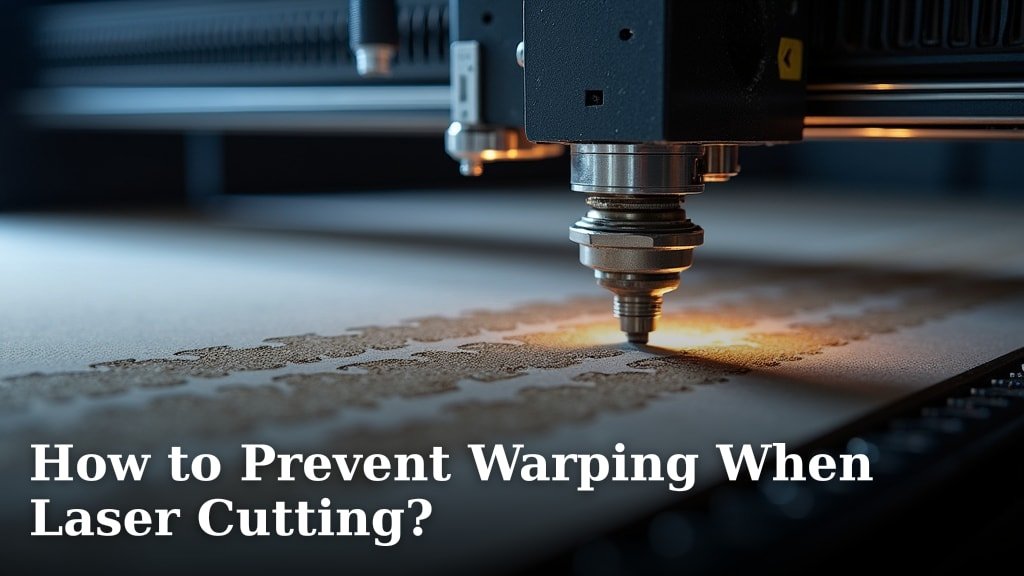
You can prevent laser cutting warping by controlling heat buildup and material stress. This often means using the right speed and power settings for your material. It’s a common issue, but one that’s definitely fixable with a few smart adjustments. Don’t let warped pieces get you down!
Warping happens when the material heats up too much in one spot. This causes it to expand and then contract unevenly. When it cools, it can bend or twist out of shape. Understanding the causes of warping is the first step to avoiding it. We’ve researched this quite a bit, and the solutions are surprisingly straightforward.
TL;DR:
- Control heat to prevent expansion.
- Reduce material stress during cutting.
- Adjust laser speed and power carefully.
- Consider material thickness and type.
- Don’t forget proper ventilation.
Let’s walk through exactly how to keep your materials flat and looking great throughout your laser cutting projects.
Keeping Your Laser Cut Projects Flat: Avoiding Warping
Warping is a frustrating problem. It happens when heat causes your material to expand and then contract unevenly. This can leave you with bent or twisted pieces. But don’t worry, you can take steps to prevent this. We’ve researched the common causes and found effective solutions.
Understanding the Heat Factor
Laser cutters use a lot of heat. This concentrated energy is what cuts through your material. However, this intense heat can also cause issues. The material absorbs the energy. This absorption leads to thermal expansion. Think of it like heating a metal rod; it gets longer. In laser cutting, this expansion happens quickly.
Why Heat Causes Warping
When your laser heats a specific spot, the material expands right there. As the laser moves on, that spot starts to cool. Cooling causes contraction. If the cooling is uneven across the material, you get stress. This stress is what pulls the material out of its flat shape. It’s like a thin piece of wood drying too fast on one side; it’ll curl up.
Controlling Heat Buildup
The key is to manage the heat. You want to avoid letting it build up too much in one area. We found that adjusting the laser’s speed is a primary way to do this. A slower speed means the laser stays on one spot longer. This allows more heat to penetrate and build up. Conversely, a faster speed means less heat is absorbed by any single spot.
Many experts suggest using the fastest speed possible for your material. This might seem counterintuitive. You want a clean cut, right? But a speed that’s too slow will definitely lead to excessive heat. We recommend testing different speeds. Start fast and slow down only if needed to achieve a clean edge.
Power Settings Matter Too
Laser power is the other big heat control. High power cuts faster but also adds more heat. Low power adds less heat but might not cut through cleanly. Finding the sweet spot is essential. We found that using too much power, even at a fast speed, can still cause warping. It’s all about balance.
Think of it like cooking. You can use high heat for a quick sear. But if you leave it too long, you burn it. Laser cutting is similar. You need enough power to cut, but not so much that you’re just blasting the material with heat. Many laser users find that a lower power setting combined with a slightly slower speed can be better than high power and high speed.
Material Stress and How to Manage It
Beyond heat, the material itself can hold stress. This is especially true for plastics and some woods. When you cut through them, you release this internal stress. This release can cause the material to warp. It’s like bending a plastic ruler; it wants to spring back.
Material Type and Thickness
Different materials react differently. Acrylic, for instance, is prone to warping from heat. Wood can warp if it’s not properly seasoned or if it’s too thin. Thicker materials generally handle heat better. They have more mass to absorb and dissipate it. Thin materials are much more susceptible. We found that thin plywood is a common culprit for warping.
Consider the density of your material too. Denser materials might require more power or slower speeds. This, in turn, increases the risk of heat-related warping. Always check the manufacturer’s recommendations if available. They often provide starting points for settings.
Cooling Your Material
Allowing the material to cool properly is vital. Don’t try to remove the piece immediately after cutting. Let it sit on the laser bed for a few minutes. This allows it to cool down evenly. We found that some users even use a fan to gently cool the material after cutting. This helps prevent residual heat from causing further warping.
Another technique is to use a sacrificial layer. Place a honeycomb bed or a sheet of scrap material underneath your workpiece. This helps to absorb some of the heat. It also prevents the laser beam from reflecting off the bed and re-heating your part. Many laser users swear by this method.
Securing Your Material
Sometimes, the best defense is simply to hold the material down. Warping can occur because the material lifts or shifts as it heats and cools. Using Using hold-down magnets or weights can be very effective to keep the material from shifting as it heats and cools.hold-down magnets or weights can be very effective. Place them around the edges of your material. Make sure they don’t interfere with the laser beam’s path. We found that using several strategically placed magnets works wonders.
For very thin or flexible materials, you might need more aggressive holding. Masking tape can be useful. Apply it around the edges of your cut. It helps to keep the material in place. Ensure the tape is applied flat and smooth. Any wrinkles can cause uneven cutting. Many users apply tape to the entire surface of delicate materials.
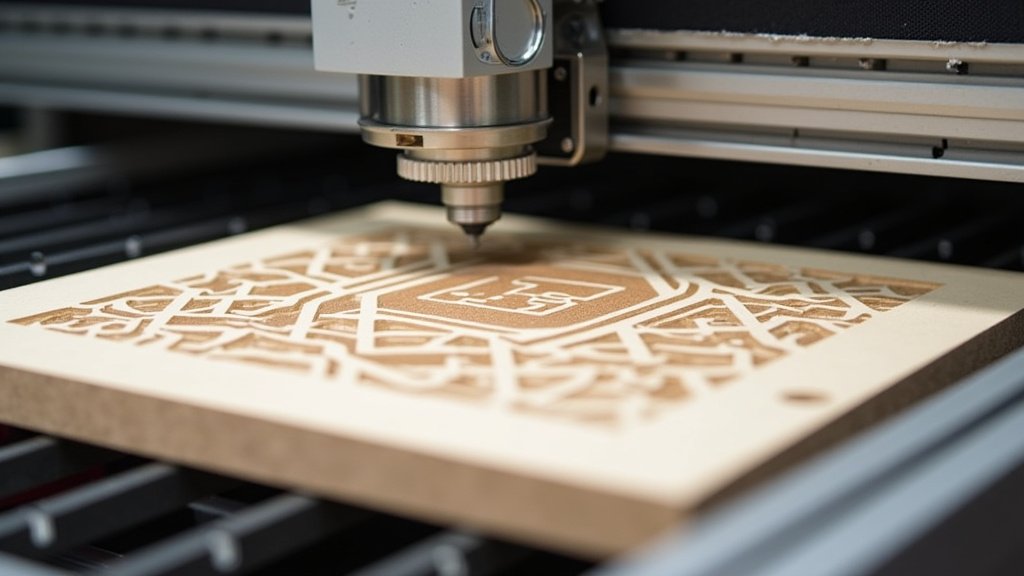
Optimizing Your Laser Cutter Setup
Your laser cutter itself plays a role. The air assist system is crucial. It blows air at the cutting point. This air does two things: it cools the material and it clears smoke. Smoke can interfere with the laser beam. It can also char the edges, which adds heat.
The Role of Air Assist
A strong air assist is your friend. It helps to dissipate heat as it’s generated. This is why you’ll often see recommended settings that include a specific air assist pressure. If your air assist is weak, it’s like trying to fan a campfire with a feather. It’s not effective. We found that upgrading to a more powerful air pump can dramatically reduce warping.
Make sure the nozzle is clean and properly aligned. A clogged nozzle or one that’s too far from the material won’t be as effective. The air needs to be directed precisely at the point where the laser is cutting. This is a simple check, but it can make a big difference.
Ventilation and Fumes
Proper ventilation is critical for safety, but it also impacts heat. Good ventilation removes hot air from the cutting area. This helps to keep the material cooler overall. If fumes and hot air build up inside the machine, the material will stay hotter for longer. We found that even with air assist, inadequate ventilation can lead to warping.
Ensure your laser cutter’s exhaust system is working efficiently. Check that ducting is clear and that the fan is operating at full capacity. If you’re cutting in a small, enclosed space, consider using an additional fan to help move air. Safety first, but a cooler environment is a bonus.
A Quick Checklist for Preventing Warping
Here’s a handy list to keep in mind for your next project:
- Always start with the fastest recommended speed for your material.
- Use just enough laser power to get a clean cut; avoid over-powering.
- Test settings on scrap pieces before committing to your final material.
- Ensure your air assist is strong and properly directed.
- Allow cut pieces to cool completely before handling.
- Secure thin or flexible materials with magnets or tape.
Experimentation is Key
Laser cutting is part art, part science. While these tips provide a solid foundation, every machine and material is slightly different. Don’t be afraid to experiment. Keep a logbook of your settings. Note the material, thickness, speed, power, and air assist used. Record whether you experienced warping.
Over time, you’ll build up a wealth of knowledge for your specific setup. Many experienced users say that the best way to learn is by doing. You’ll discover what works best through trial and error. Remember, a little patience goes a long way in achieving perfect, flat laser-cut parts.
Conclusion
Preventing warping in your laser-cut projects is totally achievable! You’ve learned that controlling heat buildup and managing material stress are your main goals. It’s all about finding that perfect balance with your laser settings – speed, power, and air assist working together. Remember to consider your material type and thickness, and don’t forget the simple steps like letting pieces cool and securing them.
Your next step? Grab a scrap piece of material and put these techniques into practice. Experiment with slight adjustments to your settings. You’ll quickly develop a feel for what works best with your machine and materials. Happy cutting, and enjoy your perfectly flat creations!
Frequently Asked Questions
What’s the most common mistake leading to laser cutting warping?
The most frequent cause of warping is often using settings that generate too much heat. This usually happens when the laser speed is too slow or the power is set too high for the material you’re cutting. It’s about finding that precise balance.
Can different types of tape cause warping?
Yes, the way you apply tape matters. Wrinkled or unevenly applied tape can cause the laser to cut unevenly. This can introduce stress or localized heating, leading to warping. Always ensure any tape you use is applied smoothly and flat against the material.
Is it okay to cut multiple identical pieces at once to save time?
While it might seem efficient, cutting multiple pieces closely together can increase heat buildup in the overall area. This can lead to more warping than cutting pieces one by one with adequate spacing. We recommend giving your material some breathing room.
How does air assist help prevent warping?
A strong air assist system blows air directly at the cutting point. This action helps to cool the material as it’s being cut. It also blows away smoke, which can otherwise trap heat and re-heat the material, contributing to warping.
Why should I let my laser-cut pieces cool down before removing them?
Materials continue to contract and settle as they cool. Removing a piece too soon, while it’s still hot, can cause it to warp as residual heat escapes unevenly. Letting it cool slowly on the bed allows for a more even cooling process and reduces stress.
