
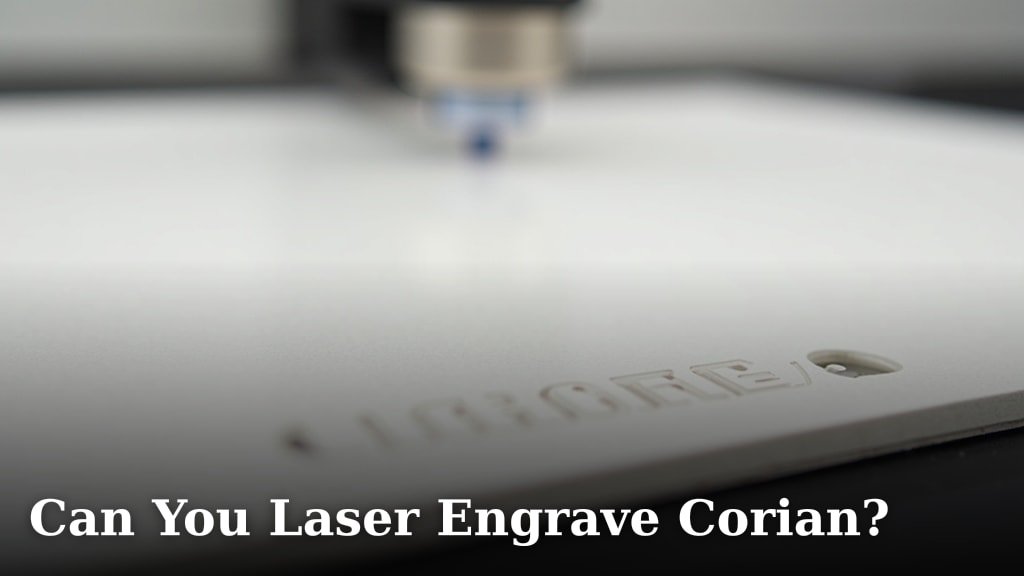
Yes, you absolutely can laser engrave Corian. It’s a popular choice for many projects because it engraves with a beautiful frosted effect. You just need to use the right settings. This method works well for both personal crafts and professional applications, offering a unique way to customize solid surfaces.
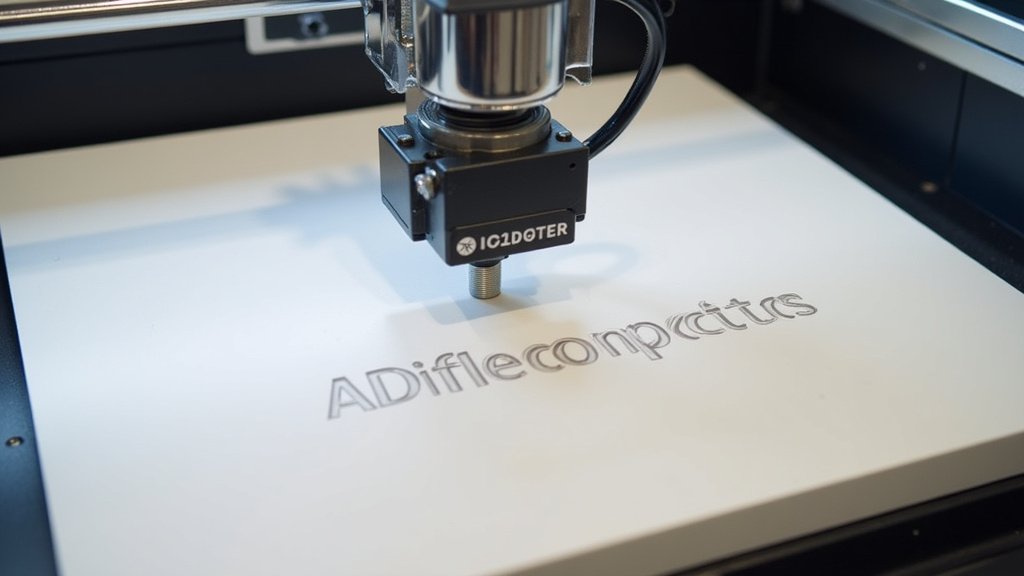
When you laser engrave Corian, the acrylic component melts and vaporizes. This leaves a permanent mark on the surface. Many people find this process to be quite forgiving. You can achieve both delicate details and bolder designs with confidence. It’s a great way to add a personal touch to countertops or decorative items.
- Corian can be laser engraved.
- It creates a frosted or white-looking mark.
- Use appropriate laser settings for best results.
- Corian is great for custom designs.
- It’s a versatile material for personalization.
We found that understanding the material is key to successful engraving. Let’s walk through how to get the best results when you laser engrave Corian.
You’ve probably seen those gorgeous custom designs etched into solid surfaces and wondered, “Can I do that with Corian?” The answer is a resounding yes! Laser engraving Corian is a fantastic way to add a personal touch to just about anything. From kitchen backsplashes to unique gifts, this technique opens up a world of creative possibilities. It’s surprisingly straightforward once you understand the basics.
Getting Started with Laser Engraving Corian
Corian, a solid surface material made by DuPont, is a blend of acrylic polymer and alumina trihydrate (ATH). This unique composition is what makes it so well-suited for laser engraving. When the laser beam hits the surface, it heats and vaporizes the acrylic binder. This process leaves behind the white, powdery ATH, creating that signature frosted effect that so many people love. It’s not a burn or a scorch; it’s more like the material is subtly lifted away.
Understanding the Laser Engraving Process
Think of your laser engraver as a very precise pencil. Instead of graphite, it uses a focused beam of light to remove material. For Corian, this means you’re essentially “drawing” with light. The laser’s power and speed settings are key. Too little power, and you won’t see much. Too much, and you risk damaging the material or creating an uneven mark. Finding that sweet spot is where the magic happens.
What Kind of Laser Is Best?
Most hobbyist and professional laser engravers can handle Corian. CO2 lasers are the most common and work very well. These lasers use a gas mixture to produce a beam of light. The wavelength of CO2 lasers is well-absorbed by the acrylic components of Corian. This allows for efficient engraving. Rotary attachments can be useful if you plan to engrave cylindrical items, like custom cups or vases made from Corian.
Which Corian Colors Engrave Best?
While you can engrave most Corian colors, some produce more striking results than others. Light-colored Corian, especially whites and creams, tend to engrave with a very crisp, bright white mark. This offers a beautiful contrast. Darker colors, like navy or black Corian, will also engrave, but the contrast might be less dramatic. Instead of a bright white, you might get a softer, slightly lighter shade of the base color. It’s always a good idea to test on a scrap piece if possible.
Setting Up Your Laser Engraver for Corian
This is where the real success is made. The exact settings will vary depending on your specific laser model, its wattage, and the thickness of your Corian. However, we’ve found some general guidelines that serve as an excellent starting point. Always begin with a test run on a small, inconspicuous area or a scrap piece.
Recommended Laser Settings (Starting Point)
For a 40W CO2 laser, a common starting point is a speed of around 100-150 mm/second and a power setting between 30-50%. You might need to adjust these up or down. If the engraving is too faint, try increasing the power or decreasing the speed slightly. If it’s too deep or gouging the material, reduce the power or increase the speed. Resolution also plays a role. A DPI (dots per inch) of 300-600 is usually sufficient for good detail without overworking the material.
The Importance of Focus
Just like with any laser engraving, achieving a sharp focus is critical. Ensure your laser is properly focused on the surface of the Corian. An out-of-focus beam will result in a fuzzy, undefined engraving. Most laser engravers have a way to adjust the focus, often by changing the height of the laser head or using a focusing tool. Double-check your machine’s manual for the best way to achieve accurate focus on your material thickness.
Design Considerations for Corian Engraving
What you design is just as important as how you engrave it. Corian engraving is best suited for designs that benefit from a tonal or frosted appearance. Fine lines and detailed graphics tend to show up beautifully. Shading can be achieved through dithering techniques in your design software. This means using patterns of dots or lines to create the illusion of depth and tone.
Vector vs. Raster Engraving
Corian can be engraved using both vector and raster methods, but raster engraving is generally preferred for detailed images and text.
- Raster Engraving: This method treats the image like a photograph, engraving it line by line. It’s excellent for detailed graphics, photos, and text, creating that frosted look.
- Vector Engraving: This method follows lines and curves. It’s typically used for cutting or for very simple line art. For Corian, it might produce a deeper, more cut-like line rather than a frosted fill.
File Preparation Tips
For the best results, prepare your design files carefully. Use high-resolution images, preferably in black and white, for raster engraving. For text, ensure it’s a clean font. Vector files (like SVG or AI) can also be used, but you’ll want to set them up for raster engraving within your laser software. Many users find that converting their designs to grayscale helps the laser software interpret the desired depth and darkness of the engraving.
Tips for a Successful Corian Laser Engraving Project
Even with the right settings, a few extra steps can make your project shine. Proper ventilation is absolutely essential when laser engraving any material, including Corian. The process vaporizes acrylic, and while it’s not typically toxic in small amounts with good ventilation, you don’t want to be breathing in fumes. Ensure your laser engraver is connected to a robust exhaust system that vents outside or through an appropriate filter. Proper ventilation is absolutely essential when laser engraving any material, including Corian, to ensure safe air quality.
Safety First, Always!
Laser engraving involves high-powered lasers, so safety should always be your top priority. Always wear appropriate laser safety glasses that match the wavelength of your laser. Never leave the machine unattended while it’s running. Keep flammable materials away from the laser bed. Research the specific safety recommendations for your laser model and follow them diligently. Many sources, including OSHA guidelines, emphasize the importance of proper ventilation and eye protection when operating laser equipment.
Post-Engraving Care and Finishing
Once your engraving is complete, you might want to clean up any residual dust. A soft brush or a damp cloth works well. Some people like to apply a light coat of mineral oil or a specific acrylic sealant to enhance the frosted look and protect the engraving, although this is usually not necessary for durability. Corian itself is very durable and resistant to stains.
Troubleshooting Common Issues
What if your engraving isn’t turning out quite right? Don’t worry, it’s common to encounter a few hiccups.
- Faint engraving: Likely need more power or slower speed.
- Gouging or melting too much: Power is too high or speed is too slow.
- Uneven engraving: Check focus, ensure the material is flat, and that your laser’s mirror and lens are clean.
- Strange smell: Ensure ventilation is working effectively.
A Quick Checklist for Your First Corian Project
Ready to give it a try? Keep these points in mind:
- Confirm your laser is suitable for CO2 engraving.
- Test your settings on a scrap piece first.
- Ensure proper focus on the Corian surface.
- Use adequate ventilation and safety glasses.
- Prepare your design for raster engraving.
- Clean up any dust after engraving.
Laser engraving Corian is a rewarding process that allows for incredible customization. By understanding the material and using the correct settings, you can achieve professional-looking results that will impress anyone. So go ahead, get creative, and start personalizing!
Conclusion
You’ve learned that laser engraving Corian is absolutely achievable and offers a fantastic way to personalize solid surfaces. By understanding how the material reacts to your laser, using the right settings, and prepping your designs for raster engraving, you’re well on your way to success. Remember that testing is key, and prioritizing safety ensures a smooth and enjoyable creative process. Now it’s your turn to bring your unique designs to life on Corian – grab your materials and get started on your first project!
Frequently Asked Questions
What kind of fumes does laser engraving Corian produce?
Laser engraving Corian, which involves vaporizing acrylic, can produce fumes. While not typically considered highly toxic in small amounts with good ventilation, it’s essential to ensure your laser engraver has a robust exhaust system. This system should vent outdoors or through an appropriate filter to maintain safe air quality in your workspace.
Can I engrave photos onto Corian?
Yes, you can engrave photos onto Corian using raster engraving. Your design software will need to convert the image into a format the laser can read, often by converting it to grayscale. This process uses patterns of dots to create tonal variations, resulting in a frosted, photographic-like effect on the surface.
How do I clean Corian after laser engraving?
After laser engraving Corian, you might find some dust residue. A soft brush or a slightly damp cloth is usually all you need for cleanup. For a bit of extra shine, some users apply a light coat of mineral oil or an acrylic sealant to enhance the frosted appearance and add a layer of protection, though Corian itself is quite durable.
What’s the difference between engraving and cutting Corian with a laser?
Laser engraving Corian involves removing a thin layer of the material to create a frosted mark, typically using raster engraving for detailed designs. Laser cutting, on the other hand, uses the laser to go all the way through the material, essentially slicing it. For aesthetic personalization, you’ll focus on engraving.
Will laser engraving damage the structural integrity of Corian?
No, standard laser engraving will not typically compromise the structural integrity of Corian. The process removes only a very fine layer of material, creating a surface mark. As long as you use appropriate settings and avoid excessive power that could gouge the material deeply, your Corian pieces will remain structurally sound for their intended use.
