
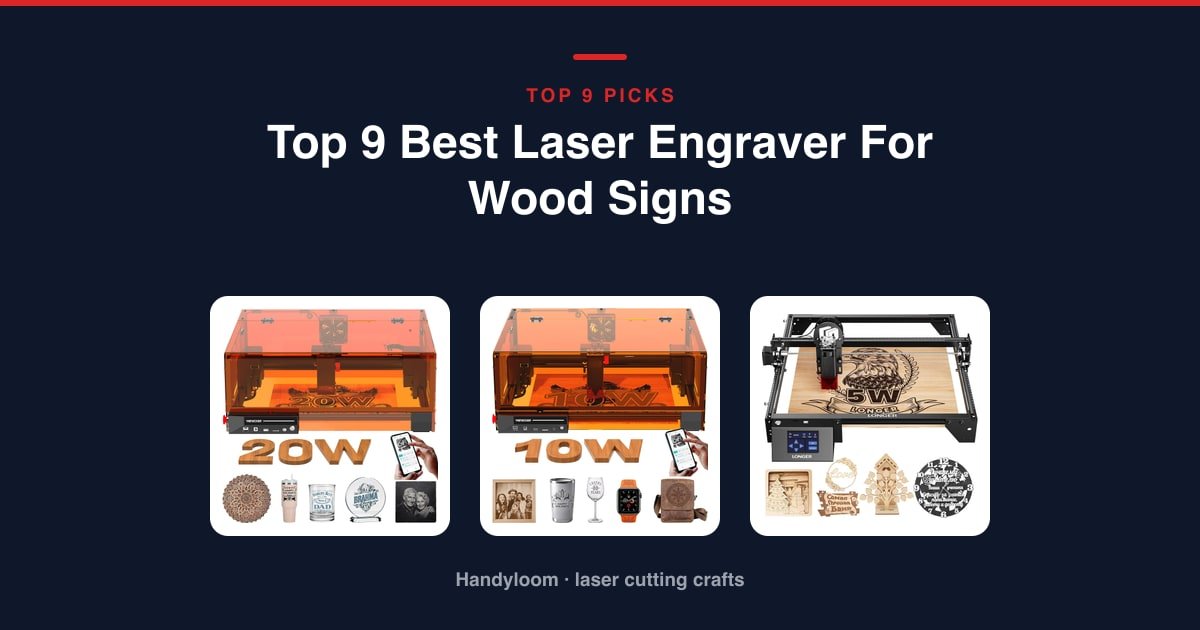
The best laser engraver for wood signs is the ATOMSTACK A20 Pro V2 20W. One of only two 20W modules here, it burns deep, dark contrast into oak and other hardwoods, so your lettering reads clearly from across a room.
As an Amazon Associate, I earn from qualifying purchases.
On a tight budget, the Twotrees TTS-55 Pro is the pick. You get a full 300 x 300 mm bed and the biggest owner following of any cheap machine on this page.
Sharing the room with kids or pets? The Woxcker 20W Enclosed is the safest way to run real cutting power, because the beam stays sealed inside a box.
Here’s what makes this guide different. Four of the seven pages that rank for this search are laser brands selling their own machines, and none of them tells you how to make an actual sign, so we cover both the machine and the first-sign workflow, from masking to finishing.
Our Top Picks at a Glance
Short on time? Here are the three that suit the most people, then the rest matched to how you’ll actually work.

ATOMSTACK A20 Pro V2 20W
Deep, dark hardwood engraving from one of the two 20W modules here. It’s a Class 4 open frame, so give it its own ventilated space.
See it on Amazon
Twotrees TTS-55 Pro
A 300 x 300 mm bed and an air-assist nozzle for the least money, with the biggest owner following of any budget machine on this list.
See it on Amazon
Woxcker 20W Enclosed
The only sealed, high-power machine here. A 360-degree box keeps the 20W beam contained around family.
See it on AmazonAnd the rest, each matched to a specific job:
- Woxcker 10W Enclosed: an enclosed machine for beginners who don’t need the 20W step up.
- LONGER Ray5 5W: a 400 x 400 mm bed and the only touchscreen here, for batching small signs.
- Creality 10W: the cheapest route to a big 17 x 16 in bed that actually cuts sign stock.
- Carverall K15 Pro 10W: the compact pick for detailed signs when desk space is tight.
- Carverall K15 Pro 6W: the simplest starter kit here, with goggles in the box.
- LaserPecker LP2: the only one that engraves long boards and in-place signs, up to 196 inches.
How We Picked These Nine Machines
We’re not a laser brand, and we don’t sell a machine of our own, so nothing here is a house pick in disguise.
Every machine is a live Amazon listing we pulled on August 14, 2026, and all nine clear our four-star, 25-review bar comfortably.
We threw out what doesn’t fit the search: wood blanks, a rotary engraving pen, three ACMER variants sharing one pool of reviews, and a duplicate Creality Falcon listing.
We have not tested these in a lab, and we won’t pretend we have. Every score out of 10 is ours, not Amazon’s. Each machine is graded on indoor safety (35%), what it can actually cut (25%), ease of living with it (20%), and what owners say once the shine wears off (20%). Safety and cutting scores come from published specs; owner scores start from the Amazon rating, pulled toward the average for small samples.
Comparison Table: All Nine at a Glance
Use this to shortlist, not to decide. It sorts by score; the reviews below run in pick order. Pick by bed size first, then safety, since an enclosed machine is the calm choice for a shared room, and power last, because watts mostly change how many passes a cut takes.
| Photo | Machine | Best for | Score | Buy |
|---|---|---|---|---|
|
Woxcker 20W Enclosed | Safest High-Power Pick | 9.2/10 | Check price |
 |
Woxcker 10W Enclosed | Enclosed Pick for Beginners | 9/10 | Check price |
 |
LONGER Ray5 5W | Batching Small Signs | 6.9/10 | Check price |
|
ATOMSTACK A20 Pro V2 20W | Overall for Deep | 6.8/10 | Check price |
|
Twotrees TTS-55 Pro | Budget Pick | 6.6/10 | Check price |
 |
Carverall K15 Pro 10W | Compact Machine | 6.6/10 | Check price |
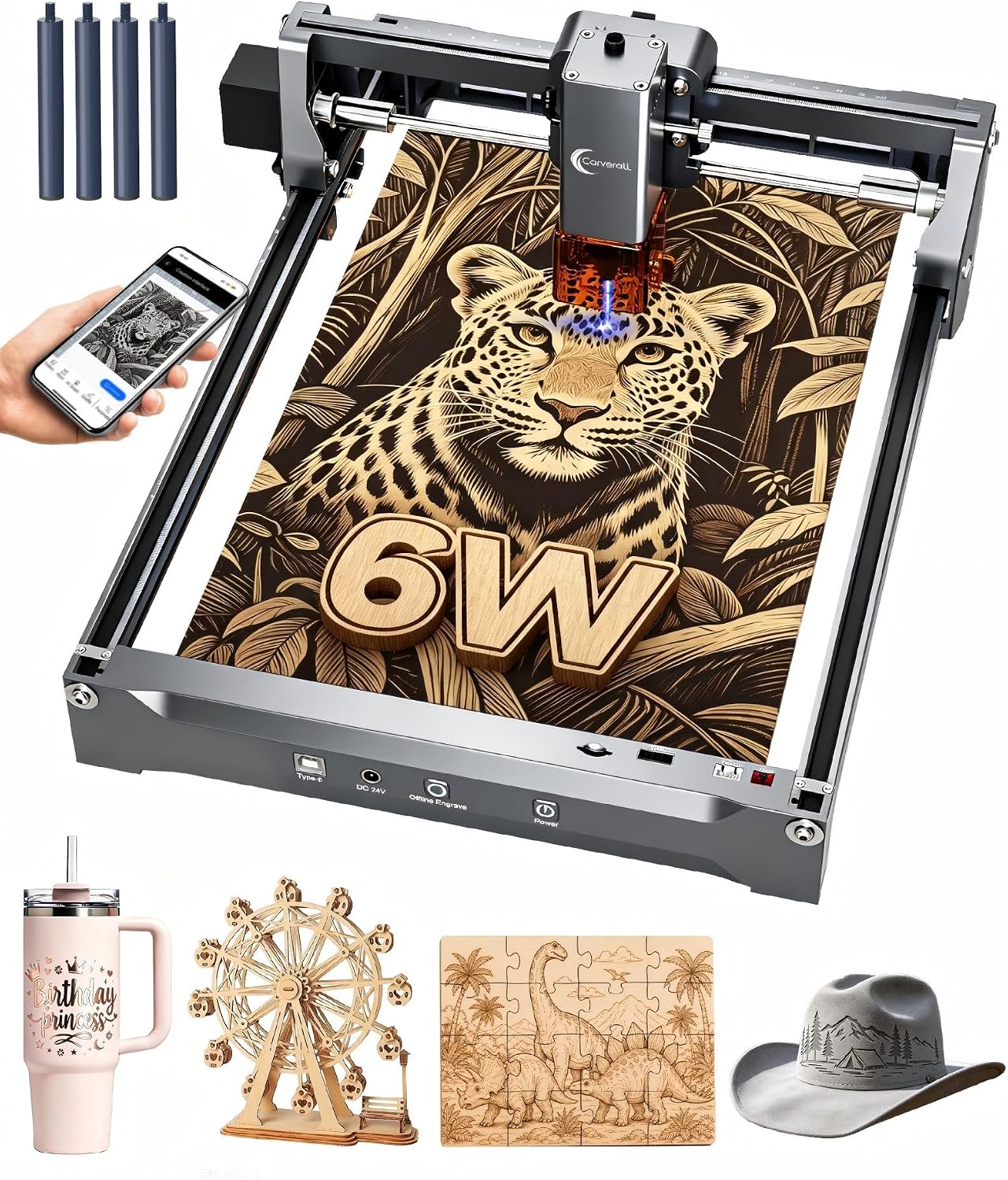 |
Carverall K15 Pro 6W | Simplest Starter Kit | 6.6/10 | Check price |
 |
Creality 10W | Big-Bed Value | 6.4/10 | Check price |
 |
LaserPecker LP2 | Long Boards and In-Place Signs | 6/10 | Check price |
Scroll sideways to see every column.
ATOMSTACK A20 Pro V2 20W: Best Overall for Deep, Dark Engraving
If you want lettering that reads dark and deep on oak, this is the machine. At 20,000 mW it puts out double any 10 W module here, which is exactly what deep hardwood engraving needs.
The motion runs on an integrated linear guide instead of belts and wheels, and the beam focuses to a 0.08 x 0.1 mm dot at a claimed 0.01 mm accuracy, so text and fine detail stay crisp.
The trade-off is containment. One of the two 20W machines here, and the less contained of the pair: a Class 4 laser behind a magnetic cover that lifts off rather than a sealed box.
Safety: a Class 4 module behind a removable cover, the least contained machine on this page. Glasses and a tilt beep are included, but give it its own ventilated space away from kids and pets.
- 20 W output, double any 10 W module here, built for deep engraving
- Linear-guide motion for smoother, longer-lasting travel than belts
- 0.08 x 0.1 mm dot at 0.01 mm accuracy for crisp text
- Safety glasses, magnetic cover and a tilt beep in the box
- Class 4 behind a lift-off cover, the least contained option here
- Priced well above the budget open frames on this list
- No published bed size, so you plan your layout blind
- Laser Type
- Diode
- Output
- 20,000 mW (20 W)
- Accuracy
- 0.01 mm
- Max Speed
- 400 mm/s
Best for: the maker who wants the deepest, darkest hardwood contrast and will run a Class 4 open frame responsibly.
Creality 10W: Best Big-Bed Value
This is the biggest bed here. The 17 x 16 in work area is large enough for a full wall sign without repositioning the board halfway through.
And it cuts, not just marks. The 10 W module, drawing 72 W from the wall, takes a 5 mm basswood board or 3 mm black acrylic in one pass at up to 10,000 mm/min, with a fine 0.06 mm spot for detail.
An anti-UV filter over the module blocks most of the glare, and it runs LightBurn or LaserGRBL over Wi-Fi, USB or SD card.
Safety: a completely open frame at Class IIIa. Goggles are not confirmed in the box, so budget for a pair and keep the room ventilated.
- 17 x 16 in bed handles full-size wall signs in one go
- Cuts 5 mm basswood or 3 mm black acrylic in a single pass
- 0.06 mm spot for clean lettering and fine art
- Anti-UV filter blocks 97% of UV, and it takes Wi-Fi, USB or SD
- Fully open frame with no goggles confirmed in the box
- No air assist, camera or material presets at this price
- A look-alike Falcon 10W under a second code invites a mix-up
- Laser Type
- Diode
- Output
- 10 W (72 W draw)
- Work Area
- 17 x 16 in
- Laser Spot
- 0.06 x 0.06 mm
Best for: the sign maker who wants the largest bed here without a premium price and needs to cut, not just mark, thick basswood.
Woxcker 20W Enclosed: Safest High-Power Pick
This is the one machine here that pairs serious power with a real box around the beam. The seller rates it Class 1 at 20,000 mW inside a full 360-degree enclosure, which is the calm choice for a shared home.
The 300 x 300 mm bed suits most single-board signs, and 20 watts is stated to cut denser woods like oak and plywood roughly twice as deep as a 10 W module.
A six-point safety system backs it up: tilt shutdown, an emergency stop, a flame sensor and air cooling rated for a long life, with a 0.01 mm focus for sharp lettering.
Safety: a full 360-degree enclosure with a Class 1 rating from the seller, the most contained high-power machine here. The box contents don’t name safety glasses, so check before you rely on it.
- Fully enclosed 20 W, the most contained power on this page
- 300 x 300 mm bed covers most single-board signs
- Stated to cut oak and plywood twice as deep as a 10 W module
- Tilt shutdown, emergency stop and flame sensor built in
- The most expensive enclosed machine here by a wide margin
- Included parts don’t name safety glasses, unlike cheaper rivals
- The sealed housing gives less view of the job mid-engrave
- Laser Type
- Diode
- Output
- 20,000 mW (20 W)
- Work Area
- 300 x 300 mm
- Enclosure
- Full 360 degrees
Best for: a household running the laser near other people that still wants 20 W of cutting power without an exposed beam.
Woxcker 10W Enclosed: Best Enclosed Pick for Beginners
Want an enclosed machine but don’t need the 20W step up? This is the sensible middle. You get the same full 360-degree box and a Class 1 rating from the seller, at 10 W and a friendlier price than its bigger sibling.
The 300 x 300 mm bed handles full-size signs, and the modular five-piece assembly gets you running quickly instead of squaring up belts.
Owners rate it very highly, and the safety kit is thorough: a flame sensor, an emergency stop, a safety lock and a 15-degree tilt stop.
Safety: enclosed and rated Class 1 by the seller at 10 W, which is safer for a shared or family space than any open frame here. The parts list only reads “laser engraver and accessories,” so verify goggles at purchase.
- Full enclosure with a Class 1 rating, safer for a family room
- 300 x 300 mm bed fits full-size signs
- Modular five-piece assembly gets you running fast
- Flame sensor, emergency stop, safety lock and tilt stop
- 10 W is well short of the pricier 20 W enclosed sibling
- Vague parts list, so goggles aren’t confirmed in the box
- One of the heavier machines here at around 20 lb
- Laser Type
- Diode
- Output
- 10,000 mW (10 W)
- Work Area
- 300 x 300 mm
- Enclosure
- Full 360 degrees
Best for: the beginner who wants an enclosed, Class 1 machine without paying for the 20 W step up.
Twotrees TTS-55 Pro: Best Budget Pick
This is the cheapest way onto a full-size 300 x 300 mm bed, and it’s the one to test the hobby on. It also carries the deepest owner following of any budget machine here, which counts for a lot when you’re spending little.
A metal air-assist nozzle and a red laser shield come included, so cuts stay cleaner and you can see the beam path from the start.
A dual-core 32-bit board pushes it to 30,000 mm/min, with Wi-Fi and offline TF-card jobs, and it runs LightBurn or LaserGRBL.
Safety: an open frame rated Class II by the seller, with a red laser shield and air-assist nozzle. Goggles aren’t confirmed in the box, so add a pair and keep the space ventilated.
- The deepest owner following of any budget machine here
- Full 300 x 300 mm bed for very little money
- Air-assist nozzle and red laser shield included
- Dual-core board to 30,000 mm/min, Wi-Fi and offline TF card
- Open frame with no goggles confirmed in the box
- 5.5 W is low end, so dense hardwood needs multiple passes
- Coarser 0.08 x 0.46 mm spot than the fine-focus machines here
- Laser Type
- Diode
- Output
- 5,500 mW (5.5 W)
- Work Area
- 300 x 300 mm
- Max Speed
- 30,000 mm/min
Best for: the budget hobbyist who wants a real bed, air-assist support and a machine plenty of owners already trust.
LONGER Ray5 5W: Best for Batching Small Signs
If you make lots of small signs, this bed is the reason to buy. At 400 x 400 mm it’s second in size only to the Creality, big enough to lay out several coasters or plaques and run them in one job.
A 3.5-inch touchscreen plus USB, TF card, Wi-Fi and app control mean you can start a file and walk away from the laptop.
The 0.08 mm spot and a claimed 0.01 mm accuracy keep detail tidy, and it ships with goggles and protective covers, which is more than several pricier rivals include.
Safety: an open frame rated Class II by the seller, but it ships with goggles and protective covers. Ventilation still matters with the frame open.
- 400 x 400 mm bed with room to batch several small signs
- 3.5-inch touchscreen plus USB, TF, Wi-Fi and app for offline jobs
- 0.08 mm spot with a claimed 0.01 mm accuracy
- Goggles, covers, overheat detection and emergency stop included
- 5 W is toward the low end for dense hardwood
- Open frame despite the large bed, so goggles and venting matter
- Top speed is a third of the Twotrees at a similar price
- Laser Type
- Diode
- Output
- 5,000 mW (5 W)
- Work Area
- 400 x 400 mm
- Display
- 3.5-inch touch
Best for: the beginner who wants a big bed and a touchscreen for laying out several small signs at once.
Carverall K15 Pro 10W: Best Compact Machine
When desk space is the problem, this near-A4 machine is aimed straight at detailed wood signs. Its own project list calls out signs, coasters and small branded merchandise, so it knows its job.
Output is verified around 10.4 to 10.6 W with a dual-fan module that cuts heat buildup, and it holds 0.01 mm precision at up to 15,000 mm/min.
One-touch smart focus and repeat-job memory make short batch runs painless, and it’s rated to cut up to 12 mm plywood and 8 mm acrylic.
Safety: the name carries a Class 1 badge, but nothing describes an enclosure, so treat it as unverified. Run it as an open machine and keep goggles on.
- Compact near-A4 footprint aimed at detailed wood signs
- Verified 10.4 to 10.6 W output with a heat-cutting dual fan
- 0.01 mm precision at up to 15,000 mm/min
- One-touch focus and repeat-job memory for batch runs
- Only two bullets published, so safety detail is thin
- Near-A4 bed caps single-piece sign size
- No enclosure despite the Class 1 badge in the name
- Laser Type
- Diode
- Output
- 10.4 to 10.6 W
- Work Area
- Near A4 (11.8 x 7.9 in)
- Max Speed
- 15,000 mm/min
Best for: the desk-limited maker who wants a compact machine for detailed signs, coasters and plaques.
Carverall K15 Pro 6W: Simplest Starter Kit
This is the simplest starter kit on the list, and its bullets literally name wooden signs as the target. Coasters, leather keychains and pet tags are on that list too, all on an 11.8 x 7.9 in A4 bed.
It ships with safety goggles, test materials and a starter kit, and tilt protection shuts the laser off if the machine is knocked.
Assembly is about five minutes with six screws, no belts or wiring, and the free CutLabX software can generate designs from a photo or a text prompt.
Safety: a compact open machine that ships with goggles and tilt auto-shutoff. The Class 1 label is only in the name, so still treat it as an open frame.
- Bullets name wooden signs, coasters, keychains and pet tags
- Ships with goggles, test materials and a starter kit
- Tilt protection cuts the laser if the machine is knocked
- Five-minute, six-screw assembly with no belts to tune
- 6 W favors lighter-contrast work over deep, dark burns
- A4 bed is one of the smallest work areas on the list
- Open frame despite the Class 1 badge in the name
- Laser Type
- Diode
- Output
- 6,000 mW (6 W)
- Work Area
- A4 (11.8 x 7.9 in)
- Max Speed
- 15,000 mm/min
Best for: the first-time buyer who wants a simple, goggles-included machine that names wooden signs as its job.
LaserPecker LP2: Best for Long Boards and In-Place Signs
This covers the one job no bed machine can: a board too long for any frame. The slab and trolley modes extend engraving length up to 196 inches, so a long plank or an in-place sign is fair game.
It’s a galvo, handheld unit that also takes an electric roller for cylinders, and it runs up to 1417 in/min with three resolution steps and a fine 0.05 mm spot.
It has the deepest owner following of any machine here, and it ships with safety glasses, an electric stand and a protective cover.
Safety: a handheld laser exposes the beam and aims it by hand. No laser class is published, so wear the included glasses and keep the stated working distance.
- Slab and trolley modes extend engraving length up to 196 inches
- Galvo speed up to 1417 in/min with three resolution steps
- Ships with glasses, an electric stand and a protective cover
- The deepest owner following of any machine on this page
- The most expensive machine here
- No laser class published, unlike most bed machines here
- 4-inch width limits it to narrow bands, not a full wide panel
- Laser Type
- Galvo
- Work Mode
- Handheld and roller
- Max Slab Length
- 196 in (4 in wide)
- Laser Spot
- 0.05 mm
Best for: the maker who needs to engrave long boards or in-place signage that won’t fit on any bed machine.
How to Choose the Best Laser Engraver for Wood Signs
Three specs decide most bad buys: power, bed size and safety setup.
Power and Laser Type: How Much Wattage a Sign Really Needs
For engraving alone, 5 to 6 watts is plenty and gives you fine, controlled marks. The catch is cutting: at that power, slicing the sign shape out takes several slow passes.
Step up to 10 watts and a single pass takes about 5 mm basswood, which covers most sign stock. Twenty watts is what you want for deep engraving and dense hardwood like oak.
Eight of the nine machines on this page are diodes, and for wood signs a diode is the right tool. The ninth, the LaserPecker LP2, is a galvo built for long boards rather than bed work. A CO2 laser only earns its cost and bulk once you’re cutting thick material in real volume, which most sign makers never reach. If you’re weighing the two, our explainer on the difference between diode and CO2 lasers lays it out.
Work Area: Size the Bed to the Signs You Will Sell
Match the bed to the biggest sign you actually plan to make, not the biggest you can imagine. An A4 bed caps you at plaques, coasters and small door signs.
A 300 x 300 mm bed covers most single-board signs, and 400 x 400 mm lets you batch several small pieces in one job. When a board is longer than any bed, the LaserPecker slab mode is the only route past that limit.
Stock matters as much as size. Clean, even-grained wood engraves darker and cuts cleaner, so it’s worth reading up on the best wood for laser engraving before you order a batch.
Safety: Enclosures, Class Ratings and Ventilation
The enclosed Woxcker machines cost more for a real reason: a sealed box contains the beam and the smoke, which is what makes a laser bearable in a shared room. If family shares the space, that premium is worth paying.
Be skeptical of a Class 1 claim on an open machine. Without an enclosure to deliver it, treat the badge as marketing.
Either way, wood smoke has to go somewhere. Indoors, that means ducting the fumes outside or using an enclosed machine with extraction. Our guide on whether you need ventilation for a laser engraver covers the setup.
How to Get a Clean, Unscorched Sign on Your First Try
Almost every scorched, blotchy first sign comes down to skipping three cheap habits.
- Mask the board first. Lay medium-tack paper transfer tape over the whole face before you engrave, so smoke residue lands on the tape, not in the grain, and peels away for crisp lines. See our pick of the best masking tape for wood laser work.
- Calibrate on scrap. Never trust a power and speed number copied from a forum; it was tuned to someone else’s machine and board. Run a quick test grid, a small block of squares at rising power and falling speed, on scrap from the same board. Char or blotching means the power is too high, not that you need more passes.
- Clean and finish. Brush off the soot, wipe with isopropyl alcohol before it dries into the grain, and seal anything handled or outdoors with polyurethane. Stain after engraving for the sharpest contrast; stain before only for an even base color, fully cured first. For the full technique, see how to stain laser engraved wood and how to seal laser engraved wood.
Frequently Asked Questions
Do I need a CO2 laser to make wood signs?
No. A 10 W or stronger diode both engraves and cuts typical sign stock, and every bed machine here is a diode; the one galvo is the handheld LaserPecker LP2. A CO2 laser only pays off when you’re cutting thick material in high volume.
What wattage laser do I need for wood signs?
For engraving alone, 5 to 6 watts is plenty. To cut the shape out in one pass, 10 watts handles about 5 mm basswood, and 20 watts is what you want for deep engraving and dense hardwood like oak.
How do I stop smoke stains on my wood signs?
Cover the board with medium-tack paper transfer tape before engraving. The residue lands on the tape instead of the wood, and you peel it off afterward.
Should I stain wood before or after laser engraving?
After, in most cases, for sharper contrast and easier soot cleanup. Stain before only for an even base color under the design, and let it dry fully before the laser runs.
Can these machines cut the sign shape out, or only engrave?
The 10 W and 20 W picks cut sign-grade stock; the Creality, for example, takes 5 mm basswood in one pass. The 5 to 6 W machines can cut too, but they need several passes.
Are laser engravers safe to use at home?
Yes, with goggles and ventilation. A fully enclosed machine like the Woxcker picks is the calmest choice around kids and pets, because the beam and the smoke stay inside the box.
Final Verdict: Which One Should You Buy?
If you’re making signs to sell and can give a machine its own ventilated corner, buy the ATOMSTACK A20 Pro V2 20W. Its depth of burn is the thing customers notice first.
If you share the room with family, the Woxcker 20W Enclosed gives you the same class of cutting power with the beam sealed away, which is worth the higher price for peace of mind.
And if you’re just testing whether sign-making is your thing, start with the Twotrees TTS-55 Pro. It’s the cheapest way onto a full-size bed, with little lost if you upgrade later.
Whichever you choose, run a test grid on scrap before you touch a board you care about. It’s the difference between a clean sign and a scorched one.
