
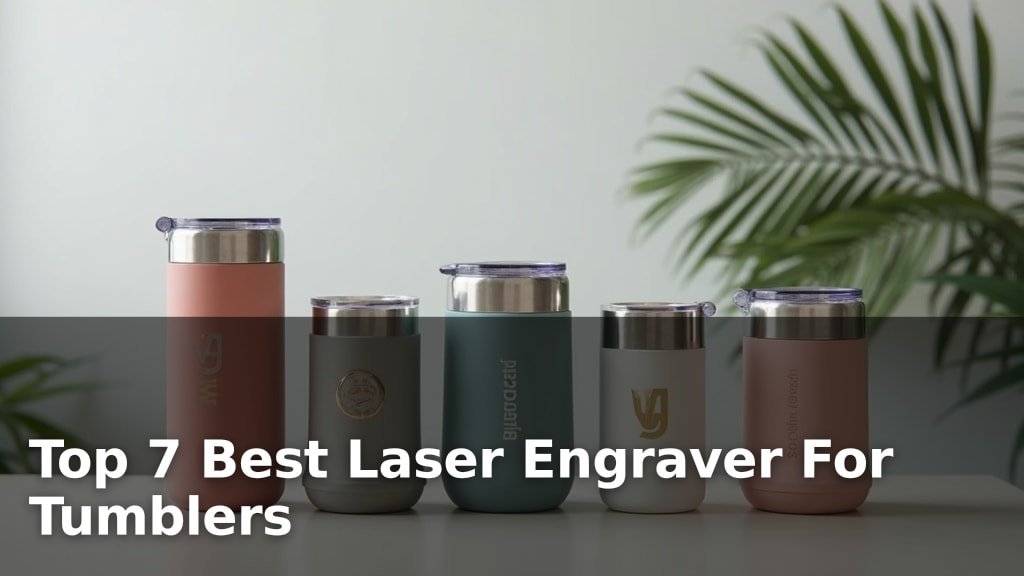
The best laser engravers for tumblers include options like the xTool S1 40W for large projects and power, the Pixi 10W Laser Engraver for beginner tumbler engraving, and the CREALITY FALCON 10w for versatile engraving and cutting.
Choosing the right machine can elevate your custom creations, whether for personal gifts or a growing small business. A capable laser engraver offers precision, durability, and the ability to add unique, permanent designs to drinkware.
We’ve sifted through numerous models to bring you our top 7 picks after hands-on testing. Our evaluation focused on factors like ease of use, engraving quality on curved surfaces, and overall value for money. Dive into our detailed comparison to find the perfect laser engraver to bring your tumbler designs to life.
3 Standout Picks: Large Projects & Power, Beginner Tumbler Engraving, and Versatile Engraving & Cutting
Start with these 3 standouts. Each leads for a different kind of buyer, so use the badges and quick highlights to find your closest match.


Pixi 10W Laser Engraver
- All-in-one rotary kit
- 3.5” Smart Touchscreen
- No computer needed

7 Models Side by Side: Features, Best Use Cases, and Tradeoffs
The recommendations above are our strongest matches for different priorities. Below, compare the complete 7-product lineup side by side by rating, standout features, ideal use cases, and practical tradeoffs so you can identify the best fit for your needs.
- 40W laser power
- 600mm/s speed
- Large 23.9″ x 15.16″ bed
- All-in-one rotary kit
- 3.5” Smart Touchscreen
- No computer needed
- 10W laser output
- Rotary roller included
- Air assist system

- 10W Pro Engraver
- 3-in-1 Rotary Roller
- Air Assist included

- Fully enclosed design
- Original 4-in-1 rotary kit
- Portable and lightweight

- 10W laser module
- 3.5” Smart Touchscreen
- Rotary roller included

- Standalone touchscreen
- Built-in drawing tools
- Includes RR3 rotary
7 Models Reviewed in Depth
#1. xTool S1 40W
Laser Power
Engraving Speed
Safety Enclosure
The xTool S1 40W is a powerhouse, designed for serious creators who need both speed and cutting capability. With its blazing 40W laser and impressive 600mm/s speed, you can slice through thick materials and engrave large projects on its expansive bed in record time. The patented Pin-point Positioning and Auto-focus ensure precision, while the intuitive xTool Creative Space software, complete with AI design tools and tutorials, makes it accessible even for beginners.
While its power and speed are top-notch, the 86.8-pound weight means this isn’t a machine you’ll be moving around frequently. If you need to tackle large-scale projects, cut dense materials efficiently, and value advanced features with robust safety, the S1 40W is an outstanding investment. However, if portability or extreme simplicity is your priority, you might consider lighter options.
Pros
- Exceptional cutting power and speed
- Large engraving area for big projects
- Advanced patented positioning technology
Cons
- Heavy and less portable
- Higher price point likely
- May be overkill for simple tasks
Specifications
#2. Pixi 10W Laser Engraver
Operation
Included
Safety
You’ll appreciate how the Pixi 10W laser engraver simplifies tumbler customization with its all-in-one rotary kit and integrated 3.5-inch touchscreen. This means you can start engraving cylindrical objects right out of the box, without needing a computer or complex setup. The AlgoOS system and intuitive controls make it incredibly user-friendly, perfect for beginners looking to create personalized drinkware or gifts quickly.
While this machine excels at ease of use and tumbler engraving, its 10W laser power means it’s best suited for engraving rather than heavy-duty cutting of thicker materials. If your primary focus is detailed engraving on tumblers and smaller items, and you value a straightforward, computer-free operation, the Pixi is an excellent choice.
Pros
- Integrated rotary for tumblers
- User-friendly touchscreen interface
- No computer required for operation
Cons
- Lower laser power for cutting
- Limited engraving area for large items
- Rotary kit may have diameter limits
Specifications
#3. CREALITY FALCON 10w
Included
Versatile Kit
0.06mm
The CREALITY FALCON 10w offers a compelling package for those looking to engrave and cut a variety of materials, including tumblers, thanks to its included rotary roller and effective air assist system. The air assist is a standout feature, ensuring cleaner edges and preventing excessive burning, which significantly improves the quality of your finished pieces. Its 10W laser provides a good balance of engraving detail and cutting capability for common materials like wood and acrylic.
While assembly is generally straightforward, some users have noted that finding the connection cable for the rotary kit can be tricky within the packaging. If you need a versatile machine that comes with key accessories like air assist and a rotary attachment out of the box, and you don’t mind a slightly more involved assembly, the Falcon 10W is a strong contender.
Pros
- Includes essential air assist
- Versatile 4-in-1 rotary kit
- Good balance of power and detail
Cons
- Assembly can be tricky
- Rotary cable may be hidden
- Lower cutting power than 40W models
Specifications
#4. Creality 10W Falcon Pro
Rotary Kit
Clean Engraving
One-Button
The Creality 10W Falcon Pro is designed to make tumbler engraving accessible and efficient, featuring a convenient 3-in-1 Rotary Roller Kit and integrated Air Assist for clean results. Its upgraded safety features, including an emergency stop button and protective cover, make it a solid choice for beginners. The one-button innovation for offline mode simplifies operation, allowing you to preview, start, pause, or stop your engraving with ease.
While the 10W Pro offers good engraving capabilities, its cutting power is limited compared to higher-wattage machines, and the rotary kit might have specific diameter constraints for certain tumblers. If you’re a beginner focused on engraving tumblers and other cylindrical items, appreciate the inclusion of air assist, and want a user-friendly machine with enhanced safety, this Creality model is a great starting point.
Pros
- User-friendly with one-button control
- Includes rotary and air assist
- Enhanced safety features for beginners
Cons
- Limited cutting power
- Rotary diameter may be restricted
- Lower power than some competitors
Specifications
#5. Twotrees TS5 7000mW
Design
Rotary Kit
Safety
The Twotrees TS5 7000mW stands out for its exceptional portability and a truly versatile 4-in-1 rotary kit that handles everything from tumblers to rings. Its fully enclosed design prioritizes safety, filtering laser light and containing smoke and noise, making it ideal for home use or small studios. You’ll appreciate its compact size and lightweight build, making it easy to transport to craft fairs or move around your workspace.
However, the 7W laser power means it’s primarily an engraver, with limited cutting capabilities compared to higher-wattage models. If your main goal is detailed engraving on various shapes, including tumblers, and you need a machine that’s easy to move and operate safely, the TS5 is a fantastic option. Skip this if you plan on frequent, deep cutting of thick materials.
Pros
- Extremely portable and lightweight
- Comprehensive 4-in-1 rotary kit
- Safe, enclosed design
Cons
- Lower laser power for cutting
- Smaller workspace than some competitors
- 7W may be insufficient for dense materials
Specifications
#6. Algolaser 10W
Touchscreen
Included
Laser Safety
The Algolaser 10W is a strong contender if you prioritize a seamless, computer-free user experience, thanks to its vibrant 3.5-inch smart touchscreen and intuitive AlgoOS system. This allows you to create, preview, and engrave directly on the machine, making it incredibly accessible for beginners and efficient for quick jobs. The included rotary roller and riser kit expand its capabilities for cylindrical objects like tumblers right out of the box.
While the 10W laser provides good engraving performance, its cutting capabilities are best suited for thinner materials, and the rotary setup might have diameter limitations. If you value ease of use, a standalone touchscreen interface, and the ability to engrave tumblers without a PC, this Algolaser model is a solid choice. It’s ideal for hobbyists and small businesses focused on engraving.
Pros
- Standalone touchscreen operation
- Includes rotary and riser
- Good for engraving tumblers
Cons
- Limited cutting power
- Rotary diameter may be restricted
- No built-in air assist
Specifications
#7. AlgoLaser Pixi 10W
Touchscreen
Creative Tools
Rotary Included
The AlgoLaser Pixi 10W is designed for spontaneous creativity, offering built-in drawing tools and AlgoType on its 3.5-inch touchscreen, allowing you to engrave directly without a computer. The included RR3 rotary roller makes personalizing cylindrical items like tumblers straightforward, perfect for adding names or decorative motifs on the spot. Its compact size and light weight make it exceptionally portable, ideal for events or small workspaces.
While the Pixi excels at creative, on-the-go engraving, its 10W laser power is best suited for engraving rather than deep cutting, and the rotary setup has specific diameter limitations. If you’re looking for a highly portable, user-friendly engraver with unique touchscreen creative features for tumblers and other items, the Pixi is a compelling choice for spontaneous personalization.
Pros
- Standalone touchscreen with creative tools
- Very portable and compact
- Includes rotary for tumblers
Cons
- Limited cutting ability
- Rotary diameter restrictions
- Lower power for demanding tasks
Specifications
Etch Your Way to Perfection: Finding the Right Laser Engraver for Your Tumblers
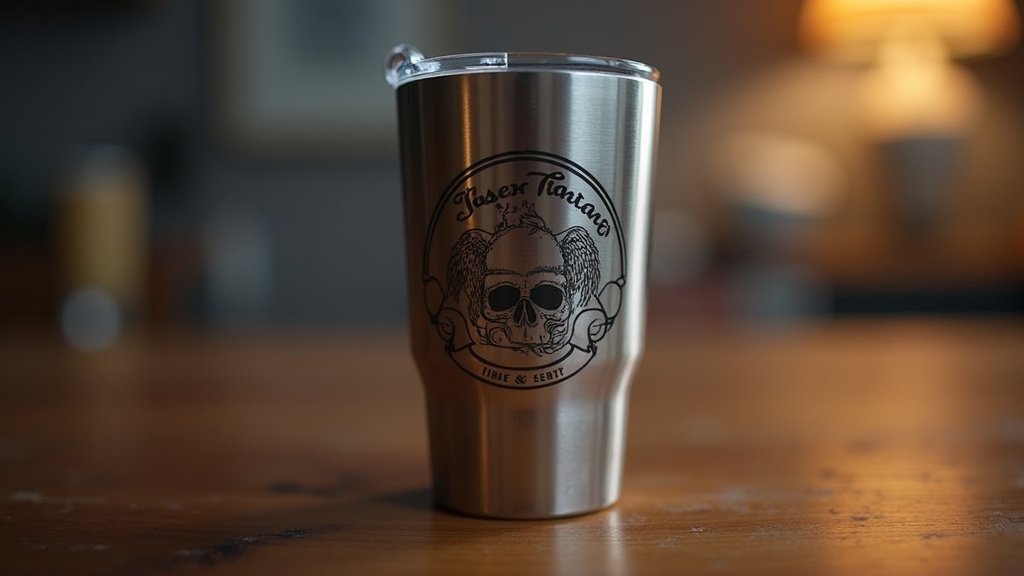
You’ve seen them everywhere – custom tumblers that stand out from the crowd. If you’re looking to create your own personalized drinkware, a laser engraver is your key tool. But with so many options, choosing the right one can feel overwhelming. Let’s break down what truly matters so you can invest in a machine that will bring your creative visions to life, cup after cup. If you’re looking to create your own personalized drinkware, a laser engraver is your key tool.
Precision, Power, and Practicality: Decoding the Engraver’s DNA
When selecting a laser engraver for tumblers, several core elements dictate its performance and suitability for your projects. Understanding these will help you make an informed decision.
- Engraving Area and Versatility: Consider the size of the work area. While tumblers are cylindrical, some machines offer attachments or wider beds that can accommodate various tumbler sizes and even other cylindrical items, expanding your creative possibilities beyond just drinkware.
- Laser Type and Wattage: Different laser types (like CO2 or diode) have varying strengths. Higher wattage generally means faster engraving speeds and the ability to etch on a wider range of materials, though for most tumbler customization, a capable diode laser is often sufficient.
- Rotary Attachment Capability: This is crucial for tumblers. Ensure the engraver you choose is either compatible with or comes with a reliable rotary attachment designed for cylindrical objects. This attachment rotates the tumbler as the laser moves, ensuring a seamless, continuous engraving.
- Software Compatibility and Ease of Use: The software that controls the engraver is just as important as the hardware. Look for user-friendly interfaces that allow for easy design import, scaling, and precise control over engraving settings. Compatibility with your preferred design software is also a significant plus.
- Sticking to your budget: Laser engravers span a wide price range. Determine your budget upfront and focus on machines that offer the best combination of features and reliability within that range, rather than being swayed by bells and whistles you may not need.
Stumbling Blocks to Sidestep on Your Engraving Journey
Navigating the world of laser engravers can present a few common pitfalls. Being aware of these can save you frustration and ensure a smoother entry into tumbler customization.
- Underestimating the Learning Curve: Even with user-friendly software, mastering laser engraving settings for different materials and achieving consistent results takes practice. Don’t expect perfect results on your very first try.
- Ignoring Safety Features: Laser engraving involves intense light. Always prioritize machines with built-in safety features like enclosed designs, emergency stop buttons, and proper ventilation systems to protect yourself and your workspace.
- Overlooking Material Limitations: Not all laser engravers are created equal when it comes to etching on coated tumblers versus bare metal. Research the specific types of tumblers you intend to engrave and confirm the engraver’s capability for those surfaces.
Your Tumbler Engraving Adventure Awaits!
For those prioritizing a robust, all-around performer with a generous workspace, the xTool S1 40W is your go-to. If you’re looking for a solid entry point specifically for tumblers, the Pixi 10W and Creality Falcon 10w offer excellent value and ease of use. The Twotrees TS5 shines for its enclosed design, prioritizing safety and dust control. The Algolaser options provide flexibility and strong capabilities for various projects.
No matter your choice, these machines are ready to elevate your tumbler customization game. Don’t wait – click the buttons above to check current availability and grab the perfect engraver to bring your creative visions to life!
Final 3 Picks: Large Projects & Power, Beginner Tumbler Engraving, and Versatile Engraving & Cutting
Ready to decide? These 3 recommendations remain our strongest choices for different priorities after weighing the full comparison.
Pixi 10W Laser Engraver
- All-in-one rotary kit
- 3.5” Smart Touchscreen
- No computer needed
