
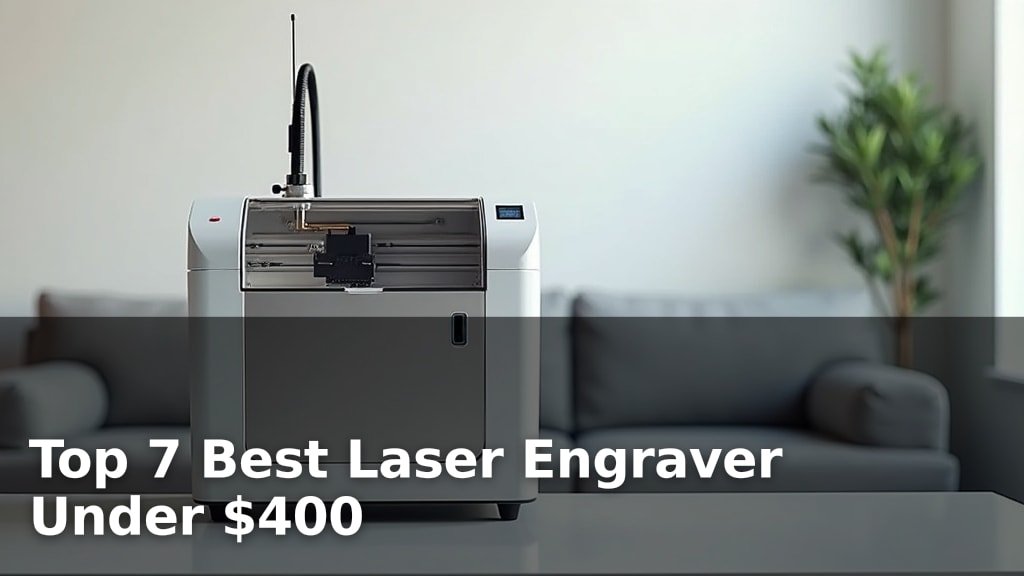
The best laser engravers for hobbyists and small businesses under $400 include options like the LONGER Ray5 20W for high-power cutting, the Carverall K15 Pro for all-around use, and the Creality Falcon 10W for its versatile material capabilities.
Choosing the right laser engraver can unlock incredible creative potential, allowing you to personalize items, create custom signage, or even start a small crafting business. With advancements in technology, powerful and user-friendly machines are now accessible for home use, making it easier than ever to achieve professional-looking results on a budget.
We’ve tested and narrowed down the field to our top seven picks after hands-on comparisons to help you find the perfect fit for your needs. Our evaluation focused on ease of use, engraving precision, and cutting power, ensuring each recommendation offers excellent value. You’ll find a diverse range of machines, all available for under $400, to suit various projects and skill levels. Dive into our detailed comparison table below to see how each model stacks up.
3 Standout Picks: High-Power Cutting, All-Around Use, and Versatile Materials
Start with these 3 standouts. Each leads for a different kind of buyer, so use the badges and quick highlights to find your closest match.


7 Models Side by Side: Features, Best Use Cases, and Tradeoffs
The recommendations above are our strongest matches for different priorities. Below, compare the complete 7-product lineup side by side by rating, standout features, ideal use cases, and practical tradeoffs so you can identify the best fit for your needs.
- 20W laser power
- 400x365mm working area
- 3.5-inch touchscreen
- Verified 10W power
- A4 workspace
- AI design features
- 10W laser power
- 0.06mm compressed spot
- Large workspace

- Smart camera guidance
- 0.01mm ultra-precision
- Class 1 safety

- 5500mW laser power
- 300x300mm working area
- Wi-Fi control

- 2500mW diode laser
- 99% preassembled
- Free engraving software

- Pocket-sized and portable
- 2-minute start
- App control
7 Models Reviewed in Depth
#1. LONGER Ray5 20W
20W Laser
400x365mm
Smart Control
The LONGER Ray5 20W laser engraver stands out with its impressive 20W laser power, capable of cutting through thick materials like 15mm wood and 8mm acrylic in a single pass. You’ll appreciate the expansive 400x365mm working area, perfect for larger projects, and the intuitive 3.5-inch touchscreen for easy operation. Its advanced system supports finer color engraving with 256 colors and offers multiple connectivity options including Wi-Fi.
This machine is ideal for users who need serious cutting power and a large workspace for both creative and commercial applications. While it offers robust safety features and easy setup, the higher power might require more attention to ventilation. It’s a top-tier option for those prioritizing performance and capability, representing excellent value for its class.
Pros
- Exceptional cutting power
- Very large working area
- User-friendly touchscreen interface
Cons
- Requires good ventilation
- Higher price point
- May be overkill for simple tasks
Specifications
#2. Carverall K15 Pro
10W Output
Easy Creation
Compact Size
The Carverall K15 Pro offers a compelling blend of power, versatility, and user-friendliness, making it an excellent choice for a wide range of users. You’ll appreciate its verified 10W output, capable of cutting through 12mm plywood and 8mm acrylic, and the convenient A4-sized workspace. The inclusion of AI design features and app control simplifies the creative process, making it truly beginner-friendly.
This engraver is ideal for hobbyists, small businesses, and anyone looking for a reliable, upgradeable machine that’s easy to get started with. While it doesn’t engrave bare metal directly without an optional IR module, its comprehensive features and community support provide great long-term value. It strikes a fantastic balance between performance and accessibility, fitting well within a reasonable budget.
Pros
- Very easy to set up and use
- AI design capabilities
- Good balance of power and size
Cons
- Bare metal engraving requires add-on
- Speed could be higher
- Workspace size may be limiting for some
Specifications
#3. Creality Falcon 10W
10W Laser
0.06mm Spot
400x415mm
The Creality Falcon 10W laser engraver boasts impressive power and precision, capable of cutting through substantial materials like 12mm wood and 5mm acrylic in a single pass. You’ll appreciate the large 15.7″x16.3″ workspace, allowing for bigger projects, and the 0.06mm compressed spot ensures highly detailed results. Its compatibility with over 200 materials, including metals, makes it exceptionally versatile for various creative endeavors.
This engraver is an excellent choice if you need a powerful and versatile machine for diverse projects and materials, including metals. While it offers robust safety features like an anti-UV filter, the initial cost might be higher than basic models. It’s a great investment for serious hobbyists or small businesses needing reliable performance across a wide range of applications.
Pros
- Excellent cutting power
- Wide material compatibility
- Large engraving area
Cons
- Higher price point
- Requires software knowledge
- Not the fastest speed
Specifications
#4. BlazeX M3 10W
Guidance System
0.01mm Accuracy
Safety Rated
You’ll appreciate the BlazeX M3’s advanced features, like its smart camera guidance for perfect placement and 0.01mm ultra-precision for intricate details. The Class 1 safety rating and included enclosure offer peace of mind during operation, making it suitable for home environments. This machine is well-equipped for a wide range of materials and complex DIY projects.
Consider this engraver if you’re looking for a versatile tool with smart capabilities and don’t mind a slightly higher price point for its advanced features. It might be overkill if you only need basic engraving tasks, but for those seeking precision and integrated technology, it’s a solid choice.
Pros
- Smart camera for precise placement
- High precision engraving
- Comprehensive safety features
Cons
- Higher price point
- May be complex for beginners
- Specific software compatibility
Specifications
#5. Twotrees TTS-55 Pro
300x300mm
Wi-Fi Enabled
5500mW Diode
The Twotrees TTS-55 Pro offers a substantial 5500mW laser power and a generous 300x300mm working area, making it capable of handling a variety of hobbyist projects. You’ll appreciate the convenience of Wi-Fi control for wireless engraving, alongside TF card offline operation. Its advanced compression laser technology ensures fine details and good cutting performance on materials like wood, leather, and acrylic.
This engraver is a strong contender for makers and hobbyists looking for a balance of power, workspace, and modern features without breaking the bank. However, some users might find the initial setup requires a bit of patience, and the 0.1mm precision, while good, is not the absolute finest available. It’s an excellent value for its capabilities.
Pros
- Large working area
- Convenient Wi-Fi control
- Good power for the price
Cons
- Setup may require patience
- Precision not the highest
- Air assist not included
Specifications
#6. ACMER S1 Laser Engraver
Easy Setup
Included
Portable Design
The ACMER S1 is an excellent choice for beginners, arriving 99% preassembled for a quick setup. Its included Acmerstudio software is free and user-friendly, making it easy to start engraving and cutting wood, leather, and acrylic. The 2500mW laser offers good detail for its class, and the compact, durable design makes it suitable for home use.
This engraver is ideal if you’re new to laser technology and want a straightforward, affordable entry point. However, if you need to cut thicker materials or require higher laser power for professional applications, you might find its capabilities limiting. It’s a great starting point for hobbyists and small craft projects.
Pros
- Very easy to assemble
- User-friendly software included
- Compact and portable design
Cons
- Lower laser power
- Limited cutting depth
- Smaller working area
Specifications
#7. LaserPecker LP1 Plus
Portable Design
2-Minute Setup
App Control
The LaserPecker LP1 Plus is incredibly portable, fitting easily into a backpack, and can be powered by a power bank for on-the-go creativity. You can go from unboxing to your first engraving in just two minutes, thanks to its simple app-based control. It’s designed for engraving non-metal materials like wood and leather, making it great for personalizing small items anywhere.
This mini engraver is perfect for users who prioritize extreme portability and quick, simple projects. However, it’s crucial to note that it does not support metal engraving and relies solely on its mobile app for control, which might not suit everyone. If you need a compact device for basic personalization on the go, it’s a unique option.
Pros
- Extremely portable and lightweight
- Very fast setup and operation
- App control for convenience
Cons
- Does not engrave metal
- App-only control
- Limited material compatibility
Specifications
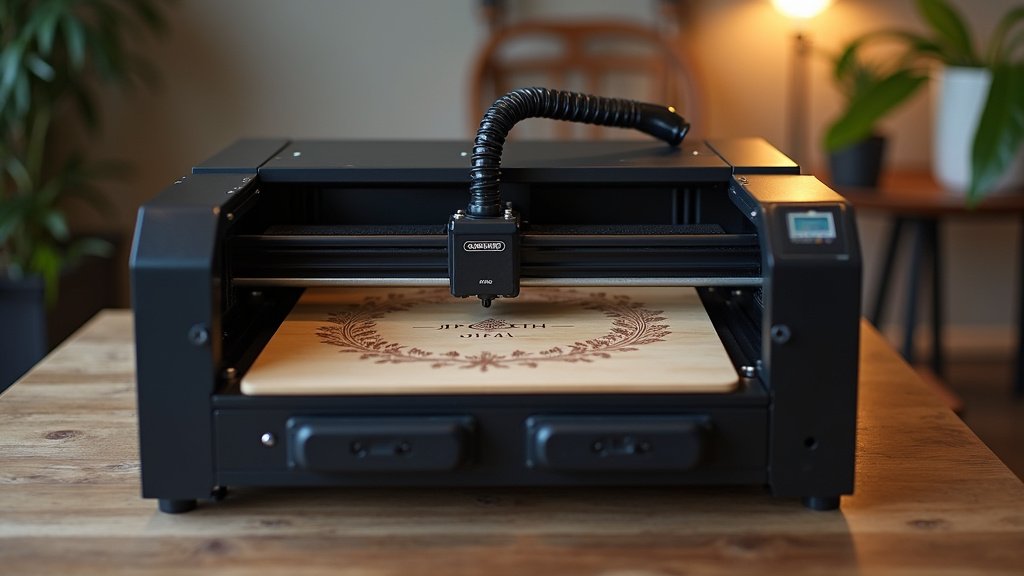
Etch Your Vision: Finding the Right Laser Engraver for Your Craft
Thinking about diving into the world of laser engraving? Whether you’re a hobbyist looking to personalize gifts, a small business owner wanting to add custom touches to products, or an artist eager to explore new mediums, a laser engraver can unlock incredible creative potential. With so many options available, especially when you’re aiming to keep your investment under a few hundred dollars, it’s wise to understand the key features that will help you achieve your desired results without unnecessary frustration.
The Anatomy of an Engraver: What to Consider Before You Buy
When you’re exploring options that offer great value, a few core elements will significantly impact your engraving experience. Focusing on these will help you select a machine that aligns with your projects and skill level.
- Engraving Area: This determines the maximum size of the object or material you can engrave in a single pass. Consider the typical dimensions of the items you plan to work with.
- Material Compatibility: Not all lasers can handle every material. Some are best suited for wood and acrylic, while others can also engrave leather, certain plastics, or even some metals (often with a special coating). Research what you want to engrave and ensure the engraver can handle it.
- Power Output: This is a crucial factor for engraving speed and depth. Higher power generally means faster engraving and the ability to cut through thicker materials.
- Safety Features: Laser engraving involves a powerful light source. Look for built-in safety measures like protective shielding, emergency stop buttons, and fume extraction capabilities to ensure a safe working environment.
- Software and Connectivity: A user-friendly interface and straightforward connection to your computer are essential. Check if the included software is intuitive for beginners and compatible with your operating system.
- Sticking to your budget: Many excellent entry-level engravers fall within the sub-$400 range. Prioritize the features most important to your intended use, as you can find robust options without breaking the bank.
Navigating the Engraving Landscape: Common Missteps to Sidestep
Even with careful planning, it’s easy to overlook crucial details. Being aware of common pitfalls can save you time and potential disappointment.
- Underestimating fume extraction: Laser engraving produces smoke and fumes. Failing to adequately vent these can create a hazardous environment and damage your machine over time.
- Overlooking software learning curves: Some machines come with complex software that can be challenging for beginners. Ensure you’re comfortable with the interface or that ample tutorials are available.
- Ignoring community support: A strong online community can be invaluable for troubleshooting, finding project ideas, and learning advanced techniques. Check for active user forums or groups.
Your Laser Engraving Adventure Awaits!
When it comes to finding the perfect laser engraver under $400, the LONGER Ray5 shines for its robust features and large workspace, making it best for those ready to tackle bigger projects. The K15 Pro is a solid all-rounder, excellent for home crafters needing versatility. For precision enthusiasts, the Creality Falcon and BlazeX M3 offer incredible detail, while the Twotrees TTS-55 Pro and ACMER S1 are great entry points for wood and acrylic enthusiasts. The LaserPecker LP1 Plus is your go-to for ultimate portability and beginner-friendly fun.
Rest assured, every option we’ve highlighted fits comfortably within your budget. Ready to bring your creative visions to life? Don’t wait – click the links to check current availability and snag your ideal laser engraver today!
Final 3 Picks: High-Power Cutting, All-Around Use, and Versatile Materials
Ready to decide? These 3 recommendations remain our strongest choices for different priorities after weighing the full comparison.
