
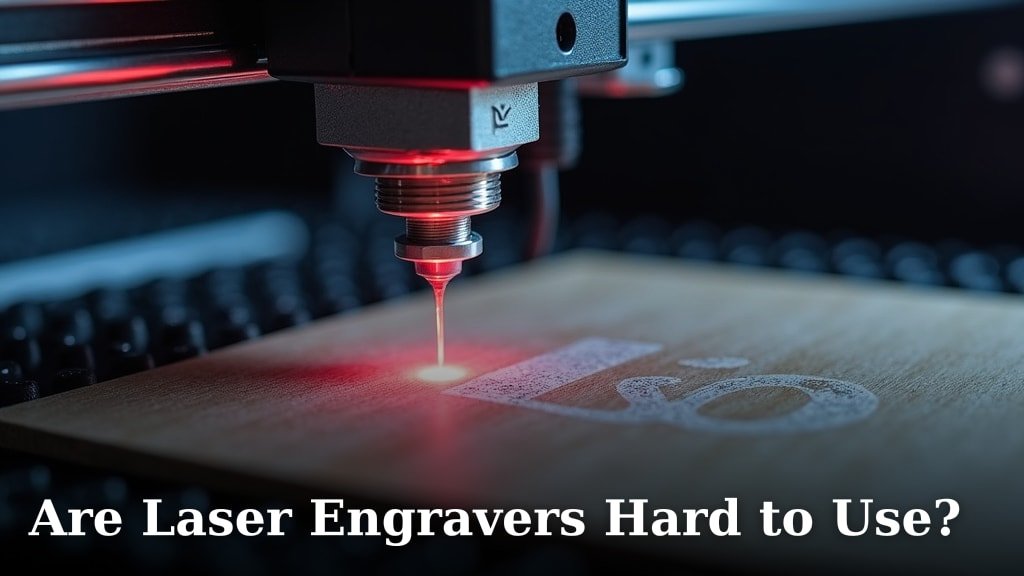
No, laser engravers are not hard to use for most common tasks. You can get started with a laser engraver surprisingly quickly. Learning the basics of operating a machine and creating simple projects is quite straightforward.
Modern laser engravers are becoming more user-friendly. Many models feature intuitive software and helpful guides. You won’t need to be a tech wizard or an engineer to create awesome custom items.
TL;DR:
- Laser engravers are user-friendly.
- You can learn the basics quickly.
- Modern software simplifies operations.
- Perfect for creative projects.
We’ll walk you through what makes a laser engraver easy to use and what challenges you might encounter.
Is Operating a Laser Engraver a Difficult Task?
In short, for most people, the answer is no. You’ll find that operating a laser engraver is quite manageable, especially with modern machines. The real question is, what do you want to create?
Understanding the Basics
Before you even press a button, there are a few simple concepts to grasp. Think of it like learning to drive a car. You don’t need to understand the engine to get from point A to point B. You just need to know the controls.
What is Laser Engraving?
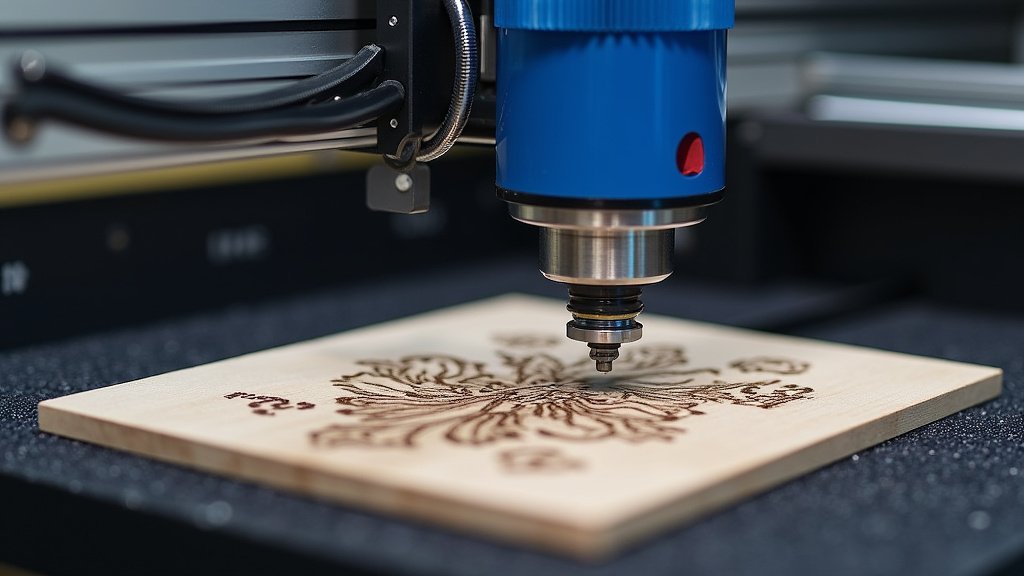
At its core, laser engraving uses a focused beam of light to mark or cut materials. It’s a bit like a very precise, very hot pen. The laser touches the material, and it either changes its color, evaporates a tiny bit of the surface, or cuts through it completely.
Key Components of an Engraver
There are generally three main parts: the laser unit itself, the moving system that directs the laser, and the control system (software) that tells it what to do. You’ll interact most with the software.
The Ease of Modern Laser Engraving Software
This is where much of the user-friendliness comes in. Forget cryptic commands and complex coding. Today’s software is designed for you, the creator.
Intuitive Interfaces
Many programs feature a graphical user interface (GUI). This means you’ll see buttons, menus, and visual representations of your design. If you can use basic paint or word processing software, you can usually navigate these programs.
Pre-set Material Settings
One of the biggest helpers? Material libraries. Most software comes with pre-loaded settings for common materials like wood, acrylic, or leather. You just select “wood” and it adjusts power and speed for you. No guesswork!
Design Software Integration
You’re probably already familiar with design programs like Adobe Illustrator or even free tools like Inkscape. Good news! Most laser engraver software can import files from these programs (like SVG, DXF, PNG, JPEG). You design there, then engrave here.
Learning Curve: What to Expect
You might be wondering, “How long will it take me to actually make something good?” It’s faster than you think.
Here’s a general idea of your learning journey:
- First Hour: You’ll likely power on the machine, connect it to your computer, and run a simple test project (often provided by the manufacturer). You’ll learn safe operation.
- First Day: You could design a basic text engraving or a simple shape, load it into the software, and engrave it successfully. Think keychains or coasters.
- First Week: You’ll experiment with different materials and power settings. You might tackle more complex designs with multiple layers or deeper engravings.
- First Month: You’ll start to feel confident, understanding how different settings affect the outcome. You’ll be troubleshooting minor issues and thinking about your next big project.
Factors Influencing User-Friendliness
Not all engravers are created equal. Some are designed for beginners, while others are for industrial use. Here’s what makes a difference:
| Feature | Impact on Ease of Use | Why it Matters to You |
|---|---|---|
| Software Quality | Intuitive design, rich features. | A good interface means less frustration and faster learning. |
| Machine Type | Desktop diode lasers are often simpler than large CO2 machines. | Smaller, air-cooled machines typically have fewer parts to manage. |
| Documentation/Support | Clear manuals, video tutorials, online communities. | When you get stuck, good help is invaluable for getting back on track. |
| Safety Features | Enclosures, emergency stops, interlocks. | These protect you and simplify operation by reducing worry. |
| Auto-Focus Functionality | Automatically sets the laser’s focal point. | No manual adjustments needed, which saves time and improves accuracy. |
Potential Hurdles (and How to Clear Them)
While generally easy, you might encounter a few small challenges. But don’t worry, we’ve found that these are quite common and easily overcome.
Material Selection and Settings
You can’t just engrave anything on anything. Different materials react differently to laser light. Too much power on thin paper will burn it. Too little on metal won’t make a mark.
Solution: Start with manufacturer-recommended settings and small test pieces. There are also many online communities where users share their favorite settings for various materials.
Achieving Perfect Focus
The laser beam needs to be perfectly focused for crisp engravings. If it’s blurry, your design will look fuzzy.
Solution: Many machines have auto-focus. If yours doesn’t, follow the manual’s guide for manual focusing. It usually involves a simple adjustment tool or a ruler.
Understanding Design Files
Sometimes your design might not look right in the engraving software. Maybe lines are missing, or it’s not the right size.
Solution: Learn the basics of vector vs. raster images. Vector files (like SVG) are great for cutting and precise lines. Raster files (like JPEG) are good for photos. Make sure your design is clean and properly formatted for your engraver (Gravy Designs).
Safety First, Always
Laser engravers use powerful lasers. They aren’t toys. Thinking about safety might seem like a hurdle, but it’s really the first step to confident operation.
Solution: Always wear appropriate safety glasses, ensure good ventilation, and never leave an engraver operating unattended, especially during initial tests. This is not just a nice-to-do, it’s a must-do (OSHA guidelines confirm this for industrial settings).
Your Laser Engraving Readiness Checklist
Ready to see if it’s for you? Consider these points:
- Are you comfortable with basic computer operation?
- Do you enjoy creative projects and making things?
- Are you willing to read a manual and watch a few tutorial videos?
- Do you have a well-ventilated space for the engraver?
- Are you excited by the idea of customizing items?
If you answered yes to most of these, you’re in a great position to enjoy laser engraving. We found that most users who get stuck often skip these preliminary steps.
Is a Laser Engraver Right for You?
It sounds like you’re weighing the pros and cons. Think about your goals. Do you want to personalize gifts? Start a small craft business? Or simply enjoy a new hobby?
If your goal is to make simple, personalized items, you’ll likely find the experience very rewarding and not at all difficult. If you’re planning a complex industrial production line, the learning curve will naturally be steeper. But for the average hobbyist or small business owner, the journey is surprisingly smooth.
Conclusion
As we’ve explored, the notion that laser engravers are inherently difficult to use is largely a myth. For most creative projects and personal use, you’ll find these machines incredibly accessible. Modern software, helpful features, and a thriving community all contribute to a surprisingly smooth learning curve.
Your journey might have small challenges, but these are easily overcome with a little patience and good resources. If you’ve been hesitant, now is the time to rethink. Are you ready to transform your ideas into tangible, customized creations?
Take the next step: consider what you want to make, choose a beginner-friendly model, and start creating!
Frequently Asked Questions
Do I need design experience to use a laser engraver?
No, you don’t need advanced design skills. Many free software options like Inkscape are simple to learn. You can also import existing designs or use templates to get started quickly.
What’s the easiest type of laser engraver for beginners?
Desktop diode laser engravers are often recommended for beginners. They are typically more affordable, compact, and simpler to operate than larger CO2 machines, making them perfect for hobbyists.
How long does it take to learn basic laser engraving?
You can grasp the basics and complete your first simple project within an hour or two. Most users feel comfortable with common functions within a day. Confidence grows rapidly with practice over the first few weeks.
Is specific software required for laser engraving?
Yes, you’ll need software to control your engraver. Many machines come with their own user-friendly software. These programs allow you to upload designs, adjust settings, and send commands to the laser.
Are laser engravers safe for home use?
Yes, with proper precautions. Always wear safety glasses, ensure good ventilation, and never leave the machine unattended. Following the manufacturer’s safety guidelines is key to safe home operation.
