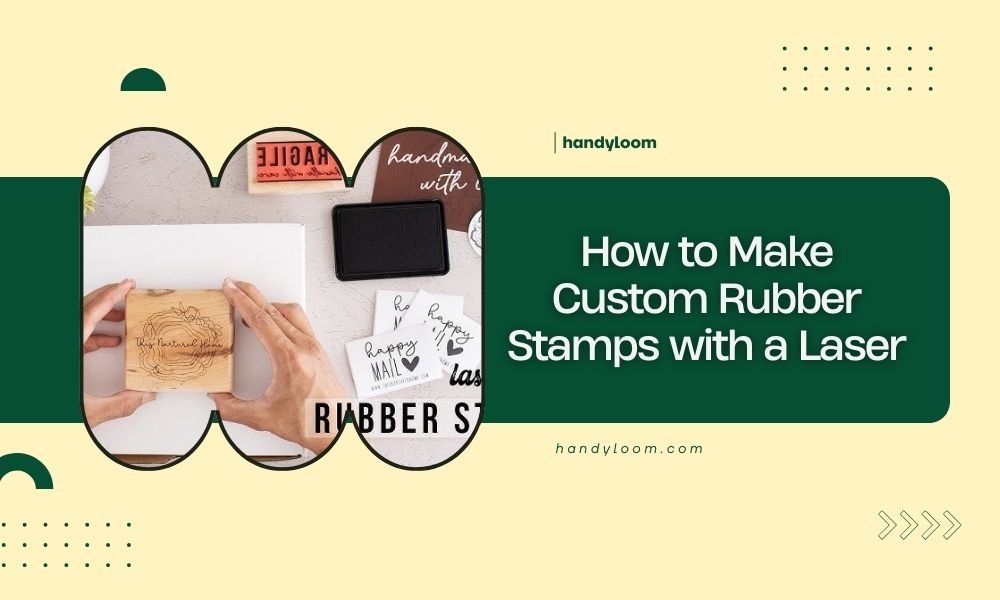
You can make custom rubber stamps with a laser by cutting rubber sheets at 10-20% power and slow speeds around 100-300mm/min.
The laser removes material to create raised areas that form your stamp design when inked and pressed.
What You Need to Get Started
Making custom rubber stamps with a laser cutter is easier than you might think. You don’t need expensive equipment or years of experience.
Here’s what you’ll need for your first project:
- Laser cutter (CO2 or fiber laser works)
- Rubber sheets (2-4mm thick works best)
- Design software (free options available)
- Mounting blocks or handles
- Adhesive for mounting
Choosing the Right Rubber Material
Not all rubber works the same way. I found that laser-safe rubber compounds give the cleanest cuts and best detail.
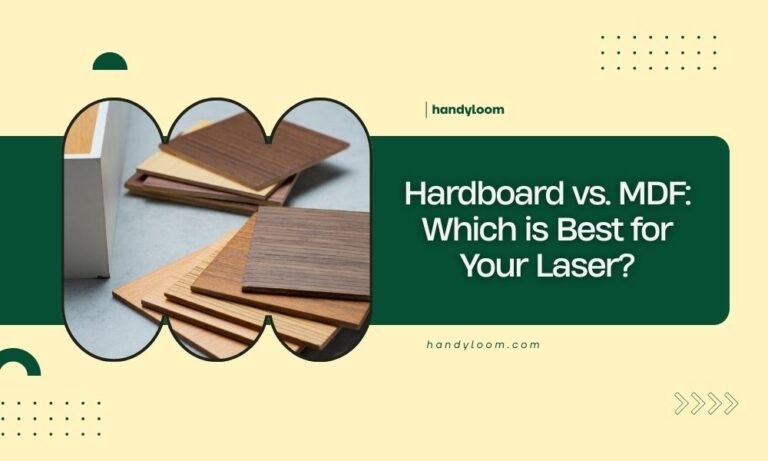
Red rubber sheets are popular because they cut cleanly and hold fine details well. Black rubber also works but can be harder to see your design clearly.
Thickness Matters
Thicker rubber (3-4mm) gives you deeper cuts and longer-lasting stamps. Thinner sheets (1-2mm) work for simple designs but wear out faster.
Designing Your Stamp
Your design needs to be backwards (mirrored) so it prints correctly. Think of it like looking at text in a mirror.
Keep text and fine details at least 1mm wide. Anything smaller might not cut cleanly or could break off during use.
Software Options That Work
You don’t need expensive design software. Many free options work perfectly:
- Inkscape (free vector graphics)
- GIMP (free image editor)
- Your laser cutter’s included software
- Canva (simple online designs)
Vector vs. Raster Designs
Vector designs (lines and shapes) usually work better than photos. They give cleaner edges and sharper details.
If you want to use a photo, convert it to high contrast black and white first.
Setting Up Your Laser Cutter
Getting your settings right is the most important part. Too much power burns the rubber. Too little won’t cut deep enough.
Power Settings
Start with low power around 10-15%. You can always increase it if needed. High power creates messy edges and can melt the rubber.
Speed Settings
Slow speeds between 100-300mm/min work best. Fast speeds don’t give the laser enough time to cut cleanly through the rubber.
Testing Your Settings
Always test on a small piece first. Cut a simple shape or letter to check your depth and edge quality.
The cut should go about halfway through your rubber sheet. Too shallow and your stamp won’t have enough height difference.
The Cutting Process Step by Step
Here’s exactly how to cut your stamp once everything is set up:
Step 1: Prepare Your Material
Clean your rubber sheet with a damp cloth. Remove any dust or oils that might affect cutting quality.
Place it flat on your laser bed. Use tape or clamps if it curls up at the edges.
Step 2: Focus the Laser
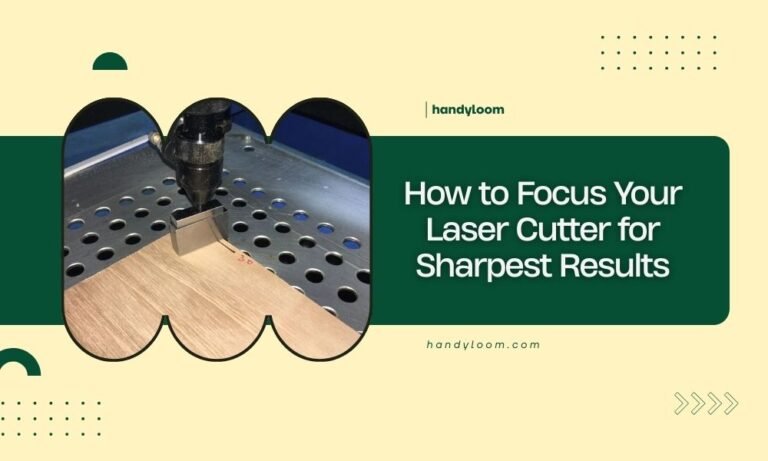
Proper focus gives you clean, straight cuts. Most laser cutters have auto-focus or manual focus tools.
Double-check your focus before starting. Poor focus creates angled cuts that don’t stamp well.
Step 3: Run Your Test Cut
Cut a small test area first. Check the depth with your finger. The raised areas should feel clearly different from the cut areas.
Step 4: Cut the Full Design
Once your test looks good, run the full design. Don’t open the lid or move anything until it’s completely finished.
After Cutting: Cleaning and Finishing
Your stamp needs some cleanup before it’s ready to use. The laser leaves small bits of melted rubber that affect print quality.
Removing Debris
Use a soft brush or compressed air to remove loose pieces. Be gentle around fine details.
A toothbrush works well for stubborn bits stuck in corners.
Checking Your Details
Look closely at text and fine lines. Sometimes small bridges of rubber connect parts that should be separate.
Use a craft knife to carefully remove these connections.
Mounting Your Stamp
A good handle makes your stamp much easier to use. You have several mounting options.
Wood Block Mounting
Wood blocks are classic and work great. Cut a piece slightly smaller than your stamp design.
Use rubber cement or strong double-sided tape to attach your stamp to the block.
Acrylic Handles
Clear acrylic lets you see exactly where you’re stamping. You can even laser cut custom handles.
Self-Inking Options
For frequent use, consider mounting your stamp in a self-inking mechanism. These cost more but save time.
Testing Your Finished Stamp
Before using your stamp for important projects, test it thoroughly.
Ink Testing
Try different ink types to see what works best. Water-based inks are easier to clean but may not be permanent enough.
Oil-based inks last longer but require solvents for cleaning.
Pressure Testing
Practice getting even pressure across your whole design. Large stamps need more careful pressure distribution.
Common Problems and Solutions
Even experienced makers run into issues. Here are the most common problems and how to fix them.
Blurry or Smeared Prints
This usually means your cuts aren’t deep enough or you’re using too much ink.
Try increasing your laser power slightly or cleaning excess ink off the stamp surface.
Missing Details
Fine details might not cut completely through. Check your focus and try slower speeds.
| Problem | Likely Cause | Solution |
|---|---|---|
| Burned edges | Power too high | Reduce power by 5-10% |
| Shallow cuts | Power too low | Increase power or slow speed |
| Uneven depth | Poor focus or warped material | Recheck focus and flatten material |
Safety Tips for Laser Cutting Rubber
Cutting rubber produces fumes that you shouldn’t breathe. Always use proper ventilation.
Make sure your rubber is laser-safe. Some rubber compounds release toxic gases when cut.
Conclusion
Making custom rubber stamps with a laser cutter opens up endless creative possibilities. Start with simple designs to learn your settings, then move on to more complex projects.
Remember that practice makes perfect. Your first few stamps might not be perfect, but you’ll improve quickly with experience. The key is getting your laser settings right for your specific rubber and design needs.
Can I use any type of rubber for laser cutting stamps?
No, you need laser-safe rubber compounds. Regular rubber can release toxic fumes or melt poorly. Look for rubber specifically labeled as laser-safe or designed for stamp making.
How long do laser-cut rubber stamps last?
With proper care, laser-cut stamps can last for thousands of impressions. The lifespan depends on rubber quality, design complexity, and how often you use them. Simple designs typically last longer than intricate ones.
What’s the smallest detail size I can cut in a rubber stamp?
Most laser cutters can handle details as small as 0.5mm, but for practical stamping, keep details at least 1mm wide. Smaller features may not print clearly or could break off during use.
Do I need special ink for laser-cut rubber stamps?
Standard stamp inks work fine with laser-cut rubber stamps. Water-based inks are easier to clean, while pigment inks provide better permanence. Test different inks to find what works best for your projects.
How deep should I cut into the rubber for stamps?
Cut about 40-60% through your rubber sheet thickness. For 3mm rubber, aim for cuts around 1.5-2mm deep. This provides enough height difference for clear printing without weakening the stamp structure.