
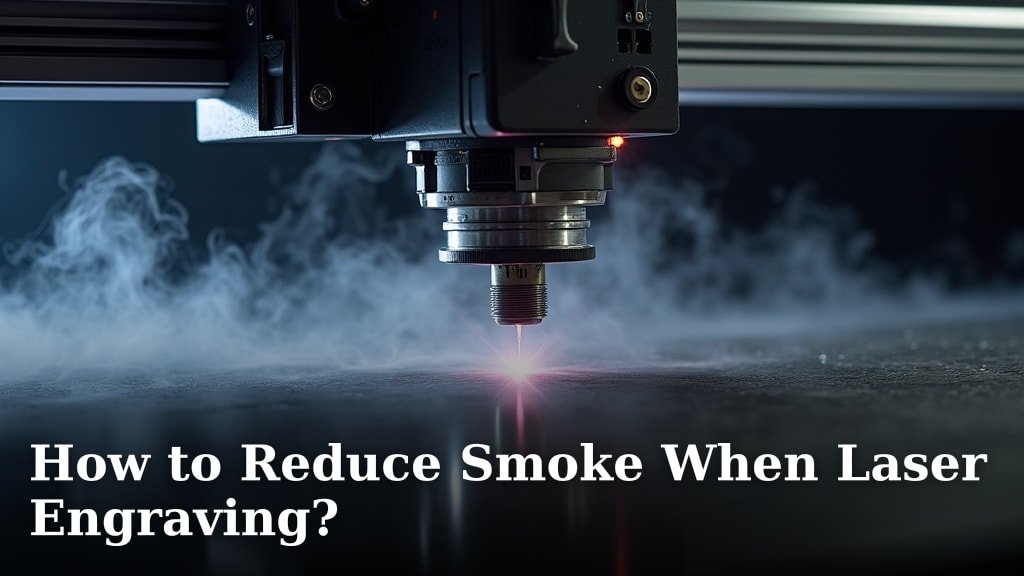
The best way to reduce smoke when laser engraving is to use an effective fume extraction system. This system should include a powerful fan and proper ventilation to remove smoke and fumes from your workspace. Proper setup ensures you breathe cleaner air and your laser machine stays cleaner, too.
Laser engraving can produce a surprising amount of smoke, especially when working with certain materials like acrylic or wood. This smoke isn’t just unpleasant; it can obscure your view, damage your laser’s optics, and create an unhealthy environment. Many laser users find that controlling smoke is key to achieving cleaner cuts and better engraving results. It’s a balancing act between speed, material, and managing that smoky byproduct.
TL;DR:
- Use a fume extractor with a strong fan.
- Ensure good ventilation in your workspace.
- Consider the material you’re engraving.
- Proper maintenance helps too.
- Keep your laser lens clean.
Below, we’ll break down the best strategies for keeping your laser engraving projects from turning into smoke signals. Let’s walk through how to tackle that smoke head-on!
Taming the Smoke: Your Guide to Cleaner Laser Engraving
The best way to reduce smoke when laser engraving is to use an effective fume extraction system. This system should include a powerful fan and proper ventilation to remove smoke and fumes from your workspace. Proper setup ensures you breathe cleaner air and your laser machine stays cleaner, too.
Laser engraving can produce a surprising amount of smoke, especially when working with certain materials like acrylic or wood. This smoke isn’t just unpleasant; it can obscure your view, damage your laser’s optics, and create an unhealthy environment. Many laser users find that controlling smoke is key to achieving cleaner cuts and better engraving results. It’s a balancing act between speed, material, and managing that smoky byproduct.
TL;DR:
- Use a fume extractor with a strong fan.
- Ensure good ventilation in your workspace.
- Consider the material you’re engraving.
- Proper maintenance helps too.
- Keep your laser lens clean.
Below, we’ll break down the best strategies for keeping your laser engraving projects from turning into smoke signals. Let’s walk through how to tackle that smoke head-on!
Understanding Why Smoke Happens
Laser engraving essentially burns or vaporizes material. This process naturally creates smoke and fumes. The type and amount of smoke depend heavily on the material. Some materials release more volatile compounds when heated. Others might just produce a lot of fine particulate matter. Thinking about the science behind it helps us find the right solutions. It’s like cooking – different foods produce different smells and steam.
Material Matters: The Biggest Smoke Culprits
You’ve probably noticed some materials are smokier than others. This is totally normal! Acrylic, for instance, is a big offender. When it vaporizes, it releases a significant amount of smoke. This smoke can be acrid and oily. Wood is another common source of smoke. The natural resins and fibers in wood burn and turn to smoke. Different wood types can produce varying levels of smoke.
What about other materials? Paper and cardstock also create smoke, though often less dense than acrylic. Some plastics, besides acrylic, can also produce a lot of smoke and fumes. We need to be especially careful with plastics. Some can release harmful chemicals when burned. Researching your specific material is always a smart move.
Heat and Speed: The Burning Equation
The intensity of your laser and how fast it moves play a big role. If your laser is set too high for a material, it will burn hotter. This leads to more vaporization and thus, more smoke. Similarly, if the laser moves too slowly, it spends more time in one spot. This prolonged heat exposure causes deeper burning and increased smoke production.
Think of it like drawing with a hot coal. If you press hard and move slowly, you’ll burn a deep, smoky line. If you lighten up and move quickly, you get a fainter mark with less smoke. Finding that sweet spot is key. You want enough power to engrave or cut effectively. But you don’t want so much power that you’re just creating a smoke show.
Your First Line of Defense: Fume Extraction
The most effective way to manage laser engraving smoke is with a good fume extraction system. This isn’t just a nice-to-have; it’s essential for a safe and clean workspace. A well-designed system pulls the smoke directly away from your laser bed and your breathing zone.
Choosing the Right Fume Extractor
Not all fume extractors are created equal. You need one that’s powerful enough for your laser engraver. Consider the size of your laser bed and the materials you use most often. A small, weak fan won’t cut it for dense materials or larger projects. Look for extractors with a high CFM (cubic feet per minute) rating. This tells you how much air the fan can move.
Many units come with multi-stage filtration. This is important. Simple charcoal filters can become saturated quickly. Better systems use pre-filters to catch larger particles. Then, activated carbon filters absorb fumes and odors. Some even have HEPA filters for fine dust. Researching the filter types and replacement costs is wise before you buy.
Proper Ducting and Ventilation
Simply having a powerful fan isn’t enough. You need to get that smoke out of your space. This means using proper ducting. The duct hose should connect securely from your laser enclosure to the extractor. Make sure there are no leaks. Any escape points allow smoke to linger in your workshop.
Where does the extractor vent? Ideally, it should vent outdoors. This ensures all harmful fumes are expelled from your building. If venting outdoors isn’t possible, you need a robust indoor filtration system. Even then, ensure your workshop has general ventilation. Opening a window or using an air purifier can help clear residual smoke. The CDC recommends good ventilation to reduce airborne contaminants (CDC).
Optimizing Your Laser Settings for Less Smoke
Sometimes, the smoke is a sign that your laser settings aren’t quite right. Adjusting power and speed can make a big difference. It’s about finding that balance between a clean result and excessive burning.
Dialing in Power and Speed
We’ve touched on this, but it bears repeating. Lowering your laser power slightly can reduce smoke. You might need to increase the speed a little to compensate. This makes the laser pass over the material quicker. It minimizes the time spent burning. Think of it as a lighter touch. You’re aiming for vaporization, not combustion.
Experimentation is key here. Start with recommended settings for your material. Then, make small adjustments. Engrave a test pattern. Does it come out clean? Is there a lot of smoke? If so, try a bit less power and a bit more speed. Keep notes on what works best. Your material supplier might have charts, but your specific laser can behave differently.
Using Air Assist Effectively
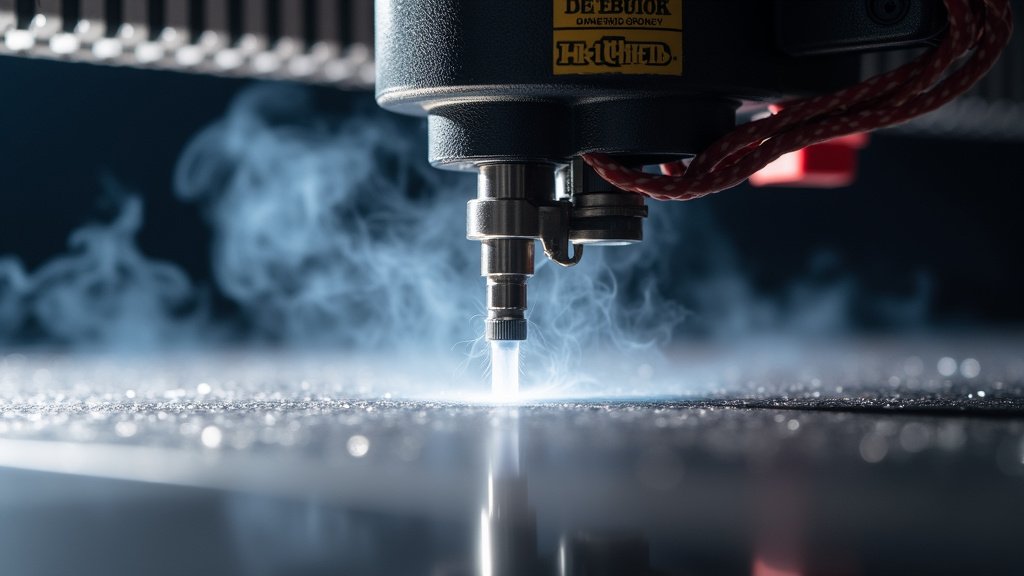
Air assist is a game-changer for many laser users. It’s a stream of compressed air directed at the point where the laser beam hits the material. This stream does a few things. It helps to blow away smoke and debris from the engraving area. This keeps the lens cleaner and reduces the chance of smoke re-depositing on your work. It also helps to cool the material.
Cooling can prevent excessive burning. This directly translates to less smoke. For materials like acrylic, air assist is almost mandatory. It helps prevent flaming, which produces a lot of smoke and can damage your material. Ensure your air assist nozzle is properly aligned with the laser beam. A strong, consistent airflow is what you’re aiming for.
Maintaining Your Laser for Smoke Control
A well-maintained laser engraver will produce less smoke and run more efficiently. Neglecting maintenance can lead to bigger problems down the line, including more smoke.
Keeping the Lens and Mirrors Clean
Your laser optics are critical. Dust, debris, and especially residue from smoke can build up on your mirrors and lens. When these parts are dirty, the laser beam is weakened or scattered. This means you need to increase power to get the same result. More power often means more smoke.
Cleaning your optics regularly is essential. Use the correct cleaning solutions and materials recommended by your laser manufacturer. A dirty lens is like trying to see through a smudged window. The laser energy doesn’t get to the material as effectively. This causes the laser to work harder, generating more heat and smoke. Many users find that a clean lens significantly reduces smoke output.
Checking and Cleaning the Exhaust Path
Smoke doesn’t just disappear once it’s pulled into the extractor. It travels through ducting and filters. Over time, residue can build up inside the exhaust hose. This buildup can restrict airflow, making your fan work harder and less efficiently. It can even become a fire hazard in some cases.
Regularly inspect your ductwork for any blockages or heavy residue. You might need to disconnect the hose and clean it out. Similarly, check your fume extractor’s filters. If they’re clogged or saturated, they won’t capture smoke effectively. Replace filters according to the manufacturer’s recommendations. A clear, unobstructed exhaust path is vital for effective smoke removal.
Workspace Ventilation: Beyond the Extractor
While a fume extractor is your primary tool, don’t forget the importance of general workshop ventilation. Your fume extractor pulls air directly from the laser, but some smoke might escape. Ambient air movement helps clear this lingering smoke.
The Role of General Airflow
Having some air movement in your workspace can prevent smoke from settling. This could be as simple as an open window. Or, it might involve using a circulating fan. The goal isn’t to blow smoke around wildly. It’s to gently move air, helping to dilute any escaped fumes. Good airflow also helps keep you and your equipment cooler.
Consider the placement of your laser engraver within your workshop. Is it in a confined corner with no air movement? Try to position it where there’s at least some natural airflow. This makes the job of your fume extractor much easier. Think of it like having a good vent hood over your stove; it works best when the kitchen also has good overall ventilation.
Air Purifiers as a Backup
If outdoor venting isn’t possible, or if you want an extra layer of protection, an air purifier can be helpful. Choose a purifier with a good activated carbon filter. This will help capture odors and residual fumes that escape your primary extractor. Make sure the purifier is rated for the size of your workspace. Running it consistently can improve air quality.
Keep in mind that air purifiers are a secondary measure. They can’t replace a dedicated fume extraction system. They’re best used to clean up what the main system might miss. Research suggests that proper filtration can significantly reduce particulate matter in the air (EPA). This is important for your health and the longevity of your equipment.
Checklist for a Smoke-Free Engraving Experience
Here’s a quick rundown to help you keep smoke under control:
- Ensure your fume extractor has a powerful fan.
- Verify that your ducting is sealed and vents outdoors if possible.
- Experiment with laser settings to find the optimal power and speed.
- Always use air assist when engraving materials that produce a lot of smoke.
- Schedule regular maintenance for your laser’s optics and exhaust system.
- Improve general workshop ventilation, perhaps with an air purifier.
Conclusion
You’ve learned that taming laser engraving smoke is totally achievable. By prioritizing a strong fume extraction system and ensuring good workspace ventilation, you’re creating a safer, cleaner environment. Remember to always consider your material, fine-tune your laser settings, and keep your equipment well-maintained. These steps work together to give you better results and a more enjoyable engraving experience. Now, go forth and engrave with confidence, knowing you’ve got smoke control covered!
Frequently Asked Questions
Can I just use a regular fan to get rid of laser smoke?
While a regular fan can help circulate air, it’s not a substitute for proper fume extraction. A dedicated system is designed to capture smoke directly at the source and filter it effectively, which a simple fan cannot do. You’ll still end up with smoke in your workspace and potentially on your laser’s optics.
How often should I clean my laser engraving machine’s optics?
You should clean your laser’s mirrors and lens regularly, ideally after every few hours of engraving or whenever you notice a drop in cut quality or an increase in smoke. Residue buildup from smoke can significantly weaken your laser beam, leading to less efficient engraving and more smoke production.
Is venting my fume extractor outdoors always necessary?
Venting outdoors is highly recommended because it removes all fumes and particulate matter from your workspace and building. If that’s not possible, you’ll need a robust indoor filtration system with high-quality filters, but you should still ensure good general ventilation in your workshop to prevent any lingering odors or contaminants.
Will changing my laser settings really reduce smoke?
Yes, adjusting your laser’s power and speed can make a noticeable difference. Often, lowering the power slightly and increasing the speed can achieve the desired engraving depth without excessive burning. Experimenting with these settings for each material is key to finding that sweet spot for reduced smoke.
What’s the biggest mistake people make with fume extraction?
A common mistake is not having a powerful enough fan or having poorly sealed ducting. If the fan is weak, it can’t pull smoke effectively. If the ducting leaks, smoke escapes before it reaches the filter. Ensuring a sealed system that vents adequately is critical for success.
