
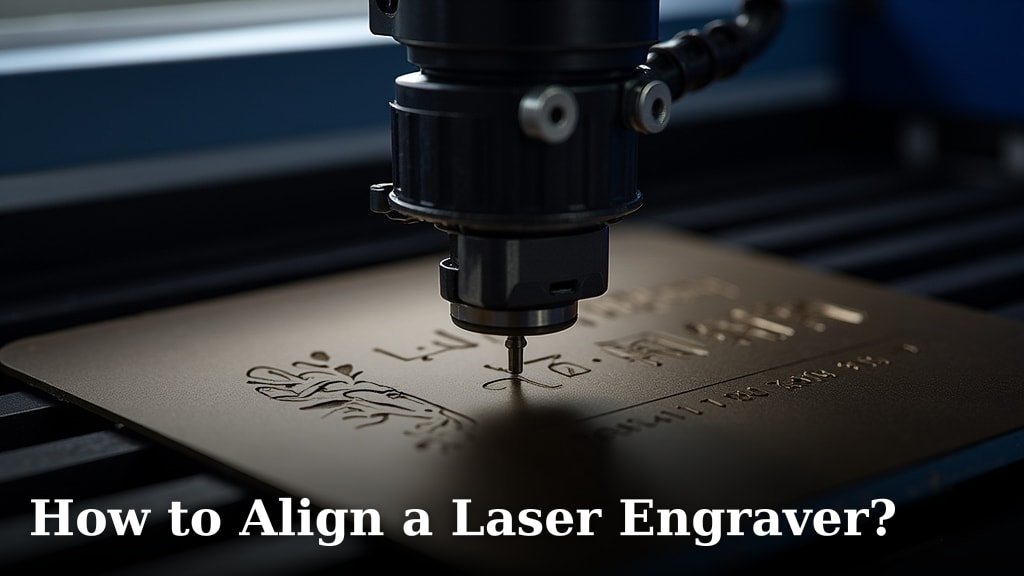
Aligning your laser engraver is key for crisp, clean results. The best way to align a laser engraver is by making sure the laser beam hits the center of the lens and mirrors consistently. This ensures your engraving is precise and doesn’t have weird offsets.
When your laser engraver isn’t aligned properly, you’ll notice things like blurry lines or parts of your design missing. Proper alignment is about more than just looks; it directly impacts the quality of your work and the lifespan of your machine’s components. We found that a little patience here saves a lot of headaches later.
- Laser alignment means the beam hits the center of mirrors and the lens.
- This gives you sharp, accurate engravings every time.
- Misalignment causes blurry lines and design errors.
- It also protects your engraver’s parts from damage.
Ready to get your laser engraving machine firing straight? Let’s walk through exactly how to get that beam perfectly lined up, step by step.
Getting Your Laser Engraver Beam Perfectly Aligned
Aligning your laser engraver ensures your projects come out exactly as you imagine them. It’s the difference between a crisp, professional finish and a disappointing mess. We’ll guide you through the essential steps to get your laser beam hitting the right spots, every single time. Think of it like aiming a rifle; precision is everything.
Understanding Laser Alignment Basics
Laser engravers use a series of mirrors and a lens to direct the beam onto your material. Proper alignment means the laser beam travels in a straight path. It should consistently strike the exact center of each mirror. It must also be centered when it reaches the final mirror and the lens.
Why Alignment Matters So Much
When your laser isn’t aligned, the beam can hit mirrors or the lens off-center. This causes the beam to spread out or deflect. You might see blurry edges on your engravings. Some parts of your design could be missing altogether. This misalignment can also cause premature wear on your machine’s components. Many experts recommend regular checks to prevent damage and ensure consistent performance.
The Impact on Your Engraving Quality
Imagine trying to draw a perfect circle with a shaky hand. That’s what an misaligned laser beam does. The beam might be wider than intended. This leads to fuzzy lines and less detail. For intricate designs, this can be a disaster. A well-aligned beam delivers a tight, focused dot. This is essential for sharp, clear results and fine detail work. We found that patience here pays off in saved materials and a better final product.
Tools and Materials You’ll Need
Before you start, gather a few simple items. These will make the alignment process much smoother. You don’t need anything overly specialized. Most of these are common workshop or craft items. Having them ready will save you time and frustration.
Essential Alignment Supplies
You’ll primarily need a way to see where the laser is hitting. High-temperature tape or painter’s tape is often used for this. You’ll also need a way to measure and mark. A ruler or measuring tape is important. Some people use small sticky notes as well. A pair of safety glasses is absolutely non-negotiable. Always protect your eyes.
Optional but Helpful Items
A small mirror can sometimes help you see angles. A level can ensure your machine is sitting flat. Some users find a small flashlight helpful for seeing details in the machine’s interior. Having a clean workspace is also key. You don’t want dust interfering with your delicate components. A microfiber cloth can be useful for cleaning lenses and mirrors.
Step-by-Step Laser Alignment Process
The alignment process generally involves moving through the laser’s path, from the first mirror to the final lens. You’ll want to do this with the laser firing at a very low power setting. This is for safety and to avoid burning through your test materials too quickly. We found that a power setting of around 5-10% is usually sufficient.
Aligning the First Mirror
Your laser engraver has a beam path. This path starts at the laser tube and goes through a series of mirrors. The first mirror is usually the closest to the laser tube. Your goal is to make sure the beam hits the center of this mirror. You’ll likely have adjustment screws around the mirror mount. Make small, incremental adjustments. Fire the laser briefly at low power. Observe where the dot hits the mirror. Adjust until the dot is perfectly centered.
Using Test Targets
To see the beam’s impact, you can place a piece of tape or a sticky note on the mirror mount. Fire the laser. The small dot will be visible on the tape. Adjust the screws until the dot is in the middle of the tape. Many sources suggest marking the center of your test material beforehand. This helps you visually confirm the centering. Consistency is key here.
Aligning Subsequent Mirrors
You’ll repeat the centering process for each mirror in the beam path. As you move from mirror to mirror, the beam path will change direction. The alignment of one mirror affects the path to the next. Work your way systematically. Don’t rush. If you make an adjustment for one mirror, you might need to revisit the previous one. This iterative process ensures the beam stays true. We found this can take a few passes.
Checking the Beam Path at Each Stage
For each mirror, place your test material (tape or sticky note) in front of it, angled to catch the beam. Fire the laser at low power. Observe the dot. Adjust the mirror mount screws. You want the dot to land in the center of where the beam *should* be hitting. Repeat this for every mirror before the final head assembly. It’s like lining up dominoes; one nudge affects the next.
Aligning the Laser Head and Lens
This is the final and most critical stage. The beam needs to be centered on the lens. The lens then focuses the beam onto your material. Place a piece of tape or a sticky note on the laser head where the beam exits, directly in front of the lens. Fire the laser at low power.
Ensuring a Perfect Center Hit
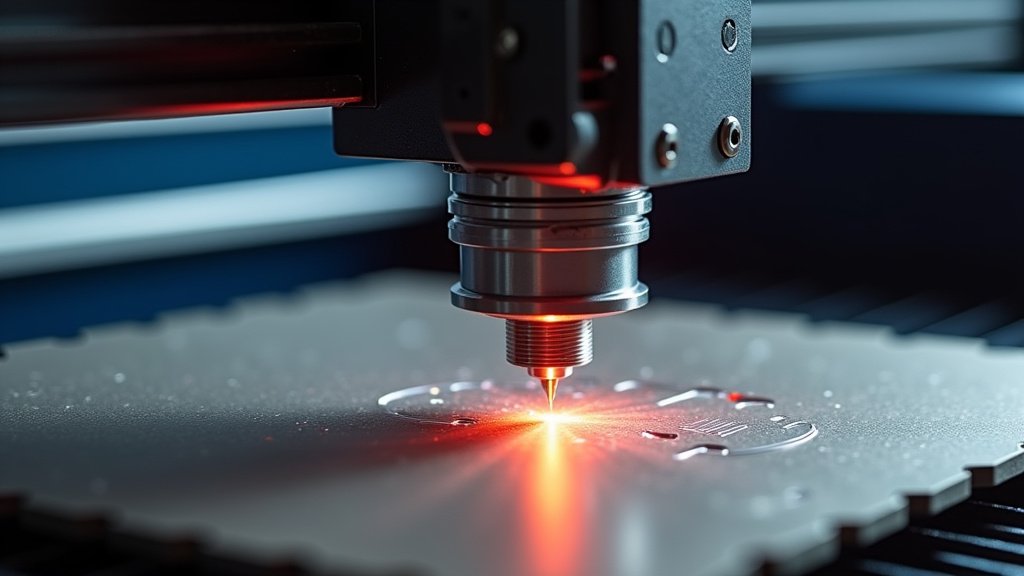
You’re looking for the beam to hit the center of the lens assembly. Adjust the last mirror’s mount. This mirror directs the beam into the laser head. Ensure the beam hits the center of the lens. Then, you need to check the beam’s impact on your actual work surface. Place tape on the bed. Fire the laser. The dot should be small and centered. If it’s off, you may need to adjust the final mirror again. Some laser heads have their own minor adjustments for the lens tilt.
Troubleshooting Common Alignment Issues
Sometimes, even with careful work, you might run into problems. Don’t get discouraged! Most alignment issues are fixable with a little persistence. Knowing what to look for can save you a lot of time.
What to Do If the Beam Isn’t Straight
If your beam appears crooked or inconsistent, double-check your previous steps. Are all the mirrors clean? Is the laser tube seated correctly? Are the adjustment screws tight but not overtightened? Sometimes, a mirror might be slightly loose or damaged. Research your specific machine’s manual for any unique alignment features. Many manufacturers provide diagrams.
Dealing with Beam Wander
Beam wander occurs when the beam’s position changes slightly as it travels. This is often a sign of inconsistent alignment or heat issues. Ensure your machine is on a stable surface. Check that the cooling system for your laser tube is functioning correctly. Overheating can cause beam instability. A slightly loose mirror mount is another common culprit.
Routine Checks and Maintenance
Laser alignment isn’t a one-time fix. It’s a maintenance task. How often you need to align depends on your usage and machine. Some users find they need to check alignment weekly. Others only need to do it monthly. Many experts recommend checking after any significant machine movement or bump. Laser alignment isn’t a one-time fix, but a regular maintenance task that ensures optimal performance.
Creating an Alignment Checklist
Having a simple checklist can make the process repeatable and efficient. Consider these key steps:
- Confirm laser is powered off and cooled down.
- Clean all mirrors and the lens carefully.
- Check machine stability and leveling.
- Perform a low-power beam test at each mirror.
- Adjust mirrors until the beam is perfectly centered.
- Verify final beam centering on the work surface.
When to Seek Professional Help
If you’ve tried aligning multiple times and are still experiencing issues, it might be time to consult your machine’s manual or contact support. Persistent problems could indicate a more serious hardware issue. This might include a faulty laser tube or damaged optical components. Don’t force adjustments if something feels wrong. Safety first, always.
Conclusion
You’ve now learned how crucial proper laser engraver alignment is for achieving sharp, detailed results. By consistently ensuring your laser beam hits the center of mirrors and the lens, you prevent blurry images and protect your machine. Remember, this isn’t a one-time task, but a key part of regular maintenance. So, set aside some time soon to run through the alignment steps. Your future projects will thank you for the precision!
Frequently Asked Questions
How often should I align my laser engraver?
The frequency of alignment depends on how much you use your machine and if it’s moved. Many users find a monthly check is sufficient. If you notice a dip in engraving quality or after moving the machine, it’s time for an alignment.
What’s the most common mistake people make during alignment?
A common mistake is making large adjustments too quickly. Laser alignment requires small, precise turns of the adjustment screws. Rushing can lead to over-correction or difficulty finding the sweet spot. Patience is truly key here.
Can I use a regular flashlight to check alignment?
No, a flashlight won’t work for alignment checks. You need to see the actual laser beam’s impact. Using high-temperature tape or a sticky note to catch a low-power laser dot is the standard and safest method.
What if the beam is centered on one mirror but not the next?
This indicates that adjusting one mirror affects the beam path for subsequent mirrors. You’ll need to go back and forth between mirrors, making small adjustments to each until the beam is centered throughout the entire path.
Does the type of material I engrave affect alignment needs?
While the material itself doesn’t change the physical alignment of your machine, the power and speed settings for different materials can highlight alignment issues. If you’re consistently getting poor results on a new material, re-checking your alignment is a good first step.
