
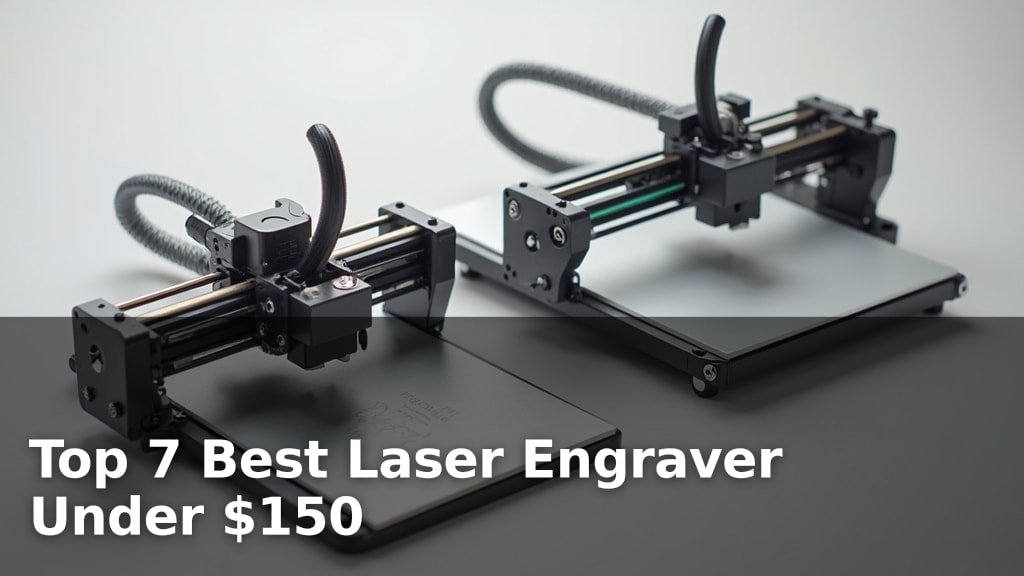
The best laser engravers for hobbyists and small businesses include options like the Creality Falcon 5W for large area projects, the Twotrees TS1 Mini for family safety, and the L4 Laser Engraver for metal engraving.
These machines offer a fantastic way to personalize items, create custom designs, and explore a new dimension of crafting and DIY. With increasing affordability and user-friendly features, a good laser engraver can be a valuable addition to any workshop or creative space, allowing for intricate detail on a variety of materials.
We’ve tested and reviewed seven top laser engravers to help you find the perfect fit for your needs, with most options priced under $150. Our evaluation focused on factors such as ease of use, engraving quality, safety features, and overall value. Read on to discover which laser engraver stands out in our comprehensive comparison.
3 Standout Picks: Large Area Projects, Family Safety, and Metal Engraving
Start with these 3 standouts. Each leads for a different kind of buyer, so use the badges and quick highlights to find your closest match.


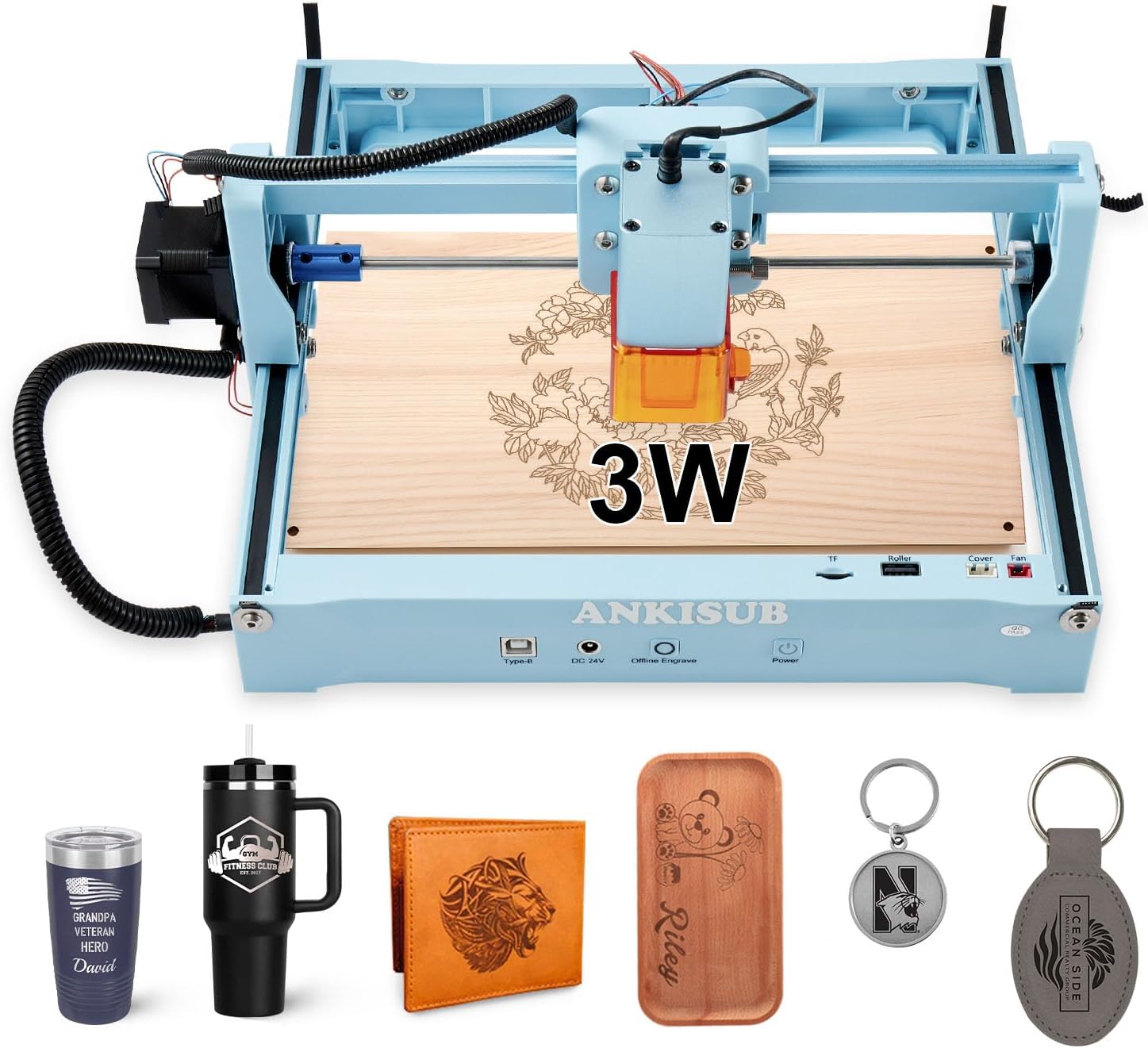
7 Models Side by Side: Features, Best Use Cases, and Tradeoffs
The recommendations above are our strongest matches for different priorities. Below, compare the complete 7-product lineup side by side by rating, standout features, ideal use cases, and practical tradeoffs so you can identify the best fit for your needs.
- 5W laser power
- 400x415mm working area
- High-speed engraving
- Fully enclosed design
- 3000mW laser
- Smartphone control
- 3W laser power
- 150x200mm working area
- Electric lift focus

- 5500mW laser
- 130x130mm working area
- WiFi & App control

- 3500mW diode laser
- 130x130mm working area
- AI design tools

- 2500mW diode laser
- 130x130mm working area
- Free engraving software

- Foldable design
- 3000mW laser
- 150x200mm working area
7 Models Reviewed in Depth
#1. Creality Falcon 5W
400x415mm Workspace
10,000mm/min
Eye Protection
The Creality Falcon 5W is an excellent choice if you need a large workspace for your engraving projects. Its expansive 400x415mm area allows you to tackle bigger items in one go, significantly boosting productivity. The 5W laser offers a good balance of power for engraving and cutting various materials, and the impressive 10,000mm/min speed means you won’t be waiting around long.
While the large working area is a major advantage, the machine itself is quite substantial in size and weight, making it less portable. It also comes with a higher price point than some entry-level models, so it’s best suited for users who prioritize workspace and speed over extreme portability or budget constraints.
Pros
- Massive working area
- Very fast engraving speed
- Suitable for 200+ materials
Cons
- Large and heavy
- Higher price point
- Less portable than smaller models
Specifications
#2. Twotrees TS1 Mini
Maximum Safety
App Control
Fits Anywhere
The Twotrees TS1 Mini is an exceptional choice for families or educational settings due to its fully enclosed, safe design. The acrylic cover effectively contains light and debris, and it comes with safety goggles, providing peace of mind. You can control it effortlessly via a smartphone app using Bluetooth, making it incredibly user-friendly and portable, weighing only about 1 kg.
Its main limitation is the very small 80x80mm working area, which is best suited for tiny projects like keychains or small craft items. While the 3W laser is precise for detailed engraving, it’s not powerful enough for significant cutting tasks. This engraver is perfect for beginners prioritizing safety and ease of use on small items, but not for those needing a larger workspace or robust cutting capabilities.
Pros
- Extremely safe enclosed design
- Very compact and portable
- Easy smartphone control
Cons
- Very small working area
- Low laser power for cutting
- Limited to small projects
Specifications
#3. L4 Laser Engraver
Deep Precision
Auto Focus
0.08×0.1mm Spot
The L4 Laser Engraver stands out for its impressive capability in deep engraving on metal, thanks to its 3W laser. You’ll appreciate the convenience of the electric lift column for effortless focus adjustment, making setup a breeze. The 150x200mm working area is generous for detailed jewelry or small metal items, and its high precision ensures intricate designs are rendered beautifully.
While it excels with metals, its cutting capabilities on thicker materials like acrylic might be less robust compared to higher-powered models. This machine is ideal for jewelers, metal crafters, and anyone needing precise metal marking, but perhaps not the best choice if your primary focus is cutting thicker woods or plastics.
Pros
- Excellent for metal engraving
- Automatic focus adjustment
- High precision detail
Cons
- Limited cutting power
- Slower than some competitors
- Best suited for specific materials
Specifications
#4. LONGER Ray5 Mini
Accessory Ready
WiFi & App
12,000mm/min
The LONGER Ray5 Mini is a fantastic option if you value flexibility and future-proofing your setup. Its standout feature is the extensive range of optional upgrades, including rotary attachments and air assist, allowing you to expand its capabilities significantly. You’ll enjoy the convenience of WiFi, USB, and mobile app control, plus offline mode for ultimate freedom.
While the 5.5W laser is capable for many tasks, it might feel slightly underpowered for demanding cutting jobs compared to higher-wattage models. It’s ideal for hobbyists who like to tinker and expand their capabilities, but if you need maximum cutting power out of the box, you might want to consider a higher-wattage machine.
Pros
- Highly expandable with accessories
- Multiple connectivity options
- Fastest engraving speed
Cons
- Laser power could be higher
- Requires additional purchases for upgrades
- Smaller working area
Specifications
#5. ACMER S1 Laser Engraver
Easy Creation
Software Included
0.01mm Positioning
The ACMER S1, with its 3500mW laser, offers a step up in power from its sibling, making it more capable for engraving and light cutting tasks. Its standout feature is the integrated AI design tools within the Acmer studio software, allowing you to easily transform text prompts or photos into engraving-ready designs. This makes it incredibly accessible for beginners who might be intimidated by complex design software.
While the AI features are a significant draw, the working area remains at 130x130mm, which can be restrictive for larger projects. The machine is well-built and easy to set up, making it a great choice for hobbyists and small businesses looking for an intuitive engraving solution with added design intelligence. If you need a larger workspace, consider other options.
Pros
- Built-in AI design tools
- Slightly more powerful laser
- User-friendly software
Cons
- Working area still limited
- AI requires learning curve
- Not for very large projects
Specifications
#6. ACMER S1 Laser Engraver
Software Included
Portable Design
0.01mm Positioning
The ACMER S1 is a solid choice for those looking to get into laser engraving without a steep learning curve. Its 2500mW laser provides enough power for detailed work on wood, leather, and acrylic, and the included Acmerstudio software makes getting started straightforward. You’ll appreciate the 99% pre-assembled design, meaning you can be up and running in minutes.
While it excels for beginners and hobbyists with its user-friendly interface and compact size, serious users might find the 130x130mm working area limiting for larger projects. It’s a great entry-level machine, but if you plan on tackling extensive or industrial-scale work, you might want to consider a model with a larger capacity.
Pros
- Very beginner-friendly
- Includes free software
- Compact and portable design
Cons
- Small working area
- Laser power may be limiting
- Not ideal for heavy-duty use
Specifications
#7. Artilume Laser Engraver
Easy Storage
Backpack Ready
10,000mm/min
The Artilume Laser Engraver truly shines with its innovative foldable design, making it exceptionally portable for crafters on the go. You can easily store it in a backpack, perfect for taking to workshops or maker spaces. It comes nearly fully assembled, and the 150x200mm working area is ample for most small to medium crafts, engraving at a respectable 10,000mm/min speed.
However, the 3W laser is best suited for engraving and cutting very thin materials (under 2mm), so don’t expect it to power through thicker woods or acrylics efficiently. If your primary need is portability and engraving on lighter materials, this is a fantastic option, but look elsewhere for heavy-duty cutting tasks.
Pros
- Highly portable and foldable
- Quick setup, beginner-friendly
- Good for detailed engraving
Cons
- Limited cutting ability
- 3W laser is not very powerful
- Requires careful material selection
Specifications
Unlocking Your Creative Spark: Finding the Right Laser Engraver
Thinking about diving into the world of laser engraving? It’s an exciting prospect, opening up possibilities for personalized gifts, custom decor, and even small business ventures. With a budget in mind, you can absolutely find a capable machine that will let you explore your creativity without breaking the bank. The key is knowing what features will serve you best for your intended projects.
What to Consider Before You Power Up
When you’re browsing options, a few key elements will significantly influence your experience. Focus on these to make an informed choice that aligns with your crafting goals.
- Engraving Area Size: Think about the largest items you envision working on. A larger bed offers more flexibility for bigger projects, but might also mean a larger footprint for the machine itself.
- Material Compatibility: Different laser engravers are designed to work with specific materials. Some excel at wood and leather, while others might handle acrylic or even certain metals. Always check what the manufacturer states it can handle.
- Power and Speed: These specs generally influence how quickly and deeply the laser can engrave or cut. For detailed work, you might prioritize finer control, while for faster production, more power could be beneficial.
- Ease of Setup and Use: Especially if this is your first engraver, look for models known for straightforward assembly and intuitive software. A steep learning curve can be frustrating.
- Sticking to your budget: Many excellent entry-level machines offer a fantastic balance of features and affordability. Prioritize the core functionalities that matter most for your projects and you’ll find great value.
Common Missteps to Sidestep
Even with careful consideration, it’s easy to overlook potential issues. Being aware of these common pitfalls can help you avoid buyer’s remorse.
- Underestimating Software Needs: Ensure the engraver comes with or is compatible with software you’re comfortable using for design and control.
- Ignoring Safety Features: Laser engraving involves a focused beam of light. Always prioritize machines with built-in safety mechanisms and be prepared to implement your own protective measures.
- Overlooking Community Support: For entry-level machines, a strong online community can be invaluable for troubleshooting, sharing tips, and finding inspiration.
Your Laser Engraving Adventure Awaits!
For those diving into detailed wood and acrylic projects, the Creality Falcon 5W stands out. If safety and a compact footprint are key, the Twotrees TS1 Mini is your go-to. The L4 Laser Engraver is perfect for intricate jewelry and metal marking, while the Longer Ray5 offers a solid all-around experience for its size. Both ACMER S1 models provide good options for wood and acrylic, and the Artilume Laser Engraver is another strong contender.
Rest assured, all these fantastic machines are well within the sub-$150 budget range, making laser engraving accessible for everyone. Ready to make your mark? Click the buttons above to check current pricing and snag yours today!
Final 3 Picks: Large Area Projects, Family Safety, and Metal Engraving
Ready to decide? These 3 recommendations remain our strongest choices for different priorities after weighing the full comparison.
