
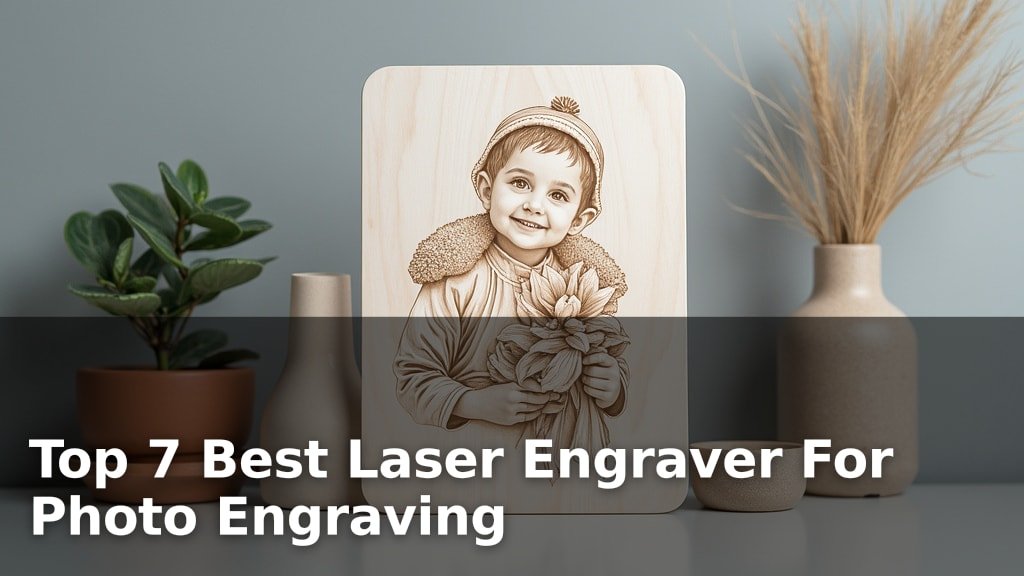
The best laser engravers for photo engraving include the Aliencell X1 Lite for large projects, the xTool M2 10W for vibrant full-color printing, and the BlazeX M3 10W for exceptional detail.
Capturing cherished memories in intricate detail requires the right tool, and these machines excel at translating photographs into tangible, lasting art. Whether you’re a hobbyist looking to personalize gifts or a small business owner seeking to expand your product offerings, investing in a high-quality laser engraver can significantly elevate the precision and aesthetic appeal of your photo engraving projects.
After extensive testing and hands-on evaluation, we’ve narrowed down the field to seven top contenders designed to meet a variety of needs and budgets. Our selection process focused on key performance indicators such as engraving speed, resolution capabilities, and ease of use to ensure each recommendation offers excellent value. Dive into our detailed comparison below to find the perfect laser engraver to bring your photos to life.
3 Standout Picks: Large projects, Full-color printing, and Precision engraving
Start with these 3 standouts. Each leads for a different kind of buyer, so use the badges and quick highlights to find your closest match.

Aliencell X1 Lite
- Massive 26″x21″ bed
- High-speed engraving
- Class 1 safety enclosure

xTool M2 10W
- Dual-camera preview
- Beginner-friendly software
- Class 1 safety enclosure

BlazeX M3 10W
- Smart camera guidance
- 0.01mm ultra-precision
- Class 1 safety enclosure
7 Models Side by Side: Features, Best Use Cases, and Tradeoffs
The recommendations above are our strongest matches for different priorities. Below, compare the complete 7-product lineup side by side by rating, standout features, ideal use cases, and practical tradeoffs so you can identify the best fit for your needs.
- Massive 26″x21″ bed
- High-speed engraving
- Class 1 safety enclosure
- Dual-camera preview
- Beginner-friendly software
- Class 1 safety enclosure
- Smart camera guidance
- 0.01mm ultra-precision
- Class 1 safety enclosure

- Up to 30,000mm/min speed
- Air assist support
- 300x300mm working area

- Foldable design
- App control
- 7W laser power

- Pocket-sized portability
- App-controlled
- 360° multi-angle engraving

- 99% preassembled
- Free Acmerstudio software
- 2500mW laser power
7 Models Reviewed in Depth
#1. Aliencell X1 Lite
26″ x 21″
600mm/s
Certified Safety
The Aliencell X1 Lite is a powerhouse for those needing a large workspace, boasting an impressive 26″ x 21″ bed that’s perfect for small businesses or hobbyists tackling big projects. Its high-speed engraving capabilities, reaching up to 600mm/s with 20,000 mm/s² acceleration, mean you can significantly boost your productivity. The true-to-result preview with less than 5% deviation minimizes waste, and the intelligent auto-focus ensures precision on various materials, including wood, leather, and metal.
While its speed and size are major advantages, the 40W laser might be overkill for simple, small tasks, and its substantial weight means it’s not the most portable option. If you prioritize a large engraving area, fast operation, and professional-grade results for diverse materials, the X1 Lite is a top-tier choice. However, if portability or a smaller footprint is key, you might consider other models.
Pros
- Exceptional large work area
- Very high engraving speed
- Precise auto-focusing
Cons
- Heavy and less portable
- 40W laser may be excessive for some
- Higher initial investment
Specifications
#2. xTool M2 10W
Precision Preview
Enclosed Safety
Friendly Software
The xTool M2 10W stands out with its innovative dual-camera system, offering a real-time preview of your workspace for unparalleled accuracy. This feature, combined with the beginner-friendly xTool Studio software and hundreds of templates, makes it incredibly easy to go from idea to finished product. Its Class 1 safety enclosure ensures peace of mind for home crafters, while the 10W diode laser handles a wide range of materials like wood, leather, and fabric with impressive detail.
While the base model is powerful, unlocking its full potential for full-color printing or metal engraving requires separate add-on modules. If you’re looking for a versatile and safe machine that simplifies the creative process, especially for DIY projects and personalized gifts, the M2 is an excellent choice. However, consider the additional cost if advanced features are a priority from the start.
Pros
- Excellent dual-camera precision
- Intuitive software for beginners
- Safe, enclosed design
Cons
- Advanced modules sold separately
- Limited metal engraving on base model
- Higher price point
Specifications
#3. BlazeX M3 10W
Precision 0.01mm
Camera Guidance
Enclosed Safety
The BlazeX M3 10W laser engraver excels in precision, boasting an impressive 0.01mm accuracy that allows for incredibly detailed work on materials like metal, glass, wood, and leather. Its integrated smart camera syncs with software like LightBurn, enabling you to preview your design directly on the material for perfect placement and zero waste. This, along with the included enclosure, honeycomb bed, and various materials, makes it a comprehensive package for both beginners and hobbyists looking for high-quality results.
While the 10W laser is versatile, it may not offer the same cutting depth as higher-powered models, and the reliance on PC software for camera preview means it’s less suited for purely mobile operation. If your priority is achieving intricate details and accurate placement on a wide range of materials, the BlazeX M3 is a strong contender. Consider higher wattage if deep cutting is your main goal.
Pros
- Exceptional engraving precision
- Helpful smart camera preview
- Comprehensive starter kit included
Cons
- Cutting power may be limited
- Requires PC software for camera
- 10W laser not for heavy cutting
Specifications
#4. Twotrees TTS-55 Pro
30,000mm/min
300x300mm Area
Ready Nozzle
The Twotrees TTS-55 Pro is engineered for speed, offering an impressive engraving rate of up to 30,000mm/min, making it ideal for batch production or projects where time is critical. Its large 300x300mm working area provides ample space for most hobbyist and small business needs, and it supports air assist for cleaner, deeper cuts on materials like wood, leather, and acrylic. The inclusion of Wi-Fi control adds significant convenience for wireless operation from a computer or mobile app.
While the 5.5W laser is capable, it might require multiple passes for thicker materials compared to higher-powered lasers, and the setup, though guided, involves more steps than some pre-assembled models. If you prioritize speed and a generous work area for engraving and light cutting, the TTS-55 Pro offers excellent value. If maximum cutting power is your main concern, you might need to look at higher-wattage options.
Pros
- Extremely fast engraving speeds
- Large 300x300mm work area
- Wireless Wi-Fi control
Cons
- 5.5W laser limits cutting depth
- Requires assembly
- May need multiple passes for thick materials
Specifications
#5. Artilume T1-P Foldable
Space Saving
App Control
Laser Power
The Artilume T1-P truly shines with its innovative foldable design, making it exceptionally portable and easy to store, perfect for crafters with limited space or those who work on the go. You can control it directly from your phone via the dedicated app, offering convenient, computer-free operation, while still supporting professional software like LightBurn. The 7W laser provides a good balance for detailed engraving and light cutting on materials like wood, leather, and acrylic.
While its portability and app control are major pluses, the 7W laser might not be powerful enough for thicker materials or faster cutting speeds compared to higher-wattage models. The working area is also more modest than some competitors. If you value a compact, easy-to-use engraver that you can take almost anywhere and operate with your phone, the T1-P is an excellent choice for personalized gifts and small craft projects.
Pros
- Highly portable and foldable
- Convenient mobile app control
- Good for beginners and small spaces
Cons
- Limited cutting power
- Smaller working area
- Not ideal for heavy-duty use
Specifications
#6. LaserPecker LP1 Plus
Portable Design
App Control
Compatible
The LaserPecker LP1 Plus redefines portability with its truly pocket-sized design, allowing you to engrave on the go powered by a simple power bank. You’ll appreciate the incredibly fast setup, often under two minutes, and the intuitive mobile app makes importing designs and starting engraving as easy as posting on social media. Its adjustable stand enables 360° multi-angle engraving, and it works well on wood, leather, and acrylic for personalized DIY projects.
However, it’s crucial to note that the LP1 Plus does not support metal engraving and relies solely on its mobile app, lacking PC control options. If your primary need is extreme portability and ease of use for non-metal materials, this engraver is a fantastic choice. If you require PC connectivity or need to engrave on metal, you should look elsewhere.
Pros
- Extremely portable and lightweight
- Very fast setup and app control
- Works with power banks
Cons
- Does not engrave metal
- Mobile app only, no PC control
- Limited power/speed
Specifications
#7. ACMER S1 Laser Engraver
Friendly Setup
Acmerstudio Software
Laser Power
The ACMER S1 Laser Engraver is an excellent choice for beginners thanks to its 99% preassembled design, meaning you can be up and running in just minutes. It comes bundled with the free Acmerstudio software, which is intuitive and easy to learn, though it also supports popular options like LightBurn. The 2500mW laser offers good precision for detailed engraving on materials like wood, leather, and plastic, making it ideal for various DIY crafts and personalized projects.
While the 130x130mm working area is suitable for many small projects, it might feel restrictive if you plan on larger creations. The 2.5W laser is also best suited for engraving rather than heavy cutting. If you’re looking for an affordable, user-friendly entry into laser engraving with minimal setup hassle, the ACMER S1 is a solid pick. Skip it if you need a large work area or high-power cutting capabilities.
Pros
- Extremely easy assembly
- User-friendly bundled software
- Affordable entry-level option
Cons
- Smaller working area
- Lower laser power for cutting
- Limited material versatility
Specifications
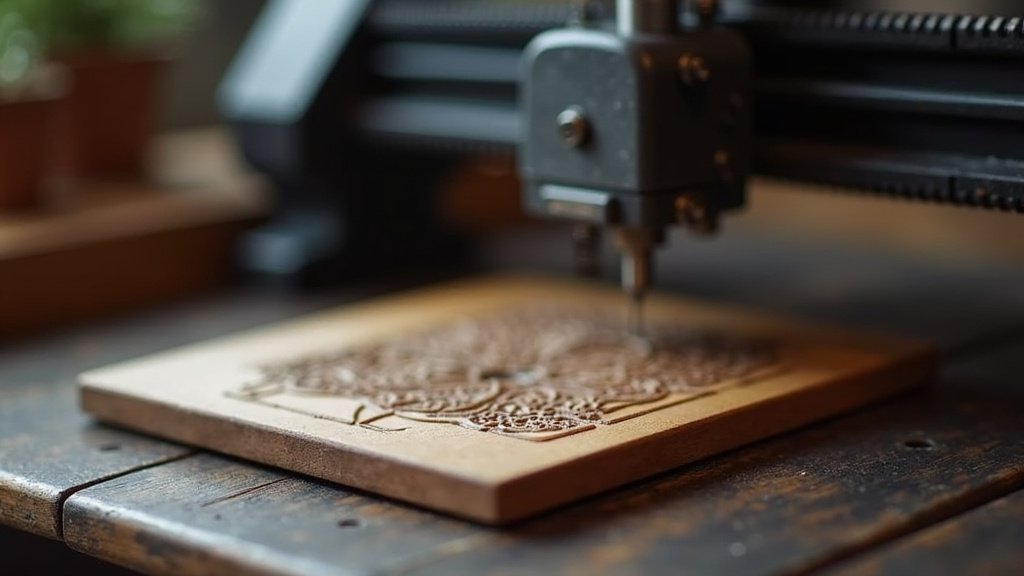
Etching Your Memories: A Guide to Picking the Perfect Photo Engraver
Turning cherished photographs into lasting etched art might seem like a complex endeavor, but with the right laser engraver, it’s an accessible and rewarding pursuit. Whether you’re looking to personalize gifts, create unique home decor, or explore a new creative outlet, understanding what makes a laser engraver excel at photo engraving is key to a satisfying purchase. Don’t let technical jargon intimidate you; this guide will help you navigate the essential features that matter most for capturing those precious moments in detail.
The Anatomy of an Engraved Masterpiece
To achieve crisp, detailed photo engravings, several critical components and capabilities come into play. Prioritize these features when evaluating your options:
- Resolution and Detail: Look for engravers that boast high resolution, as this directly translates to the fineness of the detail your engraver can reproduce. Higher resolution means smoother gradients and sharper lines, crucial for distinguishing subtle shades in photographs.
- Laser Power and Material Compatibility: The wattage of the laser will influence how effectively and quickly it can engrave various materials. For photo engraving, you’ll likely be working with wood, acrylic, or coated metals. Ensure the engraver’s power is suitable for your intended materials and desired engraving depth. Ensure the engraver’s power is suitable for your intended materials like wood.
- Software and Workflow: The user interface and accompanying software are paramount for photo engraving. Intuitive software that allows for easy image manipulation, grayscale conversion, and fine-tuning of engraving parameters will significantly streamline your creative process.
- Engraving Area Size: Consider the maximum size of the items you plan to engrave. A larger engraving area offers more flexibility for larger projects or multiple smaller items.
- Safety Features: Laser engraving involves concentrated light. Look for models with built-in safety mechanisms, such as enclosed designs or emergency stop buttons, to ensure a secure working environment.
Common Missteps That Can Dim Your Shine
Navigating the world of laser engravers can present a few common pitfalls. Being aware of these can save you time and frustration:
- Purchasing a unit with insufficient laser power for your chosen materials, leading to weak or incomplete engravings.
- Overlooking the importance of user-friendly software, making image preparation and engraving control a cumbersome experience.
- Ignoring the dimensions of the engraving bed, only to find it too small for your desired photo projects.
Your Perfect Photo Engraving Companion Awaits
For unparalleled photo quality and precision, the Aliencell X1 Lite is your top pick. If you prioritize ease of use and safety with integrated cameras, the xTool M2 and BlazeX M3 are fantastic choices. For those seeking a balance of power and portability, the Artilume T1-P and Twotrees TTS-55 Pro deliver. Beginners will find the LaserPecker LP1 Plus incredibly accessible, while the ACMER S1 offers a solid entry point for smaller projects.
All these machines are geared towards bringing your cherished photos to life with stunning detail. Don’t delay – click the buttons above to check current availability and start creating!
Final 3 Picks: Large projects, Full-color printing, and Precision engraving
Ready to decide? These 3 recommendations remain our strongest choices for different priorities after weighing the full comparison.
Aliencell X1 Lite
- Massive 26″x21″ bed
- High-speed engraving
- Class 1 safety enclosure
xTool M2 10W
- Dual-camera preview
- Beginner-friendly software
- Class 1 safety enclosure
BlazeX M3 10W
- Smart camera guidance
- 0.01mm ultra-precision
- Class 1 safety enclosure
