
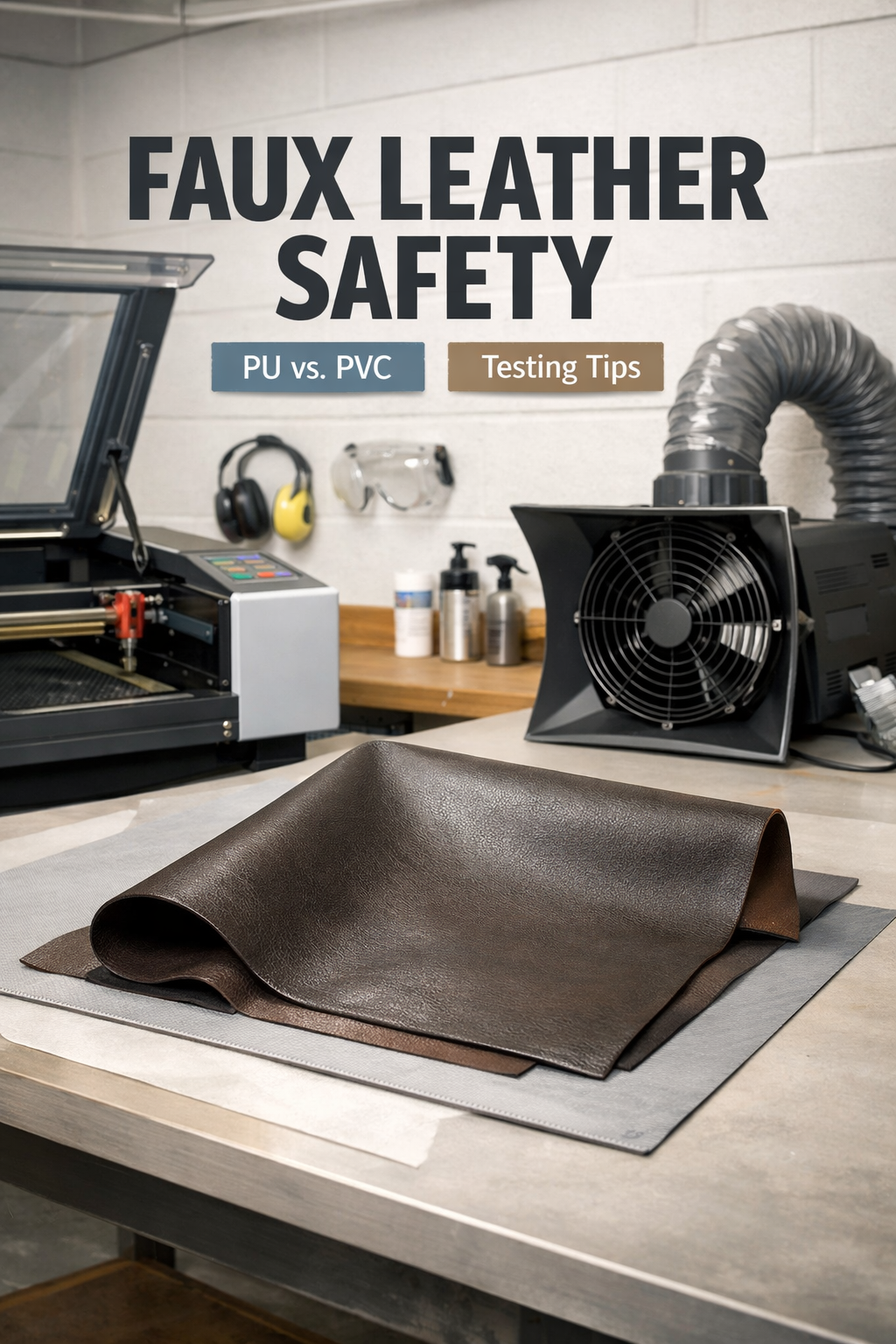
Faux leather is generally safe to laser cut if you use synthetic materials like polyurethane (PU) rather than PVC-based versions. The key is knowing what type of faux leather you’re working with.
PVC faux leather releases toxic chlorine gas when laser cut, while PU faux leather creates manageable fumes that proper ventilation can handle. Always check the material composition before cutting.
What Makes Some Faux Leather Dangerous?
Not all faux leather is created equal. I found that the biggest safety concern comes down to one thing: the base material.
PVC (polyvinyl chloride) faux leather is the troublemaker. When you heat it with a laser, it breaks down and releases chlorine gas. This stuff is nasty for your lungs and can damage your laser cutter too.
Think of it like burning plastic wrap. You know that acrid smell? That’s what happens, but worse.
The Safe Alternative: PU Faux Leather
PU (polyurethane) faux leather is your friend. Research shows it produces much safer fumes when laser cut. You’ll still get some smoke, but nothing like the toxic cloud from PVC.
Most higher-quality faux leather uses PU these days. It feels better, lasts longer, and won’t try to poison you during crafting.
How to Tell What Type You Have
Here’s the tricky part: faux leather rarely comes with a big label saying “PVC” or “PU.” You need to be a detective.
Check the Product Description
Look for these terms when buying:
- Polyurethane leather
- PU leather
- Synthetic leather (usually PU)
- Vegan leather (often PU, but not always)
Avoid anything that mentions vinyl or doesn’t specify the material type.
The Feel Test
PU faux leather feels softer and more flexible. PVC tends to feel stiffer and more plastic-like. It’s not foolproof, but it gives you a clue.
The Price Clue
Cheaper faux leather is often PVC. If the price seems too good to be true, it probably uses the less safe material.
Safety Precautions for Laser Cutting Faux Leather
Even with PU faux leather, you need proper safety measures. I learned this from talking to experienced laser crafters who emphasize ventilation above all else.
Ventilation is Everything
Your laser cutter needs excellent ventilation. We’re talking about more than just the built-in fan. You want air flowing out of your workspace, not just around it.
Open windows, use exhaust fans, or invest in a proper fume extraction system. Your lungs will thank you later.
Start Small
Test a tiny piece first. Cut a small square and see how it behaves. Does it melt cleanly? Does the smell seem manageable? Does it catch fire easily?
This test run tells you everything you need to know about that specific material.
Watch for These Warning Signs
Stop immediately if you notice:
- Strong chemical odors
- Excessive melting instead of clean cuts
- Flames that won’t go out
- Your eyes or throat burning
Laser Settings for Faux Leather
Getting the settings right makes all the difference between success and a melted mess.
Power and Speed Balance
Faux leather cuts best with lower power and higher speed. Think of it like slicing through butter with a warm knife – you want quick, clean passes rather than slow burns.
Start around 20-30% power with higher speeds. You can always make multiple passes if needed.
Mind the Thickness
Thicker faux leather needs more power, but don’t go crazy. I found that multiple passes at lower power work better than one high-power pass that melts everything.
Typical Settings Guide
| Thickness | Power | Speed | Passes |
|---|---|---|---|
| Thin (1mm) | 15-25% | High | 1 |
| Medium (2mm) | 25-35% | Medium | 1-2 |
| Thick (3mm+) | 30-40% | Medium | 2-3 |
Common Problems and Solutions
Every laser cutter runs into issues with faux leather. Here’s what I’ve learned about the most common problems.
Melted Edges
This happens when your power is too high or speed too low. The laser dwells too long in one spot and melts the material instead of cutting it.
Solution: Reduce power by 5-10% and increase speed. Make multiple passes if you need deeper cuts.
Incomplete Cuts
Sometimes the laser doesn’t go all the way through. Don’t crank up the power right away.
Try increasing the number of passes first. It’s gentler on the material and often gives better results.
Scorching Around Cuts
Brown or black marks around your cuts mean too much heat buildup. This is common with darker faux leathers.
Use masking tape on both sides of your material. It protects the surface and peels away with any scorch marks.
Best Faux Leather Types for Laser Cutting
Not all PU faux leathers are equal. Some cut like a dream, others fight you every step of the way.
Marine Grade Faux Leather
This stuff is built to last and usually laser cuts beautifully. It’s designed for boat seats, so it handles heat and stress well.
Upholstery Grade
Furniture-grade faux leather often has consistent thickness and composition. This makes it predictable to work with.
Avoid Fashion Faux Leather
Clothing-grade faux leather is often too thin and unpredictable. It might work, but you’re taking chances.
Post-Cutting Care
Your work isn’t done when the laser stops. Proper finishing makes the difference between amateur and professional results.
Edge Sealing
Faux leather edges can fray or peel over time. A light coat of clear fabric glue or edge paint keeps everything tidy.
Cleaning Residue
Laser cutting leaves behind some residue. A damp cloth usually handles it, but stubborn spots might need gentle soap.
Don’t Use These Cleaners
Avoid alcohol, acetone, or harsh solvents. They can damage the faux leather surface and undo all your careful work.
Environmental Considerations
Laser cutting any synthetic material creates waste products. You can’t avoid this, but you can be smart about it.
Waste Disposal
Don’t just throw cut scraps in regular trash. Many areas have recycling programs for synthetic materials.
Air Quality
Good ventilation protects you and keeps fumes from building up in your space. This matters for both safety and neighbor relations.
Cost Considerations
Safe faux leather costs more than the risky stuff. But think about it this way: cheaper material might damage your laser, create health problems, or just give you terrible results.
Factor in These Hidden Costs
Cheap PVC faux leather can:
- Damage your laser’s optics
- Require more ventilation equipment
- Waste time with failed cuts
- Create health risks
Spending a bit more upfront saves money and headaches later.
Legal and Insurance Issues
Most laser cutting is hobby work, but if you’re running a business, safety matters even more.
Insurance companies and local regulations often have rules about toxic fume generation. Using known-safe materials protects you legally and financially.
Conclusion
Faux leather can be safely laser cut if you choose PU-based materials and take proper precautions. Avoid PVC versions at all costs, invest in good ventilation, and always test small pieces first. The key is knowing what you’re working with and respecting the material’s properties. With the right approach, you can create beautiful laser-cut faux leather projects without compromising your health or equipment.
Can I laser cut any type of faux leather I find at fabric stores?
No, you need to verify it’s PU-based rather than PVC. Many fabric stores carry both types, and they don’t always label them clearly. Ask specifically for polyurethane faux leather, or test a small piece in a well-ventilated area first.
What should I do if I accidentally cut PVC faux leather?
Stop immediately and ventilate the area thoroughly. Don’t continue cutting, and clean your laser’s optics as chlorine gas can damage them. If you feel any throat or eye irritation, get fresh air right away and consider consulting a doctor if symptoms persist.
How can I tell if my ventilation is adequate for faux leather cutting?
You shouldn’t smell strong chemical odors during cutting, and there should be visible air movement carrying fumes away from your work area. If you can smell the cutting fumes or see smoke lingering, you need better ventilation before continuing.
Does the color of faux leather affect laser cutting safety?
Color itself doesn’t change toxicity, but darker colors absorb more laser energy and may create more heat and fumes. Black and dark brown faux leathers often need lower power settings and better ventilation than lighter colors.
Can I use the same laser settings for all PU faux leathers?
No, different manufacturers use varying thicknesses and backing materials. Always test cut a small piece first and adjust your power, speed, and pass settings based on how that specific material responds to your laser.
