
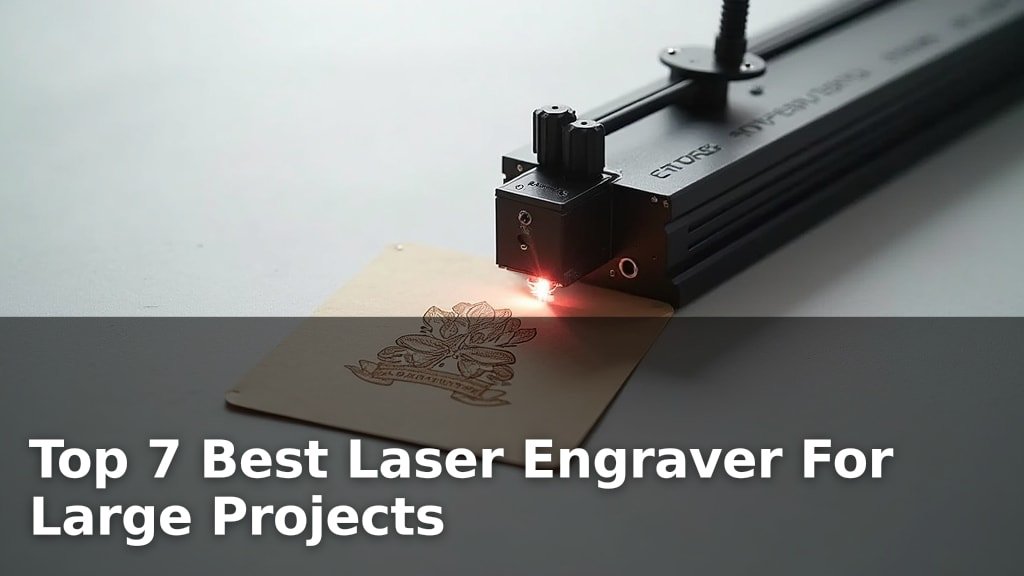
The best laser engravers for large projects are models like the xTool S1 40W, the Aliencell X1 40W, and the xTool F1 Ultra, each offering unique advantages for tackling bigger materials and ambitious designs.
Choosing the right machine is crucial for achieving professional-quality results on everything from large signs and custom furniture to oversized art pieces. Factors like engraving area, power output, and material compatibility play a significant role in determining which engraver best suits your specific large-format creative needs.
After extensive testing and comparison, we’ve narrowed down the field to seven top contenders, evaluating each based on performance, ease of use, and durability. We focused on machines that offer ample workspace and the power required to handle diverse materials efficiently. Continue reading for our in-depth breakdown and comparison table to help you find the perfect laser engraver for your next large-scale project.
3 Standout Picks: Production Speed, Dual Laser Versatility, and Large Projects
Start with these 3 standouts. Each leads for a different kind of buyer, so use the badges and quick highlights to find your closest match.

Aliencell X1 40W
- 26″ × 21″ Bed Size
- 20,000 mm/s² Acceleration
- Standalone Touch Panel

xTool F1 Ultra
- 20W Fiber & Diode Lasers
- 10,000mm/s Speed
- 220mm x 220mm Work Area

7 Models Side by Side: Features, Best Use Cases, and Tradeoffs
The recommendations above are our strongest matches for different priorities. Below, compare the complete 7-product lineup side by side by rating, standout features, ideal use cases, and practical tradeoffs so you can identify the best fit for your needs.
- 26″ × 21″ Bed Size
- 20,000 mm/s² Acceleration
- Standalone Touch Panel
- 20W Fiber & Diode Lasers
- 10,000mm/s Speed
- 220mm x 220mm Work Area
- 40W Laser Power
- 23.93″ x 15.16″ Bed Size
- 600mm/s Speed

- 20W Laser Module
- 400×356mm Working Area
- 3.5-inch Touchscreen

- 10W Laser Module
- 15.7″×16.3″ Workspace
- 0.06mm Precision

- 5W Laser Power
- HD Camera Alignment
- Class 1 Enclosure

- 12W Laser Power
- 300×300mm Work Area
- 10,000 mm/min Speed
7 Models Reviewed in Depth
#1. Aliencell X1 40W
Large Projects
Production Speed
PC-Free
The Aliencell X1 40W laser engraver is engineered for serious production, boasting a massive 26″ × 21″ bed size that’s ideal for large-scale projects and batch work. Its standout feature is the 20,000 mm/s² acceleration, enabling rapid job completion without sacrificing precision. The standalone 6.86-inch touchscreen allows for PC-free operation, streamlining your workflow significantly. Dual 8MP cameras ensure millimeter-accurate positioning, and the Class 1 enclosed design offers top-tier safety.
This machine is a top contender if your primary need is high-volume production and large-format work. The significant weight of 104.8 pounds makes it a permanent fixture rather than a portable solution. If you have limited space or frequently need to move your engraver, this might not be the best fit.
Pros
- Massive engraving area
- Extremely fast acceleration
- PC-free operation via touchscreen
Cons
- Very heavy and not portable
- Higher initial investment
- Requires ample workspace
Specifications
#2. xTool F1 Ultra
Metal & Wood
Ultra Fast
Depth & Detail
The xTool F1 Ultra is a powerhouse, combining 20W fiber and diode lasers to handle virtually any material with incredible speed, up to 10,000mm/s. You can engrave all metals with the fiber laser and work with wood, acrylic, and more using the diode laser, even tackling 3D embossing and deep engraving. Its expandable 220mm x 220mm working area is impressive for its class, and the optional Auto Conveyor promises factory-level productivity.
This machine is ideal for users who need maximum versatility and speed for both metal and non-metal projects. However, the Class 4 laser classification means strict safety precautions are essential, and the Auto Conveyor is an additional purchase. If you’re new to lasers or prioritize absolute simplicity in safety, ensure you understand the risks and necessary protective measures.
Pros
- Unmatched material versatility
- Extremely high engraving speed
- Capable of 3D embossing
Cons
- Class 4 laser requires strict safety
- Auto Conveyor is an extra cost
- Smaller native work area without conveyor
Specifications
#3. xTool S1 40W
Deep Cuts
Big Projects
Safe Enclosure
You’ll be impressed by the sheer power and productivity of the xTool S1 40W laser engraver, capable of slicing through thick wood in a single pass. Its spacious 23.93″ x 15.16″ bed is perfect for tackling large projects, and the 600mm/s speed ensures efficient workflow. Patented positioning technology and auto-focus make it surprisingly easy to use, even for beginners, while the Class 1 safety enclosure provides peace of mind.
This machine is a fantastic choice if you need to engrave or cut large items regularly. However, its substantial 86.8-pound weight means it’s not the most portable option. If you prioritize ease of movement or have limited space, consider this before purchasing.
Pros
- Exceptional power for cutting and engraving
- Large working area for big projects
- User-friendly with advanced safety features
Cons
- Heavy and not easily portable
- Higher price point
- Requires dedicated space
Specifications
#4. LONGER Ray5 20W
Vibrant Engraving
Big Projects
Studio Ready
The LONGER Ray5 20W laser engraver stands out with its impressive 256-color palette and 0.08×0.1mm ultra-fine laser spot, delivering remarkably detailed and vibrant color engravings. Its substantial 400×365mm working area accommodates larger projects, and the ESP32 chipset allows for efficient multi-device operation, making it suitable for studios. Multiple connectivity options, including Wi-Fi and app control, enhance its versatility.
This machine is a great option if high-quality color engraving is your priority. However, the safety enclosure is a separate purchase, which adds to the overall cost and setup. If you need an all-in-one safety solution out of the box, you might need to look elsewhere or budget for the enclosure.
Pros
- Excellent for detailed color engraving
- Large working area
- Versatile connectivity options
Cons
- Safety enclosure sold separately
- Setup might require some technical skill
- 20W may be limiting for thick materials
Specifications
#5. Creality Falcon 10W
Wide Range
Fine Detail
Capable Cuts
The Creality Falcon 10W laser engraver offers impressive versatility, capable of working with over 200 materials, from wood and leather to metals and acrylics. Its 0.06mm compressed spot laser ensures high precision for detailed work, and the 15.7″×16.3″ workspace is generous for many projects. The machine delivers effective power, cutting through 12mm wood and 5mm acrylic in a single pass, making it suitable for both engraving and cutting tasks.
This engraver is a strong choice if you frequently work with a wide variety of materials and value precision. However, the UV filter acrylic offers basic eye protection, and a separate pair of goggles is still recommended for enhanced safety. If robust, built-in safety features are a top priority, you might want to consider models with more comprehensive enclosures.
Pros
- Works with over 200 materials
- High precision engraving
- Good cutting power for its class
Cons
- Basic eye protection, goggles needed
- No fully enclosed safety housing
- Repositioning accuracy could be better
Specifications
#6. Carverall A1 Pro 5W
Precise Placement
Safe Enclosure
Easy Creation
The Carverall A1 Pro 5W is exceptionally beginner-friendly, largely thanks to its integrated HD camera that allows for precise drag-and-drop design placement on your material. You’ll appreciate the Class 1 enclosed design, which ensures safety around children and pets, and the intuitive CutLabX software that offers AI design generation. With a 5W laser and 12,000mm/min speed, it handles detailed work on various materials like wood, leather, and coated metals effectively.
This engraver is perfect for hobbyists and small businesses focused on custom items like pet tags or jewelry, where ease of use and safety are paramount. However, the 5W laser power is modest, meaning it’s not ideal for thick materials or rapid, deep cutting. If your projects involve substantial cutting or you need higher power output, you may need to consider a more powerful model.
Pros
- Incredibly easy to use with camera
- Very safe Class 1 enclosure
- Free, user-friendly software
Cons
- Low 5W power limits cutting ability
- Small work area
- Not suitable for heavy-duty cutting
Specifications
#7. WIZMAKER Wand 12W
Detailed Engraving
Generous Area
Portable Design
The WIZMAKER Wand 12W is a solid choice for beginners and DIY enthusiasts looking for a capable yet accessible laser engraver. Its 300×300mm work area offers ample space for many projects, and the 12W laser module provides a good balance of engraving detail and cutting ability for common materials. Setup is straightforward, taking about 10 minutes, and it supports flexible connectivity via Wi-Fi or USB, working with popular software like LightBurn and LaserGRBL.
This engraver is particularly appealing due to its lightweight design at only 2 pounds, making it highly portable. However, the 12W laser might struggle with thicker materials or require multiple passes for deep cuts. If you need to cut dense materials frequently or require very high power, you might find this model limiting.
Pros
- Easy setup and beginner-friendly
- Very lightweight and portable
- Good value for the price
Cons
- 12W laser may be underpowered for some tasks
- Limited cutting depth on thicker materials
- Basic safety features
Specifications
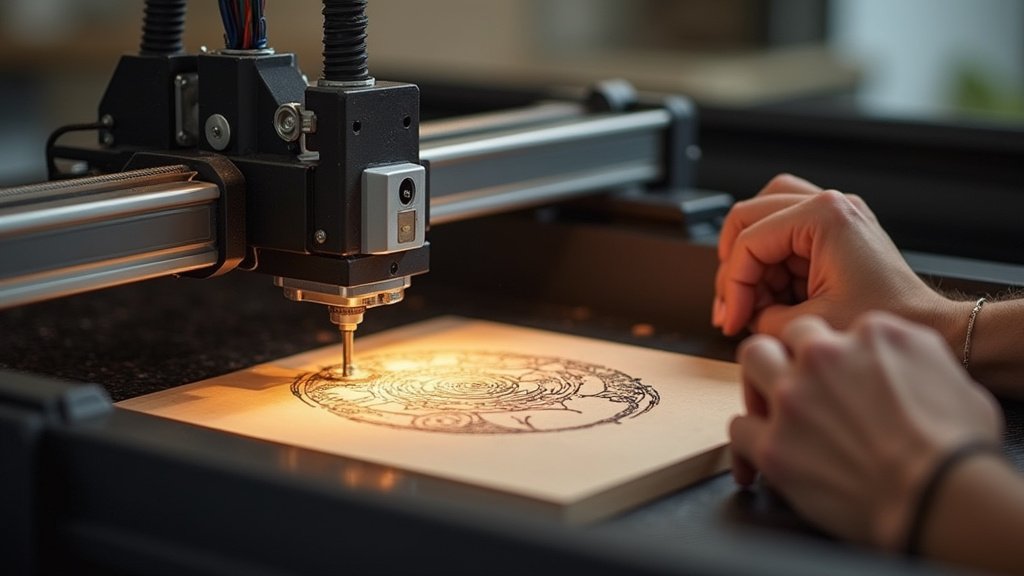
Unleash Your Creativity: Finding the Best Laser Engraver for Grand Designs
Embarking on large-scale laser engraving projects opens up a world of possibilities, from custom furniture pieces to expansive signage. But with so many options, choosing the right machine can feel daunting. This guide will help you navigate the key considerations, ensuring your investment empowers your ambitious creations rather than hindering them.
The Blueprint for a Big-Job Engraver
When you’re ready to tackle projects that stretch beyond the ordinary, several core features will dictate your success. Focus on these elements to find a machine that can handle your vision:
- Work Area Dimensions: This is paramount for large projects. Ensure the machine’s bed size can accommodate your intended materials without requiring you to break them down into smaller, more manageable pieces.
- Engraving Speed and Power: For larger surfaces, efficiency matters. A higher wattage and faster engraving speed will significantly reduce project completion times, allowing you to take on more work or finish personal projects sooner.
- Material Compatibility: Consider the range of materials you plan to engrave. Some machines excel with wood and acrylic, while others are better suited for leather or certain plastics. Verify the engraver’s capabilities align with your material of choice.
- Air Assist System: Larger projects often involve extended engraving times, which can produce more smoke and debris. A robust air assist system is crucial for clearing the lens, preventing flare-ups, and ensuring clean, crisp results across the entire surface.
- Software Integration: The ease with which your design software communicates with the engraver is vital. Look for intuitive control interfaces and broad compatibility with popular design programs to streamline your workflow.
Pitfalls That Can Dim Your Project’s Shine
Even with the best intentions, a few common oversights can lead to frustration. Be mindful of these potential traps:
- Underestimating the importance of ventilation. Large projects produce more fumes, so a proper exhaust system is non-negotiable for safety and air quality.
- Overlooking the learning curve. Some machines require more technical expertise than others. Factor in time for setup, calibration, and mastering the software for optimal results.
- Choosing a machine with insufficient power for your primary materials. This can lead to slow, incomplete engravings, or even damage to your workpiece.
Your Next Big Project Awaits: Laser Engraver Showdown
For those tackling massive creations, the Aliencell X1 is your speed demon, offering PC-free operation and impressive acceleration. If versatility is key, the xTool F1 Ultra brings dual laser power for diverse materials, while the xTool S1 boasts a generous bed size perfect for those sprawling designs. The LONGER Ray5 offers a solid balance of size and power for ambitious DIYers.
No matter your choice, these machines are ready to transform your large-scale visions into reality. Don’t wait – check current availability to get your project started today!
Final 3 Picks: Production Speed, Dual Laser Versatility, and Large Projects
Ready to decide? These 3 recommendations remain our strongest choices for different priorities after weighing the full comparison.
Aliencell X1 40W
- 26″ × 21″ Bed Size
- 20,000 mm/s² Acceleration
- Standalone Touch Panel
xTool F1 Ultra
- 20W Fiber & Diode Lasers
- 10,000mm/s Speed
- 220mm x 220mm Work Area
