
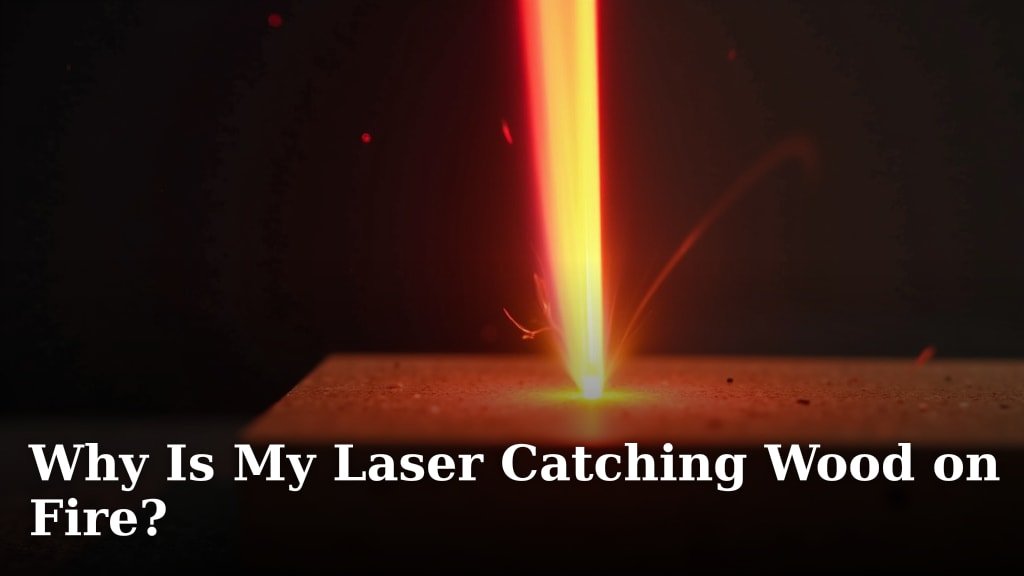
Your laser is catching wood on fire because the laser’s power is too high for the material, or you’re going too slowly. Wood can ignite when it overheats. This happens when the laser beam stays on one spot for too long. It’s also possible your focus is off, making the beam wider and less intense. But don’t worry, it’s usually a fixable problem!
When you see flames during laser cutting, it’s a sign that your wood is getting too much energy in one place. This is especially true for certain types of wood. Thicker materials or those with natural oils can be more prone to combustion. We need to find that sweet spot between cutting cleanly and avoiding a fiery surprise.
- The main reason lasers set wood on fire is excessive heat.
- This heat builds up from high power settings or slow cutting speeds.
- Poor focus can also spread the heat over a wider area.
- Different woods have different ignition points.
Below, we’ll go through the common culprits and what you can do to stop your laser from turning your projects into kindling.
Troubleshooting Your Laser Cutter: Why Wood Ignites
It’s never fun when your laser cutter decides to play with fire. Seeing flames shoot up from your wood project can be alarming. You likely bought a laser cutter for precision, not pyrotechnics. Fortunately, most of these fires stem from a few common issues. We’re here to help you get to the bottom of it. Let’s figure out why your wood is catching fire and how to prevent it.
Understanding Laser-Material Interaction
When your laser cuts wood, it’s essentially vaporizing or burning away the material. This process creates a lot of heat. If the heat builds up too quickly or doesn’t dissipate, the wood will reach its ignition point. Think of it like holding a magnifying glass on a sunny day. The focused sunlight can start a fire if it stays in one spot too long. A laser cutter is similar, but much more powerful and precise.
Different woods react differently to the laser. Some woods have a higher moisture content or natural oils. These components can make them more likely to ignite. For example, hardwoods like oak or maple might behave differently than softer woods like pine or balsa. Even variations within the same type of wood can affect its flammability.
The Role of Heat and Combustion
Combustion is a chemical reaction. It requires fuel (your wood), oxygen (from the air), and heat. Your laser provides the heat. If you provide enough heat, quickly enough, the wood will break down and release flammable gases. These gases then mix with oxygen and ignite, creating a flame. This is the fire you’re seeing.
The goal is to remove material efficiently without overheating the surrounding wood. When the laser beam hits the wood, it transfers energy. Some of this energy is used for cutting. The rest can be absorbed by the wood as heat. If too much heat is absorbed, or if it can’t escape, combustion occurs.
Factors Influencing Ignition
Several factors contribute to whether your wood ignites. The laser’s power and speed are the most direct controls. The focus of the laser beam also plays a big part. Air assist, ventilation, and the type of wood itself are also key players.
Key Settings: Power and Speed Adjustments
The most common reasons for wood fires are settings that are simply too aggressive. You might be using too much power or cutting too slowly for the material. Let’s break down how these settings affect your laser cutting.
Laser Power: Too Much of a Good Thing
Your laser cutter has adjustable power levels. If the power is set too high for the thickness and type of wood you’re using, you’re essentially blasting it with energy. This excessive energy doesn’t all go into cutting. A lot of it turns into heat.
Imagine trying to melt butter with a blowtorch versus a gentle stovetop. A blowtorch is very powerful but can burn the butter quickly. The stovetop provides a more controlled heat. Your laser needs a similar balance. For thinner woods or materials prone to burning, reducing the laser power is often the first step.
Recommendation: Start with a lower power setting than you think you need. You can always increase it if it’s not cutting effectively. Many users find success by testing on scrap pieces to dial in the perfect power level for their specific material. You can find success by testing on scrap pieces to dial in the perfect power level for your specific material.
Cutting Speed: The Importance of Pace
Speed is just as critical as power. If your laser head moves too slowly across the wood, the beam stays on one spot for too long. This prolonged exposure allows heat to build up intensely. Even moderate power can cause a fire if the speed is too slow.
Think about a sprinkler system. If it sprays water in one tiny spot for too long, the ground will flood. If it moves smoothly across the lawn, it waters evenly. Your laser beam needs to move efficiently to prevent overheating in any single area. Speed allows the heat to dissipate between passes.
Recommendation: If you’re experiencing fires, try increasing your cutting speed. This helps the laser move on before excessive heat builds up. Again, testing on scrap is essential. You need enough speed to prevent fires but not so much that you can’t cut through the material.
Finding the Sweet Spot: Power vs. Speed
It’s a delicate dance between power and speed. You need enough power to cut through the wood efficiently. You need enough speed to prevent heat buildup. Too much power with too little speed is a recipe for flames. Too little power with too much speed means you won’t cut at all.
We found that for many common plywoods, users achieve good results when the laser can cut through in a single pass. This often requires a balance. For instance, a setting of 80% power at 10 mm/s might work for one wood, while another needs 60% power at 15 mm/s. The material’s density and composition are key.
Here’s a general idea, but remember, always test on scrap first!
| Material Type | Approximate Power (%) | Approximate Speed (mm/s) | Notes |
|---|---|---|---|
| 3mm Plywood | 50-70% | 10-15 mm/s | Can sometimes catch fire if speed is too slow. |
| 6mm Plywood | 70-90% | 8-12 mm/s | Requires more power and might need multiple passes. |
| Balsa Wood | 30-50% | 15-20 mm/s | Very flammable, needs lower power and higher speed. |
| Hardwoods (e.g., Maple, Cherry) | 60-80% | 8-12 mm/s | Denser woods, may require adjustments based on specific grain. |
Focus: The Sharpness of Your Laser Beam
The focus of your laser beam is critically important. A properly focused beam is very thin and intense. It concentrates all its energy into a tiny spot. This allows for precise cutting with minimal heat spread to the surrounding wood.
If your laser is out of focus, the beam becomes wider. Instead of a sharp point, it’s more like a fuzzy pencil. This wider beam spreads the laser’s energy over a larger area. This means less intensity in any single spot. Ironically, this can also lead to fires. Why? Because you might compensate by increasing power or slowing down to achieve a cut. This increased overall energy or dwell time can then cause ignition.
How Out-of-Focus Beams Cause Fires
When the beam isn’t focused, you lose cutting efficiency. You’re essentially trying to cut with a less concentrated energy source. To compensate, you might:
- Increase Power: This adds more total energy to the wood, increasing the risk of overheating.
- Decrease Speed: This makes the laser dwell on areas longer, allowing heat to build up.
Both actions increase the likelihood of the wood reaching its ignition temperature. Think of trying to burn paper with a flashlight versus a magnifying glass. The focused light from the magnifying glass is much more effective at creating a hot spot. Your laser needs that same sharp focus.
Achieving Proper Focus
Most laser cutters come with a focus tool or guide. This is usually a small piece of material or a physical gauge. You’ll set this tool between the laser nozzle and the material. Then, you adjust the Z-axis (height) until the nozzle is the correct distance from the wood. Your laser’s manual will have specific instructions for your model.
Tip: After focusing, ensure the nozzle isn’t too close to the material. Some lasers can snag or even collide if the Z-axis isn’t set quite right. Always double-check your focus before starting a cut.
Air Assist: Your Firefighter Friend
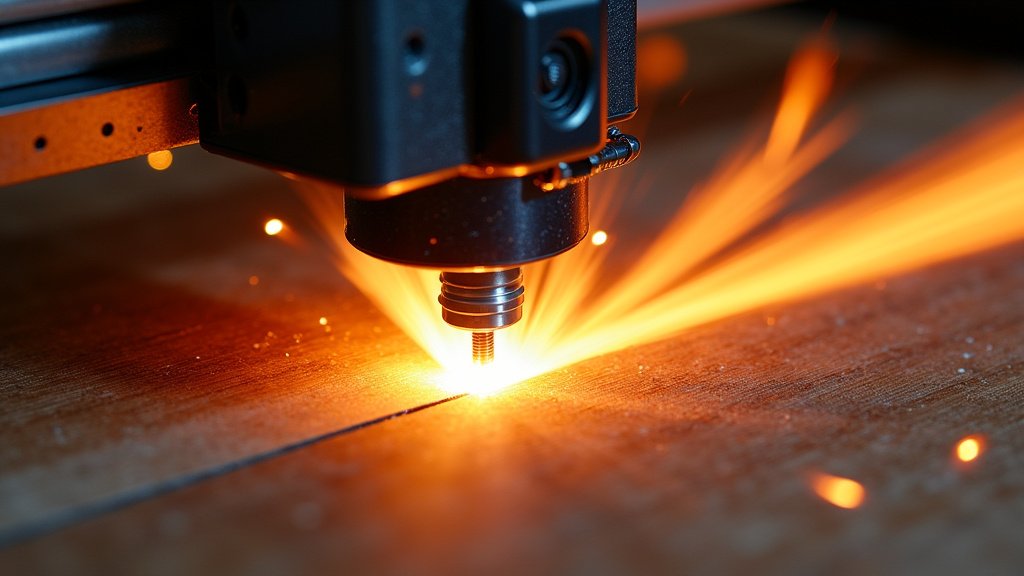
Air assist is a system that blows a stream of air directly at the point where the laser beam hits the wood. This is incredibly important for preventing fires. It serves two main purposes:
- Cooling: The air helps to cool the cutting area, preventing heat buildup.
- Blowing Away Debris: It blows away smoke, fumes, and small bits of burning wood. This clears the path for the laser and removes flammable vapors.
How Air Assist Prevents Fires
Without air assist, smoke and embers can linger. These burning particles can easily reignite the wood. The constant airflow acts like a miniature bellows, pushing flames and hot material away. Many experts state that proper air assist can significantly reduce fire risk (NCBI).
Imagine trying to light a campfire without a breeze. The smoke might smother the initial flames. Now add a strong gust of wind. It can help the fire catch and spread, but in a laser cutting context, it helps *clear* the burning material and *cool* the immediate vicinity. It’s like having a tiny, constant extinguisher.
Optimizing Your Air Assist Settings
Most air assist systems are adjustable. You want enough airflow to be effective but not so much that it blows the laser beam off course or cools the cut too much for it to be efficient.
Recommendation: Always ensure your air assist is turned on and functioning before starting a cut. Experiment with different airflow settings. For highly flammable materials like balsa or thin acrylics, higher airflow is often better. For denser woods, you might find a moderate setting works well.
Ventilation: Clearing the Smoke
Good ventilation is crucial for both safety and cut quality. Your laser cutter produces smoke and fumes. If these aren’t removed effectively, they can build up around the cutting area. This smoke can actually interfere with the laser beam, making it less effective. It can also increase the local temperature.
A proper exhaust system pulls this smoke away from your laser cutter and your workspace. This prevents the buildup of flammable gases and keeps your cutting environment clear. Think of it as giving your laser room to breathe and work cleanly.
Recommendation: Ensure your laser cutter is connected to a strong exhaust system that vents outdoors or through an appropriate filter. Never operate a laser cutter without adequate ventilation. We found that poor ventilation can exacerbate fire issues by keeping hot, smoky air trapped near the cut line.
Material Properties: Know Your Wood
As we touched on earlier, not all wood is created equal. Different wood types have different densities, moisture content, and resin levels. These properties directly affect how they react to a laser.
Resin and Oil Content
Woods with high natural oils or resins are generally more flammable. These substances can easily ignite. Examples include some pine woods, cedar, and certain exotic hardwoods. These may require lower power settings and higher speeds than you’d use for a standard Baltic birch plywood.
Moisture Content
Very dry wood can sometimes be more prone to ignition than wood with a slight moisture content. However, excessively wet wood can also cause issues with cutting quality. For laser cutting, it’s best to use kiln-dried wood that is properly seasoned. Wood that is too wet might not cut well, and wood that is bone dry might ignite more easily.
Tip: When sourcing wood for laser cutting, look for materials specifically recommended for laser use. Reputable suppliers often provide guidance on which woods are best and what settings to consider. This can save you a lot of trial and error.
Checklist for Preventing Laser Fires on Wood
Here’s a quick rundown to help you avoid those unwanted flames:
- Test on Scrap: Always test new materials and settings on scrap pieces.
- Adjust Power & Speed: Lower power or increase speed if fires occur.
- Check Focus: Ensure your laser beam is sharp and properly focused.
- Use Air Assist: Always have your air assist on and at an appropriate level.
- Maintain Ventilation: Ensure smoke and fumes are properly exhausted.
- Know Your Material: Be aware of the flammability of different wood types.
Conclusion
It’s clear that your laser catching wood on fire isn’t usually a sign of a faulty machine, but rather a tuning issue. By understanding the interplay of laser power, cutting speed, and focus, you can gain control. Don’t forget the supporting roles of air assist and proper ventilation in keeping flames at bay. You’ve got the knowledge now to troubleshoot effectively.
Your next step is simple: grab a scrap piece of your material and start experimenting. Make small, incremental adjustments to your settings. You’ll soon find that perfect balance for clean, safe cuts every time. Happy lasering!
Frequently Asked Questions
What’s the first thing I should check if my laser starts a fire?
The very first thing to check is your laser power and cutting speed settings. Often, fires happen because the power is too high for the speed, or the speed is too slow for the material. Quickly review these two parameters before anything else.
Can the type of wood itself cause my laser to catch fire?
Yes, absolutely. Woods with higher resin or oil content, like some pines or cedar, are naturally more prone to ignition. Denser hardwoods may also behave differently than softer woods. Always adjust your settings based on the specific material you are using.
How often should I check my laser’s focus?
You should check your laser’s focus before every cutting session, especially if you change materials or material thicknesses. An out-of-focus beam reduces cutting efficiency, forcing you to compensate with higher power or slower speeds, which increases fire risk.
Is there a specific setting for “fireproof” wood?
There isn’t a single “fireproof” setting because all organic materials will eventually burn under enough concentrated energy. However, for materials more prone to flaming, you’ll want to use lower power, higher speed, and ensure your air assist is strong and focused correctly.
My laser isn’t cutting all the way through, and it’s catching fire. What am I doing wrong?
This usually means your settings aren’t balanced. You’re likely using too much power for the speed, or the speed is too slow to effectively remove material without burning. Try increasing your cutting speed slightly, or if that doesn’t help, slightly decrease your laser power and retest.
